
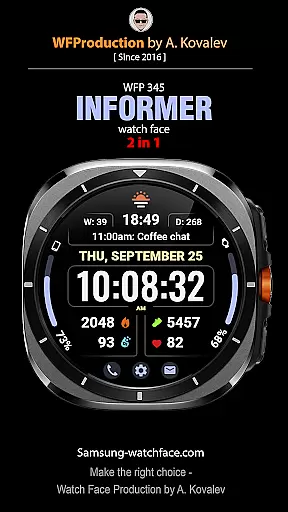
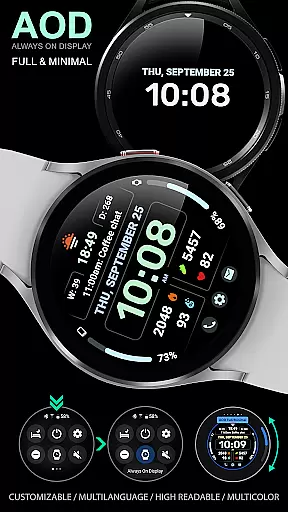
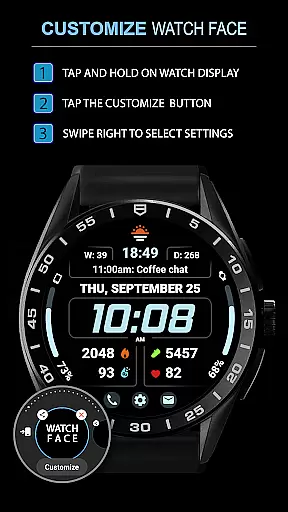
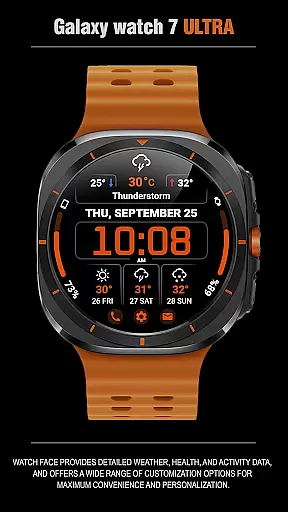
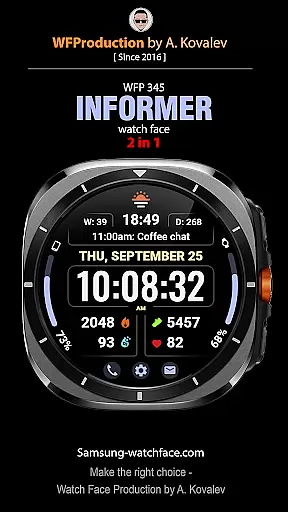
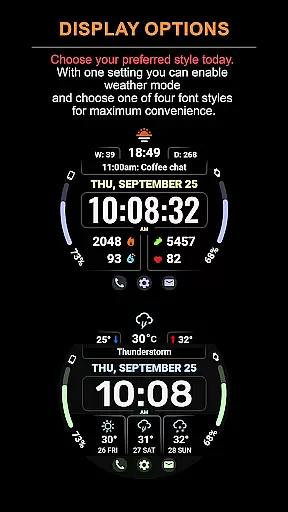
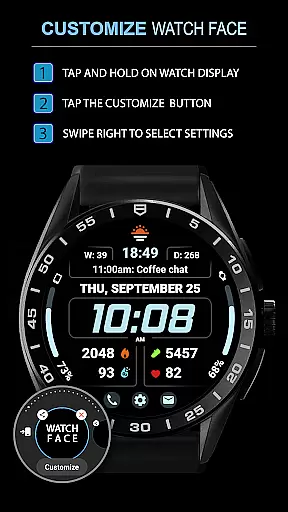
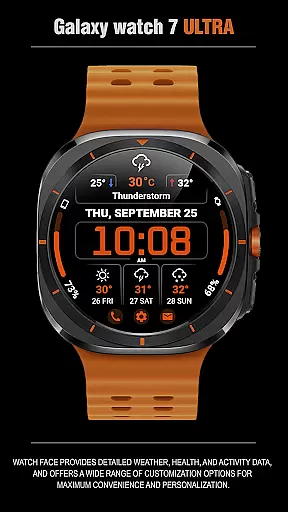
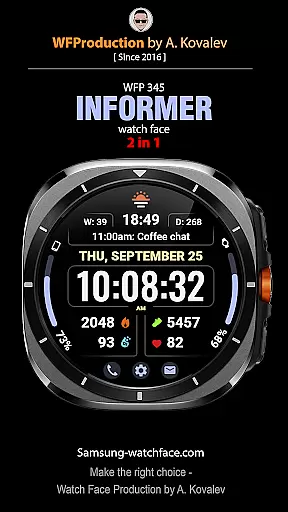
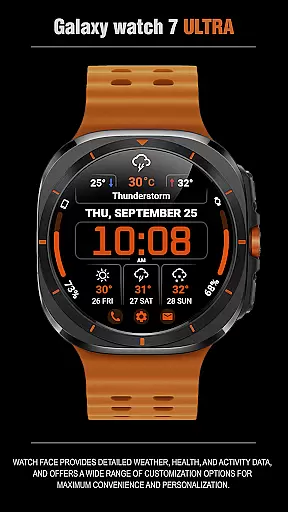
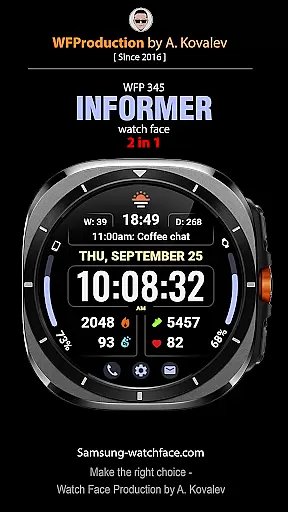
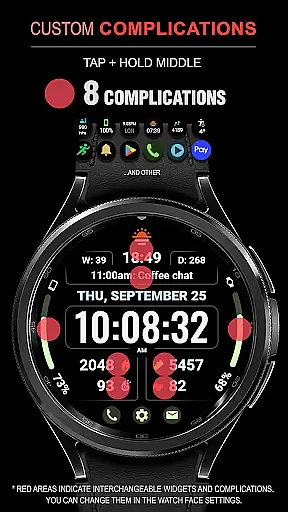
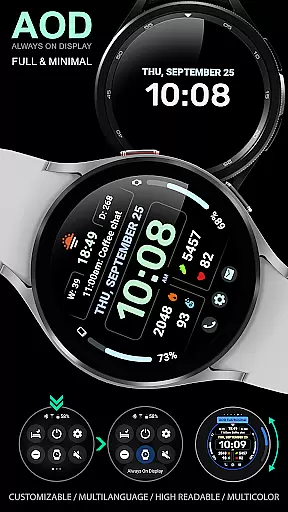
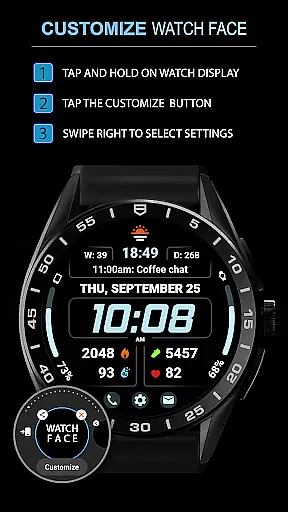
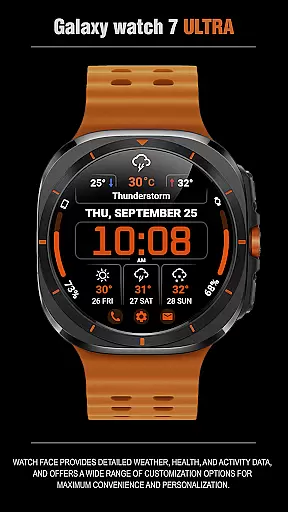
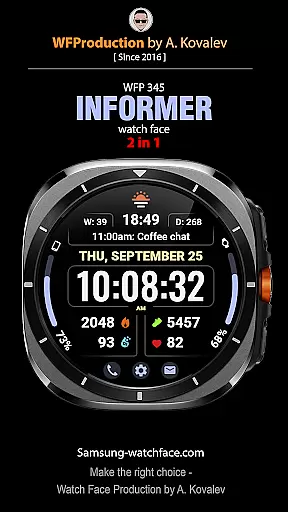
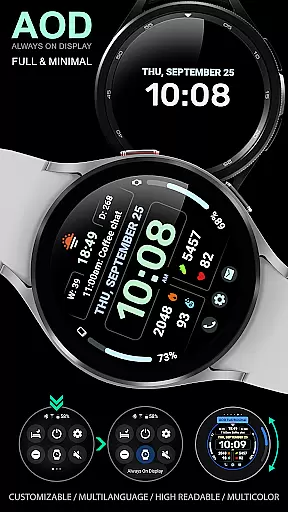
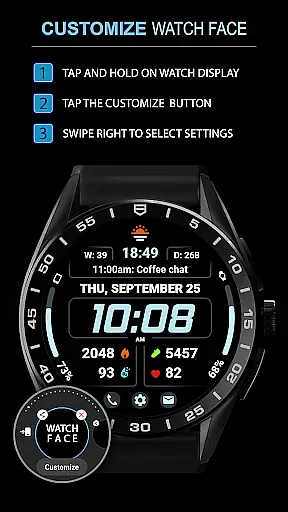
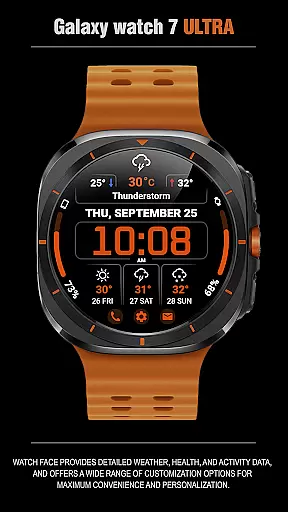
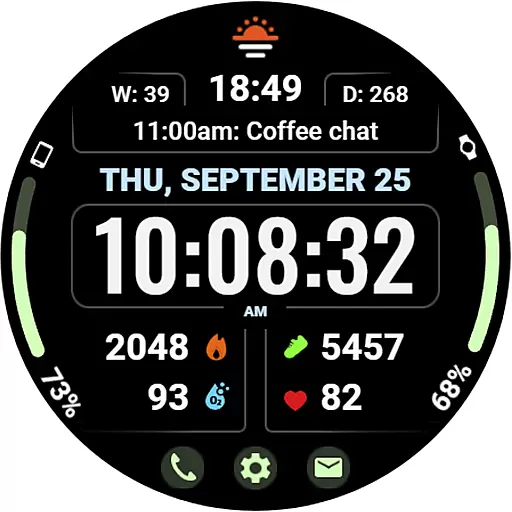
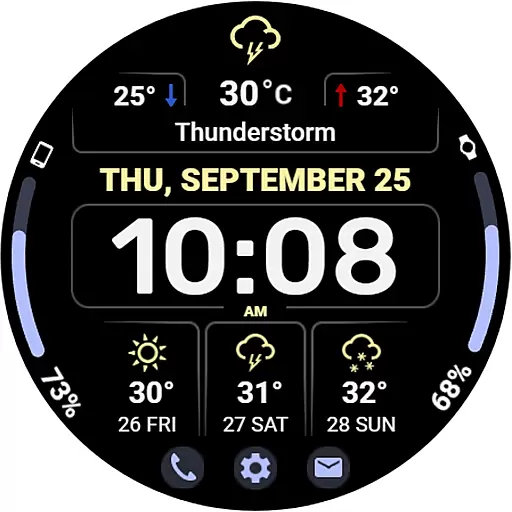
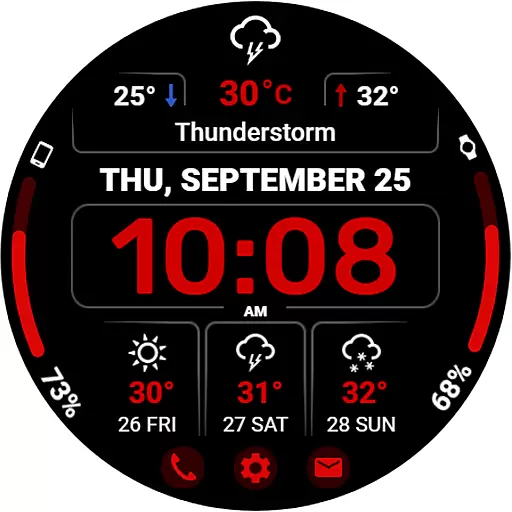
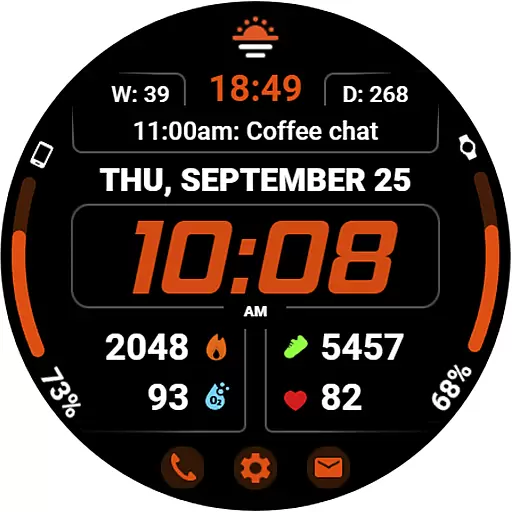
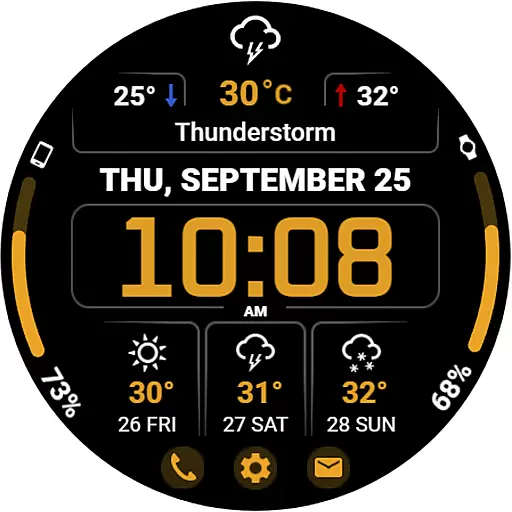
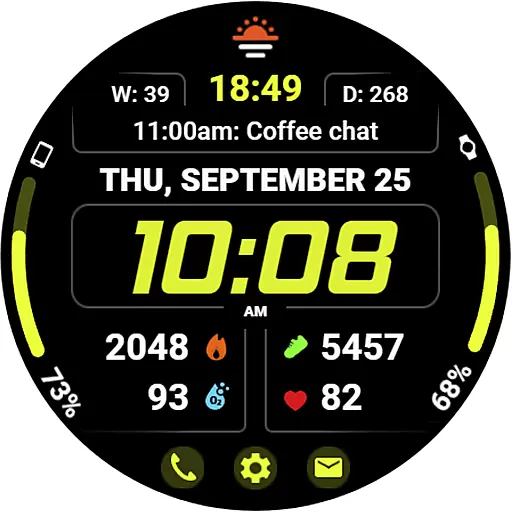
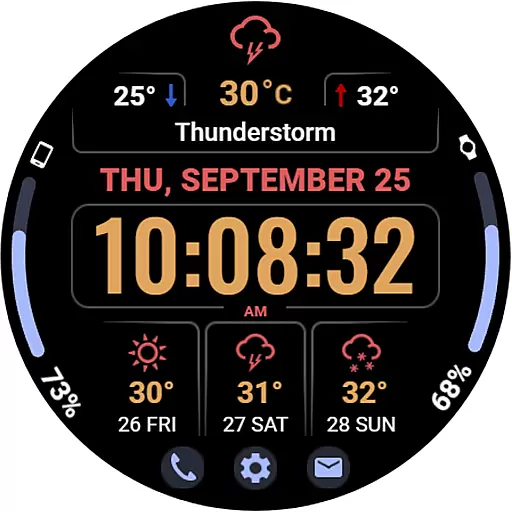
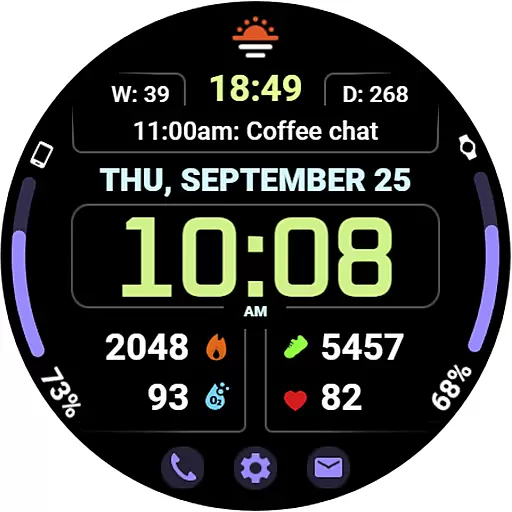
WFP 345 Informer watch face is a feature-rich wearable application designed for smartwatch users who value both style and functionality. This digital watch face not only enhances the aesthetics of your smartwatch but also provides essential information at a glance. With detailed weather forecasts, health metrics, and activity tracking data, it serves as an all-in-one solution for managing daily activities and staying informed.
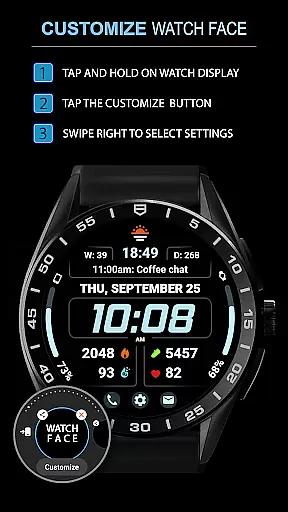
The app offers extensive customization options, allowing users to tailor their watch face experience according to personal preferences. Whether you want to monitor your fitness goals or stay updated with real-time weather conditions, WFP 345 Informer ensures that relevant information is readily accessible on your wrist. Its intuitive design and high-resolution display make it suitable for various occasions, from casual outings to professional settings.
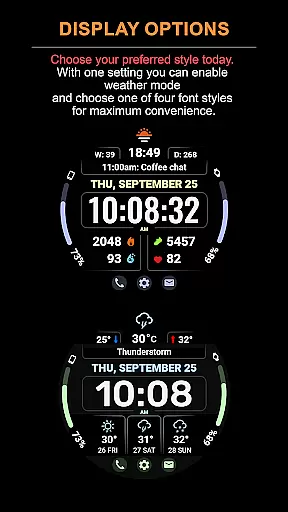
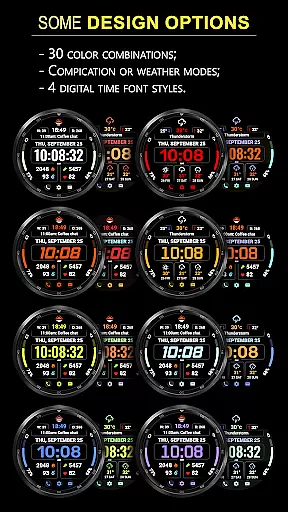
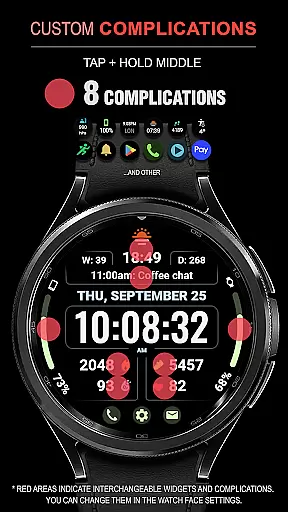
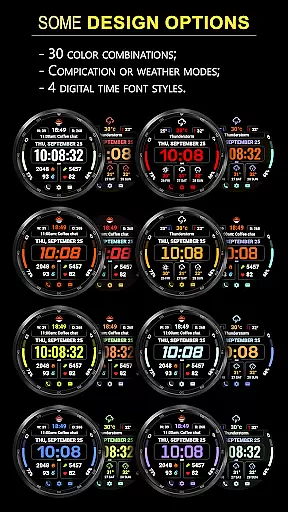
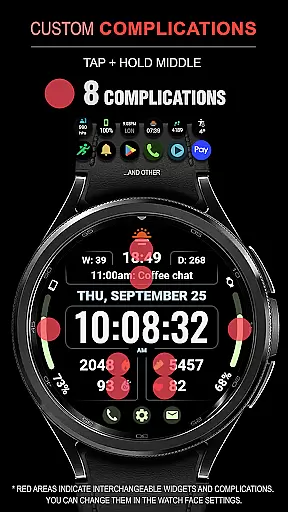
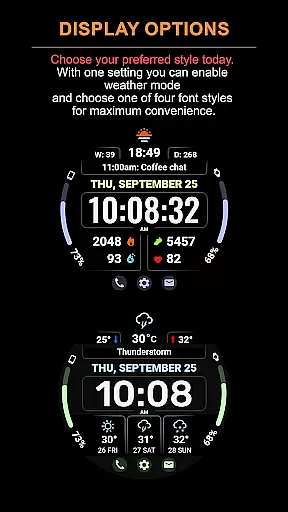
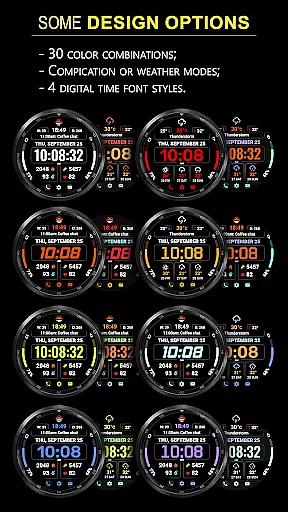
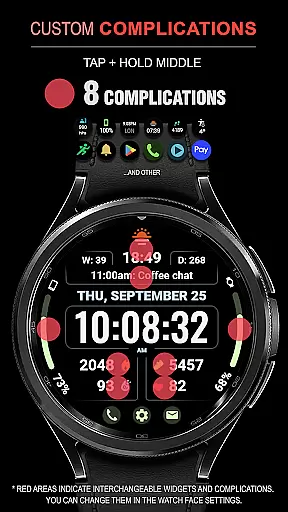
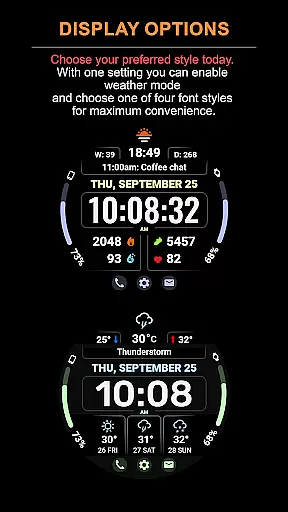
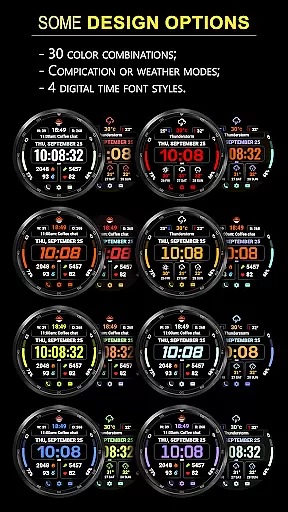
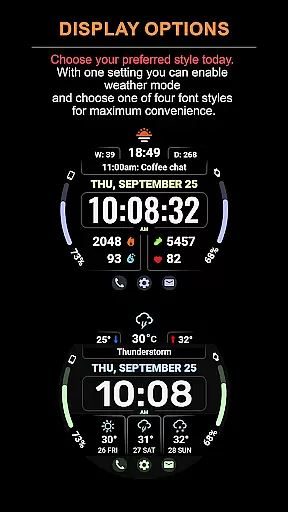
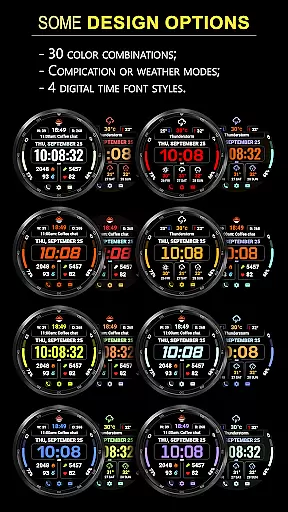
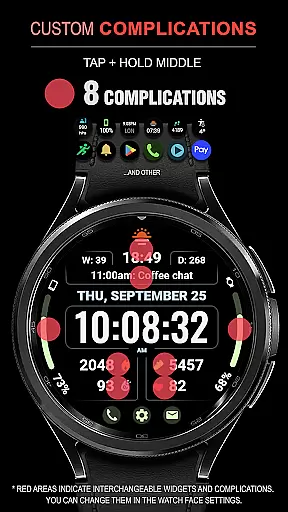
One of the standout features of WFP 345 Informer is its comprehensive set of functionalities that cater to diverse user needs. The watch face includes eight complications, providing quick access to important data such as weather forecasts, health statistics, and more. Users can choose from 30 different color options and switch between two modes - one focused on complications and another highlighting the weather forecast for up to three days ahead.
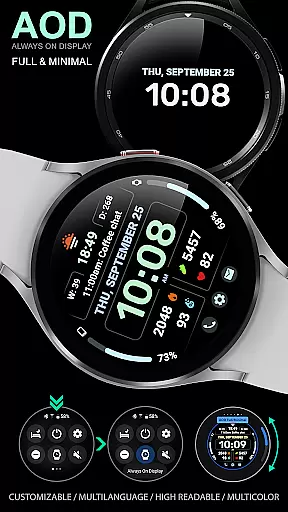
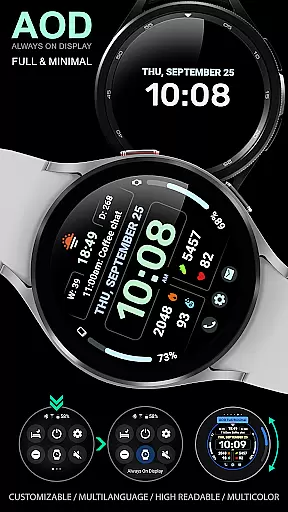
In addition to its versatile display options, WFP 345 Informer supports multiple time font styles and buttons for easy navigation. It offers temperature readings in both Fahrenheit and Celsius, ensuring global usability. The app's high optimization ensures minimal battery consumption while maintaining a high-resolution display. Furthermore, its multilingual support and customizable Always-On Display (AOD) mode enhance user convenience by allowing personalized settings based on individual preferences.
Companion app integration is essential for a seamless wearable experience. The WFP 345 Informer watch face excels in this area by offering users synchronized data between their smartphone and wearable device.
This application ensures that all weather, health, and activity metrics are accurately reflected on the watch face. Users can access real-time updates and detailed analytics directly from their wrist, enhancing convenience and accessibility.
The synchronization process is straightforward, allowing users to manage settings and preferences effortlessly through an intuitive companion app interface. This feature guarantees that personalization options selected on the mobile app are flawlessly mirrored on the wearable.
By prioritizing robust companion app integration, WFP 345 Informer ensures a cohesive user experience, making it simple to maintain consistency across devices while maximizing the utility of both platforms.
Ensuring broad Wear OS and device compatibility is crucial for reaching a diverse audience. The WFP 345 Informer watch face is meticulously designed to support a wide array of devices within the Wear OS ecosystem.
This compatibility extends to various smartwatches, ensuring that users with different models can enjoy the stylish and functional design of the WFP 345 Informer. Its high optimization and low battery consumption make it suitable for an extensive range of hardware configurations.
Furthermore, the application supports multiple languages and customizable features, catering to individual preferences regardless of the device. This inclusivity enhances user satisfaction by providing a tailored experience that meets specific needs.
With its versatile compatibility, WFP 345 Informer stands out as a reliable choice for users seeking a sophisticated watch face that performs optimally across different Wear OS devices.
User-friendly interface
Highly customizable
Accurate weather updates
Low battery usage
Multiple language options
Complications hidden in Weather Mode
Limited visibility of tap zones
Requires internet connection
Premium features may require purchase
Complex initial setup

Diet tracker for weight loss - track calories, food and macros. Simple and easy!
 4.70
4.70
Christmas watch face. For Wear OS devices.
4.30
Rose gold watch face with festive lights & customizable features.
4.60
Watch face for Wear OS.
4.20
Structured watch face with seven complications and modular UI elements
3.90
sleep, alarm, snoring, stress, healing, focus, sound therapy, circadian rhythm
4.10
Reliable phone calls with spam protection, caller ID and more helpful features
4.40
Minimalistic design modern digital watch face.
4.1
Animated video-game inspired “secret agent” simulation, right on your wrist!
4.20
Gym Log & Workout Tracker | Fitness Journal, Training & Weight Lifting Planner
4.90
The most customizable minimal watch face. For Wear OS 5.0, API 34+ and later
4.70
Your second brain for organizing your life: to-do, calendar, reminder.
4.70
Real-time results, stats, schedules and player profiles for all leagues
4.60
MyNISSAN® lets you remotely control your car from your phone.*
4.50
Stylish, Energizing and Modern Watch Face crafted by Dominus Mathias.
4.50
Beautiful artistic animated digital watch face, with a customizable layout!
4.40
Snowflake Rose Gold Watch Face - Digital, modern, & sleek with GYRO effect.
4.10
Stunning modern digital watch face with 7 complications and strong contrast
4.1
3 Complications. All shadow on/off. 30 Themes color palette...
4.5


User Reviews