
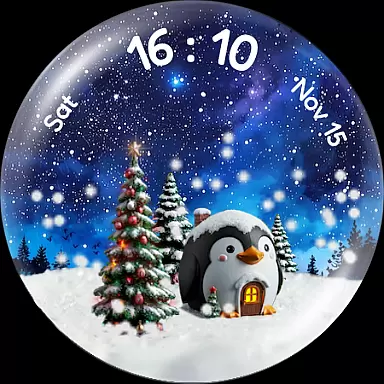
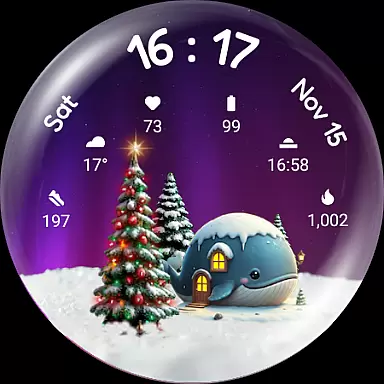
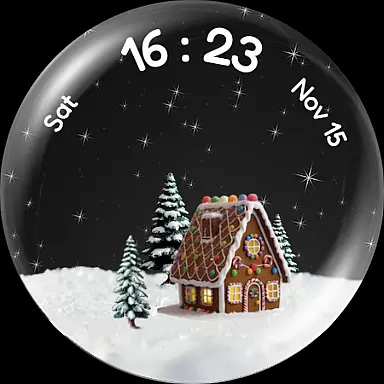
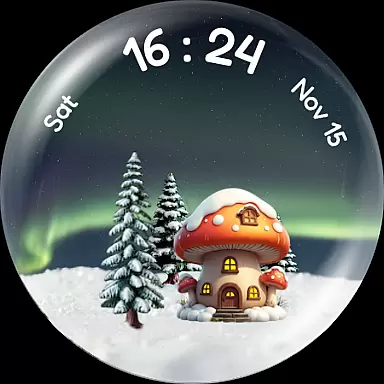
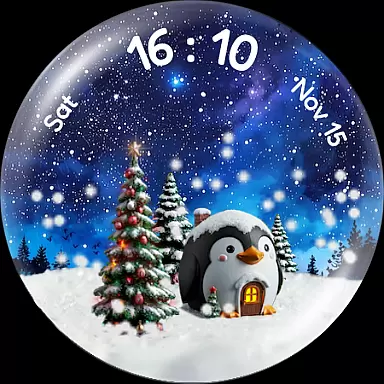
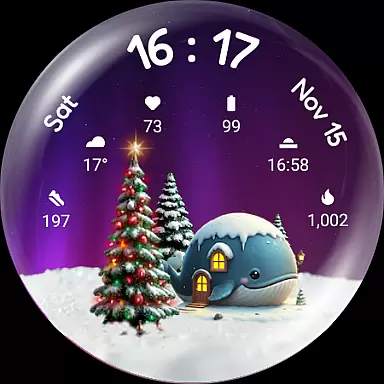
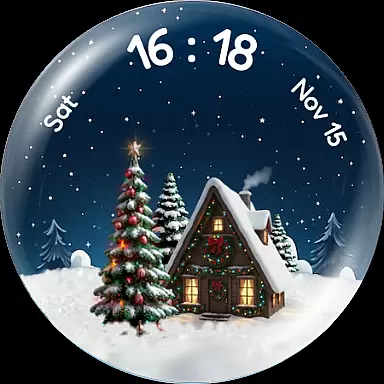
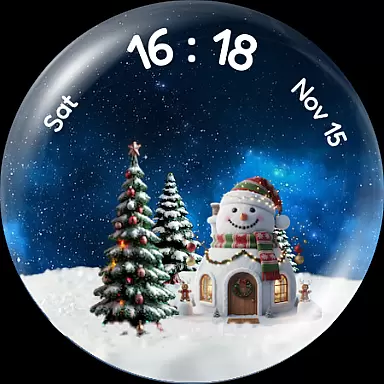
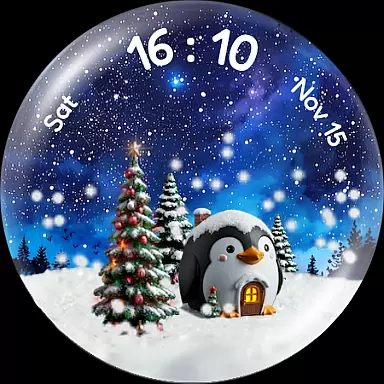
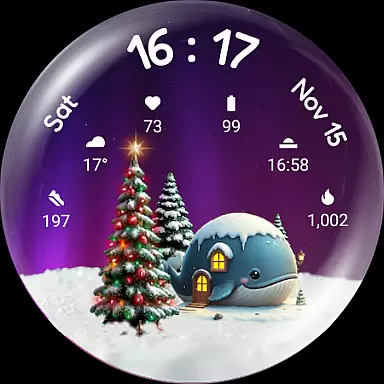
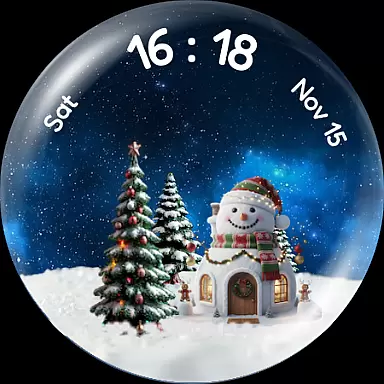
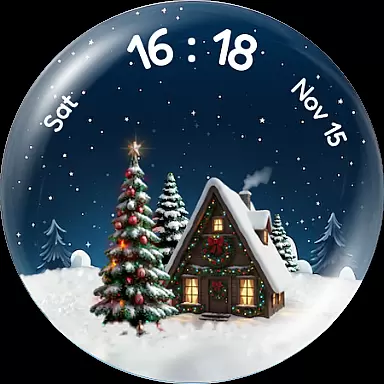
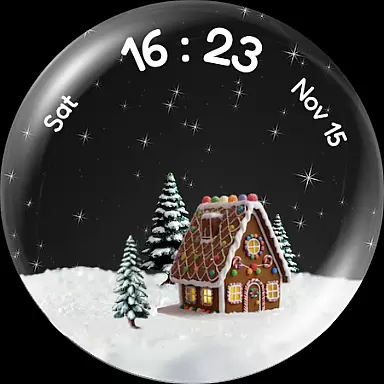
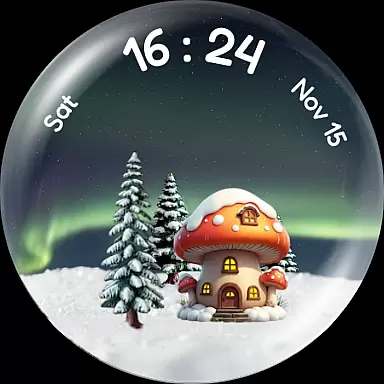
Experience the enchantment of winter with Christmas Snow Globe WatchFace, a unique Wear OS watch face that brings festive cheer to your smartwatch. Featuring mesmerizing snowfall animations and customizable elements like charming houses and dynamic backgrounds, this app transforms your watch into a delightful holiday scene.
The app goes beyond aesthetics by incorporating motivational features such as a step-tracking Christmas tree that grows and lights up as you achieve your daily fitness goals. With six complication slots for essential information and compatibility with Wear OS 4+, it combines functionality with seasonal magic.
Perfect for those who want to carry the spirit of the holidays with them, this watch face offers both personalization and practicality, making it an ideal choice for smartwatch users seeking a touch of winter wonderland on their wrist.
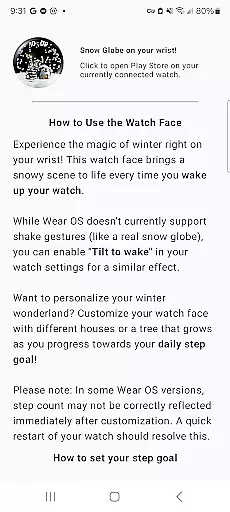
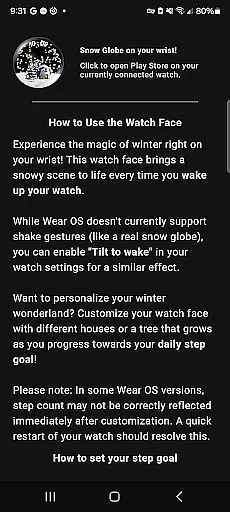
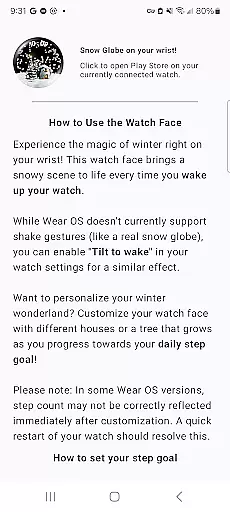
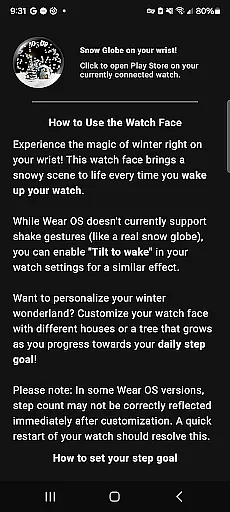
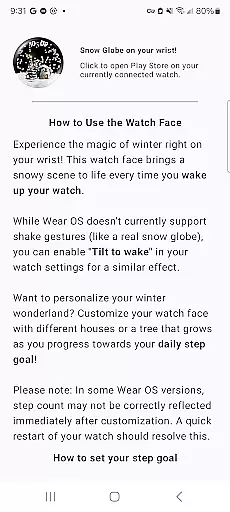
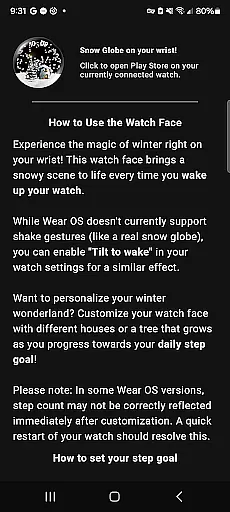
Christmas Snow Globe WatchFace stands out with its captivating snow globe animation that activates every time you wake your watch. The optional tilt-to-wake feature creates a delightful shake-to-snow effect, enhancing the magical experience.
Customization options abound with various night sky backgrounds including Aurora and starry skies, alongside charming animal-themed houses and festive Xmas houses. These elements allow users to create their perfect winter scene.
A unique gamification feature ties your daily activity to the watch face's Christmas tree, which flourishes as you reach your step goals. This innovative approach combines motivation with visual rewards, while six complication slots provide quick access to essential information like heart rate and weather.
Companion app integration is essential for a seamless wearable experience. The Christmas Snow Globe WatchFace offers a dedicated mobile application that enhances its core functionalities.
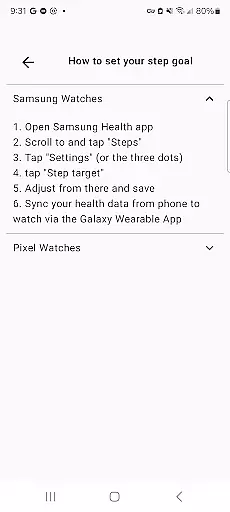
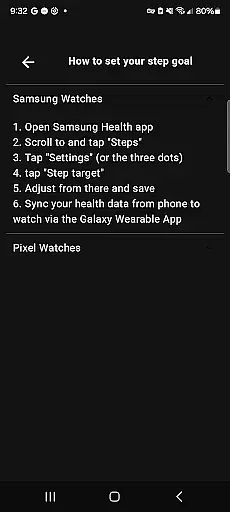
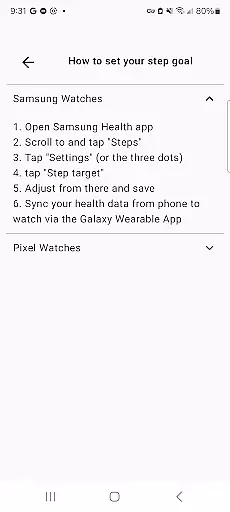
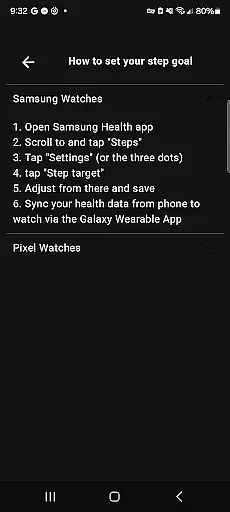
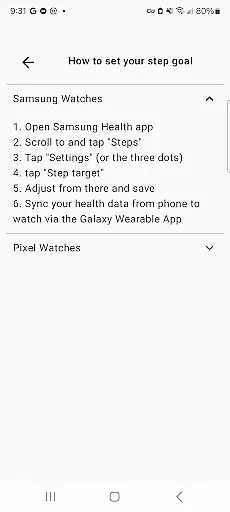
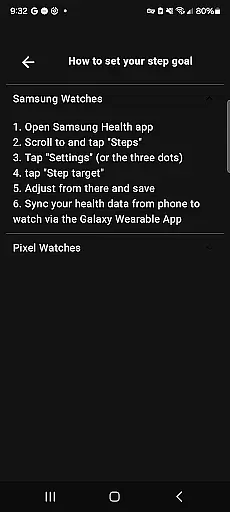
This companion app provides intuitive setup instructions, making it easier for users to configure the watch face's features. One notable function is the ability to set personal daily step goals, which directly influence the growth and illumination of the Christmas tree on the watch face.
Through this integration, users can synchronize their fitness data between the watch and phone effortlessly. This ensures that progress tracked on the wearable device is accurately reflected in the companion app.
The seamless connection between the watch face and its companion app demonstrates how Android Wear applications can create a cohesive ecosystem, enhancing both functionality and user engagement.
Device compatibility is crucial for ensuring optimal performance across different Wear OS devices. The Christmas Snow Globe WatchFace is specifically designed for Wear OS 4 and above, guaranteeing a smooth user experience.
This compatibility range ensures that users can enjoy the latest wearable technology features. The watch face takes full advantage of Wear OS 4's improved graphics capabilities, delivering stunning snow globe animations and vibrant night sky backgrounds.
By targeting newer operating system versions, the developers could implement advanced features like customizable complications and interactive elements without worrying about backward compatibility issues.
Such strategic device compatibility decisions help maintain high-quality standards while providing users with the most up-to-date wearable technology experiences.
Unique snow globe concept
Highly customizable design
Motivational step tracker
Beautiful seasonal themes
Functional complications
Limited to Wear OS
Requires companion app
Premium features may cost extra
May impact battery life
Complex setup process

Precision analog watch face with 7 complications and style options
 4.3
4.3
Christmas is near, let's count together the days left until Santa comes
4.3
Beautiful artistic animated digital watch face, with a customizable layout!
4.40
Simple Analog-Digital Watchface For Wear OS 3.0 and Up Smartwatches
4.3
Digital, flexibly customizable watch face. For Wear OS 5.0, API 34+ and later.
5.00
Find EV charging stations
4.30
Your local weather forecast, storm tracker, radar maps & live weather news
3.40
Want to take charge of your health? Let Google Fit help you reach your goals.
3.50
Back up your contacts & access them anywhere
4.30
Period, ovulation & pregnancy tracker. Fertility insights & menstrual calendar.
4.90
Gym Log & Workout Tracker | Fitness Journal, Training & Weight Lifting Planner
4.90
Diet tracker for weight loss - track calories, food and macros. Simple and easy!
4.70
Kia Access makes getting your vehicle information easier than ever
4.60
Nutrition, Macro tracker: Food, fitness & healthy diet tracking for weight loss
4.60
Ideal for surviving in the wasteland left after nuclear fallout
4.50
Digital watch face. For Wear OS devices.
4.40
Reliable phone calls with spam protection, caller ID and more helpful features
4.40
Snowflake Rose Gold Watch Face - Digital, modern, & sleek with GYRO effect.
4.10
Embrace the festive spirit with our Christmas Countdown watchface for Wear OS
4.10


User Reviews