
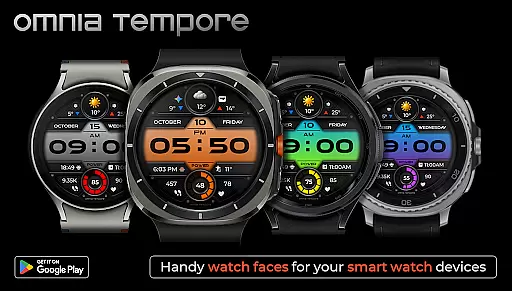
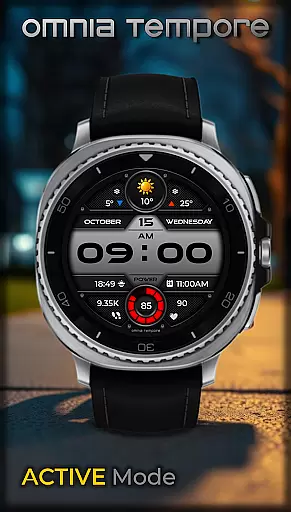
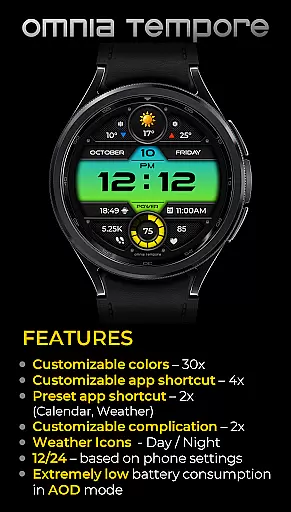
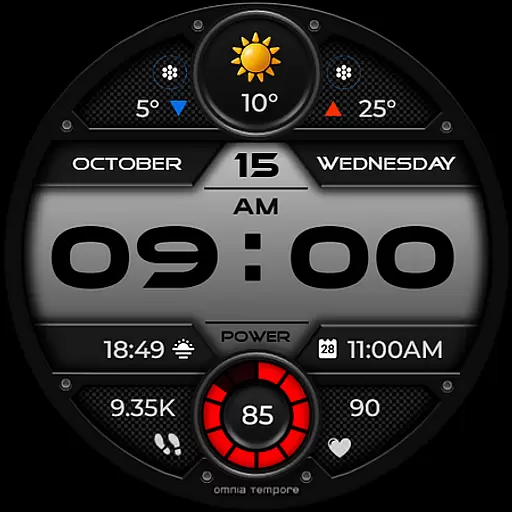
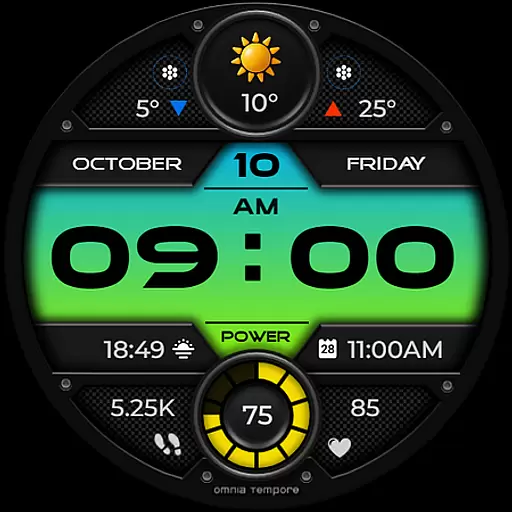
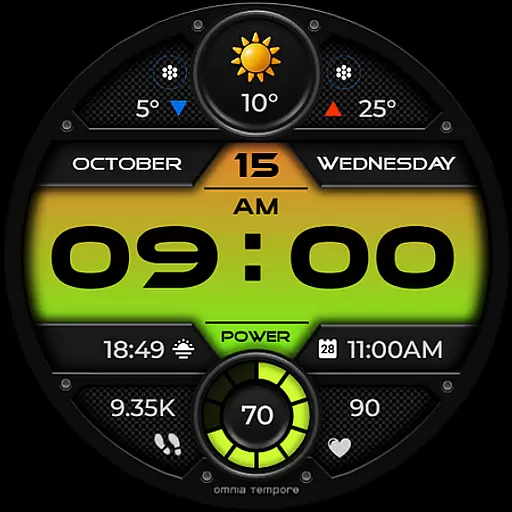
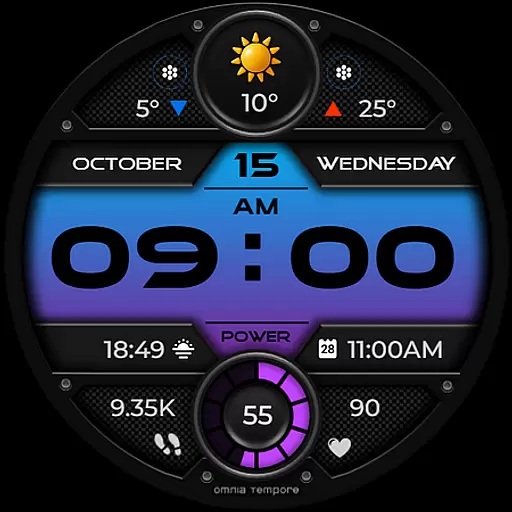
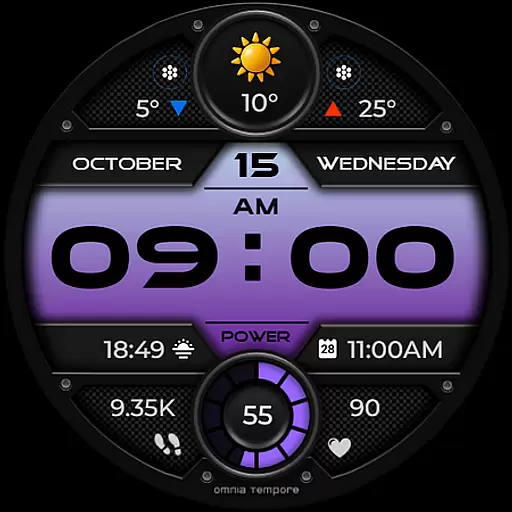
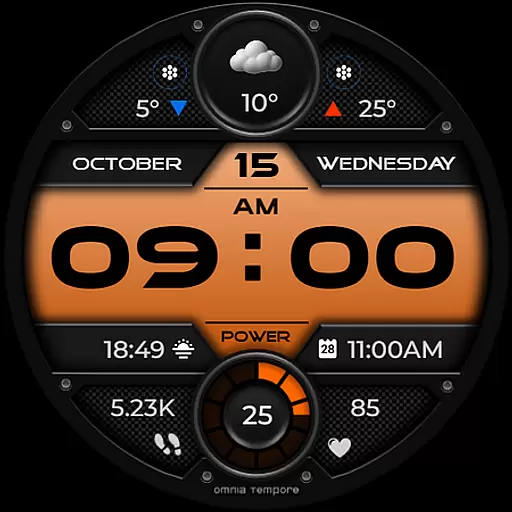
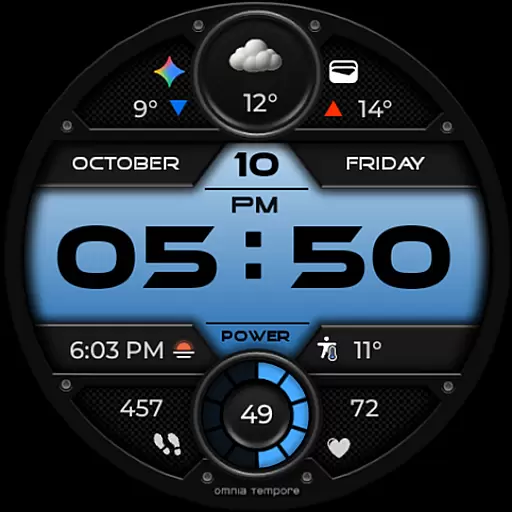
OT is a stylish digital watch face designed for Wear OS devices running version 5.0 and above. This application seamlessly blends aesthetics with functionality, offering users real-time weather updates, step counting, and heart rate tracking directly on their wrist. The design emphasizes both form and function, ensuring that users remain connected to their environment and personal well-being without compromising on style.
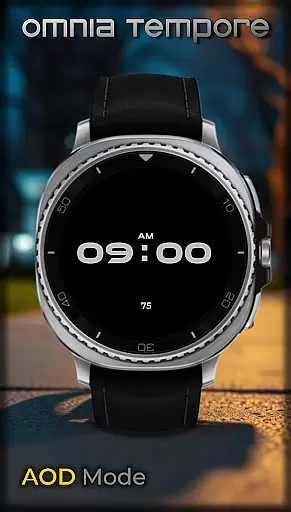
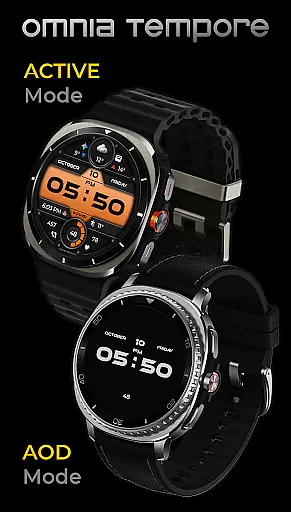
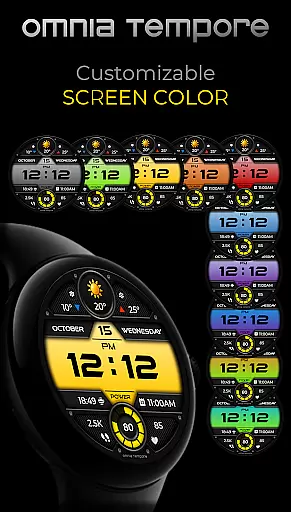
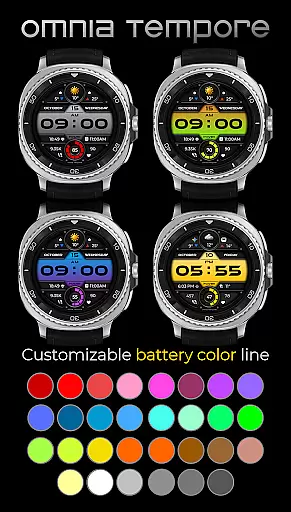
With customizable complications and app shortcuts, OT provides a personalized experience tailored to individual preferences. Users can choose from ten color versions of the display and thirty color options for battery status, allowing for a unique look that matches their personal style. Additionally, the low power consumption in AOD mode ensures that these features are available without significantly impacting battery life, making it an ideal companion for both professional and casual settings.
OT stands out with its comprehensive feature set tailored for the modern smartwatch user. One of its key features is the integration of real-time weather updates, which allows users to stay informed about current conditions without needing to check their phone. The inclusion of health monitoring tools such as step counting and heart rate tracking promotes an active lifestyle while keeping users aware of their fitness metrics throughout the day.
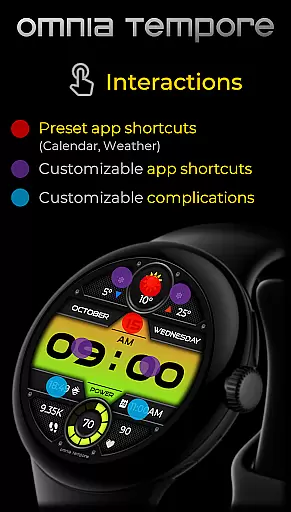
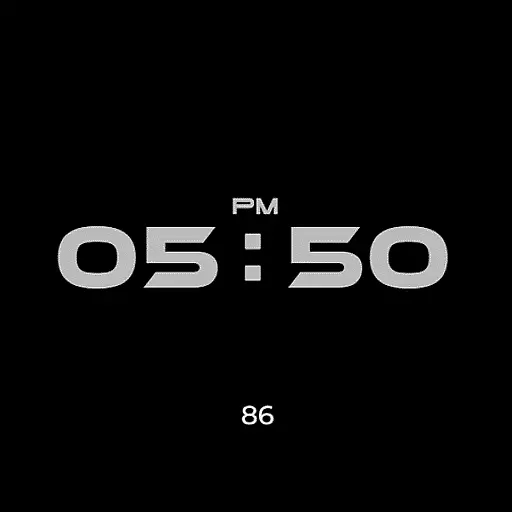
Customization is at the core of OT's offerings. With two customizable complications and six app shortcut slots (two preset and four user-configurable), users can tailor their watch face to display the information most relevant to them. The availability of multiple color schemes for both the display and battery status indicators adds another layer of personalization. Furthermore, the application's optimization for low power consumption in AOD mode ensures that these features do not come at the expense of battery longevity, providing a balanced user experience that caters to both functionality and aesthetics.
Companion app integration is essential for a seamless wearable experience. OT ensures that your Wear OS device works in harmony with your smartphone, providing real-time synchronization of important data such as weather updates, calendar events, and health metrics.
This stylish digital watch face offers two preset app shortcuts for Weather and Calendar, allowing you to access vital information quickly. With four additional app shortcut slots available, you can customize your watch to launch your most-used applications directly from the watch face.
The ability to stay connected to your world without missing a beat enhances both convenience and productivity. Whether you're managing your schedule or tracking your fitness goals, OT's companion app integration keeps you informed and in control, all while maintaining a sleek and modern aesthetic on your wrist.
Ensuring broad device compatibility is crucial for any Wear OS application. OT is designed to work seamlessly with Wear OS devices running version 5.0 and above, making it accessible to a wide range of users who want to elevate their everyday life with smart features.
This digital watch face takes full advantage of Wear OS capabilities, offering real-time weather updates, step counting, and heart rate tracking. The inclusion of customizable complications and app shortcuts demonstrates its commitment to providing a personalized and functional user experience across different devices.
With support for low power consumption in AOD mode and a variety of display customization options, including 10 color versions and 30 battery status color choices, OT maintains performance and style without compromising device compatibility. This ensures that whether you're heading to a meeting or hitting the gym, your watch face remains responsive, useful, and visually appealing on any supported Wear OS device.
User-friendly interface
Real-time weather updates
Health monitoring tools
Highly customizable display
Low power consumption
Limited to Wear OS
Requires Android 5.0+
Some features may drain battery
Preset app shortcuts only
Design might not appeal to all

Beautiful, colorful and practical watch face. For Wear OS devices.
 5.00
5.00
Digital, flexibly customizable watch face. For Wear OS 5.0, API 34+ and later.
5.00
Hyperlocal rain alerts by MyRadar using patent-pending technology, radar & more
4.80
Nutrition, Macro tracker: Food, fitness & healthy diet tracking for weight loss
4.60
The #1 source of faces for your smartwatch!
4.00
Minimalistic design modern digital watch face.
4.0
A white realistic classic analog watch face with many customization options.
4.40
Your local weather forecast, storm tracker, radar maps & live weather news
3.40
Spam call blocker and caller ID for automatic call protection!
4.40
Be an elegant and classy secret agent, with this carefully detailed watch face
4.70
Rose gold watch face with festive lights & customizable features.
4.60
Connect to your Bluelink equipped Hyundai vehicle from your smartphone.
4.50
Fast and smart typing with Emojis, GIFs, and more
4.50
Locate your family members by GPS phone location tracker everywhere and anytime
4.30
Your music, your playlists, and more—offline and unlimited.
4.20
Connect, create, and collaborate with Gmail, part of Google Workspace.
4.10
Viewer for Wyze/Yi/Eufy/Arlo/ONVIF/RTSP/P2P IP cams w/ adv. features & DIY DVR
4.00
A full-featured Amazon Alexa voice assistant that can show you things.
3.70
A watch face that fuses motorsport precision with contemporary smartwatch design
4.5


User Reviews