
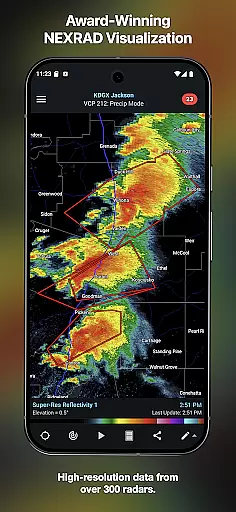
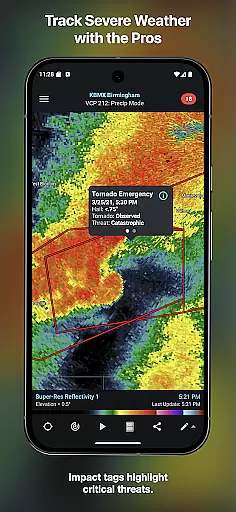
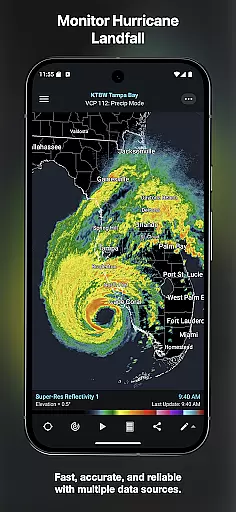
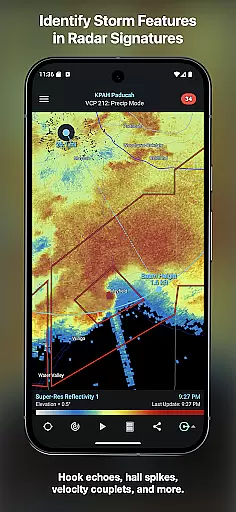
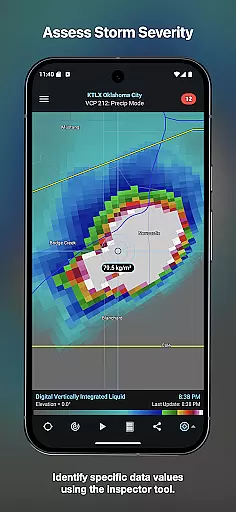
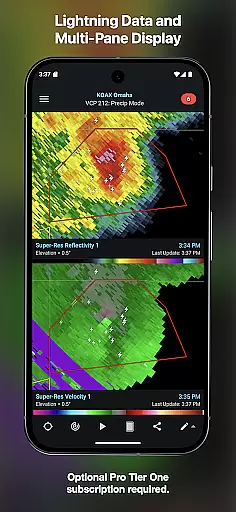
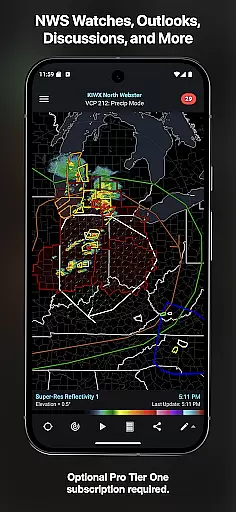
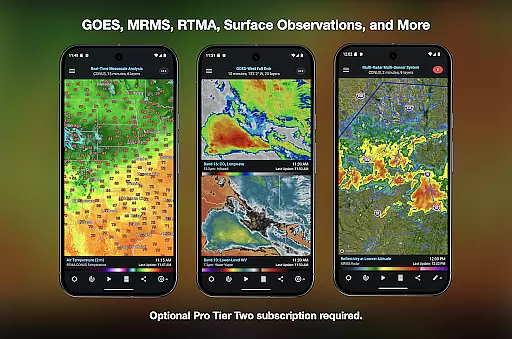
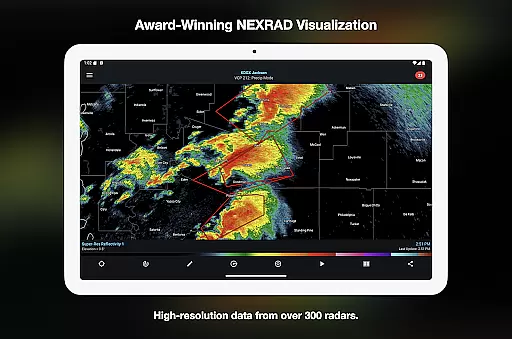
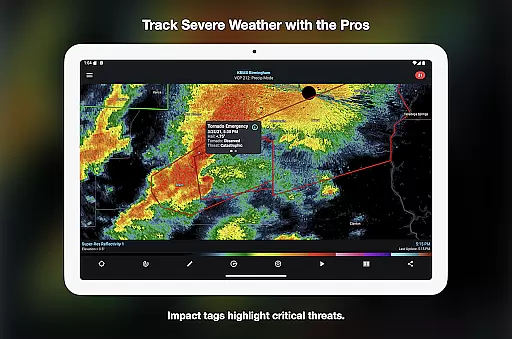
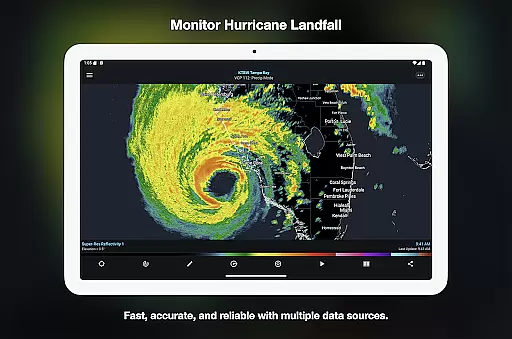
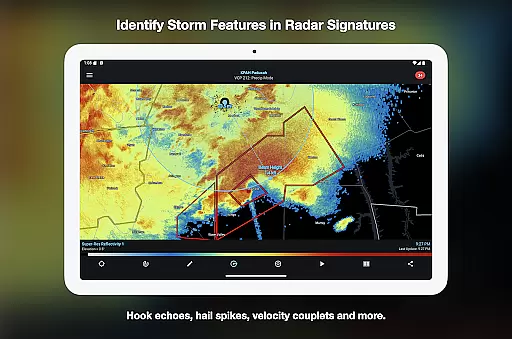
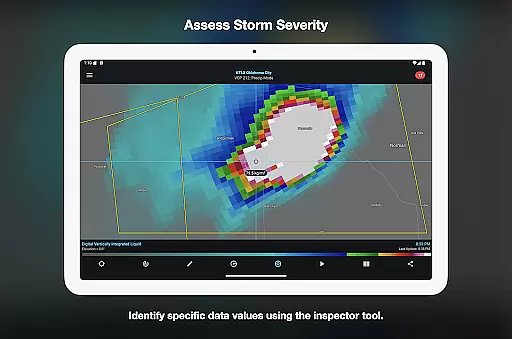

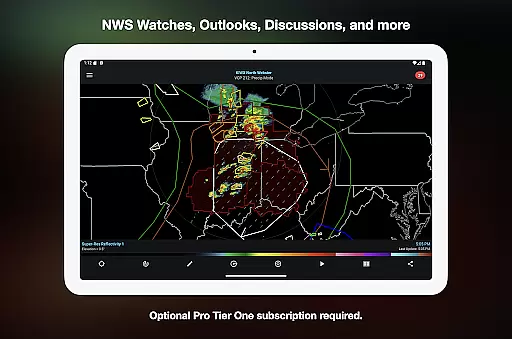
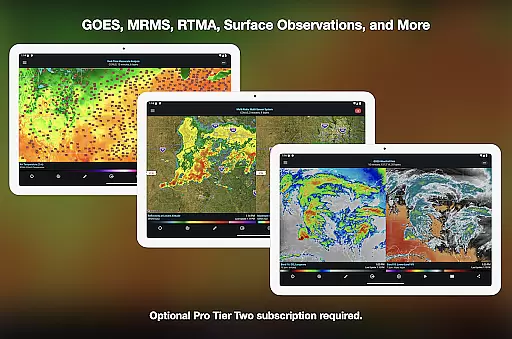
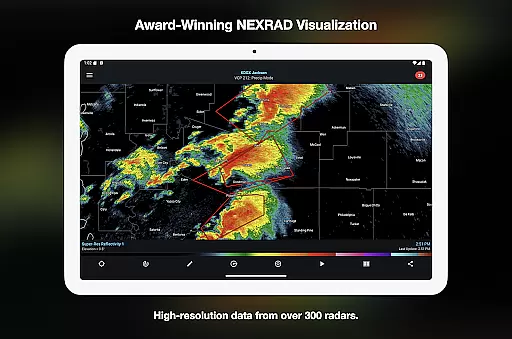
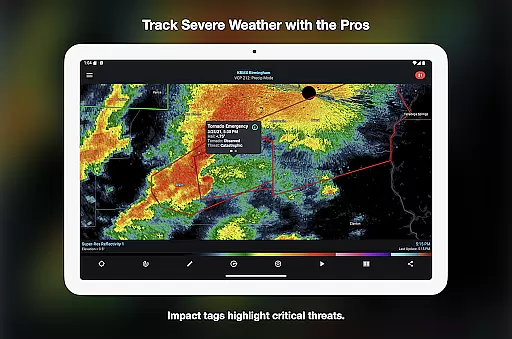
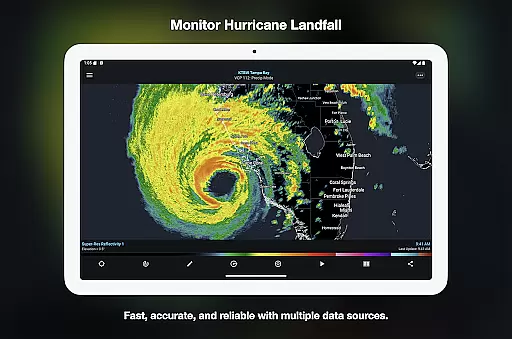
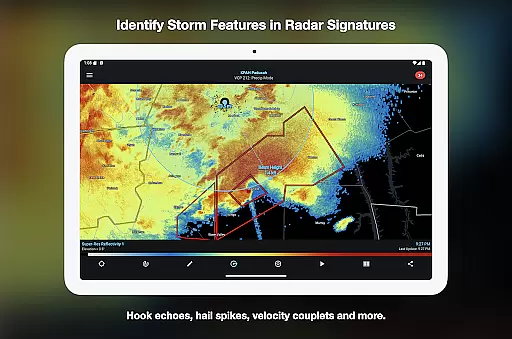
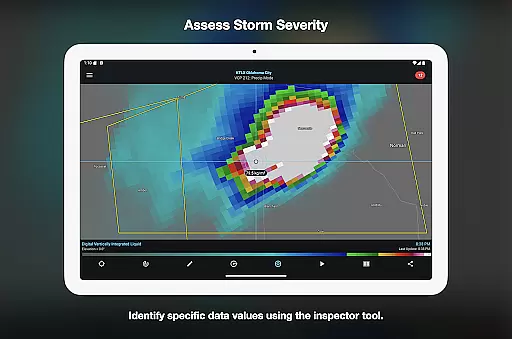
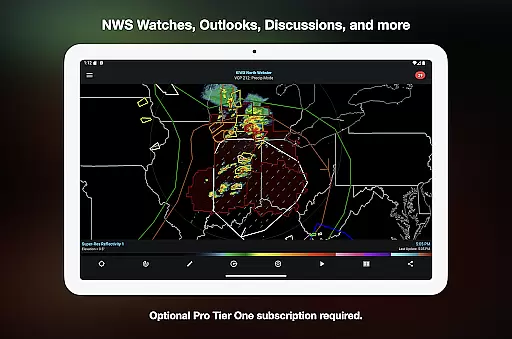
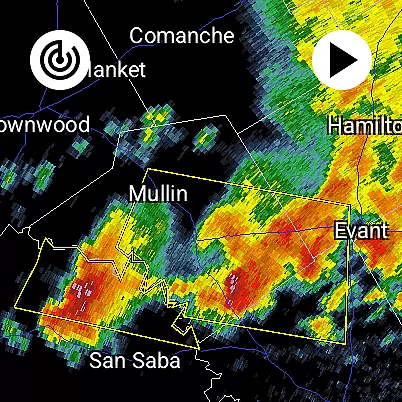
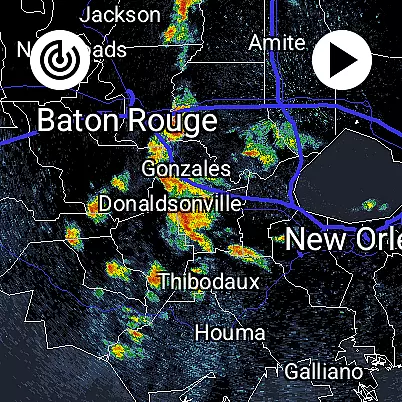
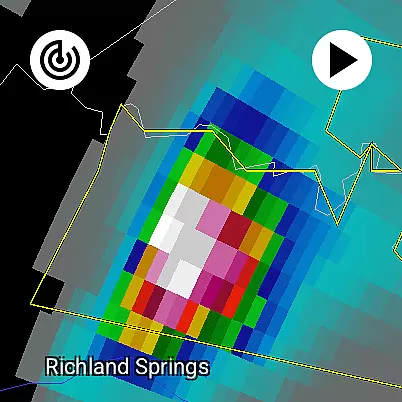
RadarScope is a professional weather visualization application designed for meteorologists and weather enthusiasts. It provides an extensive suite of single-site radar data and severe weather products across multiple countries, including the US, Canada, and Germany. The app displays native radar data in its original radial format, offering near real-time updates every two to ten minutes.
Key features include 6-frame radar loops, tornado and thunderstorm warnings, storm tracking tools, and integration with third-party services like AllisonHouse and Spotter Network. With support for both Android and Wear OS, RadarScope ensures users can access critical weather information on the go. Its subscription packages, RadarScope Pro Tier One and Two, offer advanced functionalities such as longer radar loops, lightning strike data, and historical weather archives.
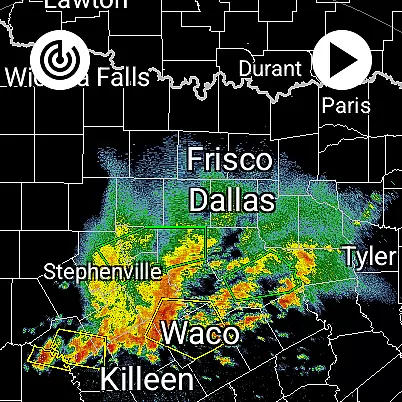
RadarScope stands out with its comprehensive weather data offerings. The app includes a full suite of single-site radar products, displaying data in its original radial format for authenticity. Users can view up-to-date radar imagery with automatic updates every few minutes, depending on the scanning strategy of the radar station.
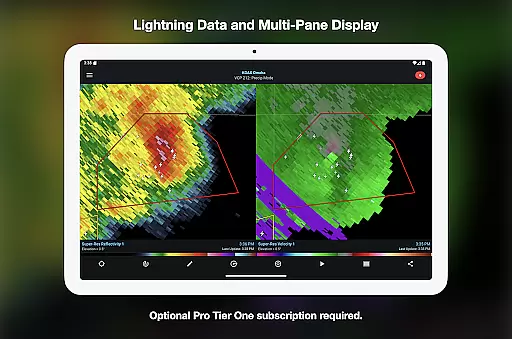
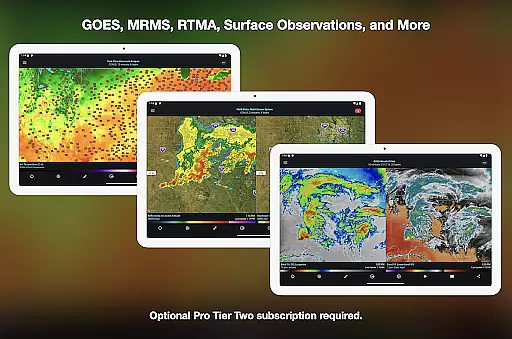
Advanced tools such as Inspector and distance measurement enhance the user experience. Optional subscriptions unlock additional capabilities, including 30 or 50-frame radar loops, cloud-to-ground lightning strikes, and GOES satellite products. Integration with services like NSSL's mPING allows users to submit weather reports directly from the app. RadarScope also supports custom color palettes, multi-pane displays, and server-sent events for real-time updates.
The app's universal compatibility with Android and Wear OS devices makes it versatile for various use cases, whether tracking storms on a phone or receiving alerts on a smartwatch. This flexibility, combined with its detailed data sets and professional-grade tools, positions RadarScope as a powerful solution for weather monitoring.
Companion app integration is essential for Android Wear applications as it ensures seamless data sharing and functionality between the wearable device and its primary mobile counterpart. RadarScope excels in this area by offering a unified experience across both Android and Wear OS platforms.
The application provides real-time weather data synchronization, ensuring that users have access to critical radar information directly on their smartwatches. This feature allows meteorologists and weather enthusiasts to stay informed even when they are away from their phones.
RadarScope's companion app integration includes support for widgets, enabling quick access to frequently used features right from the wearable's home screen. The app also supports cross-platform subscription sharing, allowing users to manage their Pro Tier subscriptions across up to five devices effortlessly.
This level of integration enhances user convenience significantly. By having radar loops, storm tracks, and warning notifications readily available on their wrist, users can respond more quickly to severe weather situations, making RadarScope an indispensable tool for professionals and hobbyists alike.
Device compatibility is crucial for any Android Wear application, determining how well the software performs across various Wear OS devices. RadarScope demonstrates exceptional compatibility, functioning smoothly on a wide range of smartwatches running Wear OS.
The app is optimized for low-bandwidth use, ensuring that even devices with limited connectivity can access vital weather data without significant delays. Its bundled maps include political boundaries, water bodies, and major highways, all designed to consume minimal data while providing comprehensive geographical context.
RadarScope supports multi-pane display configurations, adapting its interface to show two panes on phones and up to four on larger devices. This flexibility maximizes the usability of different screen sizes, enhancing the overall user experience regardless of the specific Wear OS device being used.
By prioritizing broad device compatibility and adaptive display options, RadarScope ensures that every user receives accurate and timely weather information, empowering them to make informed decisions during critical weather events.
Real-time radar updates
Wide international coverage
Professional-grade tools
Optional advanced subscriptions
Wear OS compatibility
Paid subscription required
Complex for beginners
Limited free features
High data usage
No iOS version

A watch face that fuses motorsport precision with contemporary smartwatch design
 4.3
4.3
Simple Analog-Digital Watchface For Wear OS 3.0 and Up Smartwatches
4.2
3 Complications. All shadow on/off. 30 Themes color palette...
4.1
Bold, Modern Hybrid Watch Face for Wear OS. 10 Colors, Rich Info Display.
4.30
Stylish, Energizing and Modern Watch Face crafted by Dominus Mathias.
4.50
Viewer for Wyze/Yi/Eufy/Arlo/ONVIF/RTSP/P2P IP cams w/ adv. features & DIY DVR
4.00
Start and succeed with PAP
4.10
Spam call blocker and caller ID for automatic call protection!
4.40
Toyota app currently supports 2010 or newer vehicles (2018 or newer for Hawaii).
4.50
Gym Log & Workout Tracker | Fitness Journal, Training & Weight Lifting Planner
4.90
Your second brain for organizing your life: to-do, calendar, reminder.
4.70
Christmas watch face. For Wear OS devices.
4.30
A customizable Christmas watch face for Wear OS with a countdown.
4.20
Your music, your playlists, and more—offline and unlimited.
4.20
A digital watch face that celebrates Christmas.
4.00
Get helpful reminders, take progress photos and find answers to your questions.
3.90
Analog watch face with 8 complications and expedition styling
4.0
Stunning modern digital watch face with 7 complications and strong contrast
4.0
Sleek, highly customizable watch face inspired by Galaxy Watch Circle Dashboard.
4.2


User Reviews