
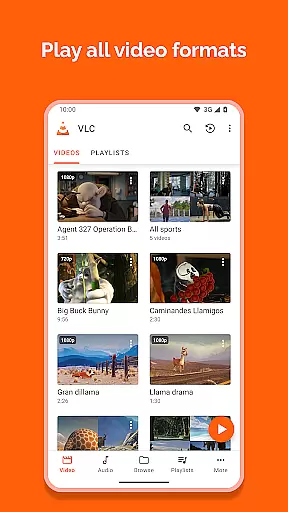
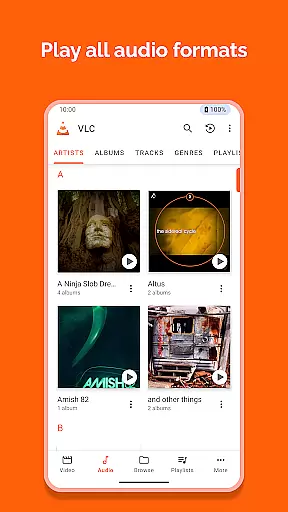
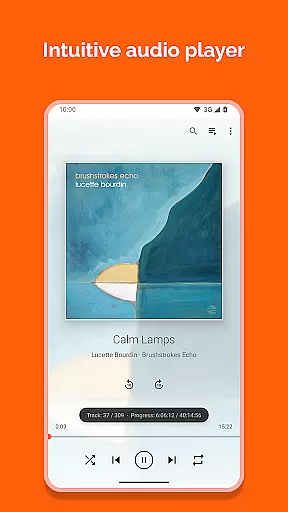
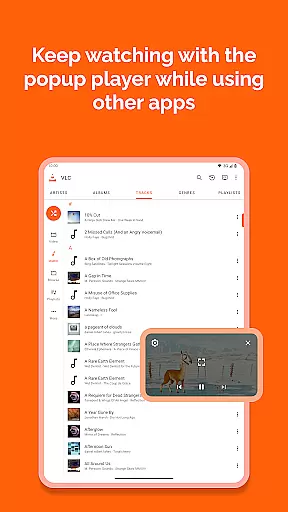
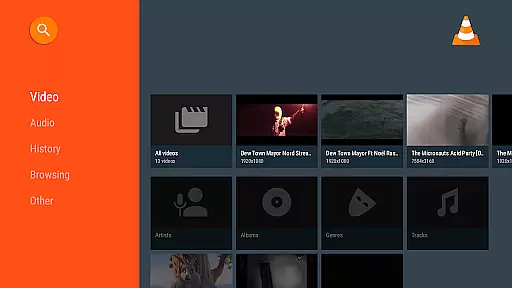
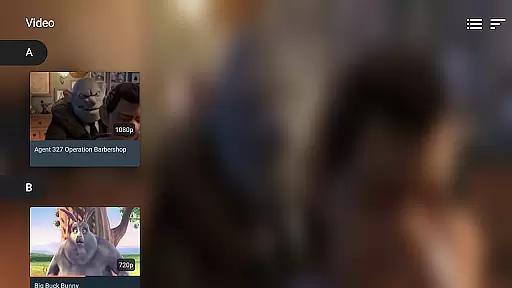

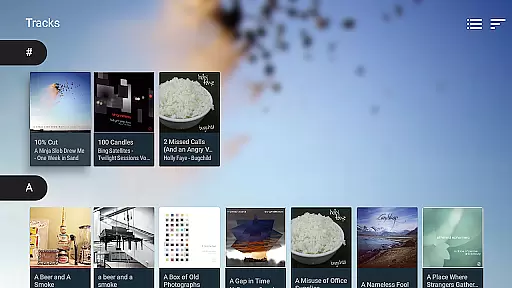
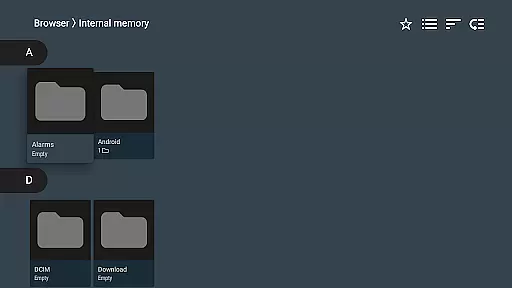
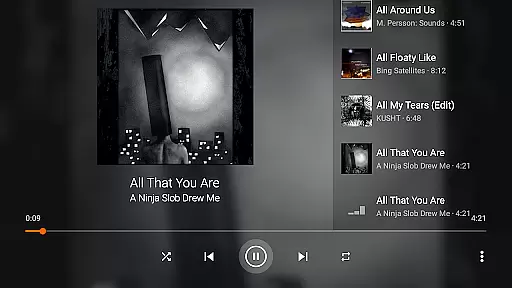
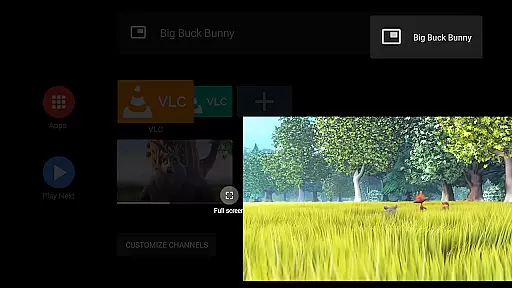
VLC for Android is a versatile media player that brings the renowned VLC experience to mobile devices. This free and open-source application supports an extensive range of video and audio formats, including network streams, DVD ISOs, and disk shares. With its comprehensive codec library, users can enjoy multimedia content without the need for additional plugins or downloads.
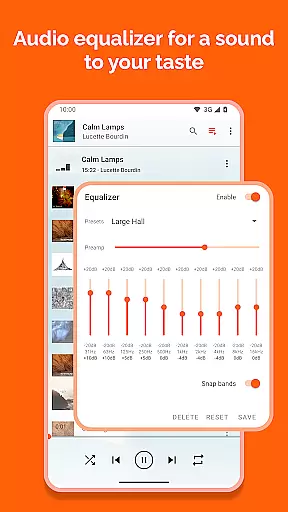
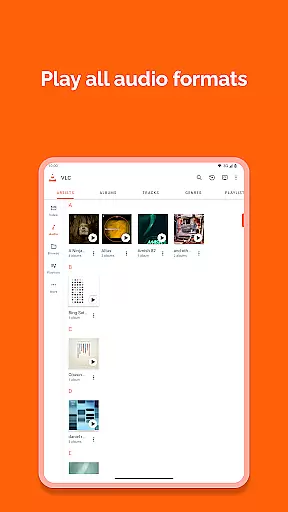
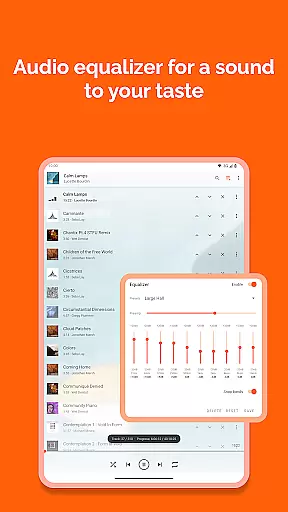
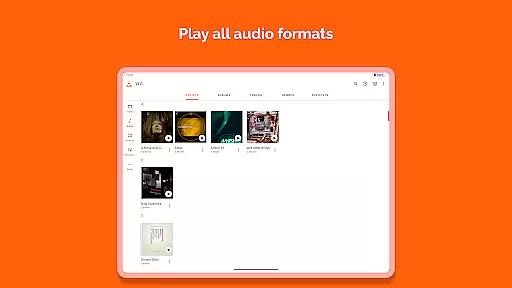
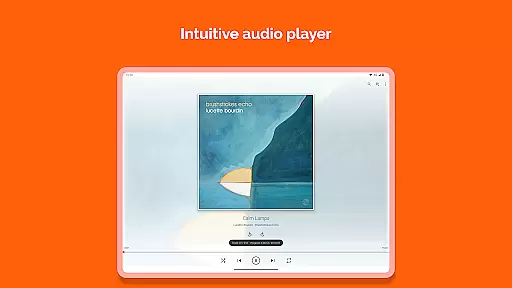
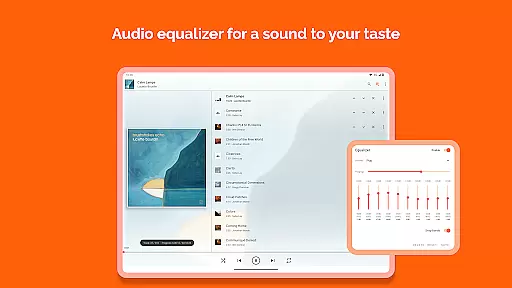
The app functions as a complete audio player with advanced features such as equalizer settings, filters, and a full database for organizing music libraries. Its user-friendly interface allows seamless navigation through local files and folders while supporting subtitles, multi-track audio, and various aspect ratio adjustments. Whether you're a casual viewer or a multimedia enthusiast, VLC for Android offers a robust solution for all your playback needs.
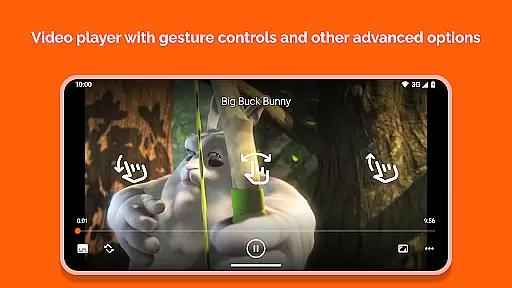
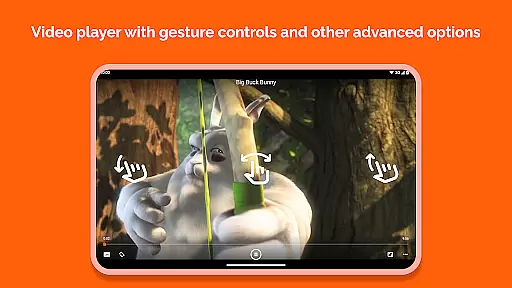
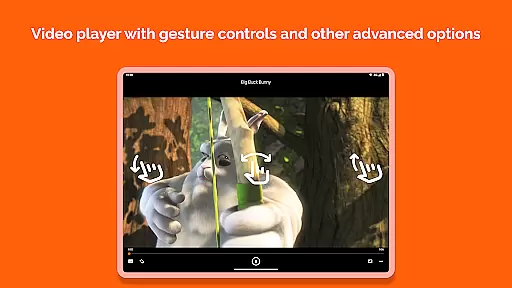
VLC for Android distinguishes itself through its impressive feature set tailored for both video and audio playback. The application supports all major multimedia formats including MKV, MP4, AVI, and FLAC, ensuring compatibility across diverse file types. Advanced playback controls allow users to adjust volume, brightness, and seeking through intuitive touch gestures.
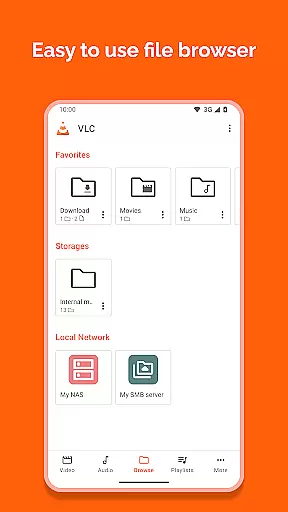
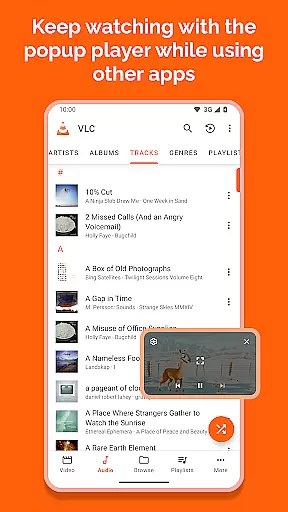
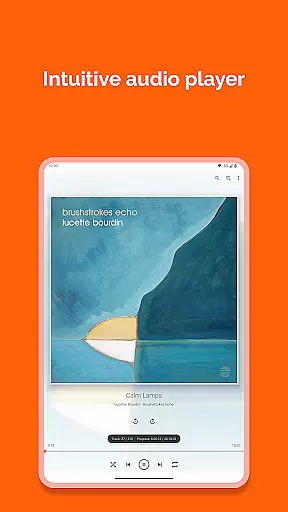
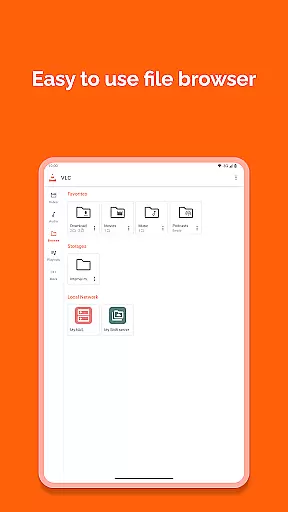
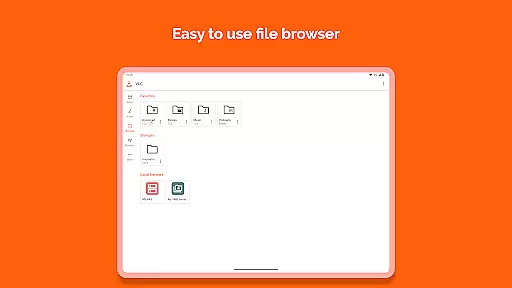
The media library provides a structured approach to managing audio and video collections, enabling users to browse files through a well-organized folder system. Additional features include support for adaptive streaming, multi-track audio/subtitles, and auto-rotation functionality. The inclusion of a customizable widget for audio control, along with support for audio headsets and cover art display, enhances the overall user experience while maintaining the powerful capabilities of the desktop version.
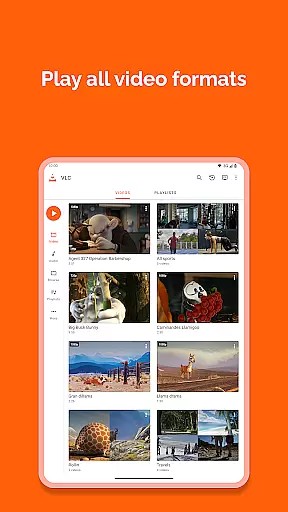
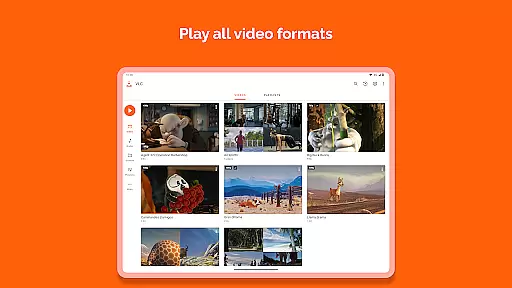
Video format compatibility is a crucial feature for any video player, ensuring that users can enjoy their media files without worrying about format restrictions. VLC for Android excels in this area by supporting all major video formats, including MKV, MP4, AVI, MOV, Ogg, FLAC, TS, M2TS, Wv, and AAC.
The application comes with all necessary codecs built-in, eliminating the need for users to download additional software or plugins. This comprehensive support allows seamless playback of videos from various sources, whether they are local files, network streams, DVDs, or network shares.
Moreover, VLC for Android supports advanced features like subtitles, Teletext, and Closed Captions, enhancing the viewing experience. Users can also take advantage of multi-track audio options, making it an ideal choice for those who require specific language tracks or commentary.
By offering such extensive video format compatibility, VLC for Android ensures that users have a versatile and hassle-free media consumption experience, catering to both casual viewers and tech-savvy enthusiasts alike.
While VLC for Android is primarily known for its robust video playback capabilities, it also offers some AI-powered editing features that enhance user interaction with media files. Although not as feature-rich as dedicated video editing software, these tools provide essential functionalities that improve the overall media management experience.
One notable feature is the automatic organization of media files into a comprehensive library, which simplifies navigation and access. The app intelligently categorizes audio and video files, allowing users to browse through folders effortlessly and locate their desired content quickly.
VLC for Android includes basic editing options such as trimming, rotating, and adjusting aspect ratios. These features, combined with gesture controls for volume, brightness, and seeking, offer users a streamlined way to customize their viewing experience according to personal preferences.
Additionally, the inclusion of a widget for audio control and support for audio headsets further enriches the user interface, providing convenient ways to manage playback. Overall, these AI-powered enhancements make VLC for Android a versatile tool for both media consumption and light editing tasks.
User-friendly interface
Wide format compatibility
No ads or in-app purchases
Regular updates
Free and open-source
Occasional bugs
Complex for beginners
Limited customization
Heavy on resources
No cloud integration

Video Downloader is an utility that can save videos and music from web sites
 4.20
4.20
KineMaster, Your Ultimate Video Editor!
4.40
This app was created to edit the metadata of music files.
4.20
KMPlayer Plus (Divx Codec) officially support Divx codec.
4.30
An easy-to-use and all-round screen recorder with audio
4.80
Seamlessly connect and control your smart devices, anytime, anywhere with ease.
4.60
Video player with 4K & 1080P support, popup play, background play and subtitle.
4.20
Video&Drama Player All Format is a HD video player, music player
3.00
Create, Publish & Maximize
4.70
GENRAL PRO - General Pro is the best video player that fully supports all formats.
4.70
Cast to Chromecast, Xbox, Fire Stick, Roku, DLNA, Smart TV & No Feature Limited!
4.50
Video Downloader, Multiple Resolution Options, Video Player
4.50
Download website videos fast&privacy
4.40
Powerful video player with advanced hardware acceleration and subtitle supports
4.20
Powerful, professional, versatile teleprompter. Developed by an active film crew
4.00
HD video & music player - All format support with floating & PIP mode!
3.80
Capture images & record videos for USB Camera, Webcam, Microscopes, Endoscopes
3.80
All in one multi protocols stream receiver for AirPlay, Cast and DLNA.
3.60
This app is an emulator of some specific IPTV boxes
3.50


User Reviews