
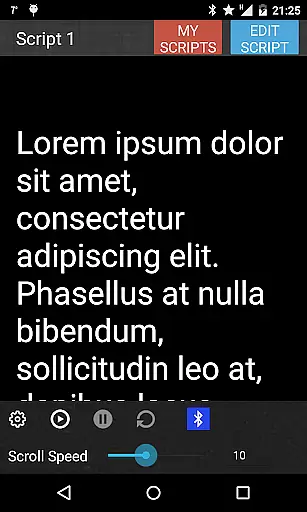
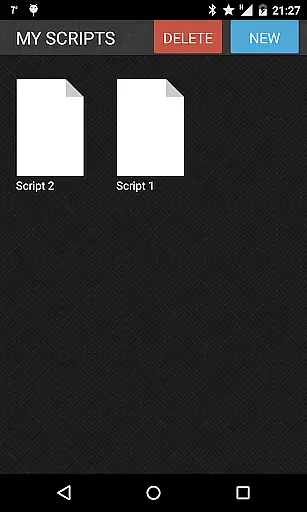
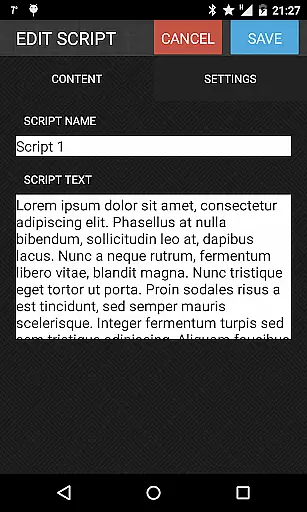
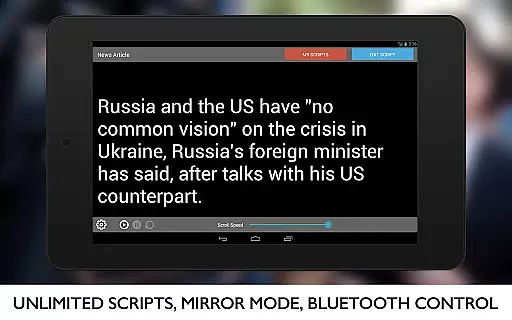
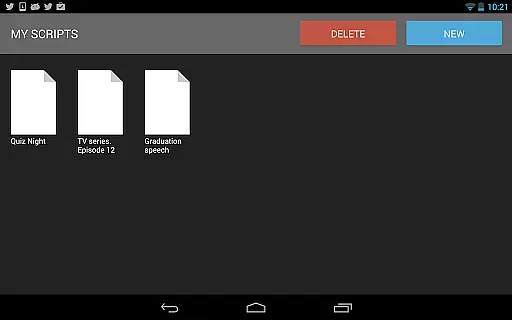
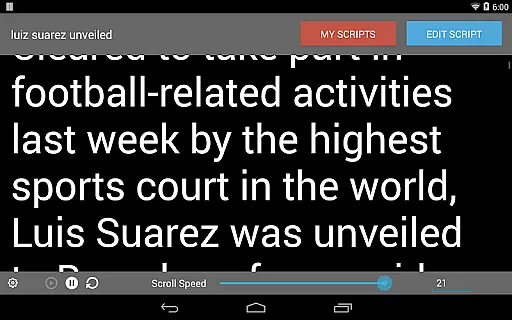
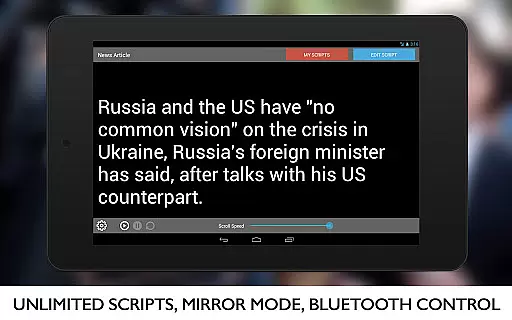
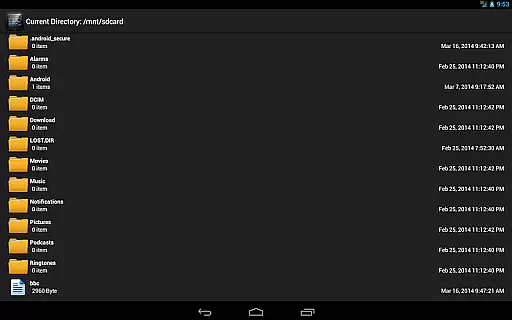
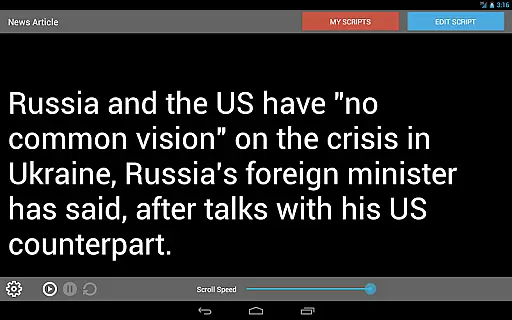
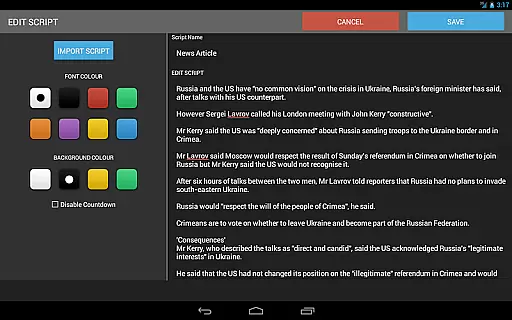
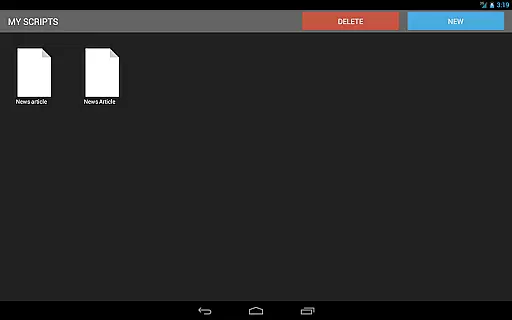
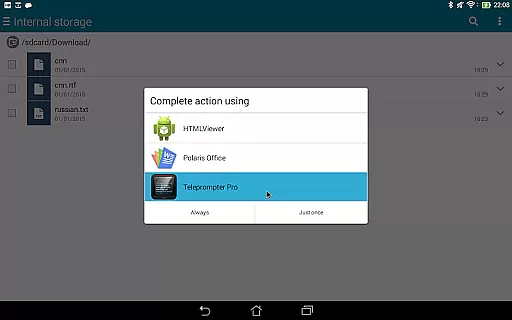
Teleprompter Pro is a professional teleprompter system designed for Android devices, offering users an efficient solution for presentations, lectures, and public speaking. The app allows users to create unlimited scripts, import text files, and adjust scrolling speed and text size to suit their needs.
One of the standout features is its mirror mode, which makes it ideal for use with teleprompter rigs. With additional capabilities like remote control via Bluetooth keyboard, font and background color customization, and in-app brightness control, Teleprompter Pro ensures a seamless experience for broadcasters, filmmakers, musicians, and business professionals.
This app is particularly useful for anyone who needs to deliver speeches or presentations without memorizing content. Its intuitive interface and customizable options make it a valuable tool for enhancing communication skills and ensuring smooth delivery.
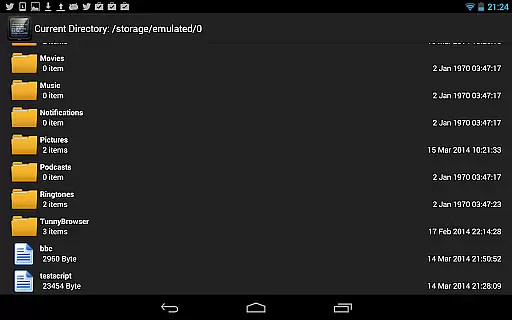
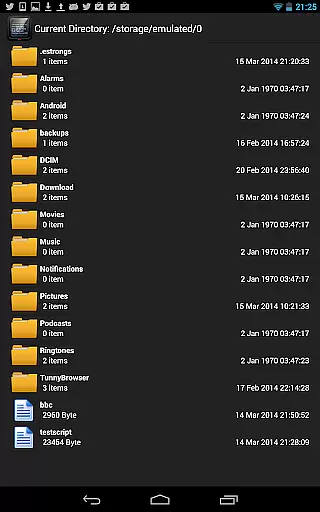
Teleprompter Pro stands out with its comprehensive feature set tailored for professional use. The app supports unlimited script creation and allows users to import scripts directly from text files, making it easy to manage large volumes of content. Its full-screen mode and mirror mode are specifically designed for optimal visibility when using teleprompter equipment.
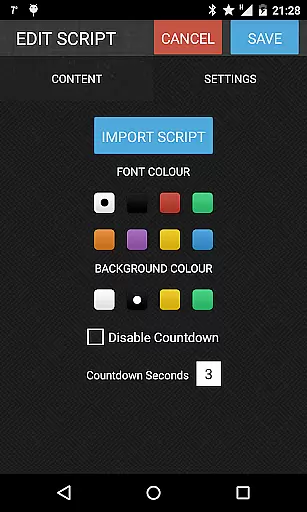
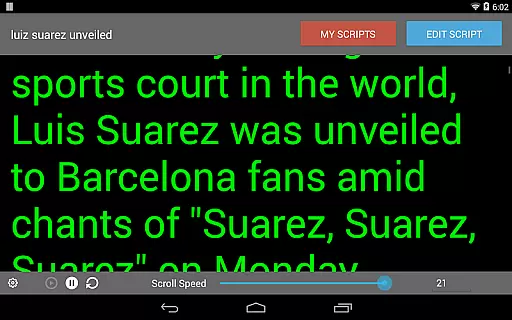
Users can control the app remotely using a Bluetooth keyboard, providing hands-free operation during critical moments. Customization options include font and background color selection, adjustable text size, and brightness control within the app. These features ensure that users can tailor the display to their specific preferences and environmental conditions.
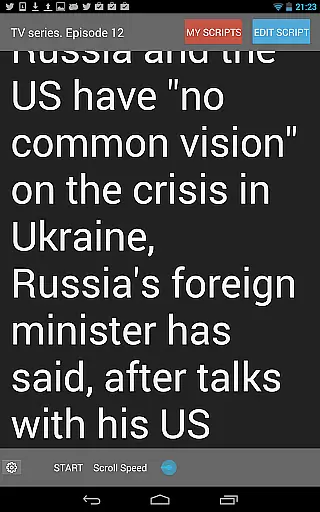
The ability to adjust the teleprompter's scrolling speed is another key advantage, allowing for a natural flow of speech. Whether preparing for a live broadcast, recording a video, or delivering a lecture, these features collectively enhance the user's ability to present confidently and professionally.
Video format compatibility is crucial for any video player or editor, ensuring that users can work with a wide range of file types without conversion hassles. Teleprompter Pro supports various script formats, allowing users to import scripts directly from text files.
The application's design focuses on flexibility and convenience, enabling users to handle unlimited scripts efficiently. With additional features like mirror mode and full-screen display, it caters to professional teleprompter system requirements.
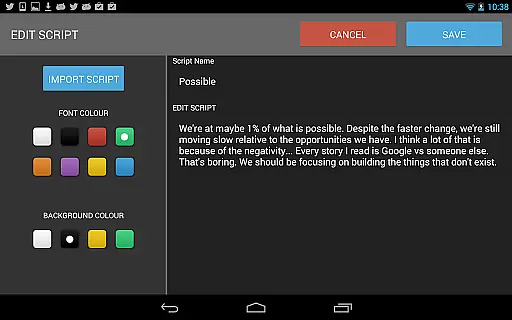
Users benefit from the ability to adjust text properties such as font color, background color, and text size, making it adaptable to different presentation environments and personal preferences. These customization options ensure that content is displayed clearly, regardless of the device or setting.
AI-powered editing features are transforming the way users interact with video content, providing intelligent tools that enhance productivity and creativity. Teleprompter Pro incorporates several smart functionalities, including speed adjustment for scrolling scripts and in-app brightness control.
The integration of remote control via Bluetooth keyboard adds another layer of convenience, allowing users to operate the app hands-free during presentations or recordings. This feature is particularly beneficial for broadcasters, filmmakers, and public speakers who rely on seamless cue management.
By combining traditional teleprompter capabilities with modern enhancements, Teleprompter Pro delivers a comprehensive solution for anyone needing an AutoCue-style app. Its intuitive interface and robust feature set make it suitable for professionals across various industries, ensuring smooth and effective communication.
User-friendly interface
Customizable display settings
Remote control support
Unlimited script storage
Mirror mode functionality
Limited to Android platform
No iOS version available
Premium features may require payment
Bluetooth connectivity issues reported
Complexity for first-time users

A Quick and Pro Video Editor
 4.70
4.70
Create & edit videos with AI
4.30
An easy-to-use and all-round screen recorder with audio
4.80
Seamlessly connect and control your smart devices, anytime, anywhere with ease.
4.60
IPTV Loader, loads your own Playlist. DOES NOT CONTAIN ANY LIST OR CHANNELS
4.60
Browser for Samsung TV to stream webvideos, online movies and livestreams in HD
4.10
Powerful video player with advanced hardware acceleration and subtitle supports
4.20
Screen recorder with audio to take live videos & Screenshot in high quality!
4.70
Capture the moment and Cut
3.40
#1 Torrent App on Android ** No Ads Ever + Battery Saver **
4.80
Watch a large amount of high-definition short drama content
4.60
Watch IPTV on your Android device
4.60
Cast movies, tv shows and live streams to Chromecast, Roku, DLNA, Fire TV & more
4.60
Fast video downloader & private browser. Save HD clips to watch offline.
4.40
Viddo: Generate Action Figure, AI Anime, AI kiss, AI hug Video from image & text
4.40
Video player with 4K & 1080P support, popup play, background play and subtitle.
4.20
VLC for Android is the best open source video and music player, fast and easy!
4.10
1)AirPlay/DLNA Mirroring/Streaming, up to 4 connections; 2)Samba/NAS/DMS Player.
4.00
The smartest M3U IPTV Player your playlists have ever seen.
4.0


User Reviews