
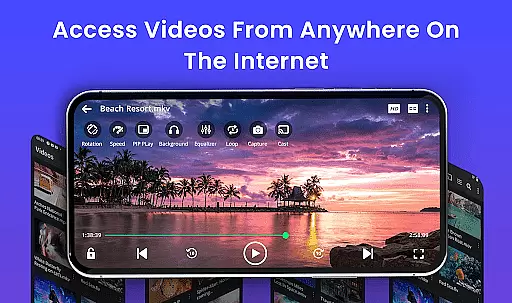
Video Player is a feature-rich video playback application designed to deliver an exceptional viewing experience on Android devices. Supporting all major video formats including MP4, MKV, AVI, MOV, and more, it ensures smooth, high-performance playback in stunning HD and 4K quality. The app's advanced decoding technology and AI-enhanced rendering provide seamless video playback with enhanced clarity.
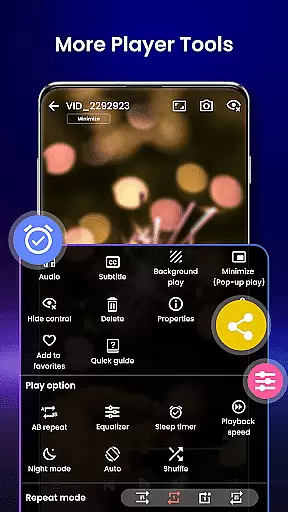
Beyond basic playback, Video Player offers smart gesture controls, subtitle support, speed control, and background play mode. Its built-in file manager automatically detects and organizes video files, while the private folder feature keeps sensitive content secure. Whether you're watching movies, managing media collections, or streaming to Chromecast-enabled TVs, this app caters to diverse user needs.
Ideal for movie enthusiasts and professionals alike, Video Player transforms your Android device into a cinema-grade entertainment hub. With its comprehensive feature set and user-friendly interface, it stands out as a versatile solution for all video playback requirements.
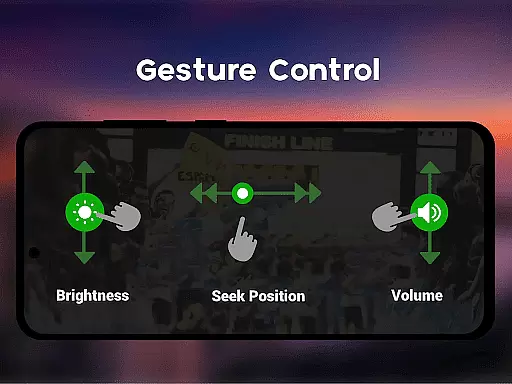
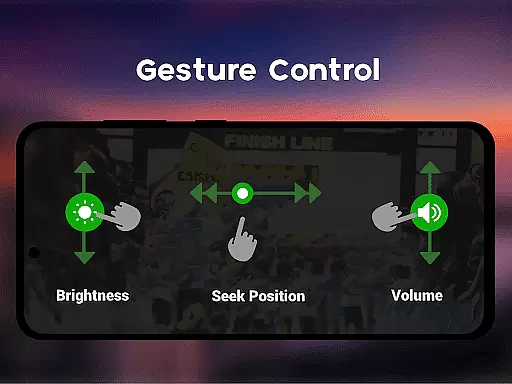
Video Player distinguishes itself through its extensive feature set tailored for optimal video playback. The app supports Ultra HD and 4K resolution, ensuring crystal-clear visuals across all supported formats like MP4, MKV, AVI, and WMV. Smart gesture controls allow users to effortlessly adjust volume, brightness, and seeking positions during playback.
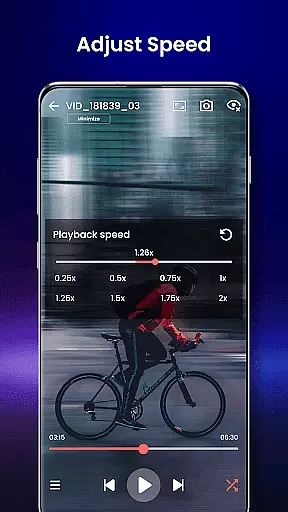
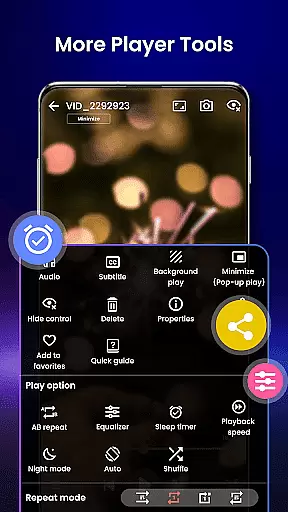
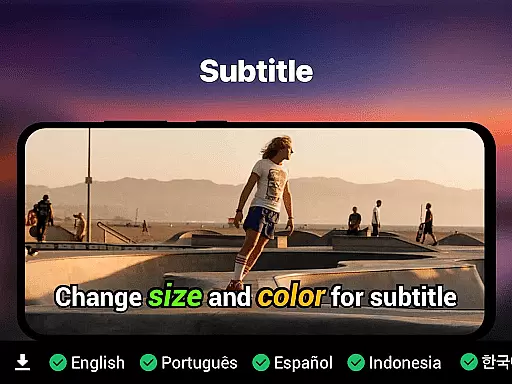
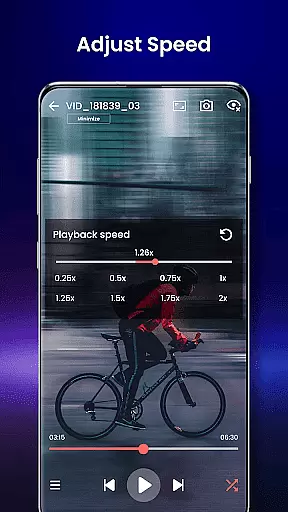
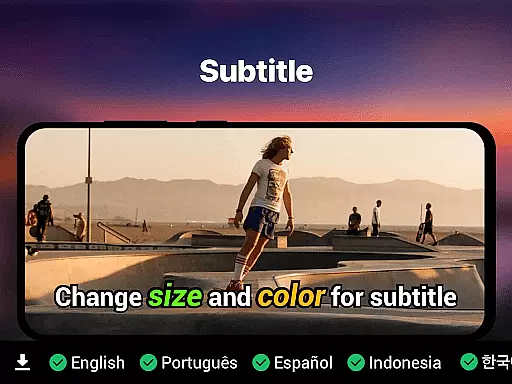
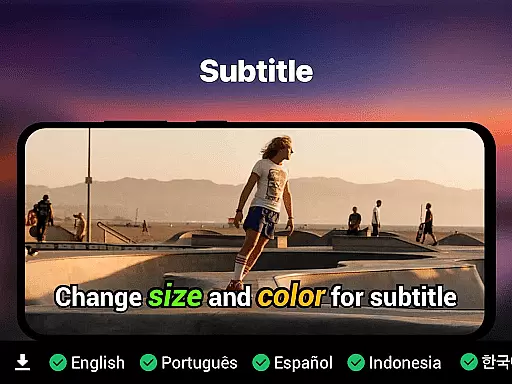
Subtitle support is another standout feature, accommodating SRT, SSA, ASS, and VTT formats with automatic track detection. Users can enjoy added convenience with background play, pop-up window mode, and night mode for eye protection. Speed control options range from 0.25x to 4x, enabling slow-motion and fast-forward capabilities.
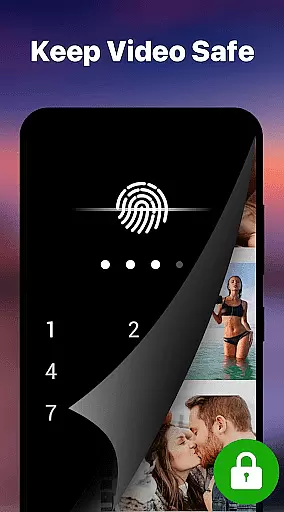
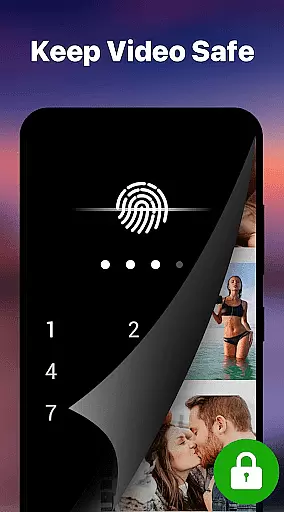
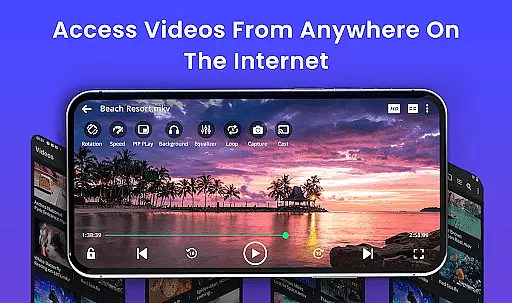
The app also includes practical tools such as a built-in file manager that auto-detects and organizes video files, a private folder secured by PIN lock, and Chromecast support for streaming to larger screens. These features collectively create a powerful yet intuitive video playback experience.
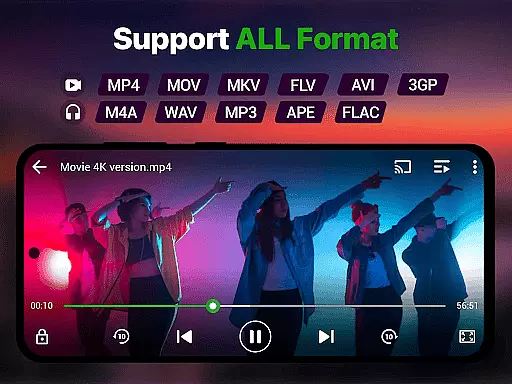
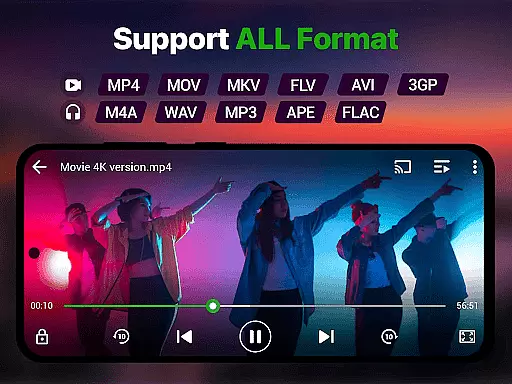
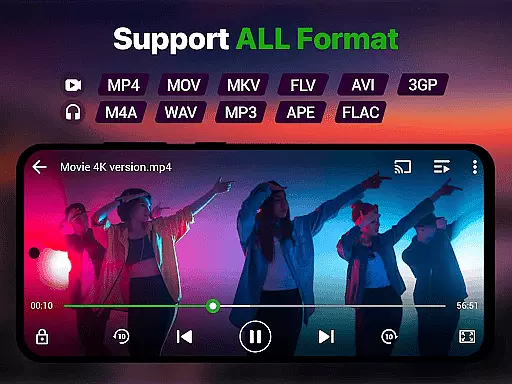
Video format compatibility is a crucial feature for any video player, ensuring that users can enjoy their media files regardless of the file type. The Video Player app excels in this area by supporting an extensive range of formats including MP4, MKV, AVI, MOV, FLV, 3GP, and WMV. This comprehensive support allows users to play videos without the need for conversion or additional software.
The app's advanced decoding technology ensures smooth playback of high-resolution videos, even in Ultra HD and 4K quality. With AI-enhanced rendering, it optimizes each frame for clarity and seamless viewing. Whether you're watching movies, recorded clips, or downloaded content, the experience is consistently smooth and lag-free.
Moreover, the inclusion of smart gesture controls and subtitle support enhances the overall user experience. Users can easily adjust volume, brightness, and playback position with simple gestures. Subtitle formats like SRT, SSA, ASS, and VTT are supported, with built-in track detection to ensure accurate synchronization. This makes the Video Player app a versatile tool for enjoying diverse multimedia content on Android devices.
AI-powered editing features represent the cutting-edge advancement in video player applications, providing users with tools that enhance both the quality and management of their video content. The Video Player app incorporates AI-enhanced rendering to boost clarity and optimize frames, ensuring a premium viewing experience. This technology not only supports high-resolution playback but also refines lower-quality videos, making them more enjoyable.
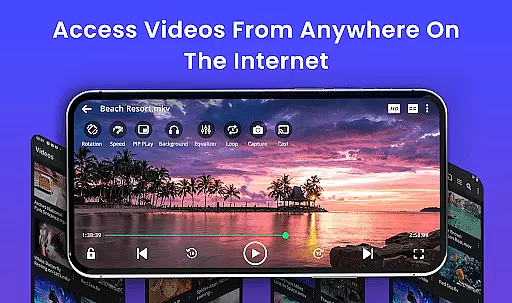
In addition to playback enhancements, the app offers practical features such as speed control and background play. Users can adjust playback speed from 0.25x to 4x, accommodating various viewing preferences and needs. Background play and pop-up window mode allow for multitasking, enabling users to continue watching videos while using other apps or browsing content.
File management is another area where AI-powered features shine. The app includes an integrated file manager that auto-detects and organizes video files, streamlining media collection management. A private folder option with PIN lock ensures secure viewing, adding an extra layer of privacy. These intelligent features collectively make the Video Player app a powerful and user-friendly solution for all video playback and management needs on Android devices.
Supports all video formats
Smooth 4K playback
Smart gesture controls
Private folder security
No ads
Limited iOS support
High storage usage
Complex settings
Frequent updates
Occasional bugs

Client application for NextPVR software
 3.00
3.00
Cast to Chromecast, Xbox, Fire Stick, Roku, DLNA, Smart TV & No Feature Limited!
4.50
Search & download videos from net with all video downloader, auto-detect & safe.
4.60
Fast video downloader & private browser. Save HD clips to watch offline.
4.40
Live TV, anywhere in your home
3.80
1)AirPlay/DLNA Mirroring/Streaming, up to 4 connections; 2)Samba/NAS/DMS Player.
4.00
Pro video editor app for Instagram, edit video with song, AI, effect & slowmo.
4.80
All in one HD video downloader & player for multiple formats with full privacy
4.70
Manage your IPTV live channels and VOD playlists (no playlist included)
3.80
Play ALL formats in 4K & HD. Video downloader, MP3 player, Chromecast & more.
4.80
Cast Videos from Web Browser, IPTV to Roku, Chromecast, DLNA, Smart TV +more
4.60
Snaptubè Video Downloader app allows to download videos and music in Snaptube. .
4.60
Create photo video with music & template. AI video maker for stunning slideshow.
4.60
KineMaster, Your Ultimate Video Editor!
4.40
Viddo: Generate Action Figure, AI Anime, AI kiss, AI hug Video from image & text
4.40
Powerful video player with advanced hardware acceleration and subtitle supports
4.20
Download videos easily & play them all in one smart, powerful video manager.
3.40
Video player with powerful streaming playback and various convenient features.
2.10
The smartest M3U IPTV Player your playlists have ever seen.
4.4


User Reviews