
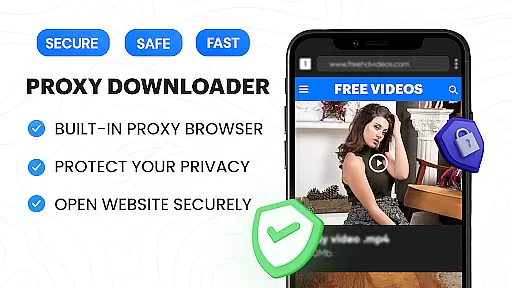
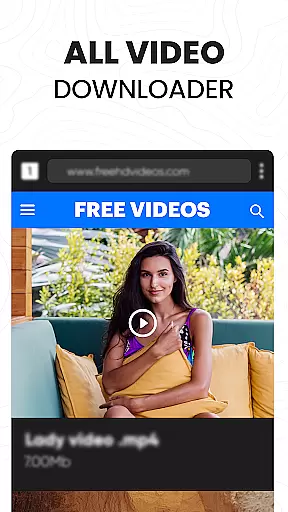

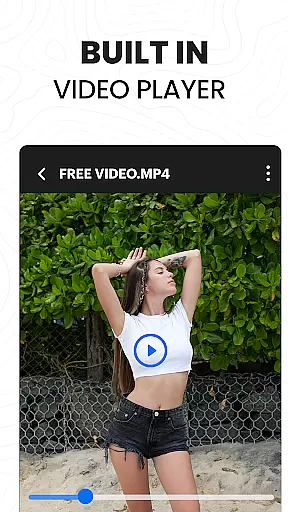
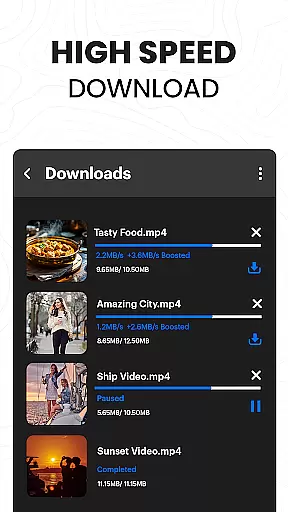
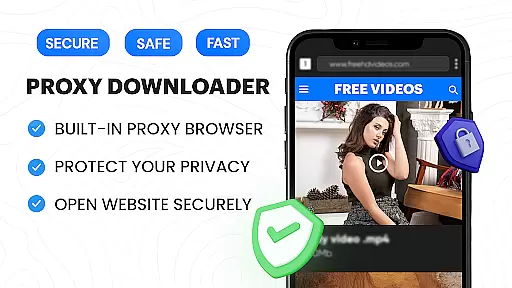
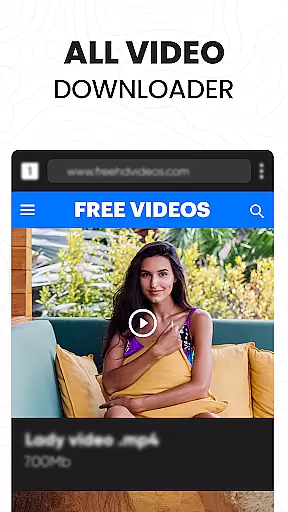

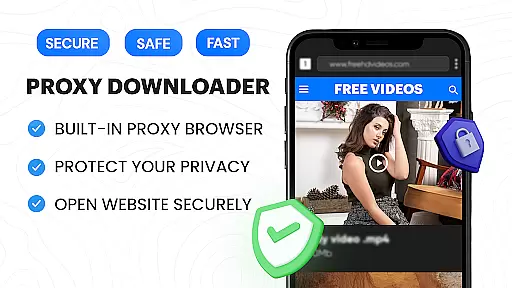
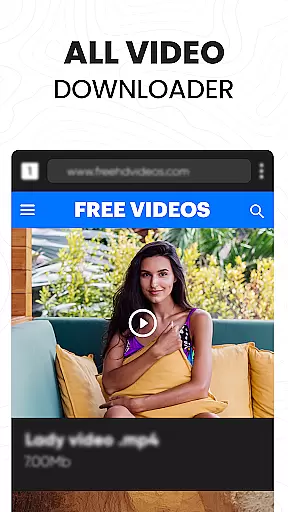

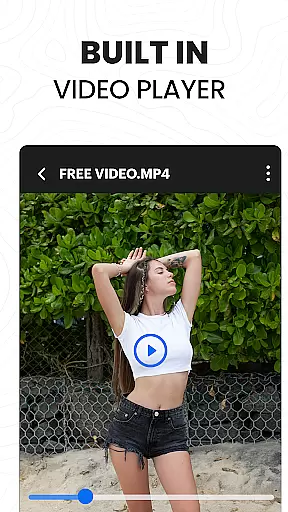
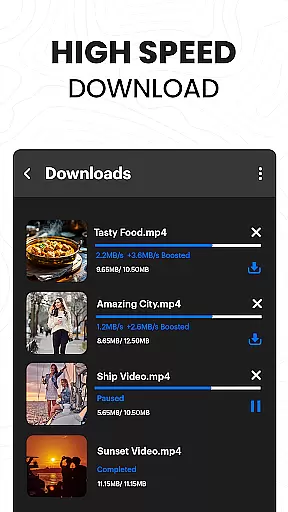
Video Downloader Proxy Browser is a versatile application designed for Android users who need a secure and efficient way to browse, download, and manage videos. The app features a built-in proxy browser that ensures privacy and security, even on public WiFi networks. It allows users to download videos in high definition from various websites and social media platforms while offering smooth playback through its integrated video player.
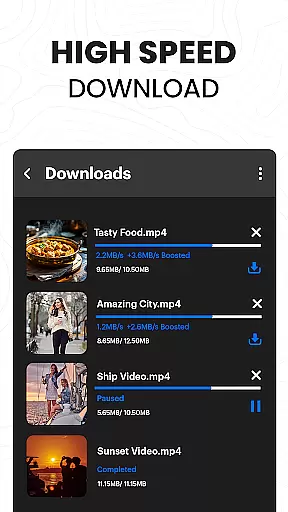
The application stands out with its advanced download manager that supports multiple simultaneous downloads, background downloading, and interrupted task resumption. With capabilities like one-tap video saving, 4K video support, and password-protected folders, it provides a comprehensive solution for managing downloaded content securely and efficiently.
Whether you're looking to save videos for offline viewing or need a private browsing experience, Video Downloader Proxy Browser offers the tools necessary to enhance your digital media consumption safely and conveniently.
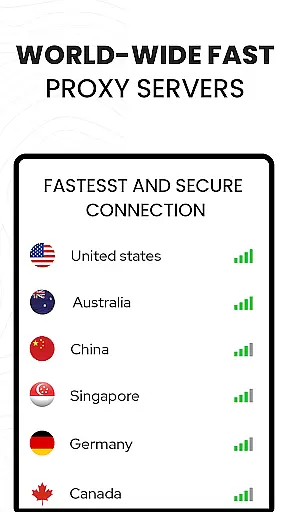
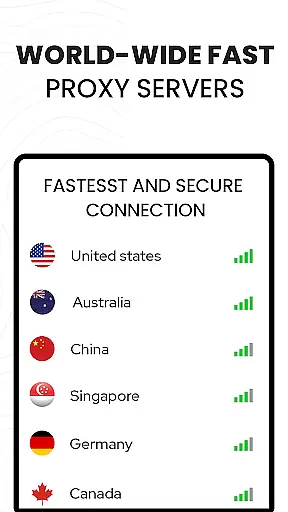
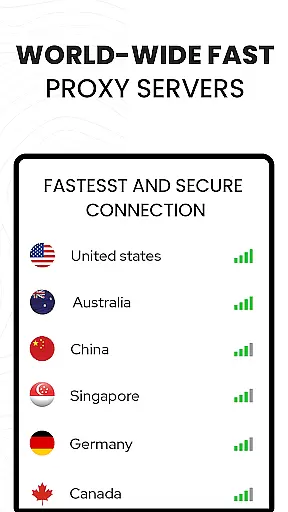
Video Downloader Proxy Browser boasts an array of features tailored to improve user experience when handling video content. One of its key functionalities is the built-in proxy browser, which not only blocks ads and trackers but also secures your data on public Wi-Fi using proxy servers. This makes online browsing faster, safer, and more data-efficient.
In addition to its robust security measures, the app includes a powerful video downloader capable of detecting videos automatically and enabling one-click downloads. Users can download videos in HD quality, pause and resume downloads as needed, and even handle multiple downloads simultaneously. The inclusion of a 4K ultra HD video player ensures that all downloaded content is viewable in exceptional clarity, supporting multiple video formats.
For those concerned about privacy, the app allows storing downloaded files in password-protected folders, adding an extra layer of security. These features collectively make Video Downloader Proxy Browser a reliable tool for both casual viewers and power users who demand efficiency and protection.
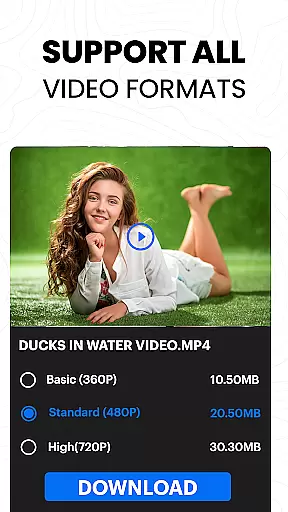
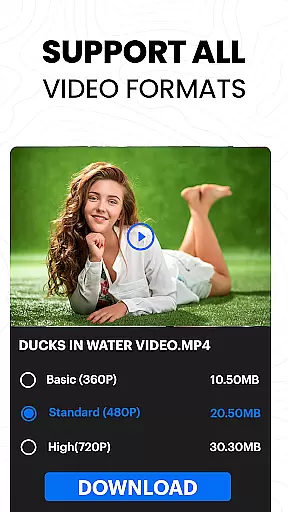
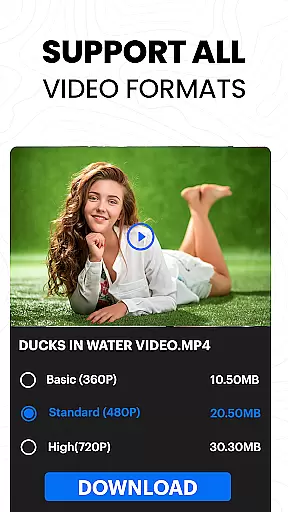
Video format compatibility is a crucial feature for any video player and editor, ensuring that users can enjoy content across various file types without technical barriers. The Video Downloader Proxy Browser supports an extensive range of formats, including but not limited to MP4, AVI, MKV, and MOV. This versatility allows users to play videos from different sources seamlessly.
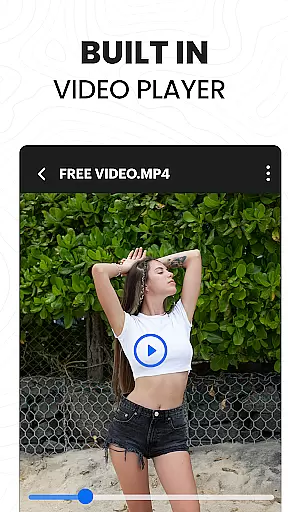
The app's built-in ultra HD video player takes compatibility a step further by supporting high-resolution files up to 4K. Whether you're watching standard-definition clips or immersive ultra-high-definition content, the player maintains excellent quality and smooth playback. This ensures an optimal viewing experience regardless of the video's original format or resolution.
For users who frequently download videos from diverse platforms, this wide format support eliminates the need for additional conversion software. The one-click HD video download feature works in tandem with the player's compatibility, making it easy to save and enjoy content from websites and social media apps without worrying about playback issues.
Ultimately, the comprehensive video format compatibility of this app provides users with unparalleled flexibility. From streaming online videos to managing downloaded files in a password-protected folder, every feature is designed to make video consumption as hassle-free as possible while maintaining professional-grade standards.
AI-powered editing features represent the cutting edge of video processing technology, enabling users to enhance their content with minimal effort. The Video Downloader Proxy Browser incorporates advanced AI tools that automate complex editing tasks, making professional-quality enhancements accessible to everyone. These features include intelligent cropping, automatic color correction, and smart filters that adapt to video content.
One of the standout AI capabilities is the app's smart auto-detect function for video downloads. This feature not only identifies downloadable content across various websites but also optimizes the files for better playback and storage efficiency. The AI algorithms analyze video parameters and suggest the best quality settings for downloading, ensuring users get the most suitable version for their devices.
The built-in proxy browser benefits from AI as well, implementing sophisticated ad and tracker blocking mechanisms. This AI-driven protection creates a cleaner, faster browsing experience while maintaining privacy and security. Additionally, the advanced download manager uses AI to optimize multiple simultaneous downloads, adjusting bandwidth allocation based on network conditions and file priorities.
These AI-powered features work together to create a seamless user experience, from discovering content to downloading and playing videos. The combination of intelligent automation and powerful manual controls puts professional-grade video editing capabilities at users' fingertips, all within a single intuitive application.
User-friendly interface
Advanced download manager
Secure proxy browsing
High-definition video support
Ad and tracker blocker
Limited to supported websites
No YouTube integration
Potential legal concerns
Requires manual updates
Occasional bugs reported

A Quick and Pro Video Editor
 4.70
4.70
Cast to Chromecast, Xbox, Fire Stick, Roku, DLNA, Smart TV & No Feature Limited!
4.50
1)AirPlay/DLNA Mirroring/Streaming, up to 4 connections; 2)Samba/NAS/DMS Player.
4.00
An easy-to-use and all-round screen recorder with audio
4.80
IPTV Player - Watch live TV from m3m & m3u8 playlist, stream IPTV on mobile
3.30
All in one multi protocols stream receiver for AirPlay, Cast and DLNA.
3.60
This app is an emulator of some specific IPTV boxes
3.50
Browser for Fire TV to stream webvideos, online movies, livestreams in HD
4.40
VLC for Android is the best open source video and music player, fast and easy!
4.10
Tik & Story Saver-Download ALL social media videos, photos & reels no watermark.
4.80
GENRAL PRO - General Pro is the best video player that fully supports all formats.
4.70
Find, download, and play torrents with the official BitTorrent® Pro app
4.70
Screen recorder with audio to take live videos & Screenshot in high quality!
4.70
Cast Videos from Web Browser, IPTV to Roku, Chromecast, DLNA, Smart TV +more
4.60
Fast & Private Video Downloader App. Save all videos easily from the Internet.
4.40
Viddo: Generate Action Figure, AI Anime, AI kiss, AI hug Video from image & text
4.40
This app was created to edit the metadata of music files.
4.20
Browser for Sony TV to stream web videos, online movies and live tv
3.20
Mix with Virtual DJ directly from your phone or tablet !
3.10


User Reviews