
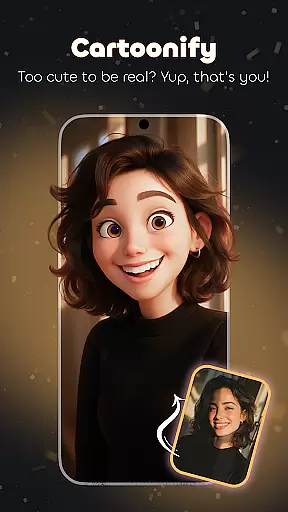
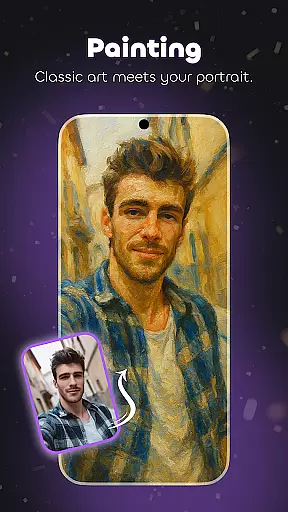
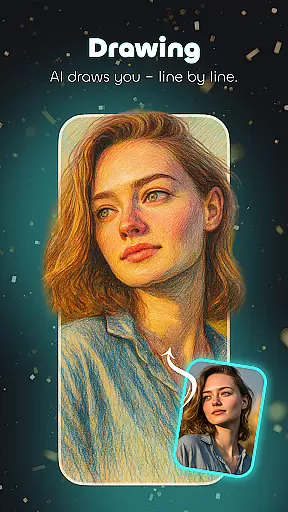
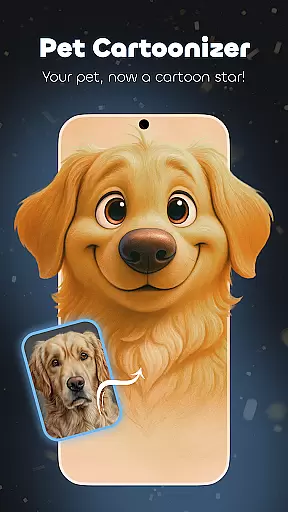
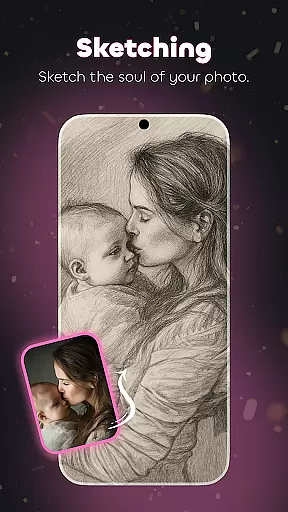
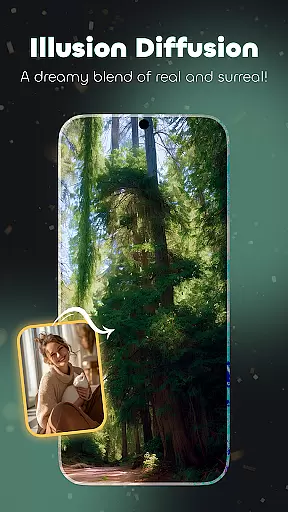
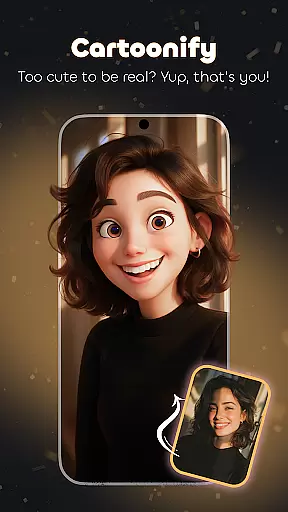
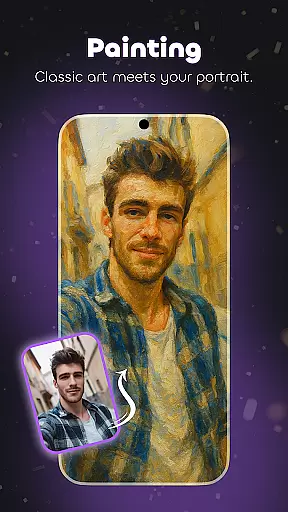
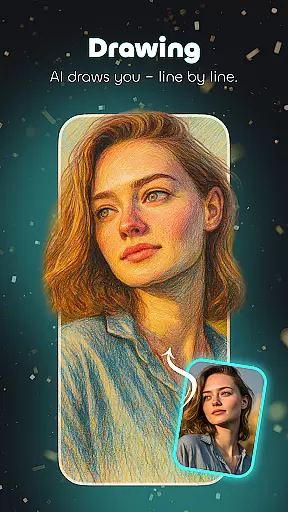
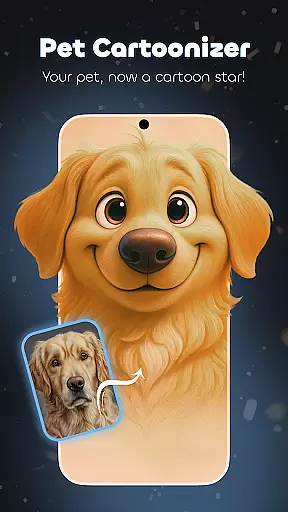
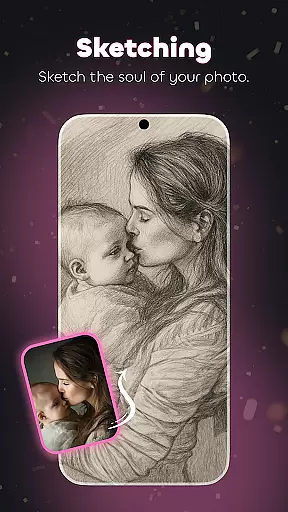
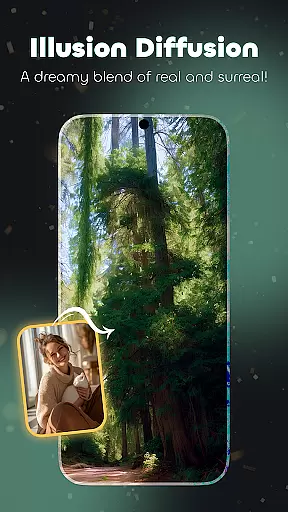
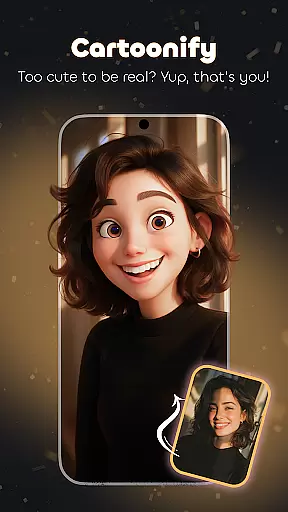
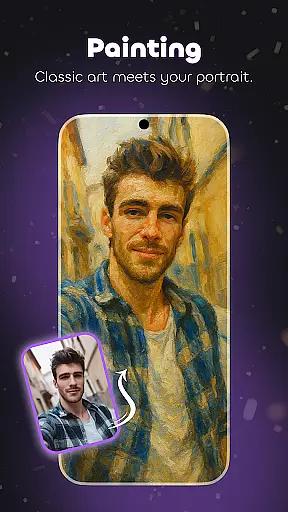
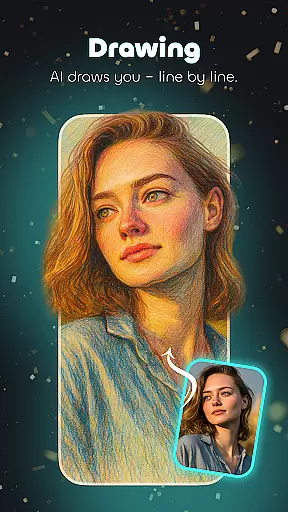
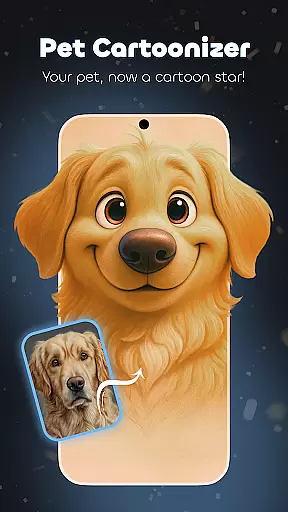
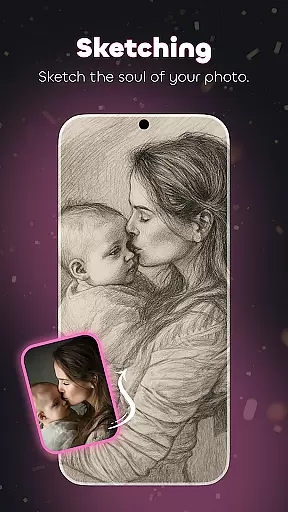
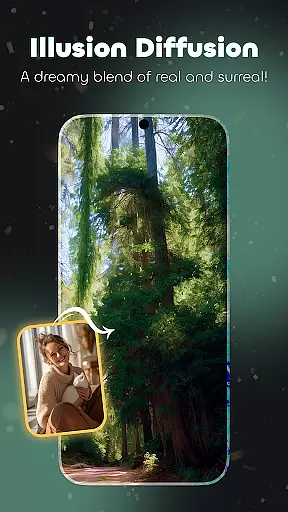
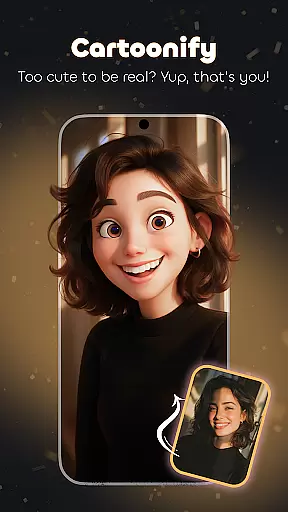
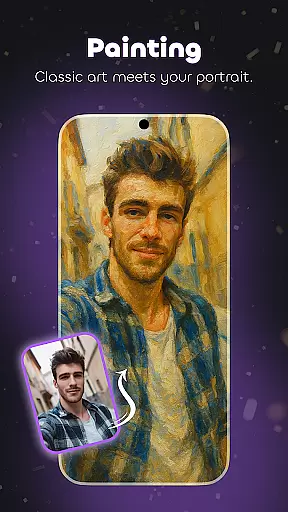
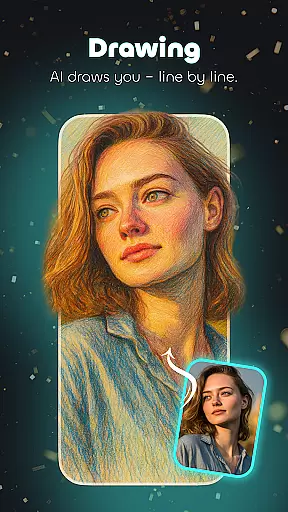
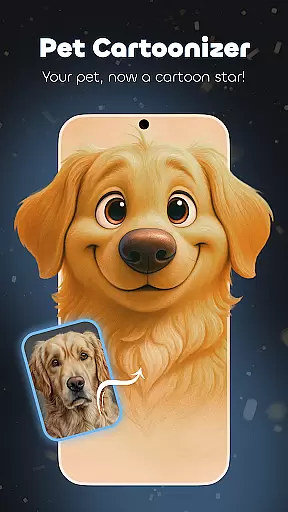
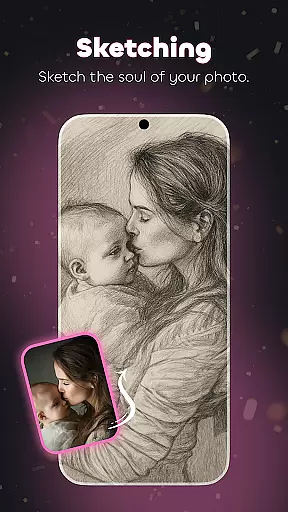
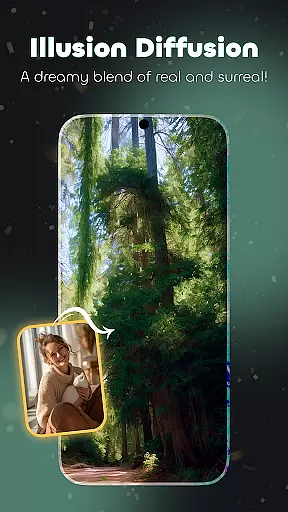
Cartoonify Me – Toon Photos is a revolutionary photography app that transforms ordinary photos into captivating cartoon artworks. The app's core functionality lies in its ability to convert regular images into animated pictures, cartoon portraits, and personalized emojis through advanced photo editing features.
One of the standout features is the Illusion-Diffusion tool, which creates surreal cartoon landscapes by blending various artistic elements. Users can also utilize the Pet Cartoonizer to transform pet photos into adorable cartoon versions. With an intuitive interface, this free photo editor offers professional-grade tools for creating unique cartoon effects, making it suitable for both casual users and aspiring digital artists.
This app is particularly useful for social media enthusiasts who want to add creative flair to their online presence. By turning everyday photos into whimsical cartoon representations, users can create distinctive visual content that stands out in crowded digital spaces.
Cartoonify Me boasts an impressive array of features designed to unleash users' creativity. The app's most notable capability is its comprehensive suite of cartoon transformation tools, including the innovative Illusion-Diffusion feature that generates surreal artistic effects.
The application provides multiple specialized functions such as the Pet Cartoonizer for animal photos, emoji creation tools, and various cartoon filters. These features work together to offer users extensive customization options, from basic cartoon effects to detailed artistic renderings. The app supports various artistic styles, including painting-like effects, detailed drawings, and sketch transformations.
What sets Cartoonify Me apart is its user-friendly interface combined with powerful editing capabilities. The app maintains professional-grade features while ensuring accessibility for users of all skill levels. This combination of advanced functionality with intuitive design makes it an exceptional tool for both casual photo editing and serious artistic exploration.
Real-time capture and preview functionality is essential for ensuring that users can see the results of their photo edits instantly. This feature allows users to visualize changes as they apply different cartoon effects, making the editing process more interactive and engaging.
Cartoonify Me - Toon Photos excels in providing a seamless real-time experience. The app's advanced processing capabilities ensure that even complex transformations like Illusion-Diffusion happen without noticeable lag. Users can watch their photos morph into animated avatars or whimsical cartoons right before their eyes.
The benefit of this real-time functionality extends beyond mere convenience. It enables users to make precise adjustments, experiment with various styles, and achieve their desired artistic outcomes more efficiently. Whether transforming selfies into cartoon portraits or creating personalized emojis, the immediate visual feedback enhances both creativity and productivity.
This instant preview feature sets Cartoonify Me apart from other photo editing applications. By eliminating the waiting time between edits, users can fully immerse themselves in the creative process, making photo cartoonization not just a task but an enjoyable artistic journey.
AI-powered beauty and enhancement features have become crucial in modern photo editing applications. These tools use sophisticated algorithms to enhance facial features while maintaining a natural appearance, avoiding the artificial look often associated with digital modifications.
Cartoonify Me implements AI beauty enhancements thoughtfully, focusing on preserving the user's original characteristics while applying subtle improvements. The app's AI technology intelligently identifies facial features and applies enhancements that complement the user's natural attributes, whether creating cartoon avatars or refining portrait details.
The value of natural-looking enhancements becomes particularly evident when using features like Pet Cartoonizer or creating personalized emojis. The AI ensures that while features are enhanced, they remain recognizable and true to the original subject. This approach maintains the emotional connection between the viewer and the transformed image.
By prioritizing natural enhancement over dramatic alterations, Cartoonify Me delivers professional-quality results that appeal to both casual users and serious artists. The AI-driven tools strike the perfect balance between enhancement and authenticity, making every transformed image uniquely personal yet artistically impressive.
User-friendly interface
Wide range of effects
Pet Cartoonizer feature
Free to use
Professional results
May drain battery
Large file sizes
Ads present
Occasional bugs
Limited advanced tools

Search, tag and rate your way to an organized image gallery
 4.40
4.40
Add Watermark - Sign your pictures with a text or logo. Effective, quick, easy!
4.50
Create amazing frames with up to five photos. Rounded corners, effects and more!
3.60
AI Photo Editor with 100+ Filters, Effects! Remove BG, Retouch & Photo Enhancer.
4.80
Easily view, share, delete photos with Gallery.
4.70
Snap photos remotely using your Garmin watch as the camera trigger
4.5
Unlock the full potential of your DJI drone with Litchi
4.50
Discover How to Plan any Sun, Moon and Milky Way Photo You Imagine in Seconds
4.70
Your Family Calendar + Photos. Manage your Skylight Calendar and Skylight Frame.
4.40
Enhance, upscale, and transform your images — on your device, without limits
4.70
Viewfinder, Light meter, Reciprocity failure time, DOF & Bellows Extension
4.60
Unblur, enhance & restore photos with powerful AI photo enhancer tools.
4.60
Transform photos into videos! Create realistic or anime-style images easily!
4.50
Create AI Photos, Improve and restore quality of blurry, old or damaged pics.
4.20
Professional camera app that brings DSLR manual photography controls to Android.
4.20
How would you look like with a differently shaped nose, chin or lips?
3.90
GCamera allows all GCam features on all phone models! Better photos with GCamera
3.30
Superimpose one photo on top of another using the original Superimpose app!
3.20
Long exposure camera with computational photography
2.60


User Reviews