
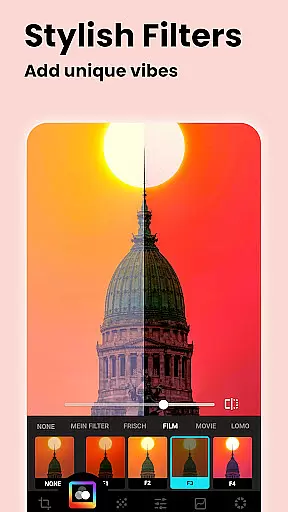
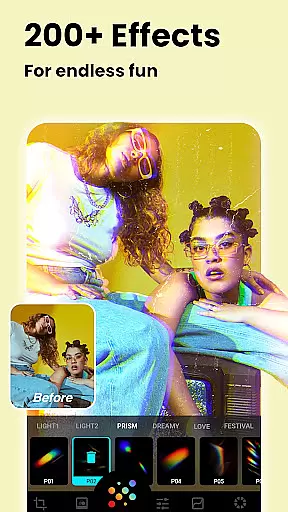
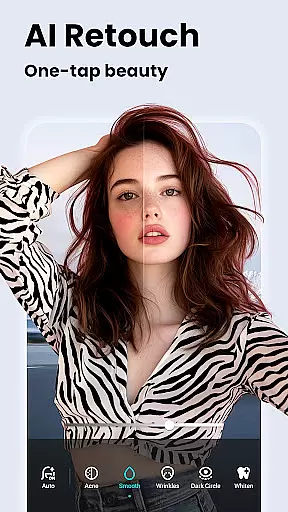



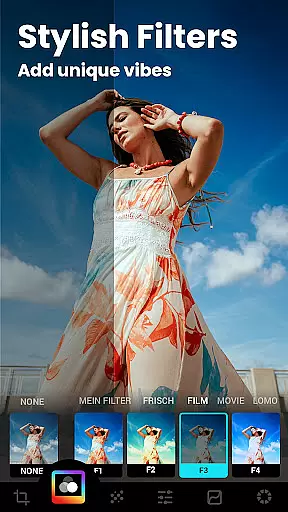


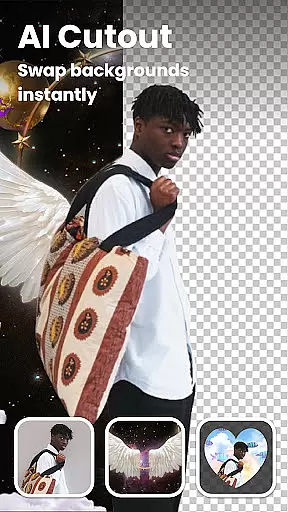


Lumii is an advanced AI-powered photo editor designed for both amateur and professional photographers. The app offers a comprehensive suite of editing tools including AI photo enhancement, background removal, and a vast selection of customizable filters and effects
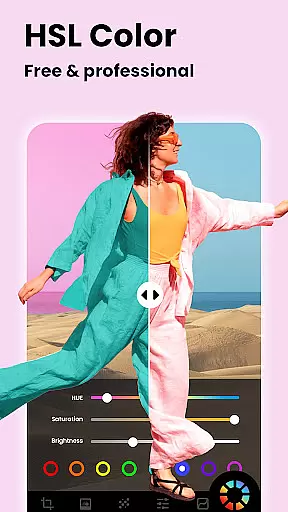
With its user-friendly interface, Lumii makes high-quality photo editing accessible to everyone. Users can effortlessly create stunning images by applying 100+ trendy filters, artistic effects, and professional-grade adjustments like HSL, curves, and selective editing
Whether you're looking to enhance portrait photos, create double exposure effects, or add creative text overlays, Lumii provides the perfect solution for all your photo editing needs
Lumii stands out with its impressive array of AI-powered features. The app's automatic background remover tool allows users to easily erase unwanted elements and replace backgrounds with just one tap
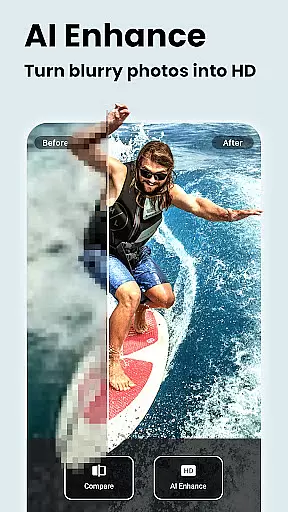
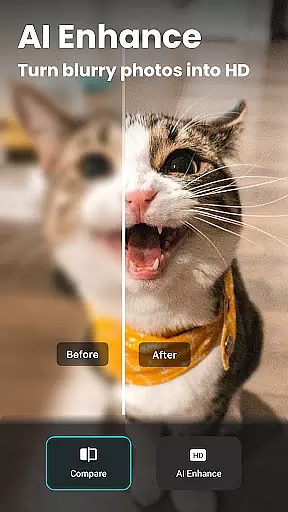
The AI enhancement feature transforms ordinary photos into HD-quality masterpieces while maintaining natural skin tones. Users can also experiment with creative effects like bokeh, mosaic, and glitch effects that give photos a unique artistic touch
Advanced editing tools include professional-grade HSL adjustments, curves, and selective editing options. The app supports non-destructive editing with complete history tracking and multiple draft workspaces for complex projects
Real-time capture and preview functionality is essential for any photography app, allowing users to see exactly what their photo will look like before taking the shot. Lumii offers a seamless experience in this area by providing instant feedback on filters and effects applied to photos as you edit them.
The app's advanced AI algorithms ensure that changes are reflected immediately, giving users an accurate representation of the final output. This feature is particularly useful when applying complex edits such as background removal or double exposure, where precision is key.
With Lumiiu2019s real-time capabilities, photographers can experiment with different styles and settings without delay, enhancing creativity and efficiency. The ability to preview adjustments instantly not only saves time but also improves the overall quality of edits by allowing for precise modifications.
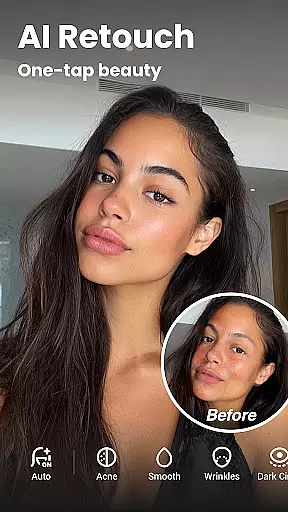
AI beauty and enhancement features have become a staple in modern photo editing, offering tools that perfect images while maintaining a natural look. Lumii stands out with its suite of AI-powered enhancements designed to subtly improve portraits without making them appear overly processed.
From skin smoothing to teeth whitening, Lumii's auto retouch feature intelligently applies corrections that enhance natural beauty. These enhancements are carefully balanced to avoid the artificial appearance often associated with heavy digital manipulation.
Additionally, Lumiiu2019s AI Photo Enhancer works to unblur and sharpen images, turning even low-quality snapshots into clear, high-definition photos. By focusing on naturalness, Lumii ensures that edited photos retain their authenticity, providing users with professional-grade results that still look genuine and lifelike.
Powerful AI enhancement tools
Extensive filter collection
User-friendly interface
Professional-grade editing features
Completely free to use
Occasional processing delays
Some features require learning
Advanced tools may overwhelm beginners
Interface could be more intuitive
Large file size

Gallery show photo, video, slideshow, is perfect 3D effect private photo albums.
 4.80
4.80
Easily stitch panoramas from multiple photos or video.
4.40
Viewfinder, Light meter, Reciprocity failure time, DOF & Bellows Extension
4.60
All-in-One Editor & AI Photo Enhancer, Collage, Cartoonify, Funny Stickers & BGS
4.10
Create collages easily! Nice pic collage maker & background eraser for Instagram
4.50
Photo editor: AI filters, photo enhancer, pic collage maker, AI art generator.
4.80
Professional photography on your mobile phone
4.20
GCamera allows all GCam features on all phone models! Better photos with GCamera
3.30
Solocator stamps photos you take with GPS location, Compass Direction, Date/Time
3.80
Pro version: AR sun/moon tracker for any date. Tool for photographers & planners
4.90
The original Rarevision VHS look seen everywhere!
4.70
PhotoSync Bundle Add-On License. Enables all features and services in PhotoSync.
4.60
Discover & download millions of art for The Frame TV or Hisense CanvasTV
4.60
Add Watermark - Sign your pictures with a text or logo. Effective, quick, easy!
4.50
All-in-One Editor & AI Photo Enhancer, Beautify & Retouch, Collage, Cartoonify
4.20
AI-powered video creator by MiniMax - Where ideas meet cinema
4.20
Astrophotography with your smartphone, photo live stacking and much more!
3.90
Superimpose one photo on top of another using the original Superimpose app!
3.20
Long exposure camera with computational photography
2.60


User Reviews