

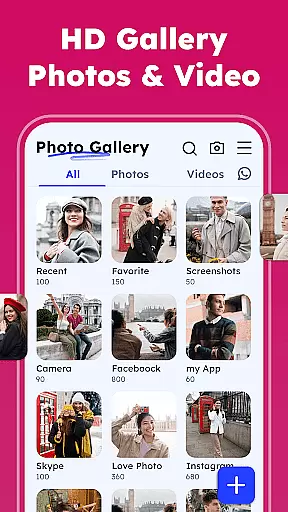

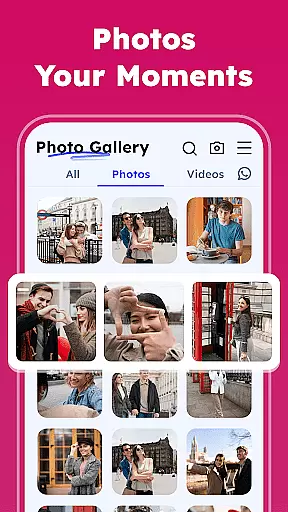
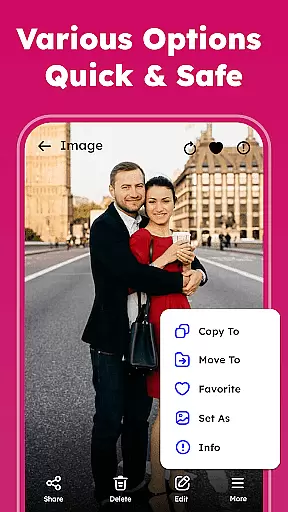
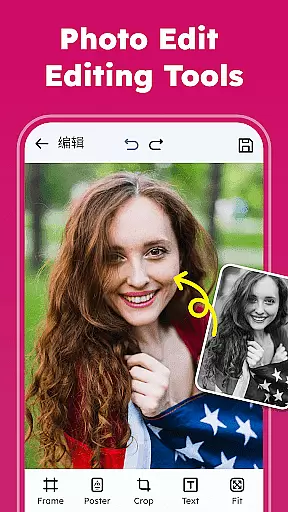
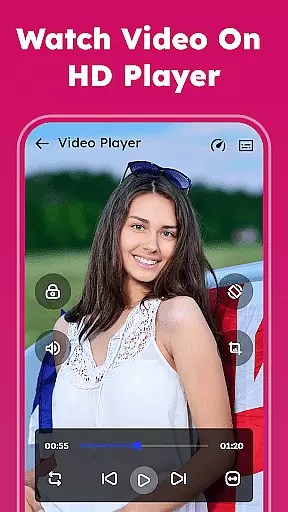
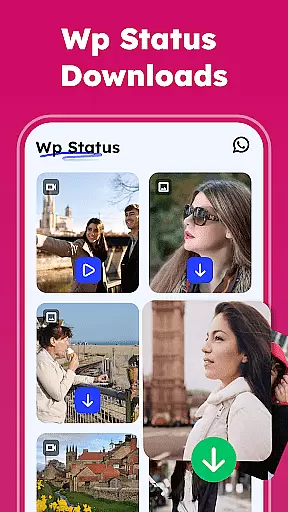

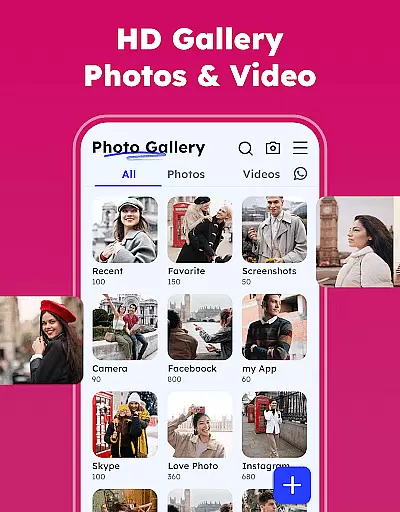

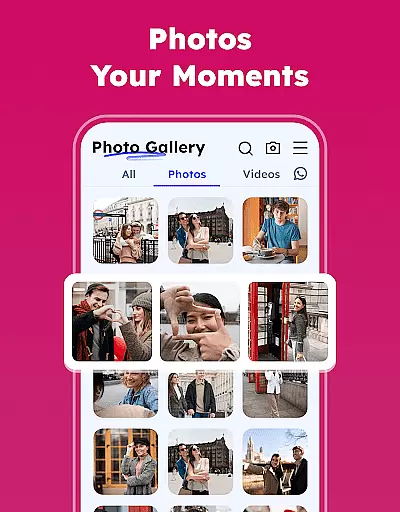
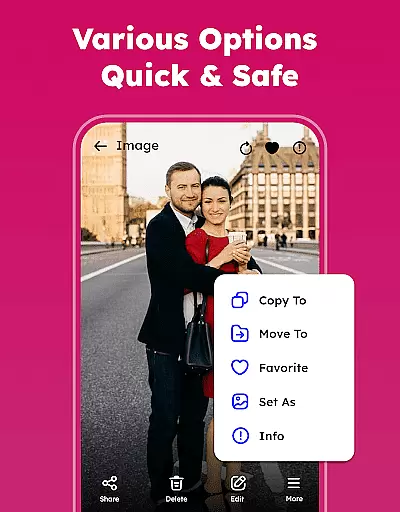

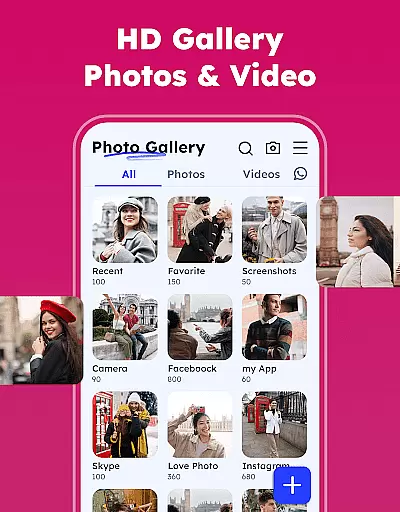

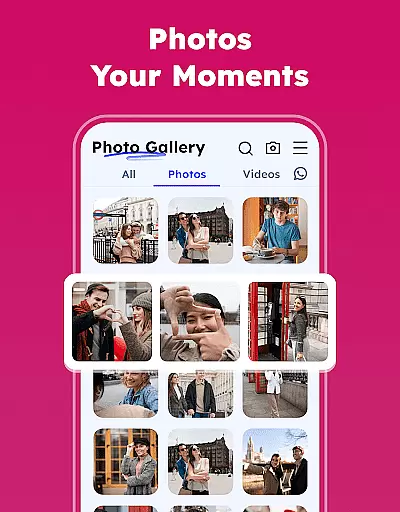
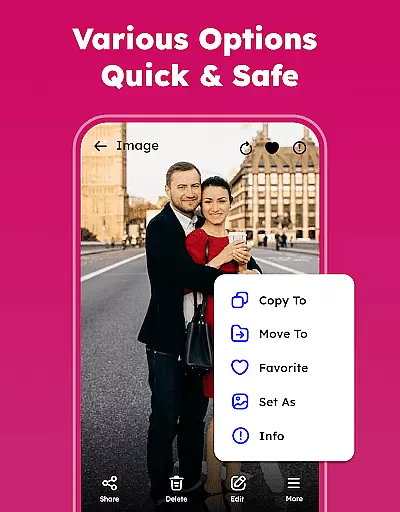
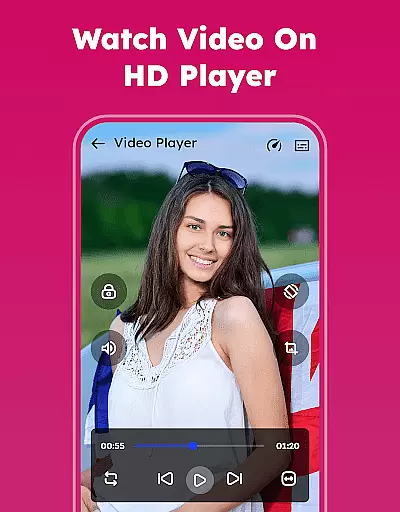
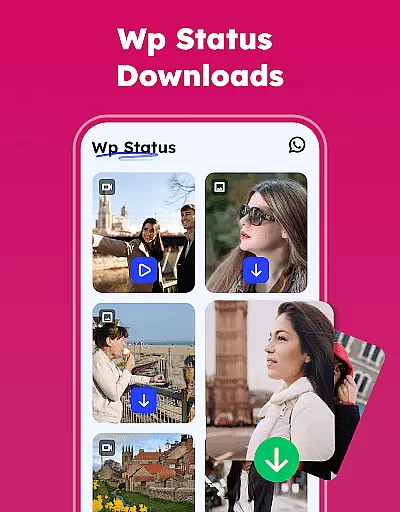
Gallery - Photos & Videos is a feature-rich photography app designed to help users efficiently manage, edit, and protect their media files. This lightweight application offers a comprehensive suite of tools for organizing photos and videos, including password protection, easy sharing options, and advanced editing features.
The app stands out with its intuitive interface and powerful functionalities such as duplicate file removal, automatic categorization in Explore, and the ability to restore deleted media from Trash. It also provides offline access, making it perfect for daily use without requiring an internet connection.
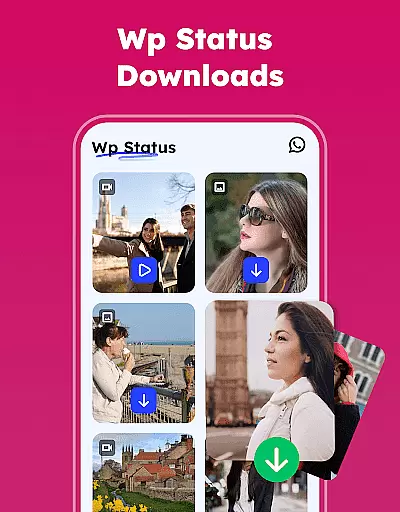
Whether you're looking to relive favorite memories or need a secure way to store sensitive content, this gallery app delivers both convenience and peace of mind through its innovative features like Gallery Lock and WA Status Saver.
This photography app boasts an impressive array of features that cater to both casual users and photography enthusiasts. The core functionality includes viewing all photos and videos, renaming or deleting files, and setting images as wallpaper. Advanced features like Photo Organizer allow users to sort media by name, date, size, or category.
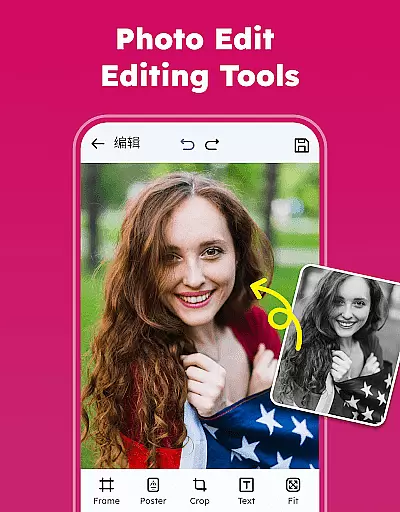
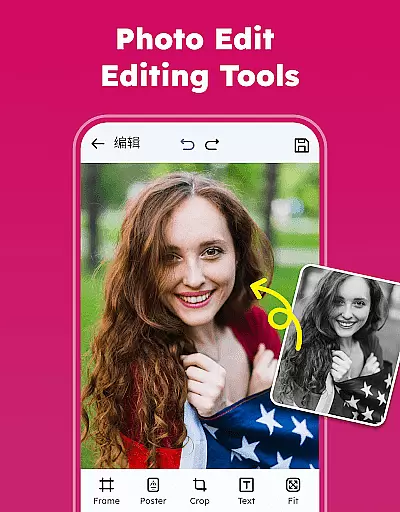
One of the standout capabilities is the built-in photo editor, which offers professional-grade tools including various filters and emojis. The app also supports theme customization with light and dark mode options, while the Album Manager enables personalized organization of media files.
Unique features like duplicate media removal and automatic categorization in Explore make media management more efficient. The Gallery Lock feature provides an extra layer of security by allowing users to hide sensitive content behind PIN protection. These comprehensive tools ensure users can manage their media collection smartly and securely.
Real-time capture and preview functionality is essential for any photography app, allowing users to see exactly what they are capturing before taking the shot. Gallery - Photos & Videos offers a seamless experience in this aspect by providing an intuitive interface that ensures every photo or video taken is precisely as desired.
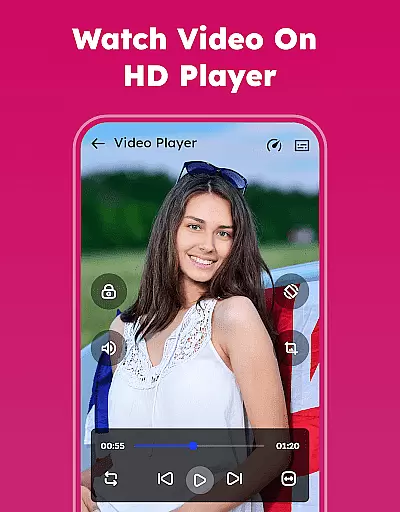
The app supports all types of image and video formats, ensuring compatibility and quality preservation across different media types. This feature empowers users to switch between various formats without losing the essence of their captured moments, making it versatile for both casual snapshots and professional projects.
Additionally, the app's lightweight nature enhances its performance, enabling smooth real-time previews even on less powerful devices. Users can enjoy uninterrupted capturing sessions, reliving their favorite memories with high fidelity, thanks to the appu2019s efficient processing capabilities.
AI beauty and enhancement features have become a staple in modern photography apps, offering users the ability to refine and perfect their images effortlessly. Gallery - Photos & Videos leverages advanced AI algorithms to provide natural-looking enhancements that preserve the authenticity of each photo.
With tools like various filters, emojis, and professional editing options, users can add creative touches to their photos while maintaining a realistic appearance. The AI intelligently adjusts elements such as lighting, color balance, and skin tones, ensuring edits enhance rather than overshadow the original image.
Furthermore, the app includes a feature to remove duplicate media files, optimizing storage space without compromising the quality of your gallery. This thoughtful integration of AI not only beautifies but also organizes your collection, delivering an unparalleled user experience focused on both aesthetics and practicality.
User-friendly interface
Advanced security features
Comprehensive editing tools
Offline functionality
Automatic media organization
Requires storage permissions
Premium features may cost extra
Interface could overwhelm beginners
Occasional compatibility issues
Some features limited to Android 11+

HD Photo gallery and photo manager to edit, hide private photos, videos & albums
 4.2
4.2
Photobooth mini FULL app will allow you to add more fun to your parties
4.00
Create & Edit with AI: AI Remove, Enhance, Retouch, Filter
4.10
Perfect body tune & face app - photo retouch, makeup, slim body & beautify face.
4.80
Light-weight Media Gallery app for Android made with Jetpack Compose
4.60
Photo editor & gallery. Crop pictures & edit photos offline, no wifi!
4.50
Create AI photos & videos with Enhancer; restore, fix, beautify, enhance photos
4.50
AI-powered video creator by MiniMax - Where ideas meet cinema
4.20
Pro version: AR sun/moon tracker for any date. Tool for photographers & planners
4.90
Photo editor: AI filters, photo enhancer, pic collage maker, AI art generator.
4.80
A collection of tools and reference tables for DPs, ACs, DITs and Operators.
4.70
See your baby AI baby face generator AI baby maker Face generator babymaker fun!
4.70
Create collages easily! Nice pic collage maker & background eraser for Instagram
4.50
Fit multiple photos on one post. Create carousels & scroll layouts for Instagram
4.50
Easily stitch panoramas from multiple photos or video.
4.40
Edit like a pro with Hypic. Apply filters, AI effects, & magic touch.
4.40
Professional quality photo edits with the new Snapseed.
4.00
Application for remote controlling DSLR
3.00
Remote control the phone camera shutter from your smartwatch and take a picture
1.60


User Reviews