
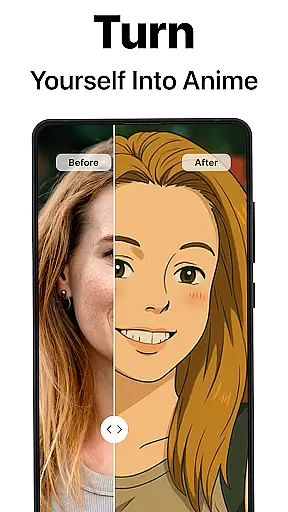
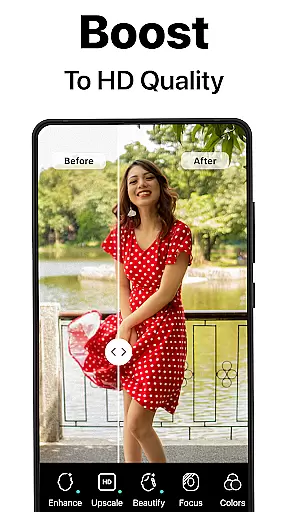
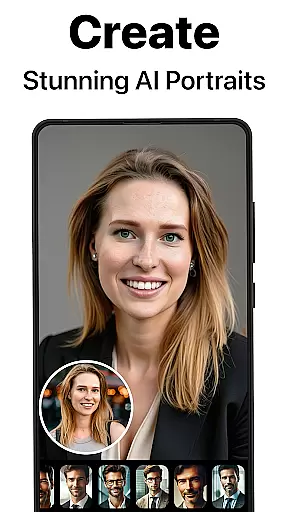
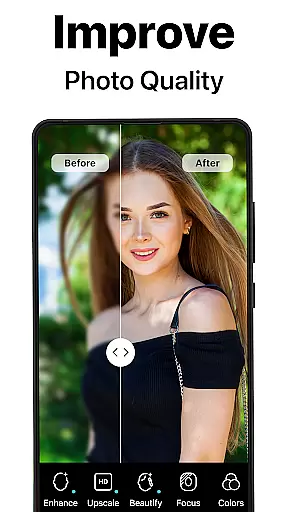
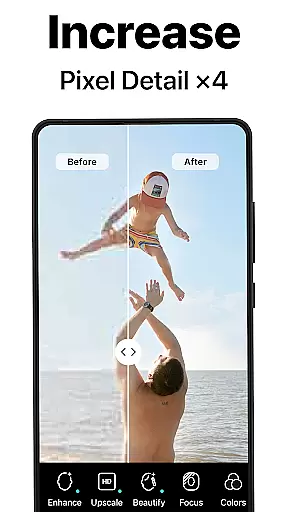
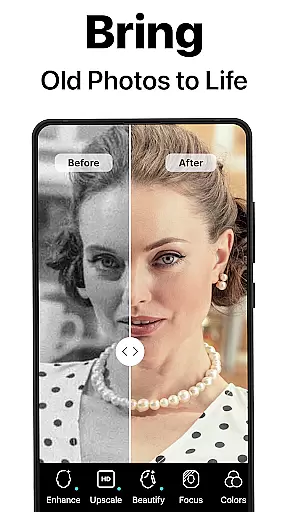
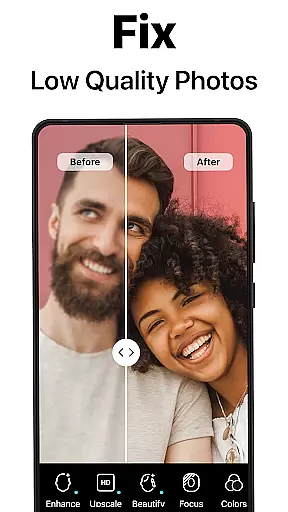
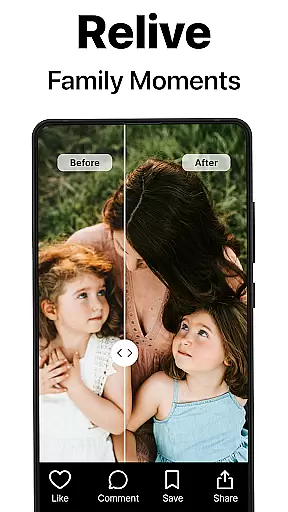
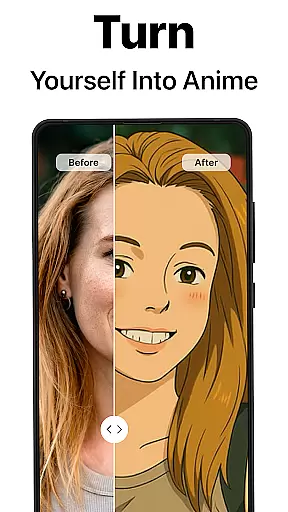
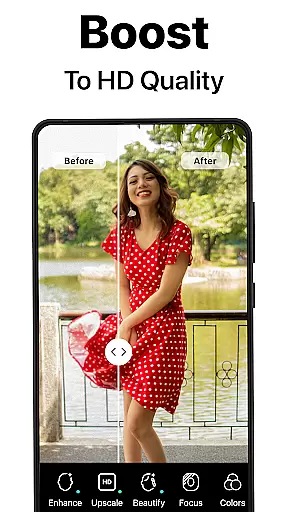
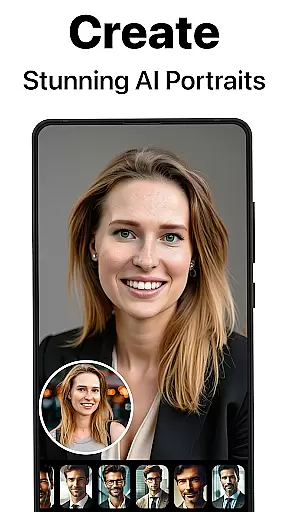
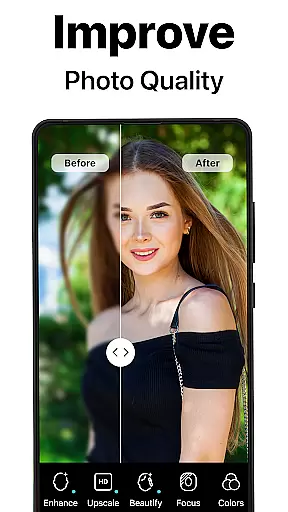
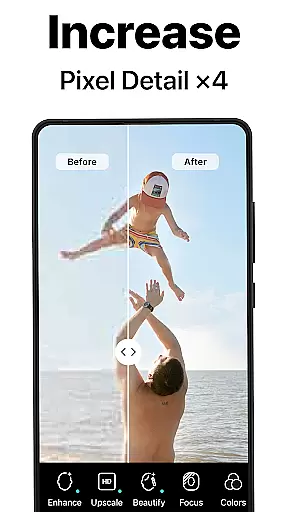
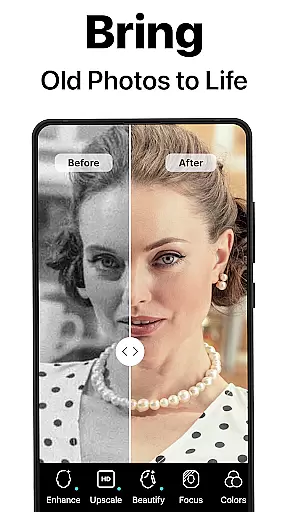
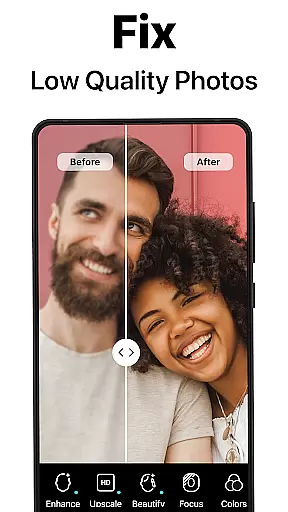
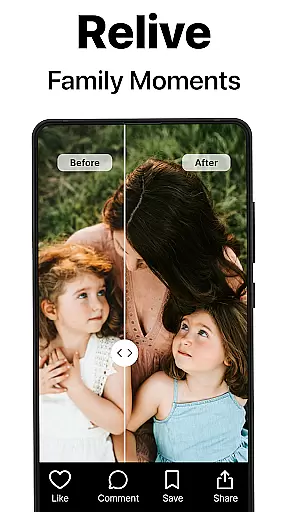
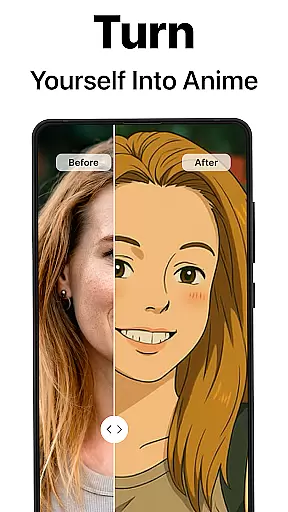
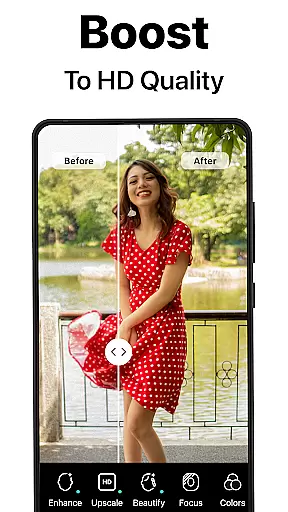
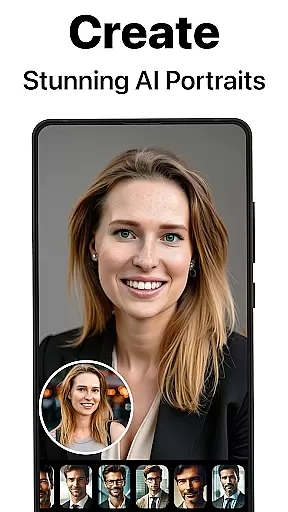
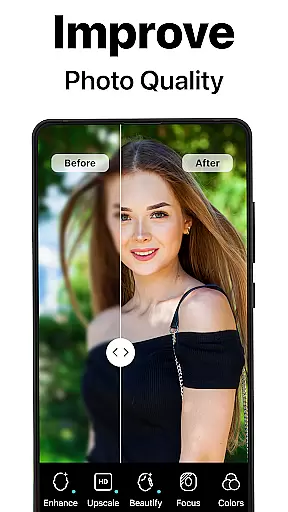
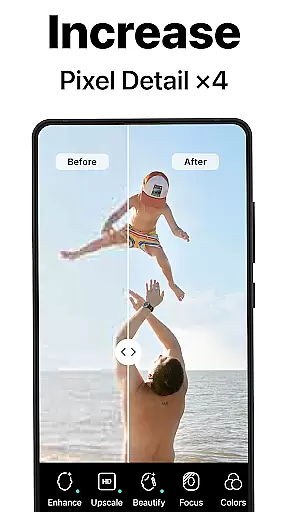
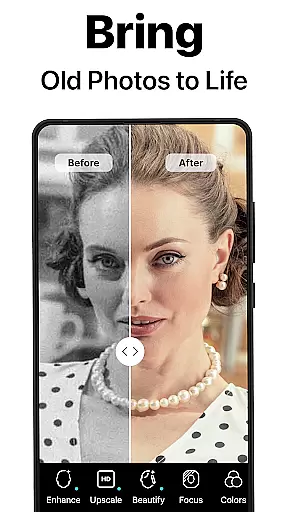
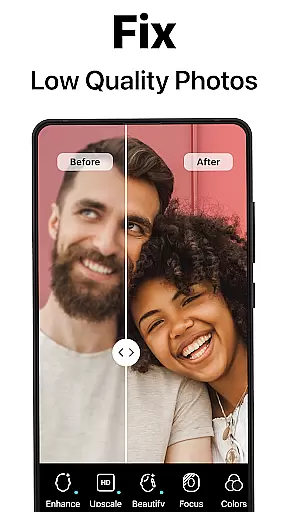
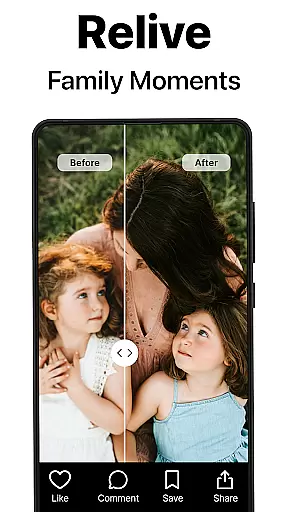
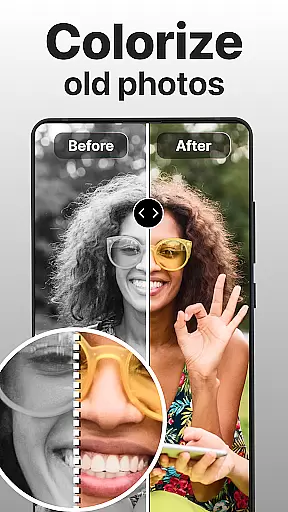
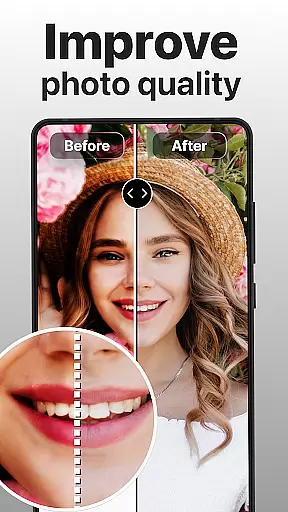
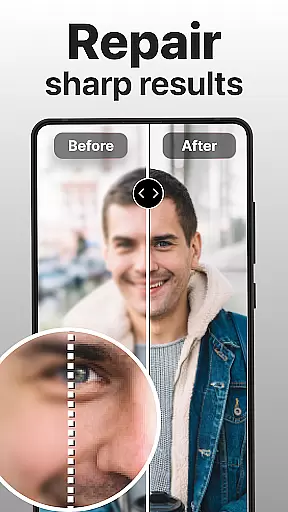
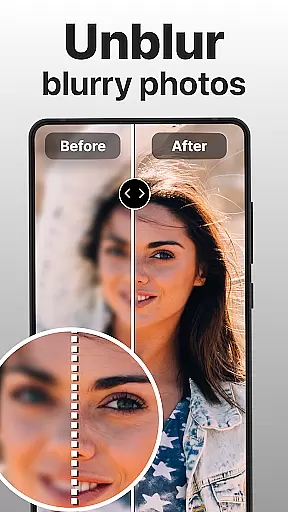
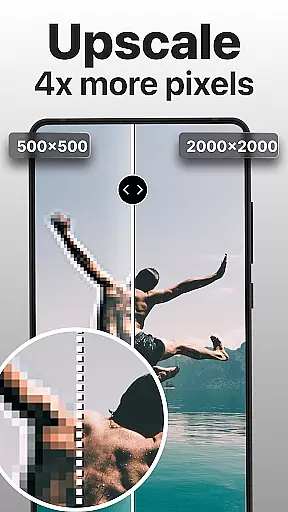
PhotoBoost is a revolutionary photography app that uses advanced AI technology to enhance, restore, and transform your photos. The app specializes in sharpening blurry images, reviving pixelated photos, and restoring cherished memories with vibrant colorization. Its standout feature is the AI Avatars tool, which allows users to create stunning avatars in various artistic styles, ranging from festive holiday themes to fantasy-inspired designs.
With additional capabilities like photo upscaling, side-by-side comparisons, and professional-grade restoration, PhotoBoost caters to both casual users and professionals. Whether you're looking to digitize old family albums or create eye-catching social media content, PhotoBoost delivers unmatched speed, quality, and versatility for all your photo editing needs.
PhotoBoost offers an extensive range of features designed to elevate your photo editing experience. At its core, the app provides instant photo sharpening, transforming low-resolution or blurry images into high-definition masterpieces. It also includes advanced AI upscaling, enabling users to enlarge photos without losing clarity—perfect for printing or framing.
The AI Avatars feature stands out as one of the most innovative tools, offering hundreds of customizable styles such as fantasy themes, pop culture references, and professional portraits. Additionally, the app supports photo restoration, including scratch repair and colorization of black-and-white images. With fast processing speeds and a user-friendly interface, PhotoBoost ensures that every feature is accessible and efficient for enhancing personal or professional projects.
Real-time capture and preview functionality is essential for ensuring that every photo taken meets the highest quality standards. PhotoBoost excels in this area by providing users with instantaneous feedback on their images, allowing them to make necessary adjustments before finalizing a shot.
The app leverages advanced AI technology to analyze and enhance photos as they are being captured. This means that even if you're shooting in less-than-ideal lighting conditions or dealing with motion blur, PhotoBoost can immediately correct these issues, offering a clear and vibrant preview of the final result.
For users, this feature translates into greater confidence when taking pictures. Whether capturing important family moments or creating content for social media, the ability to see an enhanced version of your photo in real time ensures that you never miss an opportunity to get the perfect shot.
Ultimately, PhotoBoost's real-time capture and preview capabilities empower photographers of all skill levels to produce professional-grade images without needing extensive technical knowledge or expensive equipment.
AI beauty and enhancement features have become increasingly popular, but achieving natural-looking results remains a challenge for many apps. PhotoBoost addresses this issue head-on by focusing on enhancing facial features and skin tones in a way that looks authentic and preserves the subject's unique characteristics.
Using state-of-the-art AI algorithms, PhotoBoost intelligently identifies key areas of the face, such as eyes, lips, and skin texture, applying subtle enhancements that highlight natural beauty without over-processing. This approach ensures that edited photos retain their original essence while still benefiting from improved clarity and vibrancy.
Users will appreciate how PhotoBoost transforms ordinary selfies into stunning portraits that look like they were professionally retouched. The appu2019s intuitive controls allow for customization, enabling users to adjust the level of enhancement according to their preferences, ensuring that each photo reflects their personal style.
With PhotoBoost, achieving flawless yet natural-looking photos has never been easier. Whether preparing images for social media or simply enhancing personal memories, users can trust that their photos will look their best while maintaining a genuine appearance.
Advanced AI technology
Versatile editing tools
Fast processing speed
Unique AI Avatars
Regular updates
Paid subscription required
Free trial limitations
Privacy concerns
Complexity for beginners
Resource-intensive

Cut and paste photo editor & eraser to customize photos easy and swap faces fun
 4.50
4.50
Android Native system HD camera app. Never been so simple and faster.
4.70
Be your best in every shot! Fix, edit and retouch your face in selfies & photos.
3.70
Over 800 film simulation recipes for Fujifilm. Black Friday Offer!
4.0
HD Camera Pro with HD Video shooting, Panorama, Photo editor , Beauty Camera.
4.50
Create amazing frames with up to five photos. Rounded corners, effects and more!
3.60
AI photo enhancer with Sora 2! Enhance, descratch, and colorize your old photos.
4.50
Easily view, share, delete photos with Gallery.
4.70
Discover & download millions of art for The Frame TV or Hisense CanvasTV
4.60
Create funny photos and videos with the popular Time Warp Scan filter.
4.90
Photo prints, cards, & gifts at Walgreens. Easy ordering & fast local pickup !
4.80
Photo Exif Editor allows to view, add and modify EXIF data of multiple photos
4.50
Shooting photos and records video easily and efficient with professional Camera
4.30
Professional photography on your mobile phone
4.20
Luminar: Photo Editor - easy picture editing with AI
4.20
AI-powered video creator by MiniMax - Where ideas meet cinema
4.20
Professional camera app that brings DSLR manual photography controls to Android.
4.20
How old age camera Gender Swap App Face Shape Hairstyle App Hair Styler App fun!
4.00
Raw Image Viewer. Gallery with support of raw images (.cr3, .cr2, .nef, .raf).
2.00


User Reviews