
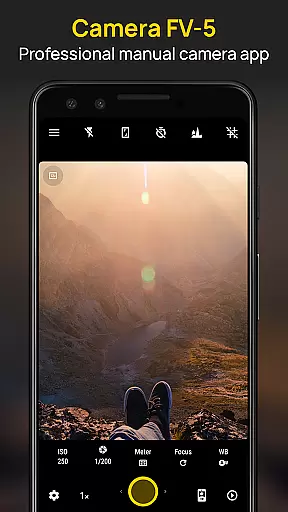
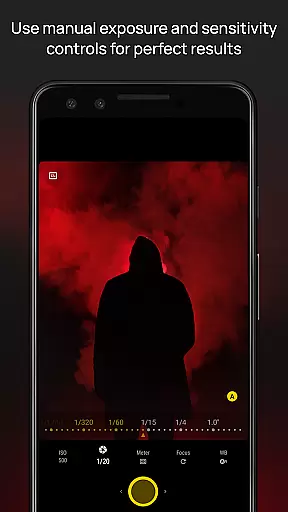
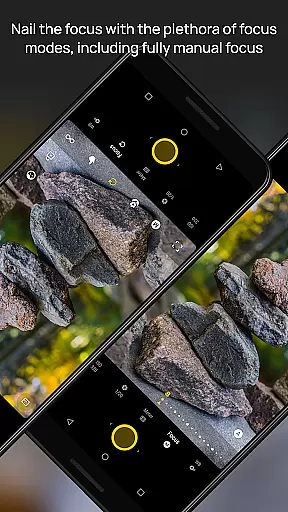
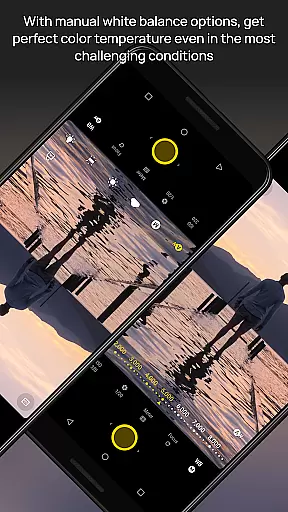
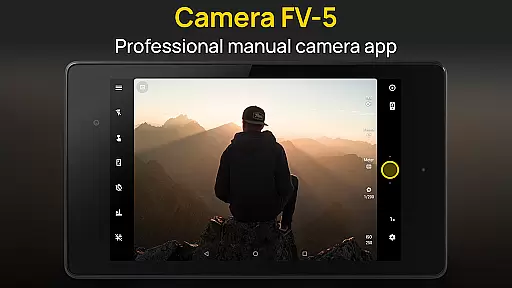
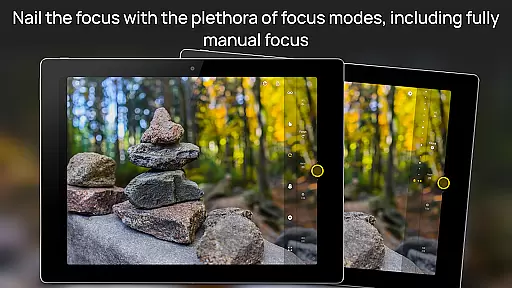
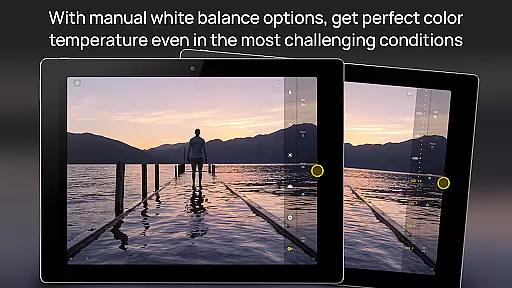
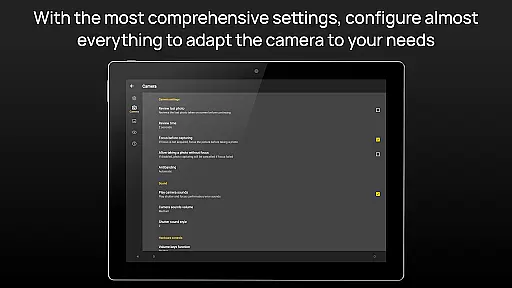
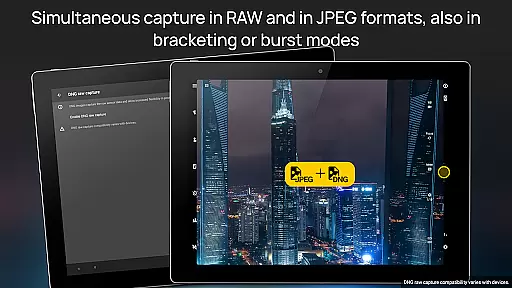
Camera FV-5 is a professional-grade camera application designed for mobile devices, offering DSLR-like manual controls. It caters to photography enthusiasts and professionals who seek to capture high-quality raw images for post-processing. With features like exposure compensation, ISO adjustment, and various focus modes, it provides users with extensive control over their photography. The app supports multiple photo formats including JPEG, true 16-bit RAW in DNG, and lossless PNG, making it versatile for different types of photography needs.
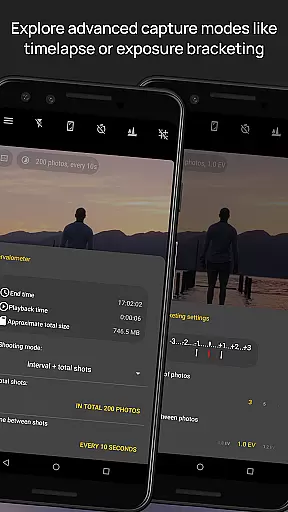
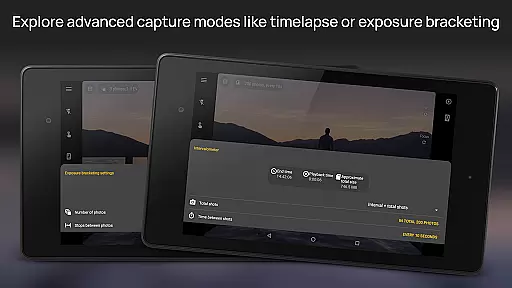
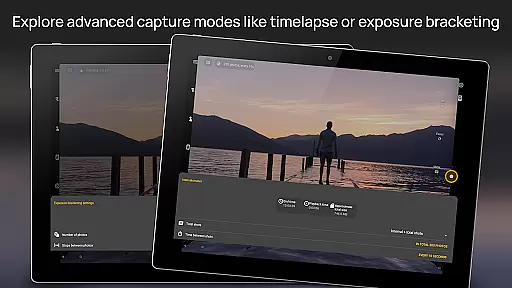
The application includes advanced functionalities such as exposure bracketing, intervalometer for timelapses, and long exposure support. These features enable users to experiment with creative photography techniques directly from their mobile devices. Additionally, Camera FV-5 offers an electronic viewfinder with live RGB histogram and composition aids, enhancing the user's ability to frame and capture perfect shots. Its interface is available in over 30 languages, ensuring accessibility for a global audience.
Whether capturing night scenes, light trails, or detailed macro shots, Camera FV-5 empowers photographers to achieve stunning results without needing a full-sized DSLR. By providing comprehensive manual controls and supporting professional workflows, this app bridges the gap between mobile photography and professional-grade equipment.
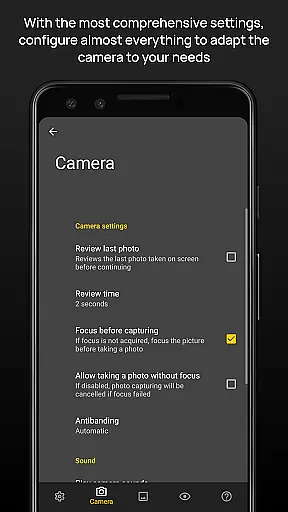
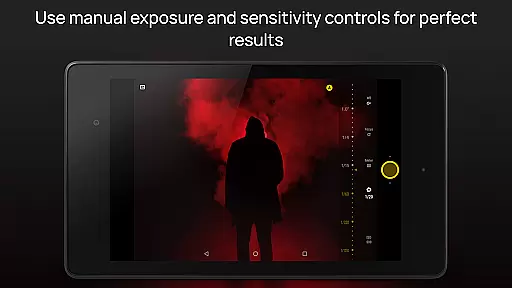
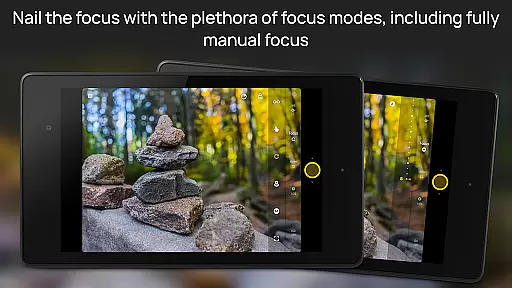
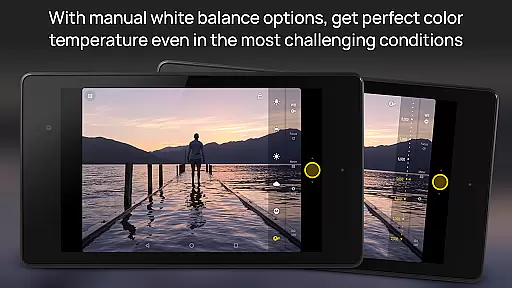
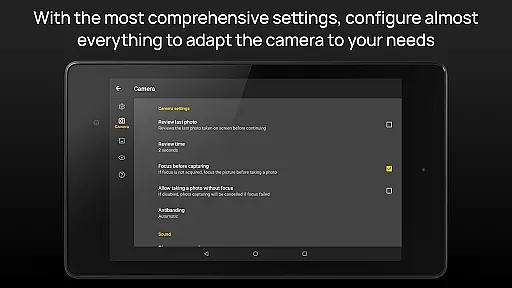
Camera FV-5 stands out with its extensive range of customizable photographic parameters. Users can adjust exposure compensation, ISO, light metering modes, focus settings, white balance, and more, all accessible directly from the main interface. This level of control mirrors that of a DSLR camera, allowing photographers to fine-tune every aspect of their images. The app also features a unique DSLR-like viewfinder that displays real-time exposure information, helping users make precise adjustments while shooting.
One of the standout features is the full-fledged exposure bracketing capability, which allows capturing multiple frames at different exposures, ideal for HDR photography. The built-in intervalometer supports creating impressive timelapses, even with bracketed exposures. Additionally, the app offers program and speed-priority modes, catering to various shooting scenarios. Long exposure support enables capturing beautiful nightscapes and light trails, with exposure times up to 30 seconds on compatible devices.
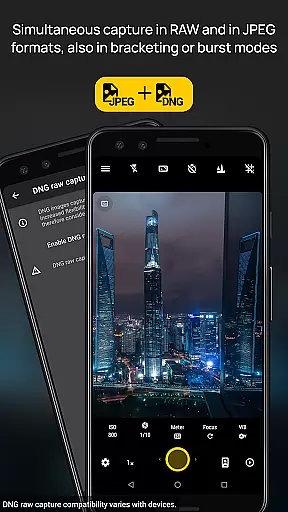
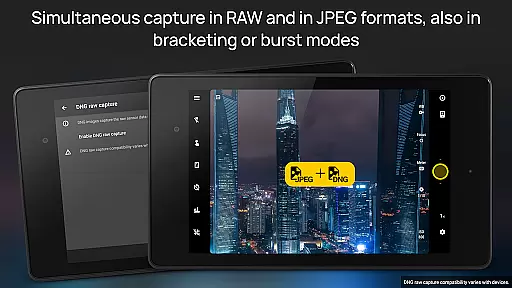
Other notable features include JPEG, true 16-bit RAW in DNG format, and lossless PNG photo capturing options, providing flexibility for post-processing. The app supports manual shutter speeds ranging from 1/80000 to 2 seconds, depending on device capabilities. Autofocus modes, autoexposure locks, and digital zoom with multitouch gestures further enhance usability. An advanced electronic viewfinder with live RGB histogram and composition guides ensures accurate framing and exposure.
Real-time capture and preview functionality is essential for photographers who need precise control over their shots. Camera FV-5 excels in this area by offering a DSLR-like viewfinder display. This feature provides real-time information on exposure time, aperture, and stops with EV and bracketing settings.
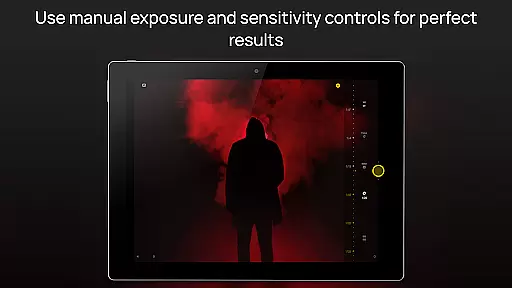
The application supports manual adjustments of various photographic parameters such as ISO, light metering mode, focus mode, and white balance. These controls are easily accessible, empowering photographers to fine-tune each aspect of their image before capturing it. The immediate visual feedback allows users to make informed decisions quickly.
One of the standout features is the full-fledged exposure bracketing, which ranges from 3 to 7 frames with unlimited stop spacing and custom EV shifting. This ensures that photographers can experiment with different exposures and choose the best one for post-processing. Such capabilities significantly enhance the creative potential of mobile photography.
With these advanced functionalities, Camera FV-5 transforms mobile devices into powerful tools for professional-grade photography. Users benefit from having extensive control over their photos, ensuring they capture exactly what they envision without any guesswork involved.
While Camera FV-5 focuses primarily on manual controls and professional features, it also incorporates AI beauty and enhancement functionalities that maintain natural results. Unlike many apps that overly process images, Camera FV-5 ensures enhancements look genuine while preserving original details.
The app's sophisticated algorithms work behind the scenes to optimize image quality without compromising authenticity. For instance, its auto white balance (AWB-L) and autoexposure (AE-L) locks help retain true colors and accurate lighting conditions. These features ensure skin tones appear lifelike and environments remain true to life.
Additionally, Camera FV-5 offers an electronic viewfinder with live RGB histograms and composition grid overlays. These tools assist photographers in achieving balanced compositions and proper exposure levels, further enhancing the natural feel of photographs. By focusing on authentic representation rather than artificial enhancements, Camera FV-5 stands out among photography applications.
Overall, Camera FV-5u2019s approach to AI beauty and enhancement prioritizes naturalness and detail preservation. Photographers can trust that their edited images will reflect reality closely, making it an ideal choice for those seeking both control and authenticity in their mobile photography experience.
DSLR-like controls
RAW image support
Advanced bracketing
Intervalometer feature
Professional workflow
Complex for beginners
Limited device support
No automatic mode
Interface not modern
Occasional bugs

Add Watermark - Sign your pictures with a text or logo. Effective, quick, easy!
 4.50
4.50
Shooting photos and records video easily and efficient with professional Camera
4.30
Cut and paste photo editor & eraser to customize photos easy and swap faces fun
4.50
Be your best in every shot! Fix, edit and retouch your face in selfies & photos.
3.70
Turn your phone into a professional camera - full DSLR manual photography
4.30
A must-have app for landscape photographers
4.60
Professional photography on your mobile phone
4.20
Smart, light, and fast photo and video gallery
4.30
Your Family Calendar + Photos. Manage your Skylight Calendar and Skylight Frame.
4.40
Find time and duration of different sunlight phases at any location
4.90
Enhance, upscale, and transform your images — on your device, without limits
4.70
Take videos and pictures with the popular TikTok TIME WARP SCAN filter.
4.60
Easily stitch panoramas from multiple photos or video.
4.40
Edit like a pro with Hypic. Apply filters, AI effects, & magic touch.
4.40
Natural Beauty, Selfie Retouch
4.30
Virtual makeup, hair filters & body tuner—edit from face to full body!
4.20
Luminar: Photo Editor - easy picture editing with AI
4.20
Application for remote controlling DSLR
3.00
Raw Image Viewer. Gallery with support of raw images (.cr3, .cr2, .nef, .raf).
2.00


User Reviews