
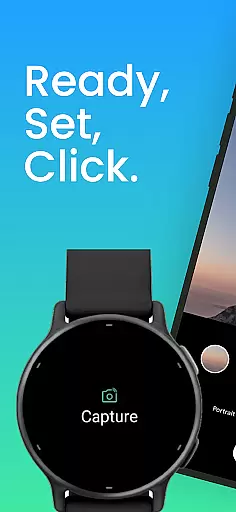
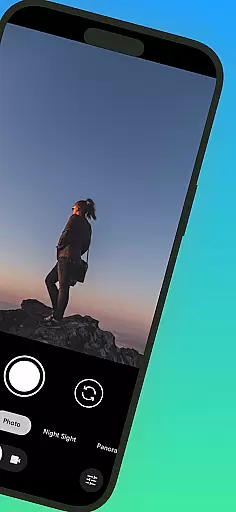
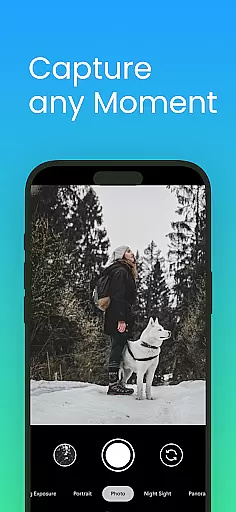
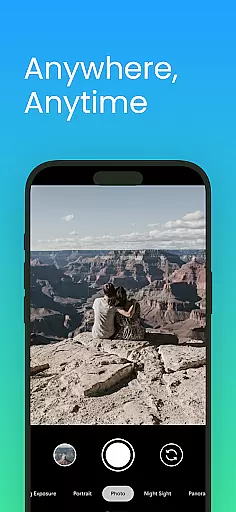
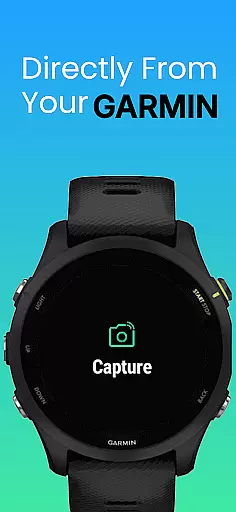
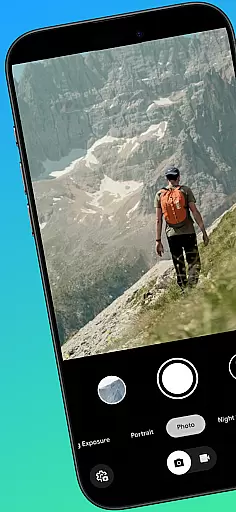
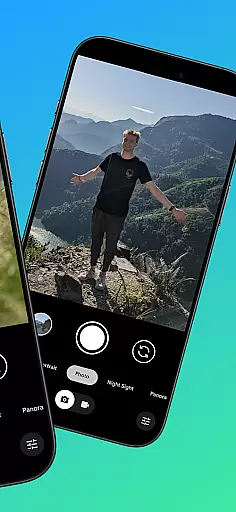
CameraClick is a powerful photography app that connects Garmin smartwatches with Android phones, enabling wireless remote control of your phone's native camera. This seamless integration allows users to capture photos and videos directly from their wrist, making it ideal for group shots, solo adventures, or distance recordings.
The app works with your existing camera application, preserving preferred quality settings, lens choices, and storage paths. By leveraging Android’s AccessibilityService, CameraClick interacts directly with the camera shutter button, ensuring compatibility across a wide range of devices and camera apps.
Whether you're an athlete recording workouts, a creator capturing nature, or simply someone who wants to take photos without handling your phone, CameraClick offers a reliable and easy-to-use solution for remote shooting.
CameraClick stands out with its unique ability to integrate Garmin smartwatches and Android phones, offering a truly hands-free photography experience. The app triggers your phone's native camera app, ensuring that all your preferred settings—such as quality, lenses, and storage paths—are preserved.
One of the key features is its use of Android’s AccessibilityService, which allows direct interaction with the camera shutter button. This ensures broad compatibility with various camera apps across different devices, giving users full control over how their media is captured.
Additionally, CameraClick has been tested on popular Android devices from brands like Google, Samsung, Motorola, Xiaomi, and others, ensuring a reliable performance regardless of your device type. Its intuitive design makes it accessible for both casual users and professional creators alike.
Real-time capture and preview functionality is essential for ensuring that every photo or video taken meets the user's expectations without delay. CameraClick excels in this area by providing seamless integration between your Garmin smartwatch and Android phone.
This application leverages the native camera app on your phone, which means it maintains all the settings and preferences you have configured. By using Androidu2019s AccessibilityService, CameraClick interacts directly with the camera shutter button, allowing for instant triggering of the camera from your wrist.
The benefit to users is significant; whether capturing a group shot or recording a distant scene, the ability to control your phoneu2019s camera remotely ensures you never miss a moment. This real-time functionality provides convenience and precision, making photography more accessible and enjoyable.
Overall, CameraClick transforms your Garmin smartwatch into a powerful remote control for your smartphone camera, enhancing the way you capture memories by offering immediacy and ease of use.
AI beauty and enhancement features are increasingly popular for refining images instantly while maintaining a natural look. Although CameraClick focuses primarily on remote camera control, its integration with various native camera apps indirectly supports these enhancements by preserving the user's preferred settings and quality.
By working seamlessly with the existing camera app on your Android device, CameraClick ensures that any AI-driven beautification or enhancement features you have enabled remain active. This means users can take advantage of advanced AI capabilities such as skin smoothing, dynamic lighting adjustments, and other aesthetic improvements directly from their smartwatch.
The practical advantage here is clear: users enjoy enhanced photos without compromising on authenticity. The naturalness of AI enhancements allows for professional-quality edits that do not appear overly processed, thus retaining the genuine essence of each captured moment.
In summary, while CameraClick itself may not implement AI beauty features, its compatibility with sophisticated camera apps ensures that users can leverage cutting-edge technology to achieve stunning yet authentic results effortlessly.
Wireless control
Native app support
Broad compatibility
Easy setup
Reliable performance
Requires Garmin watch
Android only
Accessibility permissions
Limited iOS support
Device-specific issues

Effortlessly organize, view and share your photos & videos with Gallery app!
 4.40
4.40
How old age camera Gender Swap App Face Shape Hairstyle App Hair Styler App fun!
4.00
AI photo editor with hair editor, retouch tools, hair color changer & filters!
4.50
Light-weight Media Gallery app for Android made with Jetpack Compose
4.60
HD Camera Pro with HD Video shooting, Panorama, Photo editor , Beauty Camera.
4.50
Automatically backup your photos and videos to computer, NAS and Cloud services
4.60
See your baby AI baby face generator AI baby maker Face generator babymaker fun!
4.70
Enhance, upscale, and transform your images — on your device, without limits
4.70
Edit photos with the picture generator: PS2 & AI Clay filters, cartoon effects.
4.50
1M influencer's special filter
4.60
A must-have app for landscape photographers
4.60
Create AI photos & videos with Enhancer; restore, fix, beautify, enhance photos
4.50
Search, tag and rate your way to an organized image gallery
4.40
A reflected light meter with spot metering and incident light metering.
4.40
Professional quality photo edits with the new Snapseed.
4.00
live datamoshing
4.00
How would you look like with a differently shaped nose, chin or lips?
3.90
Perfect photos with body shaping, BG changer and object remover.
3.70
GCamera allows all GCam features on all phone models! Better photos with GCamera
3.30


User Reviews