
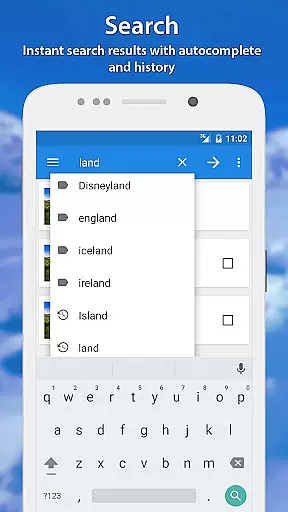
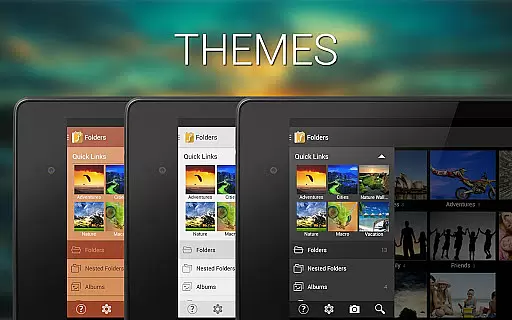
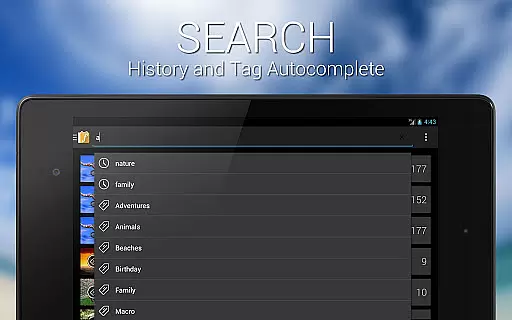
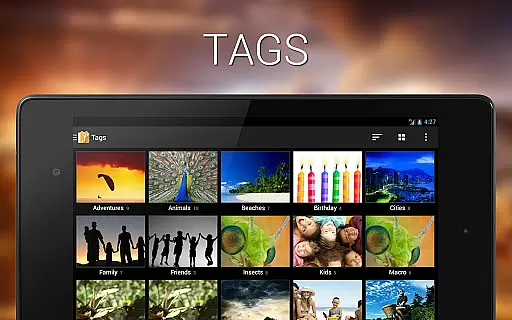
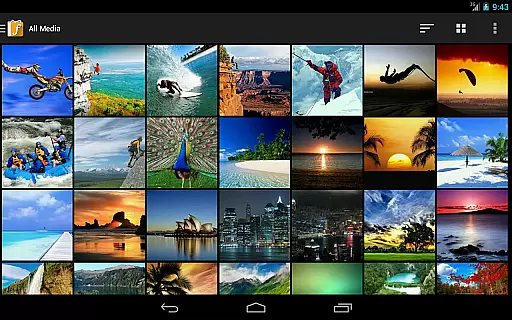
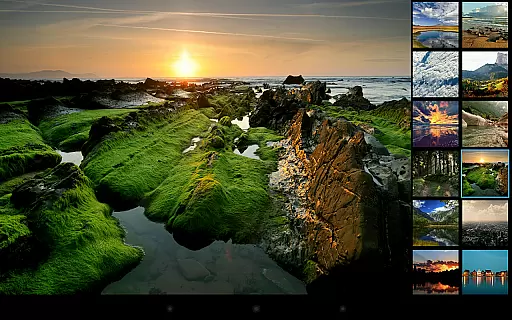
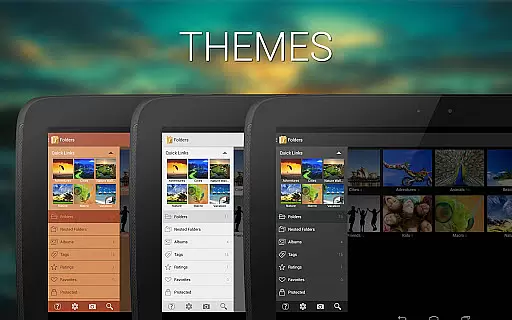
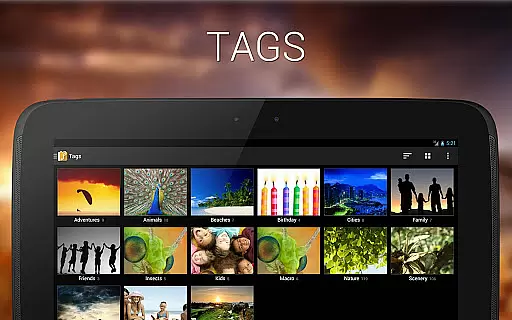
F-Stop Pro is a premium upgrade for the F-Stop Media Gallery app, unlocking advanced photo management features. This application enhances your media organization capabilities by providing access to powerful tools like Google Maps integration, unlimited search results, and metadata writing.
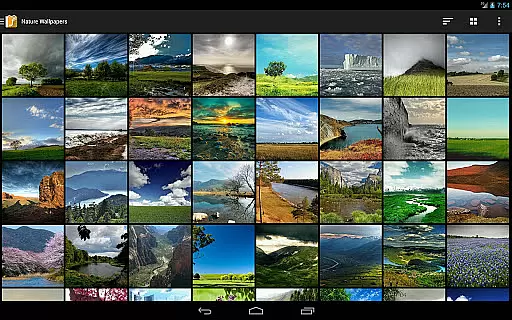
With F-Stop Pro, users can enjoy professional-grade features such as custom sorting, nested folders, and smart albums. The app is designed for photography enthusiasts who require precise control over their media collections. Whether you need to manage tags, ratings, or specific file types, this app delivers a comprehensive solution for all your photo management needs.
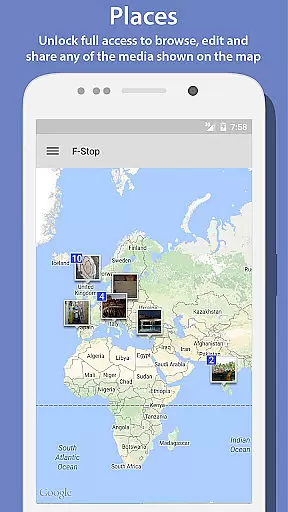
The app offers an array of advanced features that significantly improve media gallery functionality. One standout feature is the Places functionality, which uses Google Maps to display media locations. Users can browse, edit, and share media directly from the map interface, providing a visual way to organize photos.
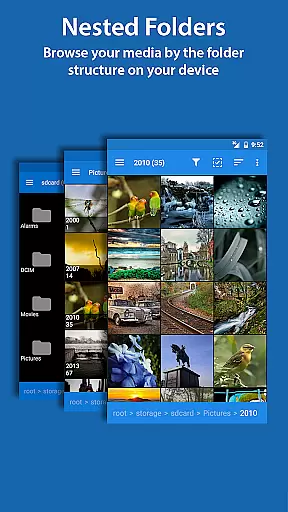
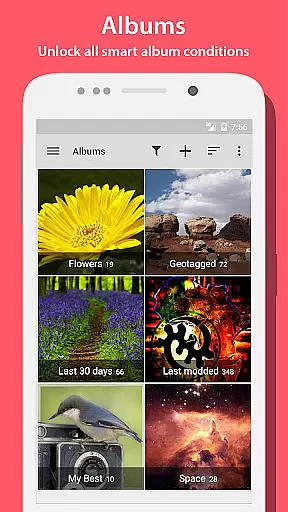
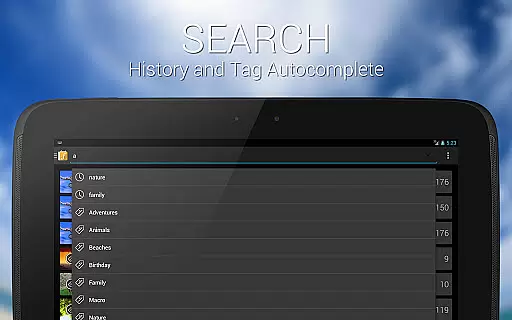
Other notable features include unlimited search results, metadata writing using the XMP standard, and custom navigation options. The ability to create nested albums and smart albums with various conditions allows for highly personalized media management. These features collectively provide photographers with the tools needed to maintain professional-level galleries on their mobile devices.
Real-time capture and preview functionality is essential for photography apps as it allows users to see exactly what the camera sees before taking a shot. This ensures that the framing, lighting, and composition are all correct before capturing an image.
Photo Album F-Stop Pro enhances this experience by integrating with Google Maps, allowing users to view their media on a map interface. This feature not only provides geographical context but also enriches the user's interaction with their photos through location-based browsing, editing, and sharing.
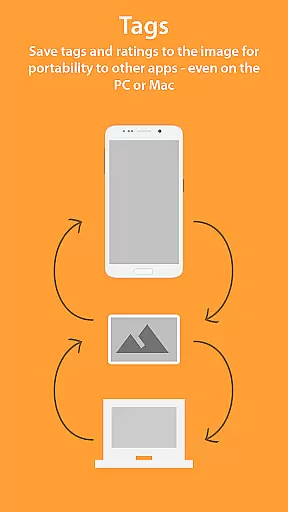
For photographers who rely on metadata, the app supports writing tags and ratings directly into JPG images or creating sidecar files for other formats using the XMP standard. This compatibility with popular applications like Adobe Lightroom and Apple Aperture ensures that professional workflows remain uninterrupted.
Additionally, the app offers custom sorting and navigation options, enabling users to organize their media in a way that suits their workflow best. These features collectively enhance the real-time capture and preview experience, making photo management both efficient and enjoyable.
AI beauty and enhancement features have become increasingly important in photography apps, offering tools that automatically improve image quality while maintaining a natural look. Photo Album F-Stop Pro addresses this need by providing advanced functionalities that go beyond basic editing.
The app includes smart albums and conditions such as number of tags, orientation, media type, and more. These features allow users to create highly customized collections that adapt to their specific needs, ensuring that each photo album is both organized and meaningful.
Furthermore, the ability to write metadata directly into images or sidecar files using the XMP standard ensures that any enhancements made are preserved across different platforms and applications. This seamless integration with professional software like Adobe Lightroom and Apple Aperture guarantees that edits remain consistent and high-quality.
Overall, Photo Album F-Stop Pro combines powerful AI-driven enhancements with robust organizational tools, delivering a photography app that excels in both beauty enhancement and practical usability.
Unlocks all free version features
Powerful Google Maps integration
Unlimited search results
Professional metadata writing
Highly customizable interface
Requires free app installation
No standalone functionality
KitKat write permission issues
Separate purchase needed
Device compatibility varies

Shooting photos and records video easily and efficient with professional Camera
 4.30
4.30
1M influencer's special filter
4.60
Create funny photos and videos with the popular Time Warp Scan filter.
4.90
Edit like a pro with Hypic. Apply filters, AI effects, & magic touch.
4.40
Be your best in every shot! Fix, edit and retouch your face in selfies & photos.
3.70
Superimpose one photo on top of another using the original Superimpose app!
3.20
Luminar: Photo Editor - easy picture editing with AI
4.20
Effortlessly make high-quality GIFs from images & videos without any watermarks.
4.70
Edit photos with the picture generator: PS2 & AI Clay filters, cartoon effects.
4.50
Collage your moments in one tap: 1000+ layouts, filters, stickers, and texts.
4.90
AI Photo Editor with 100+ Filters, Effects! Remove BG, Retouch & Photo Enhancer.
4.80
Amazing Photo Effects - The most fun you can have with your photos!
4.70
Discover & download millions of art for The Frame TV or Hisense CanvasTV
4.60
Create collages easily! Nice pic collage maker & background eraser for Instagram
4.50
Transform photos into videos! Create realistic or anime-style images easily!
4.50
Natural Beauty, Selfie Retouch
4.30
Photo editor: face & body editor, beauty cam, filters and quality enhancer.
4.00
Gallery Slideshow is slideshow maker app for slideshow from your gallery photos.
3.90
Remote control the phone camera shutter from your smartwatch and take a picture
1.60


User Reviews