
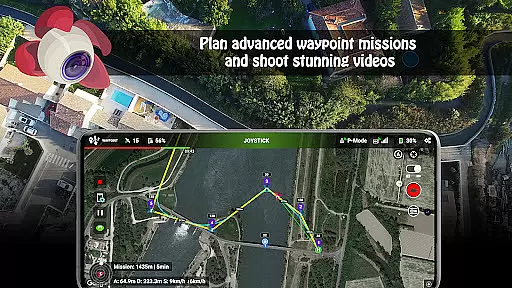
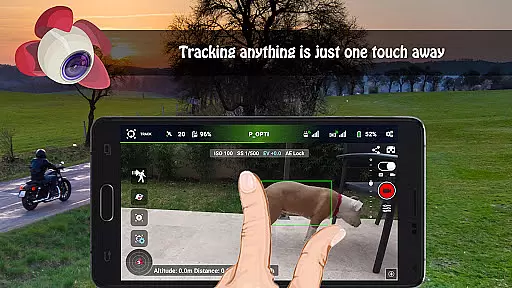
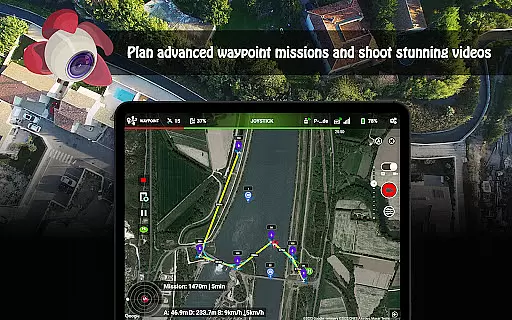
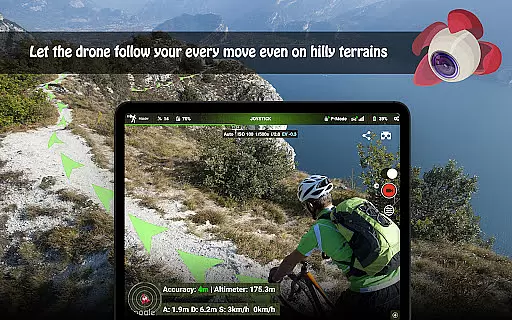
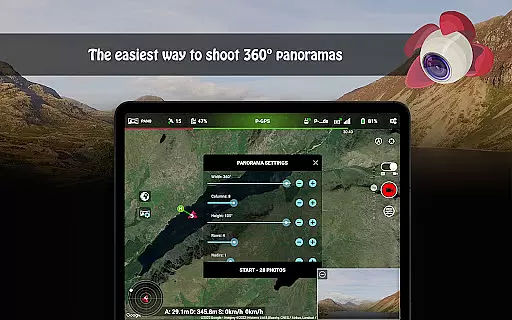
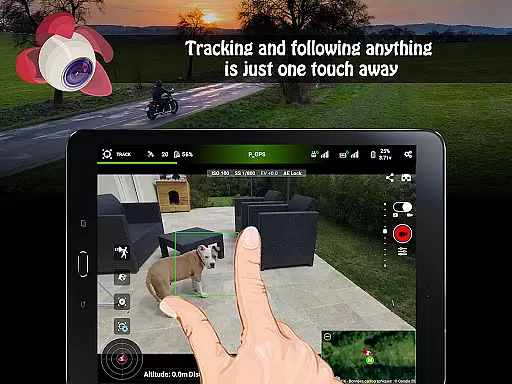
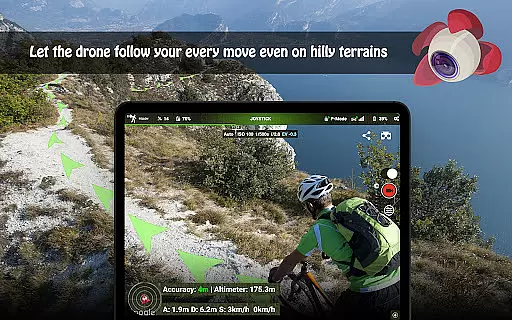
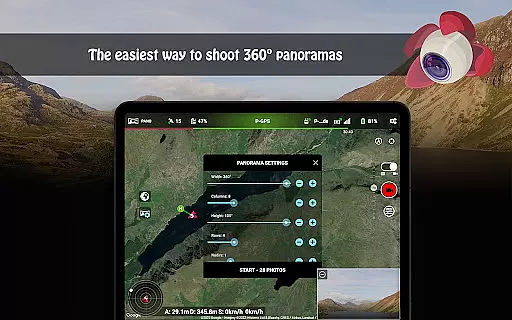
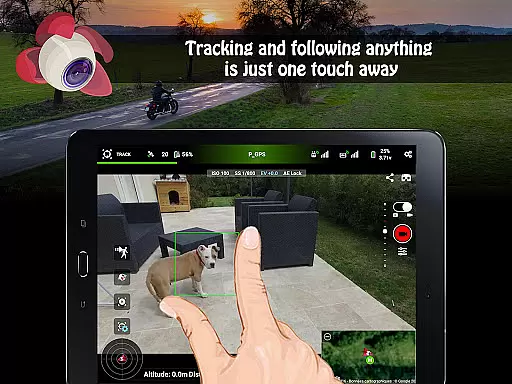
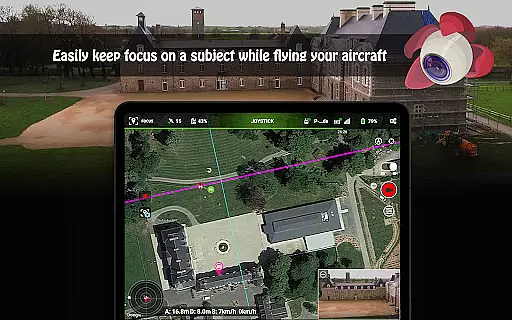
Litchi for DJI Drones is the premier flight application designed to unlock the full potential of your DJI drone. Compatible with a wide range of models including DJI Mini 2, Mavic Air 2, and Phantom series, it offers advanced features like Waypoint mode, Panorama mode, and Track mode. These features enable both professional and amateur pilots to execute complex flight plans, capture stunning aerial imagery, and utilize state-of-the-art computer vision algorithms for tracking subjects.
With over 5000 successful daily flights, Litchi stands out as the most trusted app in its category. It provides users with an intuitive interface available across multiple platforms, ensuring seamless synchronization of flight plans. Additionally, the app supports live streaming to social media platforms, automatic video recording, and human-readable flight logs, making it an indispensable tool for drone enthusiasts who demand precision and reliability in their operations.
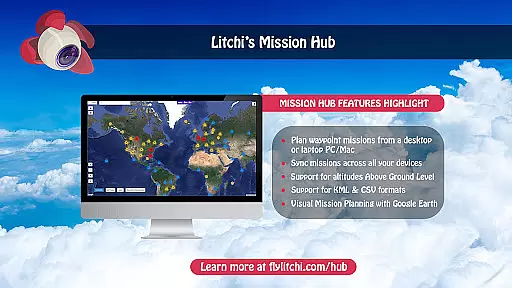
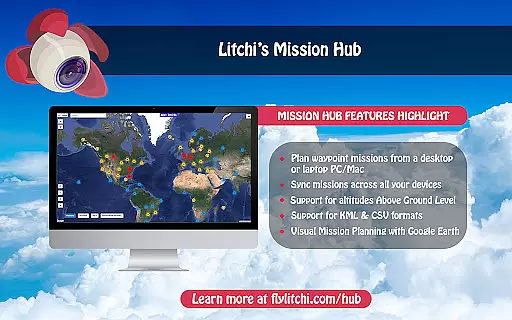
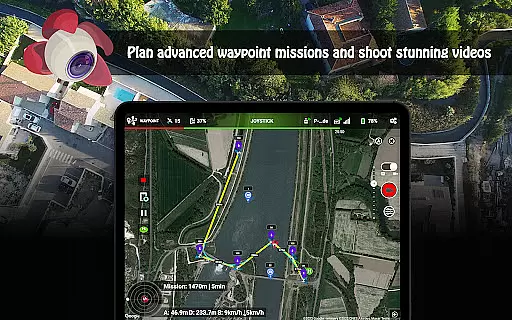
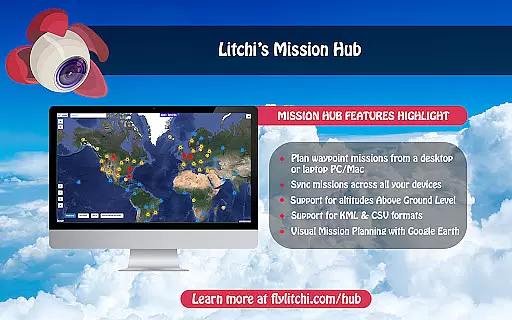
Litchi boasts an array of sophisticated features tailored for DJI drone pilots. The Waypoint mode allows users to create detailed flight paths on various devices, including PCs and Macs, with real-time syncing capabilities. This ensures that whether you're planning indoors or outdoors, your flight missions are always up-to-date and ready to execute.
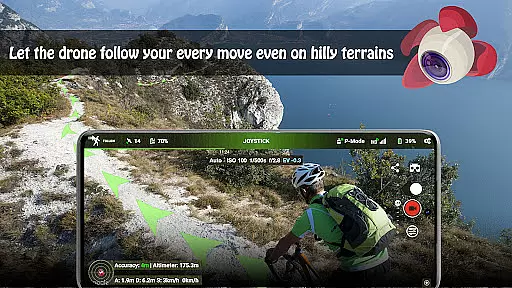
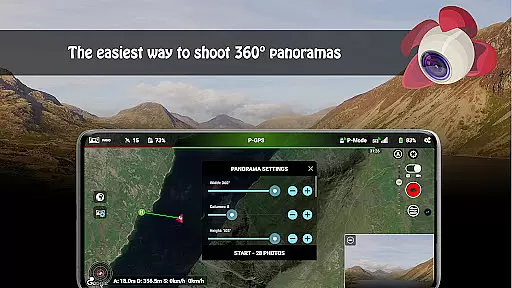
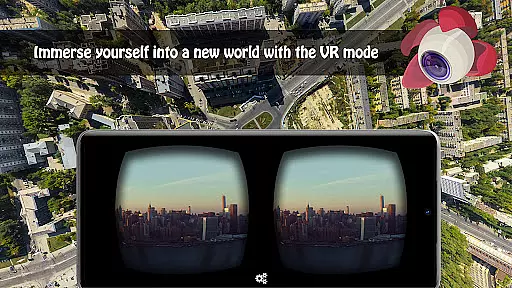
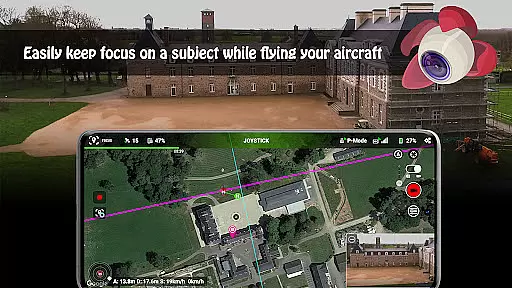
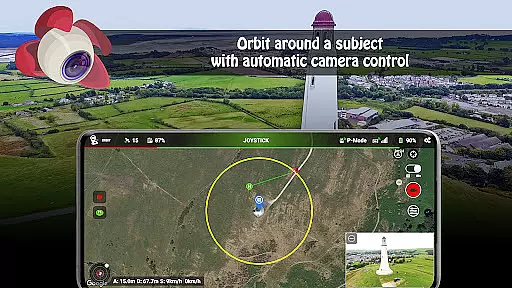
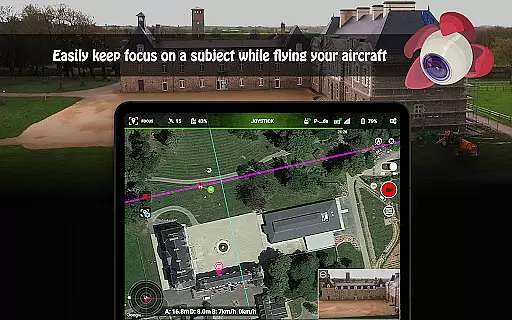
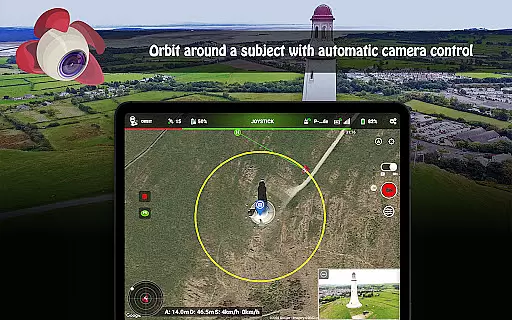
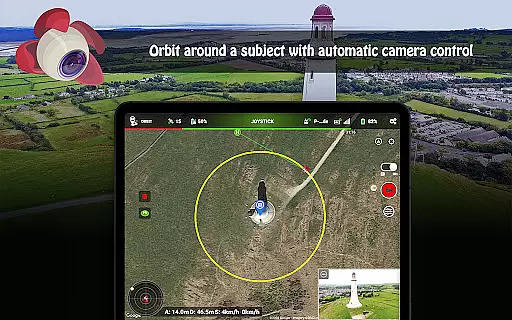
In addition to Waypoint mode, Litchi offers Panorama mode for capturing breathtaking horizontal, vertical, and 360 spherical panoramas. The Track mode utilizes cutting-edge computer vision technology to keep selected subjects perfectly framed while flying autonomously or manually. Moreover, the app includes Follow mode, VR mode for immersive FPV experiences, Focus mode for simplified controls, and Orbit mode for circling subjects with precision. Each feature is crafted to enhance user experience by providing unparalleled control and creative possibilities.
Real-time capture and preview functionality is essential for drone photography, allowing users to see exactly what the camera captures as it happens. Litchi for DJI Drones excels in this area by providing a seamless live feed from the drone's camera directly to the user's device.
The app ensures minimal latency between the droneu2019s camera and the controller screen, enabling precise framing and immediate adjustments. This real-time feedback is crucial when capturing unique moments or executing complex shots that require exact positioning.
Users benefit from the ability to monitor their shots live, ensuring they capture the perfect image or video without delay. The responsive interface allows photographers to make instant changes to camera settings, enhancing the overall quality of their work.
This feature not only improves the efficiency of photo shoots but also expands creative possibilities. Photographers can experiment with angles and movements, seeing results instantly and making necessary adjustments on the fly.
While primarily focused on drone control, Litchi incorporates advanced AI beauty and enhancement features that ensure natural-looking improvements to photos and videos captured by the drone. These enhancements are subtle yet effective, preserving the authenticity of the original footage while elevating its visual appeal.
The AI algorithms analyze each frame in real-time, adjusting elements such as lighting, color balance, and sharpness to create visually pleasing images without appearing over-processed. This approach maintains the integrity of the scene, offering enhancements that complement the natural environment captured by the drone.
Photographers using Litchi can rely on these AI-driven enhancements to produce professional-quality content consistently. The natural effect of these enhancements helps maintain viewer engagement, as the footage remains true to life while benefiting from improved clarity and vibrancy.
Ultimately, this feature empowers creators to deliver stunning visuals that captivate audiences, whether for personal projects or professional assignments. The balance between enhancement and natural appearance sets Litchi apart in the realm of drone photography applications.
User-friendly interface
Advanced waypoint planning
Seamless cross-device sync
Reliable performance
Comprehensive support
Not compatible with latest drones
Requires internet for activation
Additional goggles needed for VR
Premium pricing
Complex setup process

Search, tag and rate your way to an organized image gallery
 4.40
4.40
Create collages easily! Nice pic collage maker & background eraser for Instagram
4.50
Photo editor: AI filters, photo enhancer, pic collage maker, AI art generator.
4.80
Cartoon and artistic effects for your photos and videos
4.70
HD Camera Pro with HD Video shooting, Panorama, Photo editor , Beauty Camera.
4.50
Professional quality photo edits with the new Snapseed.
4.00
Hair color changer, AI haircut app, fun hair editor and buzz cut filter for all!
3.80
PhotoSync Bundle Add-On License. Enables all features and services in PhotoSync.
4.60
Discover How to Plan any Sun, Moon and Milky Way Photo You Imagine in Seconds
4.70
Create funny photos and videos with the popular Time Warp Scan filter.
4.90
Your personal guide to the sun and moon. Plan ahead, visualize and predict!
4.70
A must-have app for landscape photographers
4.60
Safe & smart flight with Go Fly drone controller for 40+ drone camera, zone map
4.50
Photo Exif Editor allows to view, add and modify EXIF data of multiple photos
4.50
Movie camera, supports pro recording settings for filming. Try it and be amazed!
4.50
Future baby face generator: AI kids generator, kid face! What my baby look like?
4.40
Natural Beauty, Selfie Retouch
4.30
A light meter for true photographers.
4.20
Photobooth mini FULL app will allow you to add more fun to your parties
4.00


User Reviews