
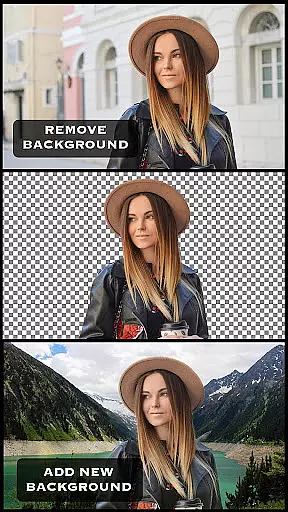
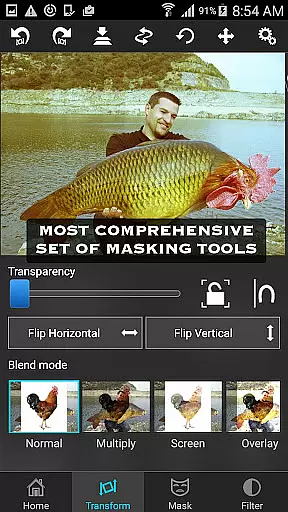
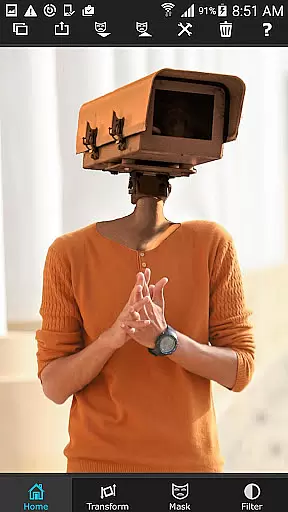

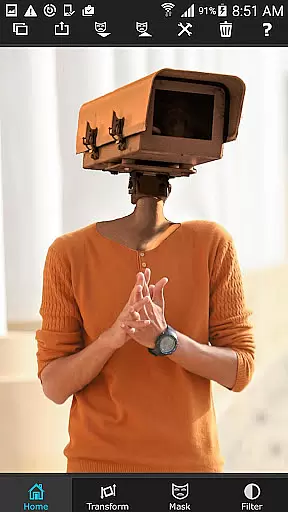
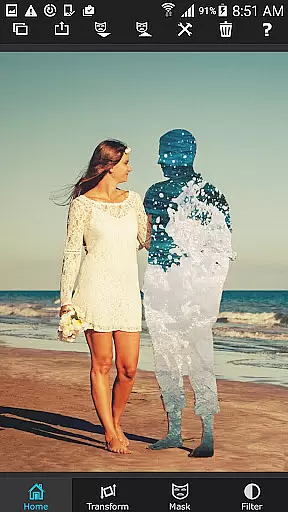

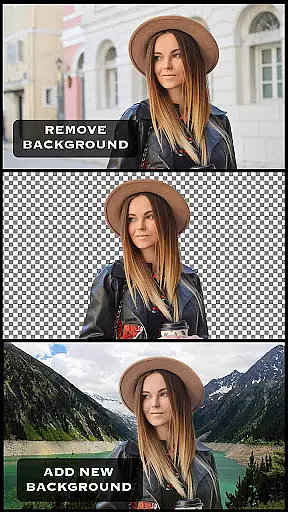
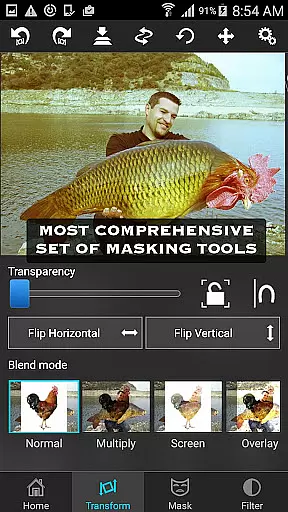
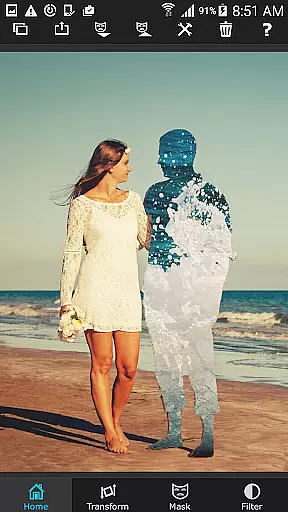

Superimpose is a powerful mobile application designed for photo editing enthusiasts who want to create professional-grade superimposed or juxtaposed images directly on their iPhone. The app eliminates the need for computers and expensive software by offering a comprehensive suite of tools that allow users to seamlessly blend, cut, copy, and paste one photo onto another with just a few taps.
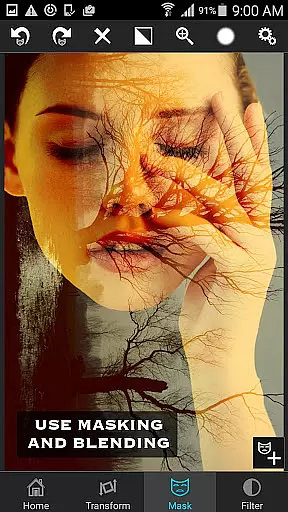
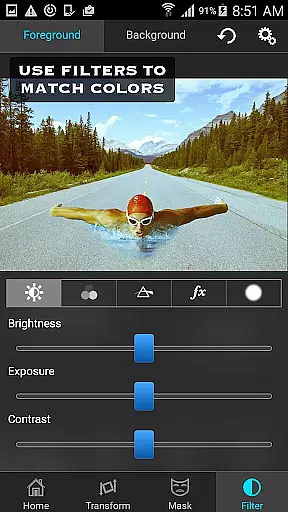
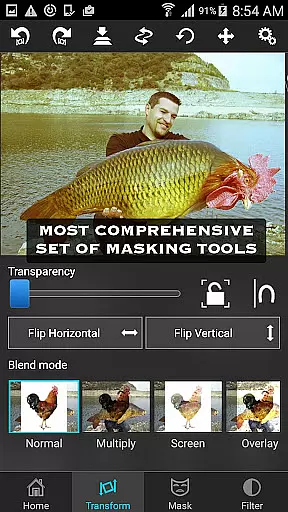
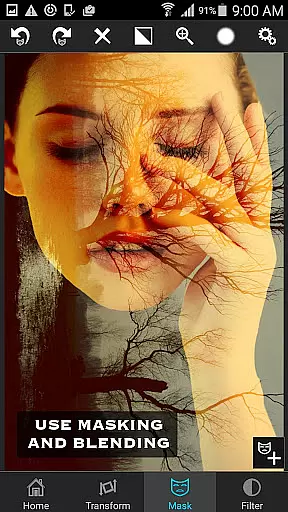
The core functionality includes loading background and foreground images, using advanced masking tools to remove unwanted portions, and refining edges with smoothing features. Users can further manipulate the foreground image by moving, scaling, resizing, rotating, and flipping it to fit perfectly onto the background. Additionally, color adjustments such as exposure, contrast, hue, and saturation ensure both images match in terms of color. This makes Superimpose not only ideal for casual photo edits but also suitable for more serious tasks like blending textures, overlaying borders, or creating double exposures with adjustable transparency and 18 blending modes.
Whether you're looking to impress friends with creative compositions or perform detailed photo editing tasks, Superimpose provides all the necessary tools within a user-friendly interface, making it an invaluable asset for photographers and hobbyists alike.
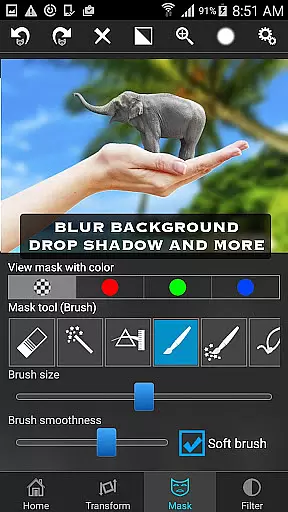
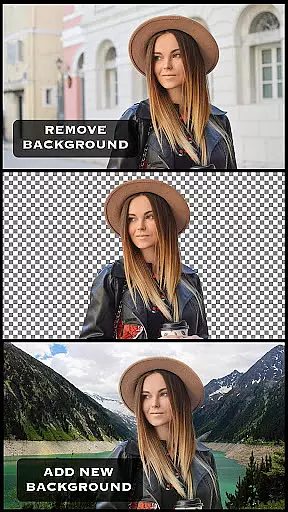
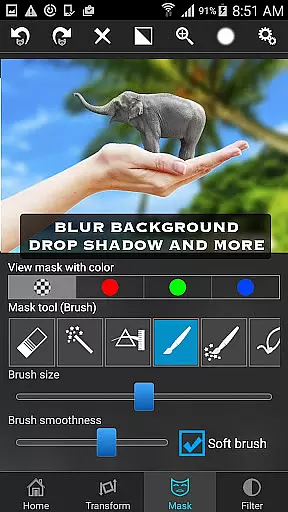
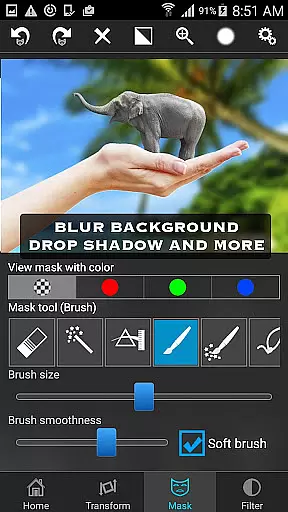
Superimpose stands out due to its extensive range of features tailored for both amateur and professional photo editors. One of the key highlights is the powerful masking tool, which allows users to tap on an area of the photo, automatically masking out connected areas with similar colors. For more precision, users can choose from various masking options including brush, lasso, global color similarity, rectangle, ellipse, linear, bi-linear, or radial gradient masking tools.
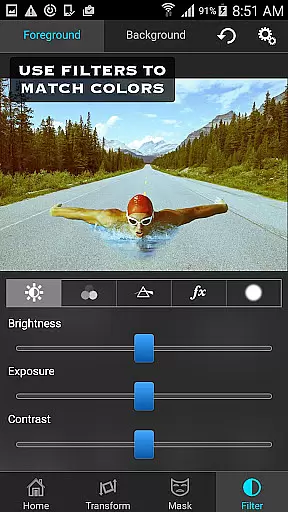
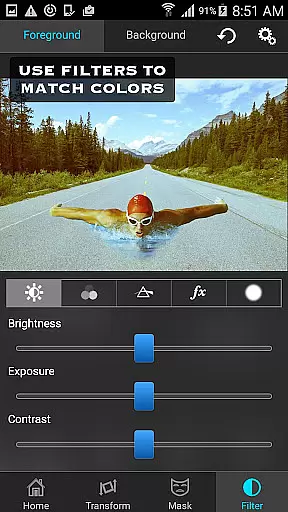
In addition to masking, the app offers robust manipulation capabilities. Users can move, scale, resize, rotate, and flip the foreground image to position it accurately on the background. Fine-tuning is made easy with the smoothen tool, which helps in refining edges for a seamless blend. Furthermore, the app provides comprehensive color adjustment options such as exposure, contrast, hue, and saturation, allowing users to harmonize the colors between the foreground and background images.
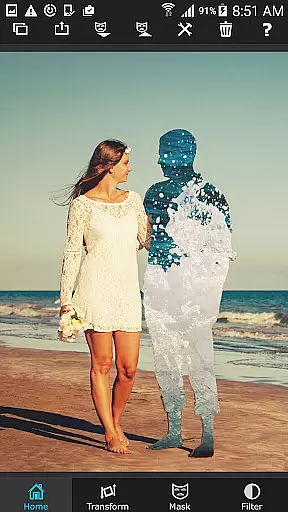
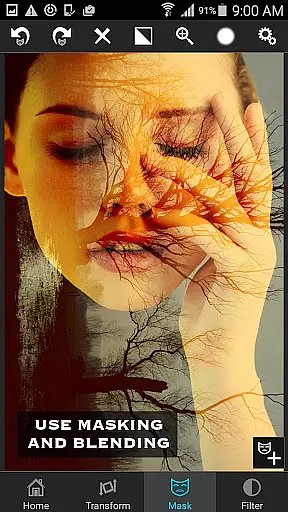
For those interested in advanced photo editing techniques, Superimpose supports blending textures, overlaying borders, and creating double exposures with adjustable transparency and 18 different blending modes. These features make it a versatile tool for a wide array of creative projects, ensuring that users can achieve their desired results with precision and ease.
Real-time capture and preview functionality is essential for photography apps as it allows users to see the results of their edits instantly. Superimpose offers this feature by enabling users to load a background and foreground image, then adjust them on the fly.
The app provides a variety of masking tools that let users remove unwanted portions of the foreground image seamlessly. With real-time feedback, users can smoothen edges and adjust the position, scale, and rotation of the foreground with precision.
Users benefit from the ability to modify colors, exposure, contrast, hue, and saturation in real time, ensuring both images match in terms of color. This immediate visual confirmation streamlines the editing process, making it more efficient and enjoyable.
This instant preview capability not only enhances user experience but also empowers users to create professional-grade superimposed photos without needing a computer or expensive software.
AI beauty and enhancement features are increasingly important in photo editing apps, providing users with tools to enhance their images naturally. Superimpose incorporates such features by offering advanced masking options that ensure seamless integration of textures and overlays.
With AI-powered tools, users can blend images using adjustable transparency and 18 blending modes, creating realistic double exposures and borders. The app's powerful masking tool detects similar colors and automatically masks connected areas, revealing the underlying background smoothly.
These intelligent features allow users to perform serious photo editing tasks like overlaying borders or blending textures with ease. The natural effect achieved through AI ensures that edits are not only visually appealing but also authentic-looking.
By leveraging AI for beauty and enhancement, Superimpose delivers a sophisticated editing experience that meets the demands of modern photographers seeking both creativity and realism in their work.
User-friendly interface
Advanced masking tools
Comprehensive color adjustments
Versatile blending modes
High-quality results
Limited to iOS
No Android version
Some features may require practice
Subscription fees apply
Occasional bugs reported

An interval timer to automate photo taking process for timelapse
 2.90
2.90
Virtual makeup, hair filters & body tuner—edit from face to full body!
4.20
Create AI Photos, Improve and restore quality of blurry, old or damaged pics.
4.20
Photo Exif Editor allows to view, add and modify EXIF data of multiple photos
4.50
Raw Image Viewer. Gallery with support of raw images (.cr3, .cr2, .nef, .raf).
2.00
Luminar: Photo Editor - easy picture editing with AI
4.20
AI Photo Editor with 100+ Filters, Effects! Remove BG, Retouch & Photo Enhancer.
4.80
Turn photos into cartoons & avatars! - Photo Editor, Cartoon Face!
3.90
Your Family Calendar + Photos. Manage your Skylight Calendar and Skylight Frame.
4.40
Pro version: AR sun/moon tracker for any date. Tool for photographers & planners
4.90
Easily view, share, delete photos with Gallery.
4.70
Automatically backup your photos and videos to computer, NAS and Cloud services
4.60
Discover & download millions of art for The Frame TV or Hisense CanvasTV
4.60
What celebrity do you look like? Celebs will find your celebrity match!
4.10
The #1 app for B&W film developing featuring an advanced darkroom timer.
4.10
Photobooth mini FULL app will allow you to add more fun to your parties
4.00
Create amazing frames with up to five photos. Rounded corners, effects and more!
3.60
Professional video recording application with manual controls for filmmakers!
2.80
Long exposure camera with computational photography
2.60


User Reviews