
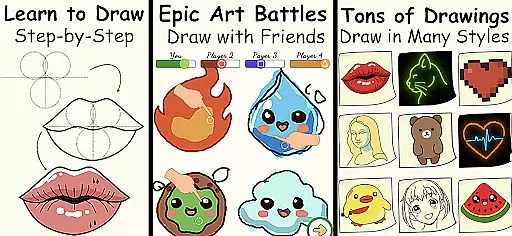
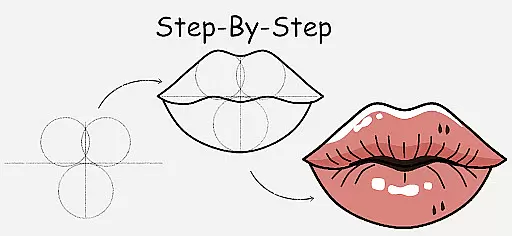
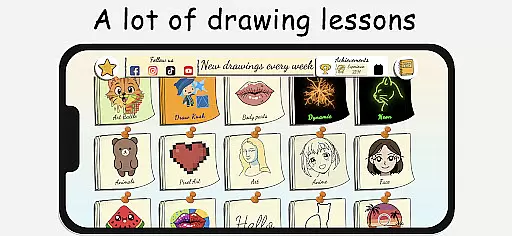
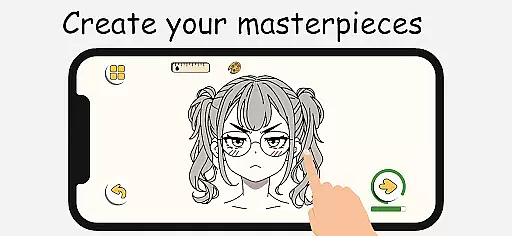
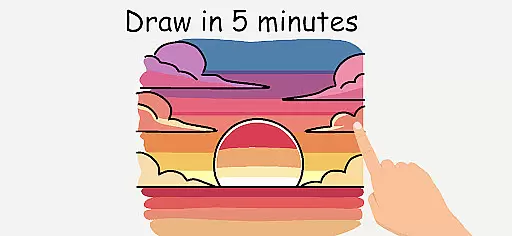
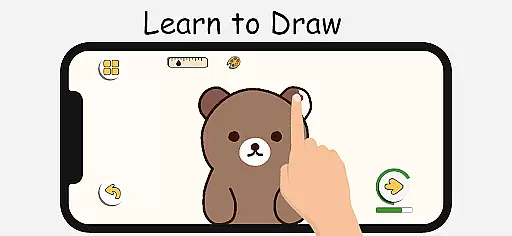
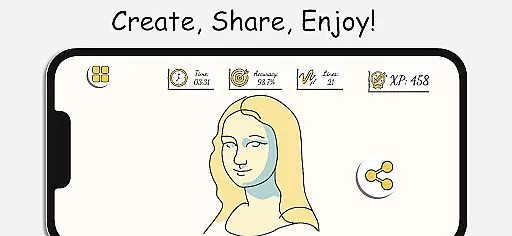
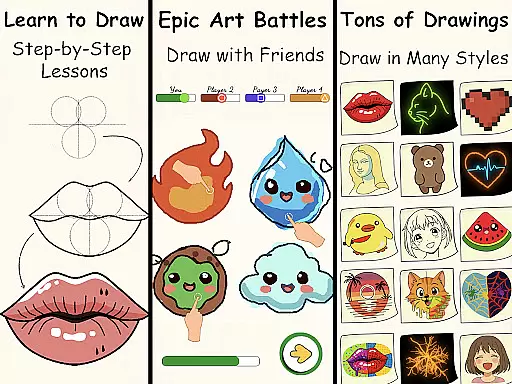
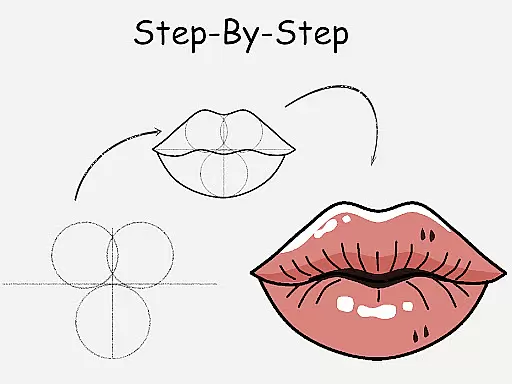
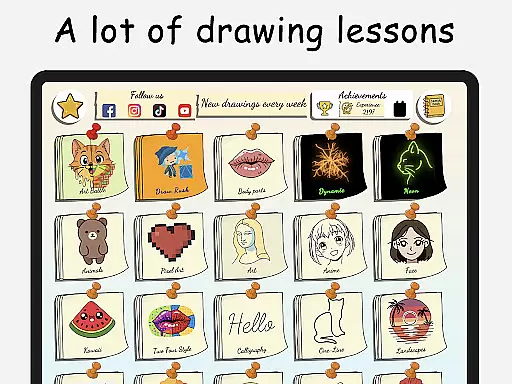
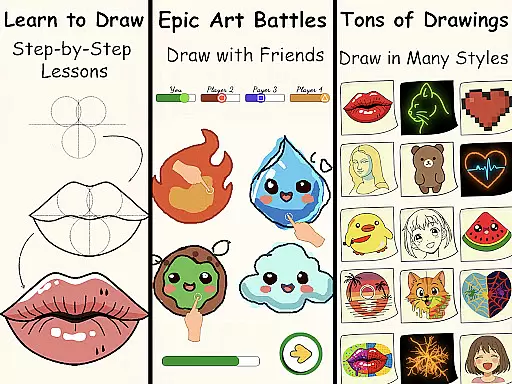
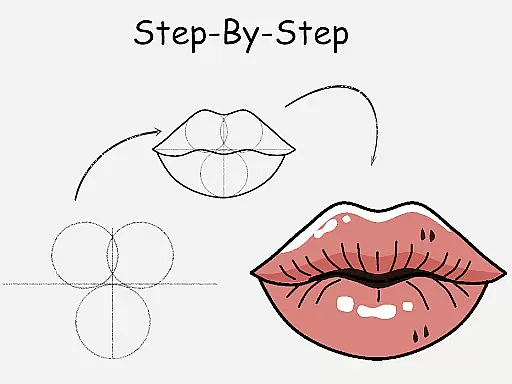
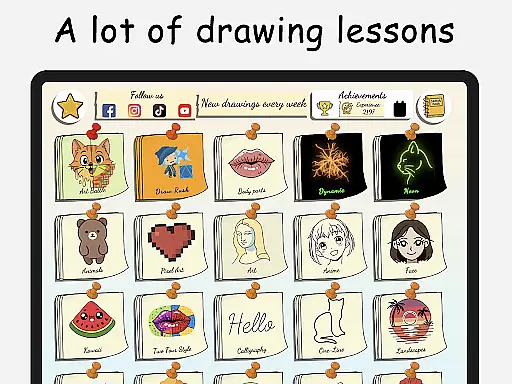
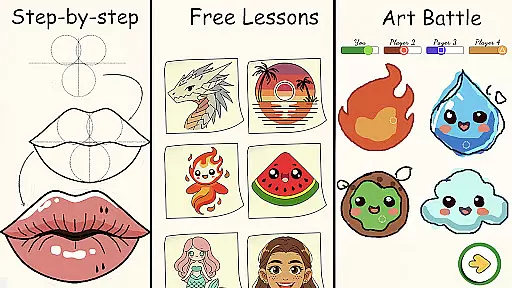
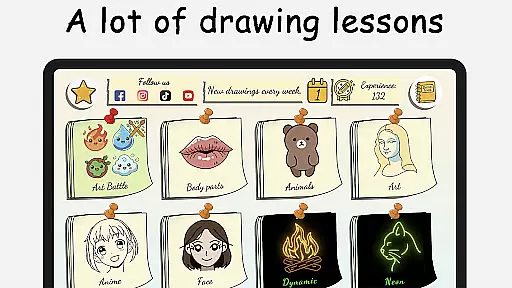
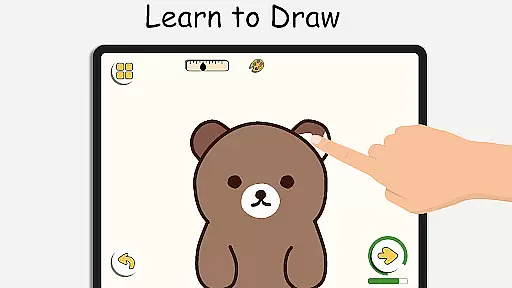
ArtLoop is a comprehensive drawing application designed to help users learn and improve their art skills through step-by-step tutorials, interactive challenges, and multiplayer drawing games. The app offers a wide range of lessons covering various subjects such as characters, animals, food, people, emojis, anime, and more. Each lesson provides clear instructions that make it easy for beginners to follow along while also offering advanced techniques for experienced artists.
In addition to structured tutorials, ArtLoop includes features like Multiplayer Drawing Battles where users can compete with friends or random players in exciting art battles. This competitive aspect not only makes learning fun but also motivates users to refine their skills. With tailored learning paths, intuitive drawing tools, and offline capabilities, ArtLoop ensures an engaging and flexible artistic journey for all ages.
The app's unique features include Pixel Art Mode, Neon Drawing, Quick Draw & Speed Draw Challenges, and Draw With Friends. These functionalities cater to different artistic styles and preferences, making ArtLoop one of the best free drawing apps available on mobile platforms. Whether you're just starting your drawing journey or looking to enhance your existing skills, ArtLoop provides everything needed to grow as an artist.
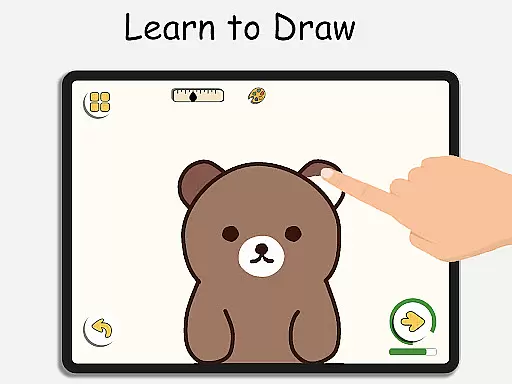
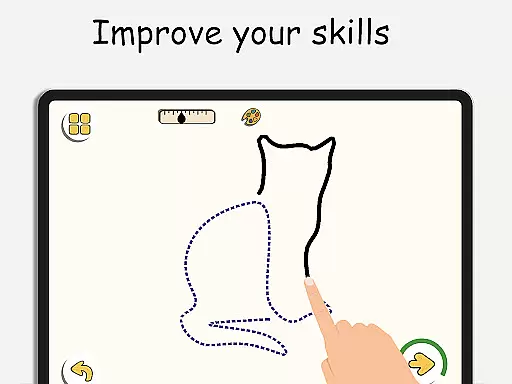
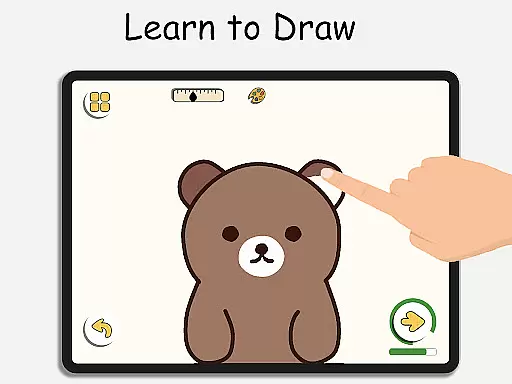
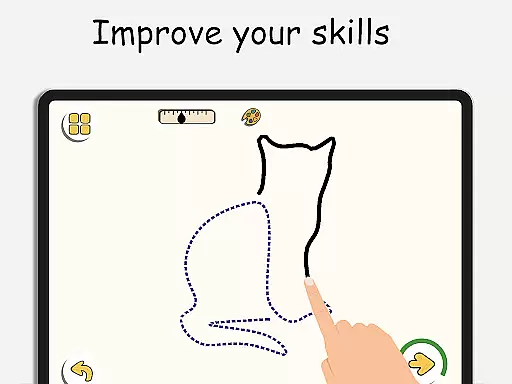
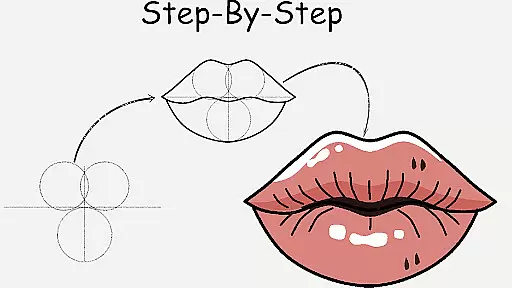
ArtLoop stands out with its rich set of features designed to enhance the user's drawing experience. One of the key highlights is the Step-by-Step Drawing Lessons which guide users through mastering the basics of drawing various subjects. Each tutorial is meticulously crafted to ensure clarity and ease of understanding, making it perfect for both beginners and those aiming to refine their technique.
Another notable feature is the Multiplayer Drawing Battles, allowing users to engage in friendly competitions. This feature adds an element of excitement and motivation, encouraging users to improve their speed and accuracy. Additionally, the app offers Drawing Tutorials for All Levels, ensuring that every user finds content suitable for their skill level. From sketch art to doodles and coloring, ArtLoop covers a broad spectrum of artistic interests.
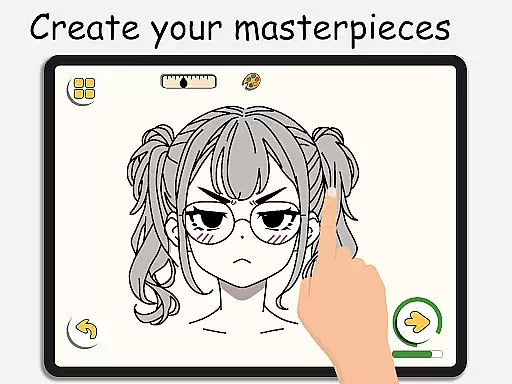
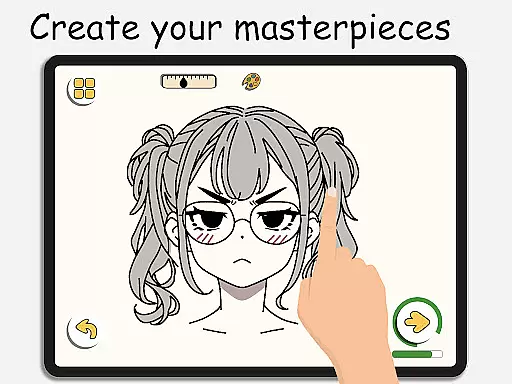
ArtLoop also boasts Intuitive Drawing Tools, enabling smooth and responsive drawing experiences. Users can enjoy creating digital art with ease using features like virtual sketchpads and detailed editing options. Furthermore, the app supports offline functionality, allowing users to draw and paint without internet access. With additional modes like Pixel Art, Neon Drawing, and collaborative features like Draw With Friends, ArtLoop truly offers artistic freedom for all ages.
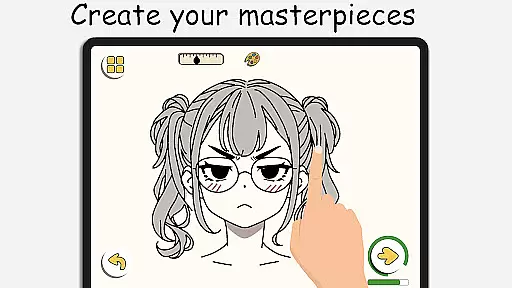
In ArtLoop, the creative tools provided are comprehensive and versatile, ensuring that users of all skill levels can find what they need to create stunning artwork. The app includes a virtual sketchpad, detailed editing features, and smooth, responsive drawing tools that mimic real-life art supplies.
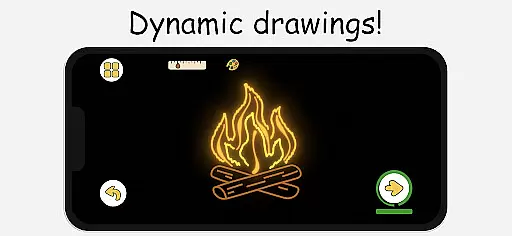
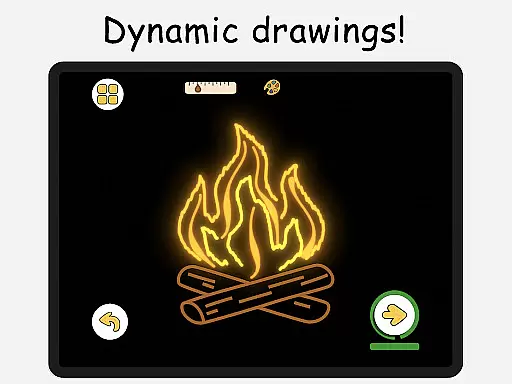
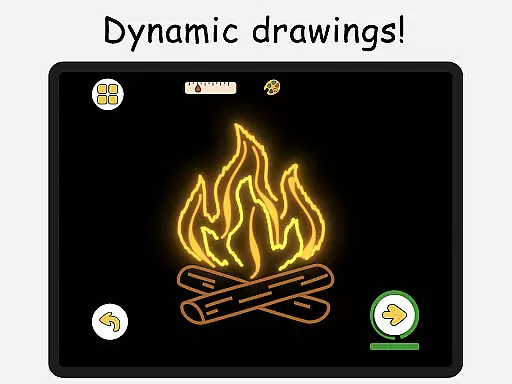
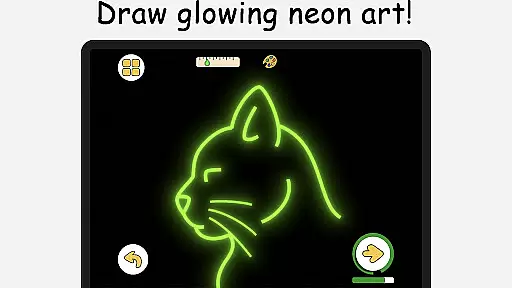
For those interested in digital art forms, ArtLoop offers specialized modes such as Pixel Art and Neon Drawing. The Pixel Art Mode provides grid-perfect drawing with snap-to-grid tools and quick-fill coloring options, ideal for creating retro sprites and game characters. Meanwhile, the Neon Drawing feature allows users to create vibrant, glowing strokes with luminous brushes, adding an electrifying pop to every line.
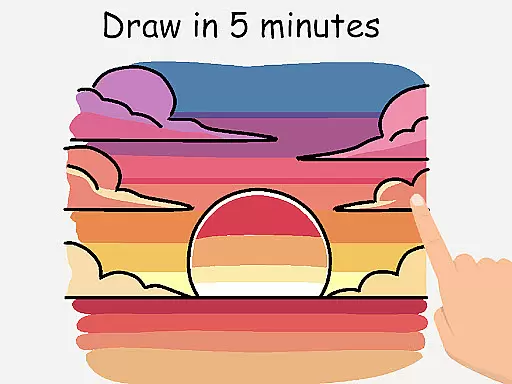
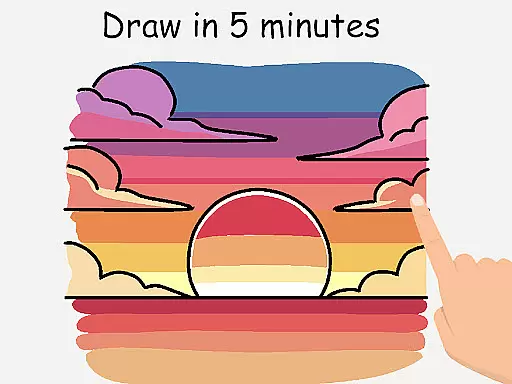
ArtLoop also supports various challenges like Quick Draw and Speed Draw, which not only refine accuracy but also serve as excellent warm-up exercises. These tools and features collectively ensure that whether you're sketching, doodling, or coloring, ArtLoop has the right instruments to bring your artistic visions to life.
ArtLoop stands out in its canvas and format flexibility, allowing artists to explore their creativity without limitations. Users can choose from a variety of categories including cute animals, food, flowers, and anime eyes, each offering short, focused lessons that cater to different interests and skill levels.
The app's intuitive interface enables seamless transitions between different drawing styles and techniques. Whether you're into sketch art, doodles, or coloring, ArtLoop provides tailored learning paths that adapt to your personal pace and preferences. This flexibility ensures that users can easily switch between styles such as anime, cartoon drawing, or realistic art.
Furthermore, ArtLoop supports offline drawing, empowering artists to work on their creations anytime, anywhere, without the need for an internet connection. This feature, combined with the app's adaptable canvas options, makes ArtLoop a powerful companion for both casual doodlers and serious artists looking to refine their craft.
User-friendly interface
Comprehensive tutorials
Multiplayer drawing games
Offline drawing capability
Variety of artistic styles
Limited advanced tools
Occasional bugs
Ads between lessons
Basic color palette
Learning curve for newbies

Create stylish invitation cards using templates for weddings, birthdays & RSVP.
 4.20
4.20
Trace, draw, and create art with AR - from memes to masterpieces!
4.30
Paint with oils and sketch with natural tools on a realistic virtual canvas.
3.80
Create color palette from Image, RGB & RYB Color wheel harmonies, Color Scheme
4.50
Make your phone cooler and have a fantastic experience
4.80
Photo editor for art, avatars, filters & fun transformations.
4.60
Get creative and make art with your Sesame Friends!
4.00
Android 14 style widgets and wallpapers app.
4.1
All-in-One art, logo & collage maker. Design photos and edit video backgrounds
4.80
Photo stitcher for automatically screenshot stitching into a long screenshot
4.70
Minecraft & Roblox Clothes
4.70
Draw, fidget, and spin glow art! Relax and express your creativity with a finger
4.60
Photo blender app to create overlay photos & double exposure.
4.40
Nano Banana AI Image Generator, Anime Filter, AI Portrait, AI Photo Generator
4.30
Digital Drawing: Draw & Paint
4.10
Create sweet, cool and unique couple avatars easily, in just a few steps!
3.40
Sketch, trace and master AR drawing with awesome anime art!
3.30
Draw anime easily with AR guidance, sketch templates & trace tools!
3.10
Art of Combination Wear OS Watch faces
4.2


User Reviews