
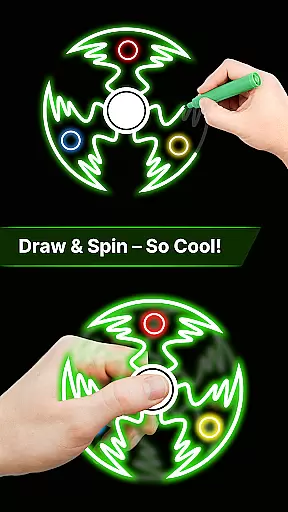
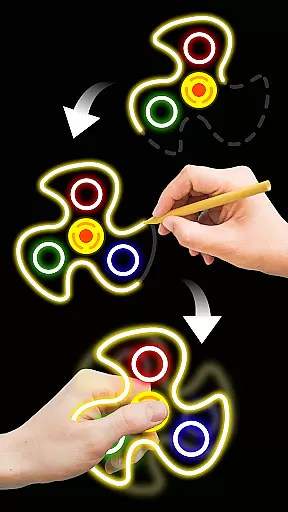
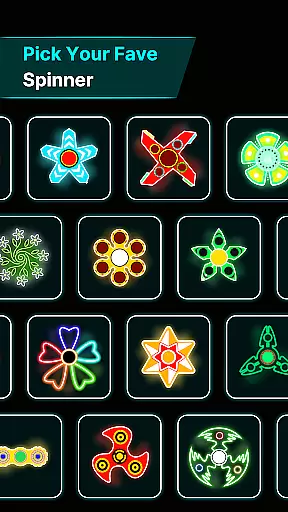
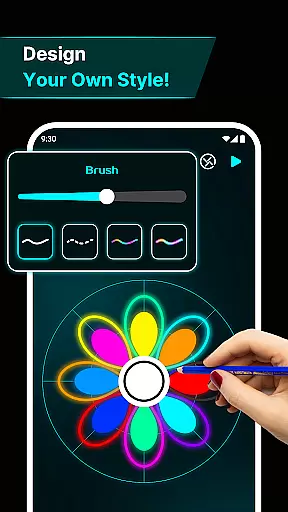
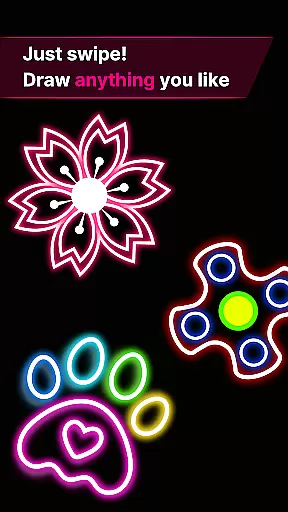
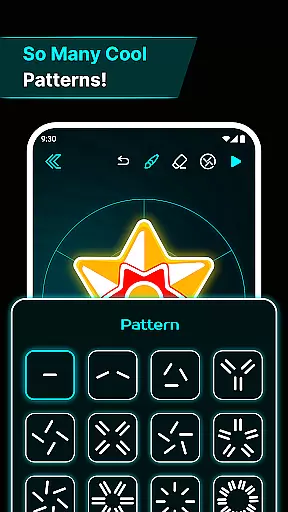
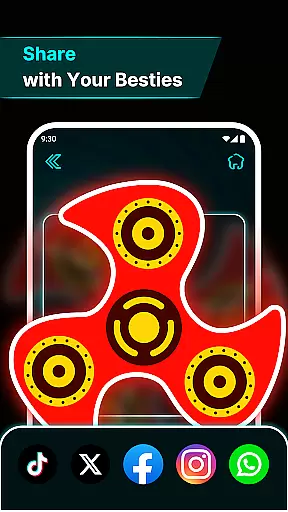
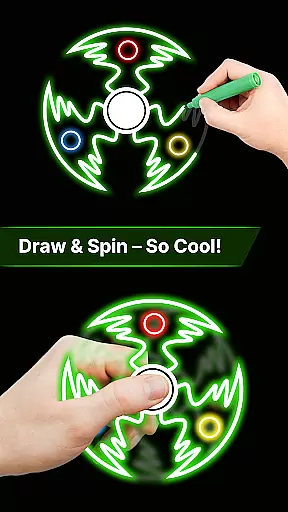
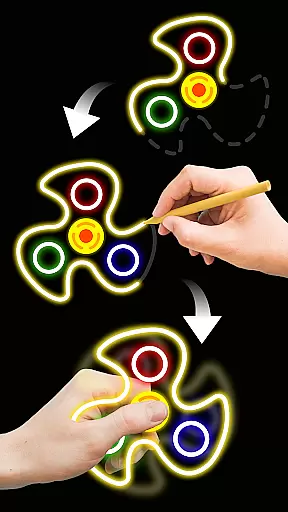
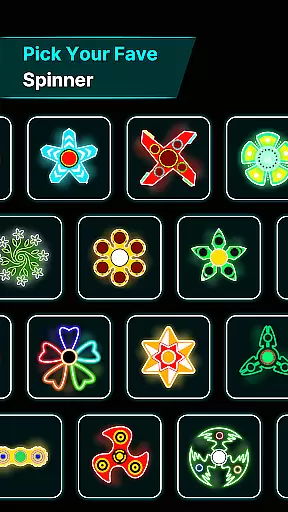

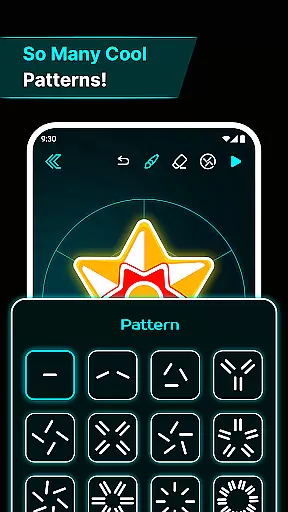
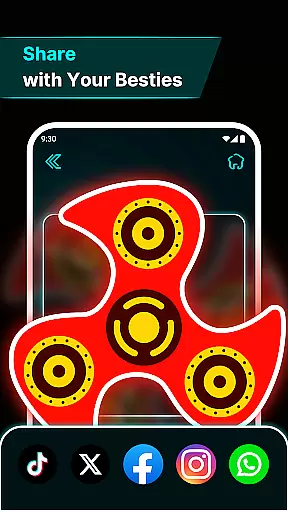
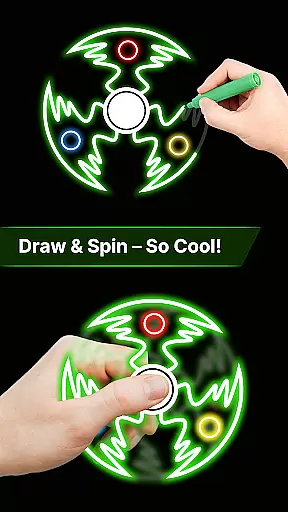
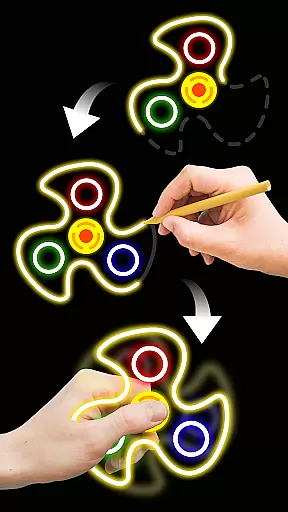
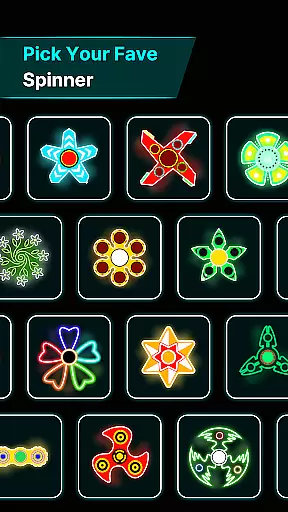
Finger Spinner: Glow Art Draw is an innovative app in the Art & Design category that combines creativity with relaxation. This app allows users to draw glowing designs using their fingers, which can then be spun like fidget spinners. The unique blend of artistic expression and stress relief makes it stand out.
With its easy-to-use interface, users can create anything from simple shapes to intricate designs. Each drawing transforms into a 3D spinner with realistic physics, offering both visual appeal and a calming experience. Whether you're looking to relieve stress or explore your creative side, Finger Spinner provides a satisfying and engaging way to do so.
The app's soothing glow effects and smooth spinning animations make it perfect for unwinding after a long day. Users can save their creations in a personal collection, building a gallery of interactive art pieces that offer endless entertainment and relaxation.
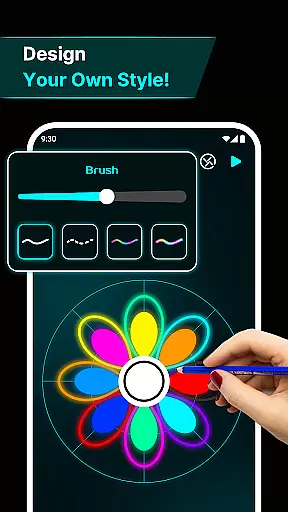
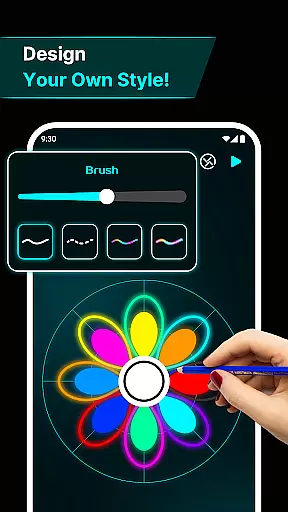
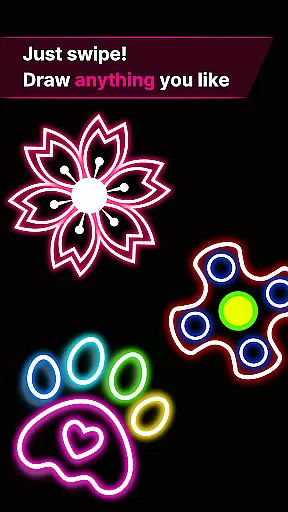
Finger Spinner: Glow Art Draw offers a variety of features that enhance the user experience. One of the standout features is the Easy Finger Drawing tool, which turns every touch into smooth, glowing lines. This feature allows for complete creative freedom, letting users produce anything from basic patterns to complex artwork.
The Brilliant Glow Effects add a vibrant touch to every design, making each spinner visually stunning. These effects range from subtle shines to bold neon colors, ensuring that every creation stands out. Additionally, the app includes 3D Spinner Designs, giving depth and realism to each piece of art as they come to life on the screen.
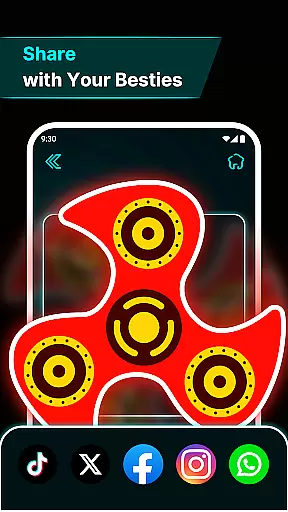
Realistic Spin Physics further elevate the experience by simulating natural movement in all directions. Powered by a robust physics engine, this feature ensures that every flick and spin feels authentic. With My Collection, users can save and revisit their favorite spinners, creating a personalized gallery of glowing, interactive artwork.
In the realm of digital creativity, having a comprehensive set of tools is paramount. Finger Spinner: Glow Art Draw offers an impressive array of features that cater to both casual doodlers and serious artists. The app provides easy finger drawing capabilities, allowing users to transform their touch into smooth glowing lines with precision.
One standout aspect is the brilliant glow effects. Users can experiment with different intensities, from subtle shine to bold brilliance, creating vivid neon designs. This feature ensures that every stroke can be as expressive or as understated as desired, offering true creative freedom.
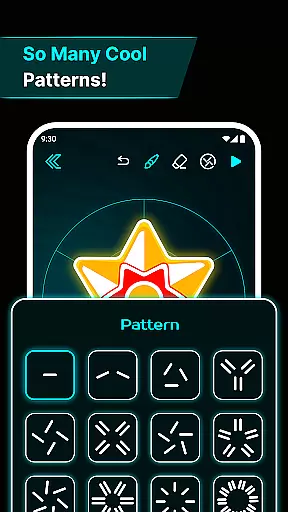
Additionally, the app includes 3D spinner designs, elevating simple sketches into dynamic works of art. These realistic spin physics bring drawings to life, moving naturally in all directions. Such depth not only enhances visual appeal but also adds an interactive element to the artwork.
With its soothing interface and powerful physics engine, Finger Spinner merges functionality with aesthetics seamlessly. Artists can save their creations in a personal gallery, building a collection that showcases their evolving skills and imaginative flair.
A versatile canvas is essential for unleashing full artistic potential, and Finger Spinner: Glow Art Draw excels in this area. The app supports various formats, enabling creators to explore limitless possibilities without feeling constrained by predefined boundaries.
The flexibility begins with the easy finger drawing feature, which adapts to different stylesu2014whether you prefer sharp edges or soft curves. Each line drawn contributes to a unique spinner design, ensuring no two pieces are ever alike.
Moreover, the inclusion of brilliant glow effects allows for further customization. Artists can manipulate light and color to achieve the desired ambiance, making each piece distinctly personal. This adaptability extends to the 3D spinner designs, where depth and movement add another layer of complexity.
Ultimately, Finger Spinner's canvas/format flexibility empowers users to push creative limits. By combining intuitive controls with advanced design options, it fosters an environment where imagination thrives and artistic visions come to fruition effortlessly.
User-friendly interface
Vibrant glow effects
Realistic spin physics
Creative freedom
Stress-relief tool
Limited advanced tools
No social sharing
Basic UI design
Few customization options
Occasional bugs

Pose and morph realistic male and female models! 3D poser app
 3.00
3.00
Create stylish invitation cards using templates for weddings, birthdays & RSVP.
4.20
Make your phone cooler and have a fantastic experience
4.80
AI Art Generator transforms your words into AI generated art & paintings.
3.70
800+ Drawing, Painting Lessons App to Practice, Sketch & Paint Art.
4.30
Mobile pixel art editor. Simple. Fast. Portable.
4.80
Photo stitcher for automatically screenshot stitching into a long screenshot
4.70
Inky runs Inkscape on Android devices and Chromebooks
2.90
Sketch and paint on your device with the feel and freedom of drawing on paper
4.00
Draw on screen: FP sDraw is a simple and lightweight drawing app
4.70
Draw anime & manga drawing, art with templates to create stunning picture!
4.50
The perfect place to start sketching! Use Sketchbook to draw and paint sketches.
4.50
Create and Design Custom Logos in Seconds with AI-Powered Tools!
4.40
Just trace a projected picture on paper and color! Draw & Paint with AR drawing
4.40
Nano Banana AI Image Generator, Anime Filter, AI Portrait, AI Photo Generator
4.30
OneUI 8.5 icons ✨ Smooth, modern & based on the latest Play Store design ??
4.10
Unleash the artist in you with our AR drawing and tracing tool for photo drawing
4.10
Paint with oils and sketch with natural tools on a realistic virtual canvas.
3.80
Create trending AI photos & videos with powerful effects and 3D styles.
3.20


User Reviews