
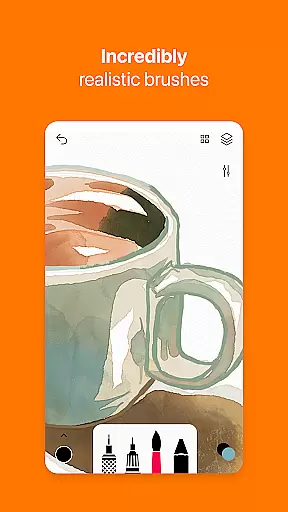
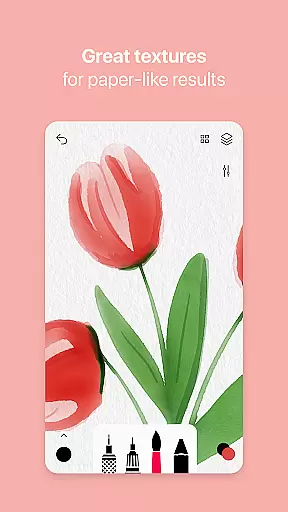
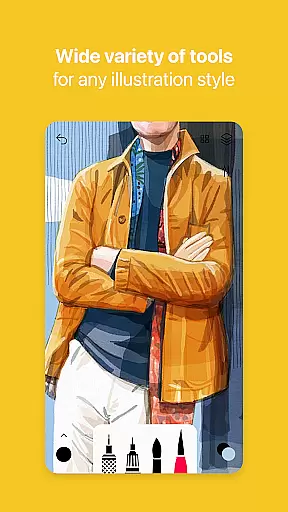
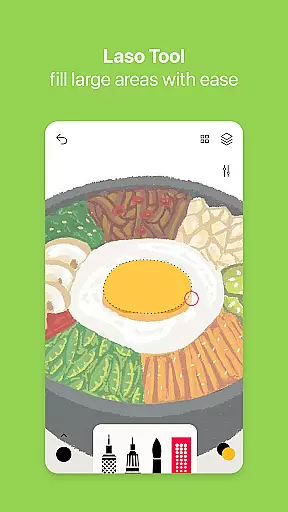
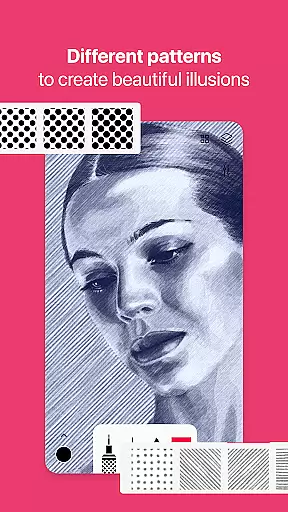
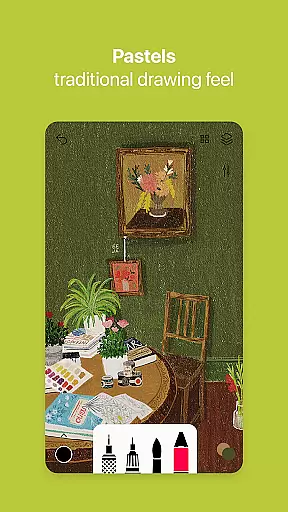

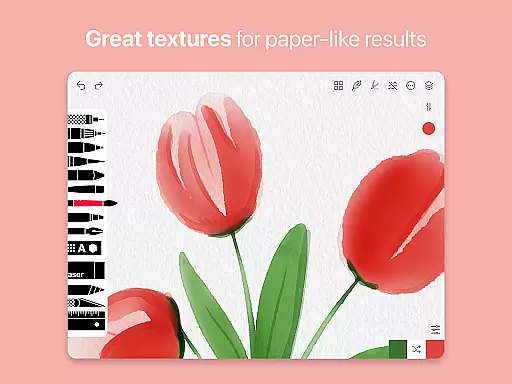
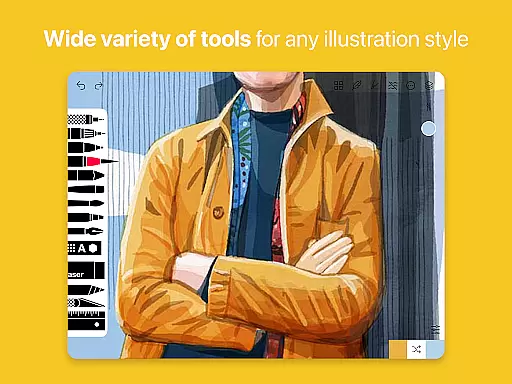
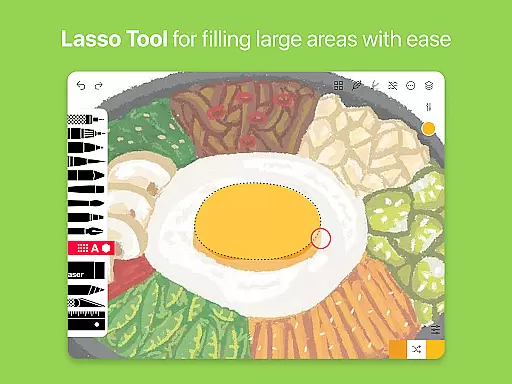
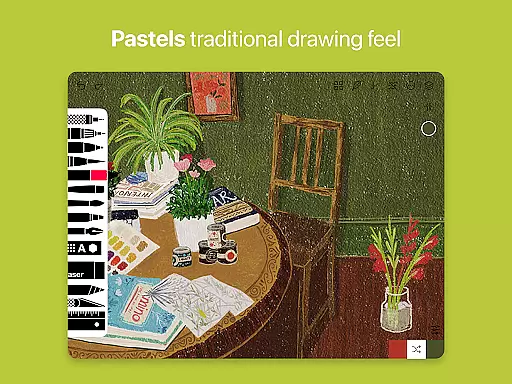
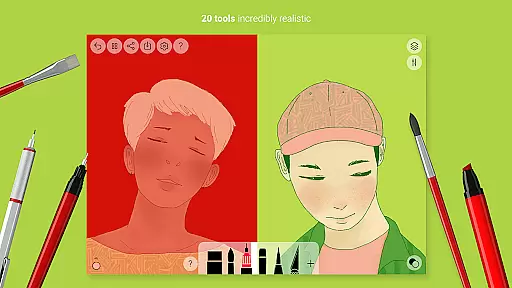
Tayasui Sketches is a premier drawing application designed for artists and creatives who value precision and beauty in their digital artwork. The app offers an impressive selection of over 20 ultra-realistic tools, each meticulously crafted to mimic traditional art mediums. These include watercolor brushes that behave like real paint, oil pastels, acrylics, and various pens. With support for layers, importing photos, and advanced sharing options, it provides a complete toolkit for both amateur and professional artists.
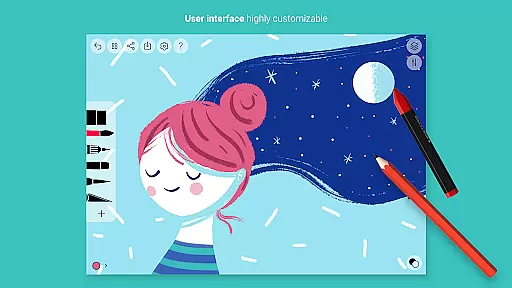
What sets Tayasui Sketches apart is its intuitive interface combined with powerful features such as brush editing, color eyedropper, and stylus support. Whether you're sketching ideas, creating detailed illustrations, or experimenting with different artistic styles, this app adapts to your needs. Available Pro options expand functionality further with additional tool variants and features, making it suitable for complex projects while maintaining ease of use.
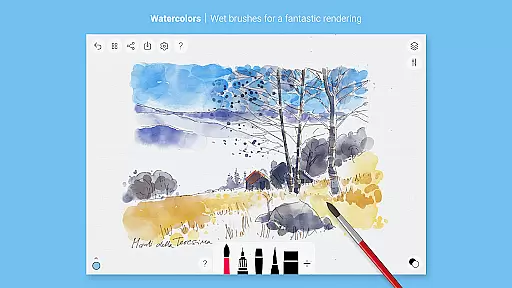
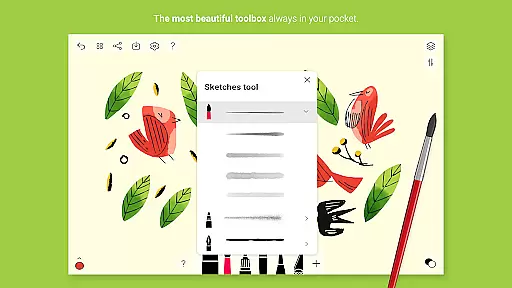
Tayasui Sketches stands out through its dedication to realism and quality in digital art tools. Each brush and tool responds dynamically to factors like pressure, angle, and movement speed, providing an authentic drawing experience akin to working with physical materials. The app includes specialized tools such as the wet watercolor brush, rotting pen, felt tip markers, and even an airbrush for diverse creative possibilities.
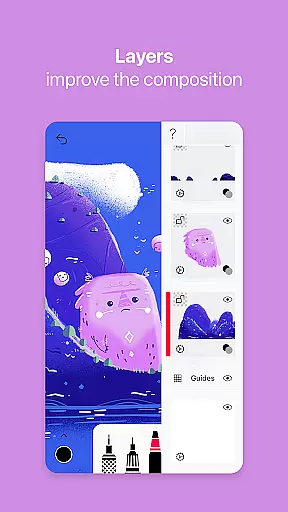
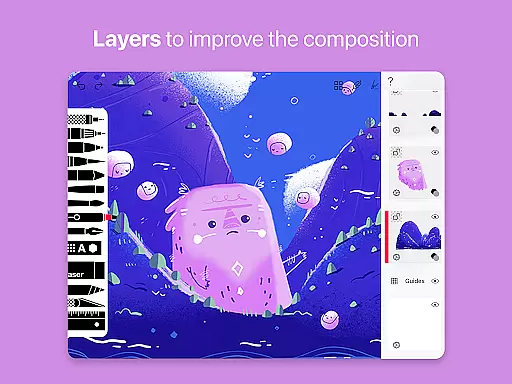
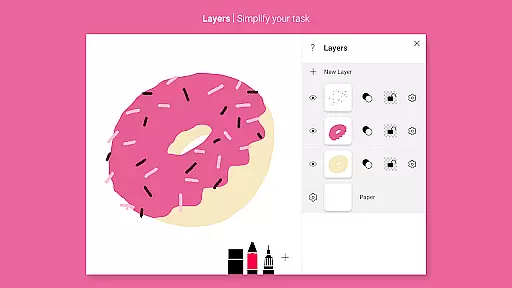
Beyond its core tools, Tayasui Sketches offers advanced functionalities including layer management which simplifies complex tasks by allowing users to separate elements of their work. Artists can import images for tracing or reference, utilize shape tools (on supported devices), and employ smudge tools for blending effects. Subscription options unlock premium features like weekly or yearly plans with free trials available on select subscriptions, enhancing productivity without compromising usability.
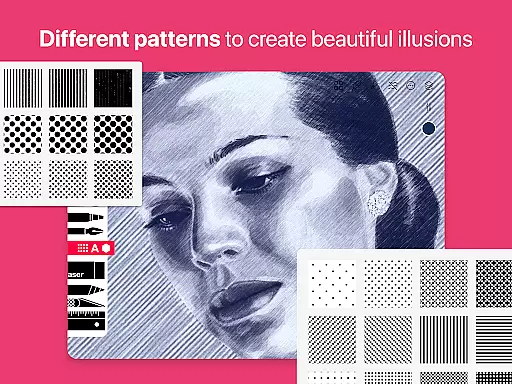
In the realm of digital art, having a comprehensive set of creative tools is paramount. Tayasui Sketches offers an impressive array of over 20 ultra-realistic instruments, ranging from pens and brushes to advanced filling tools and patterns.
Each tool within the application has been meticulously crafted to mimic real-world counterparts. The watercolor wet brush, for instance, provides an incredibly lifelike experience that adapts to the user's movements in terms of pressure, angle, and width, making each stroke vividly resemble traditional painting techniques.
Furthermore, the inclusion of layers, an eraser, cutter, smudge tool, and even text functionality ensures that artists have everything they need at their fingertips. This complete toolkit empowers users to execute their artistic visions with precision and ease.
By providing such an extensive range of features, Tayasui Sketches not only meets but exceeds the expectations of both amateur doodlers and professional illustrators alike, setting a new standard for creativity on Android devices.
A canvas in digital art should offer the same boundless opportunities as a physical one. Tayasui Sketches understands this need and delivers a highly flexible canvas environment that can adapt to various formats and sizes.
The app supports importing photos, which serves as a base layer or reference for artists. This feature allows creators to work on existing images, trace outlines, or incorporate photographic elements into their artwork seamlessly.
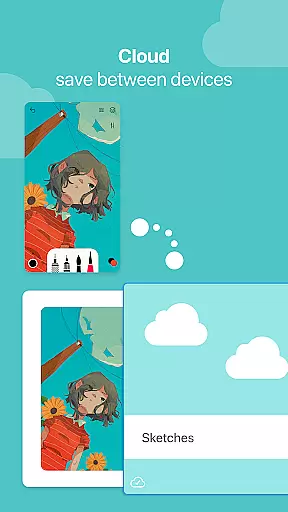
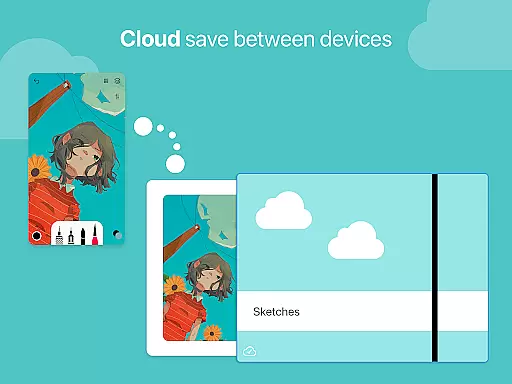
Moreover, with advanced sharing and export functions, users can easily transfer their creations across platforms without worrying about format compatibility. Whether it's for social media, printing, or further digital manipulation, the exported files maintain high quality and integrity.
This level of canvas and format flexibility ensures that no matter what project an artist undertakes, Tayasui Sketches provides the necessary adaptability to bring diverse artistic ideas to life while maintaining professional standards throughout the process.
User-friendly interface
Realistic brush simulation
Variety of artistic tools
Advanced layer support
Regular updates and improvements
Premium features require subscription
Limited free trial availability
Some advanced tools iPad only
No direct collaboration features
Occasional performance issues

Transform photos into amazing monochrome dither art with professional algorithms
 4.3
4.3
Convert image to JPG PNG HEIC PDF, support almost all kinds of image formats
4.70
Powerful home decoration & house design that allows you to design dream home.
3.80
Minecraft & Roblox Clothes
4.70
Image resizer to resize, crop, rotate, flip, change dpi photo or picture in bulk
4.60
Art of Combination Wear OS Watch faces (for Wear OS 5+ devices)
3.90
Photo stitcher for automatically screenshot stitching into a long screenshot
4.70
Inky runs Inkscape on Android devices and Chromebooks
2.90
Kling AI is an image and video generation and editing studio powered by AI.
4.50
Draw, make movies & animate cartoons easily with our 2D animation maker app
4.40
Beauty Camera - Selfie Camera is the ultimate beauty camera and selfie app
4.30
Nano Banana AI Image Generator, Anime Filter, AI Portrait, AI Photo Generator
4.30
Custom Character Creator & PFP Maker!
4.20
Text to Image, Image to Video & AI Chat
4.20
Unleash Your Creativity with Draw Cartoon - AR Drawing App
4.10
Experience next-gen icons with a modern liquid glass look.
3.60
Create sweet, cool and unique couple avatars easily, in just a few steps!
3.40
Meet the magic aı 3d photo generator and smart AI video generator app.
3.20
Download now for a stylish and functional timepiece
4.5


User Reviews