
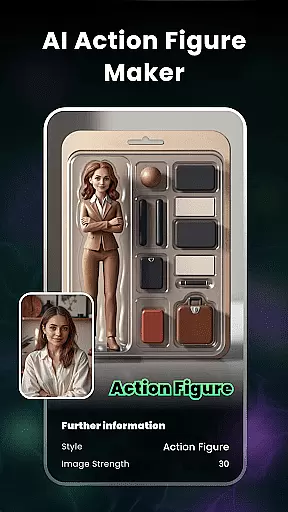
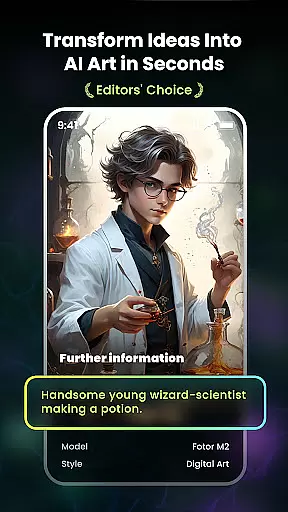
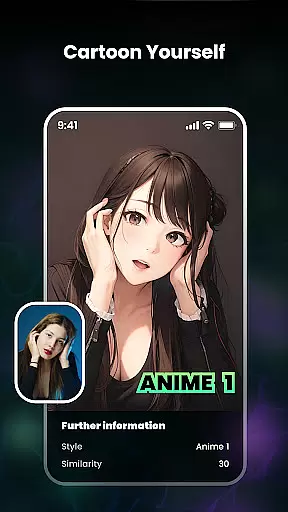
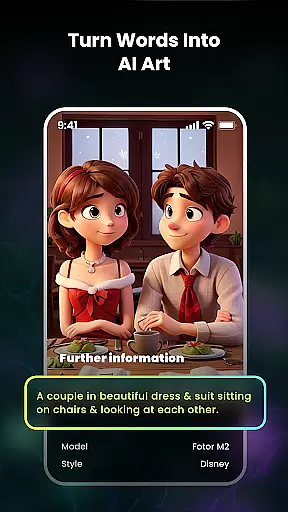
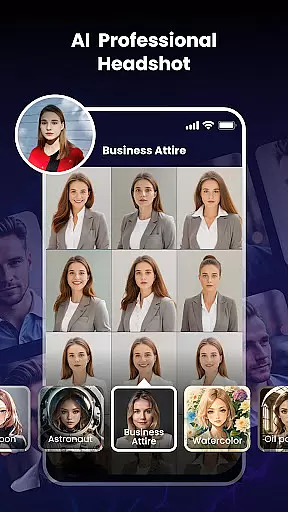
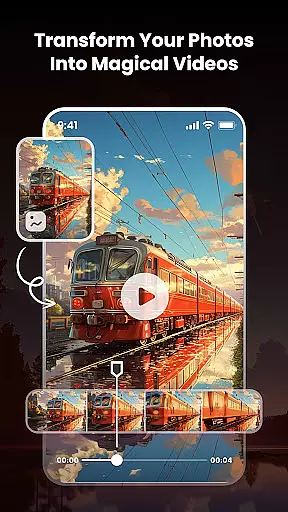
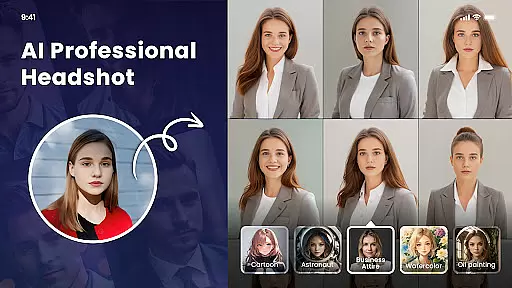
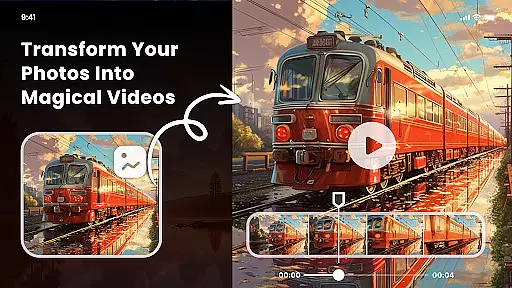
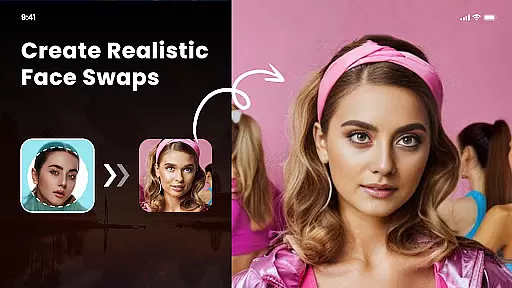
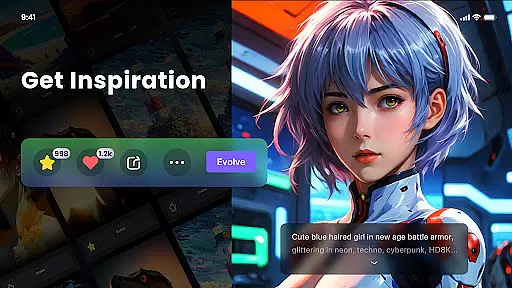
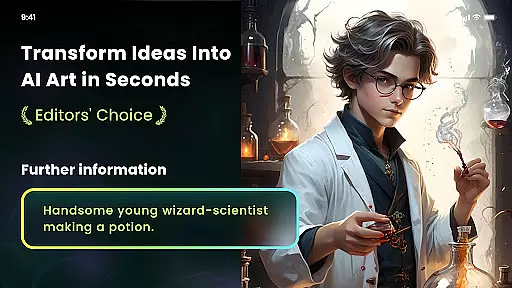
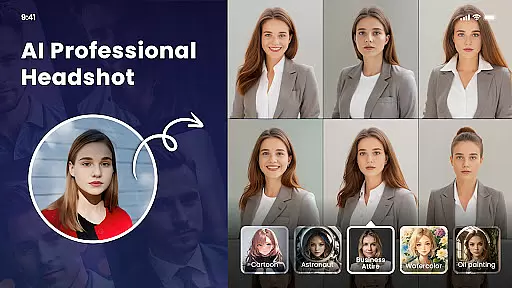
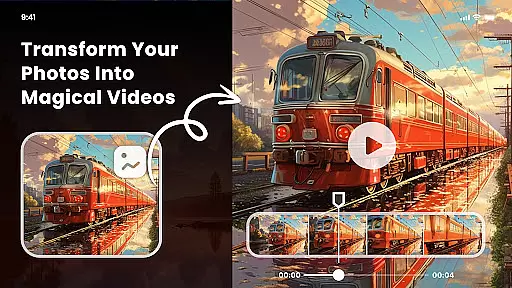
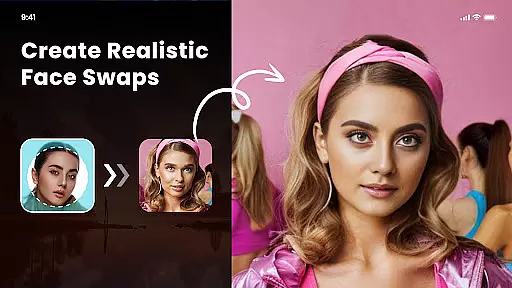
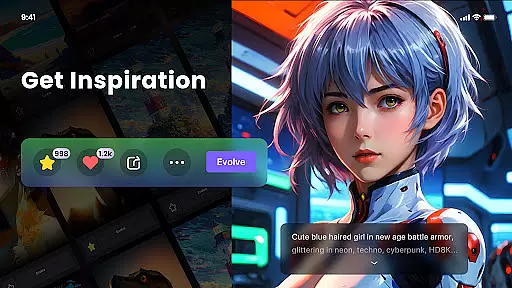
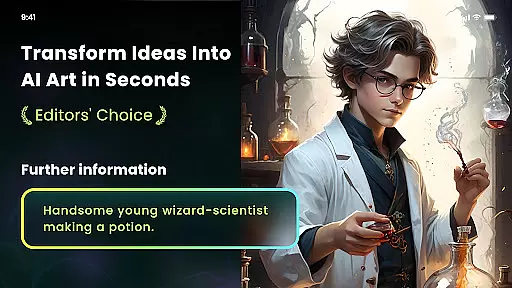
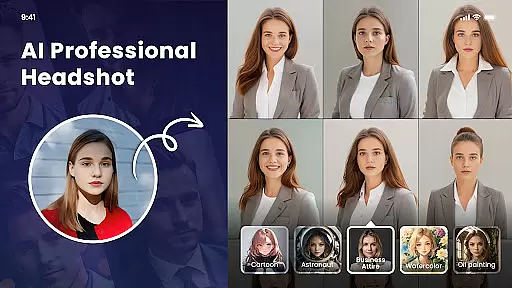
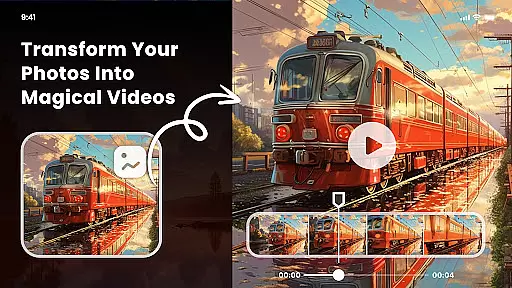
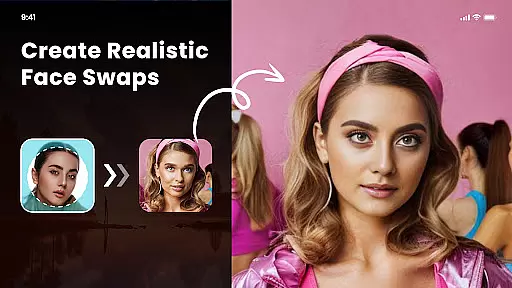
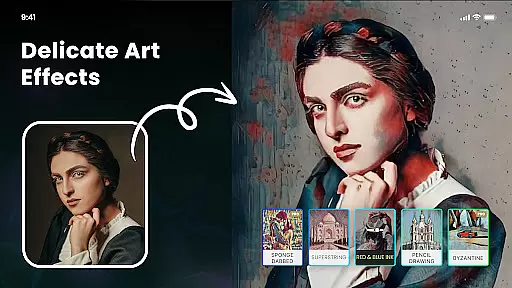
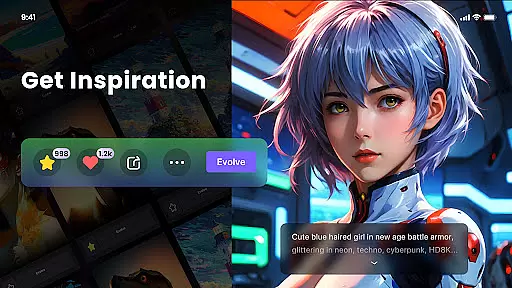
Nano Banana AI Image is an innovative app in the Art & Design category that allows users to create stunning visuals through text or image prompts. Powered by advanced AI technology, this app supports both image-to-image and text-to-image creation, delivering sharp, context-aware images with remarkable realism.
The app offers a range of powerful features including natural language photo editing, artistic style filters, and even NFT minting capabilities. Whether you're looking to transform photos into cartoon avatars, create unique artworks from text descriptions, or apply masterful painting styles, Nano Banana provides endless creative possibilities for artists and hobbyists alike.
With its user-friendly interface and high-definition output supporting up to 8 megapixels, this app is perfect for both professional designers and casual users who want to explore their creativity. The ability to print your digital creations on various mediums adds practical value to this versatile design tool.
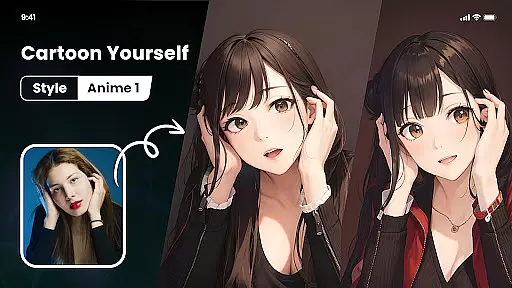
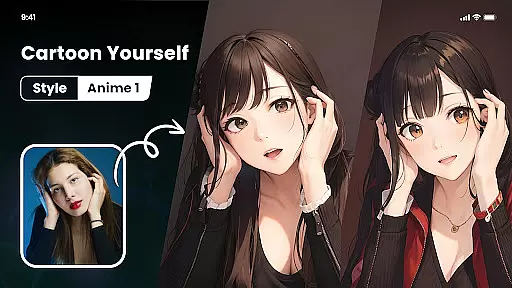
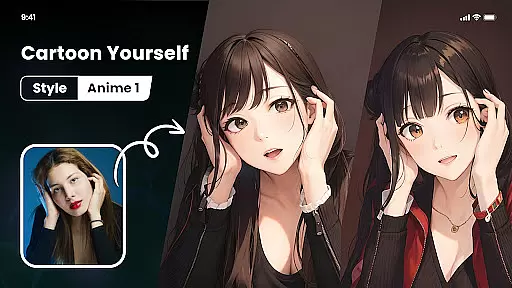
One of Nano Banana's standout features is its integration with Gemini 2.5 Flash Image AI, enabling precise and lifelike image generation. The app's Photo Cartoonizer function lets users easily transform regular photos into engaging cartoon avatars, while the Japanese Anime Filter creates stunning anime-style artwork with just one click.
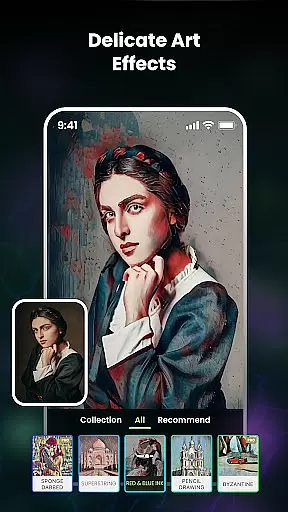
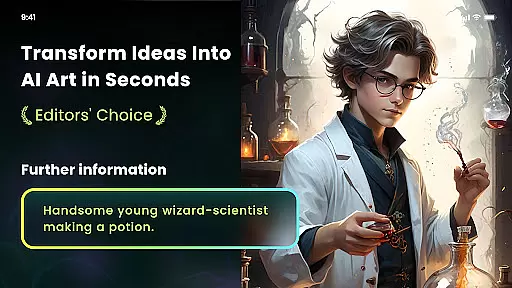
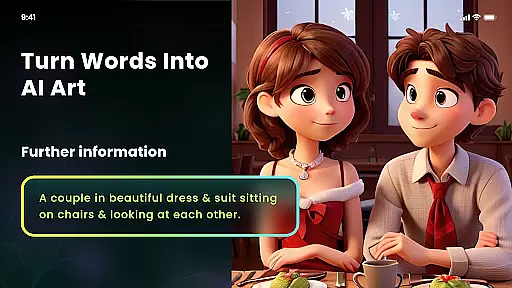
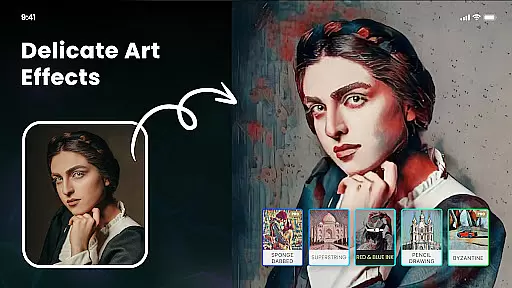
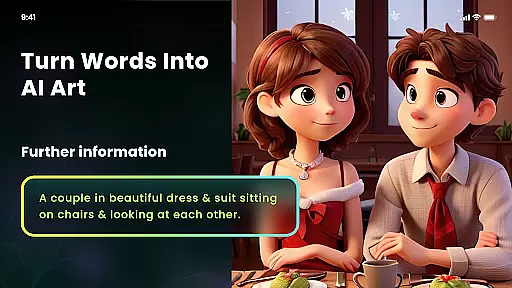
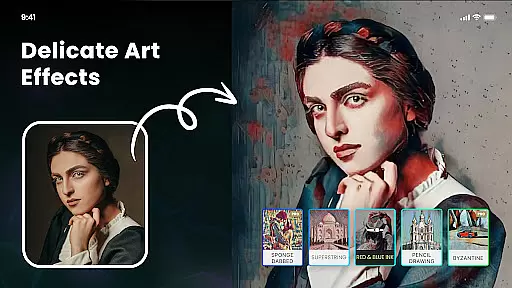
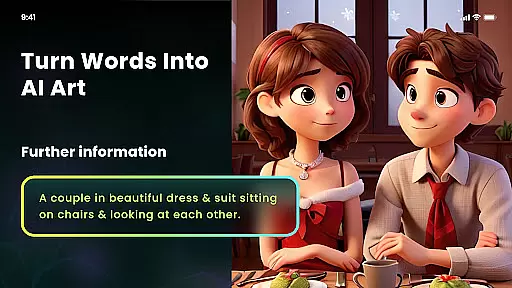
The AI Art From Text feature revolutionizes creative workflows by converting simple text prompts into diverse artistic styles including cyberpunk, surrealism, and classical oil painting. Multiple artistic style filters provide users with options ranging from impressionism to Van Gogh-inspired effects, ensuring unique results for every project.
Additional notable features include AI Cutout for background removal, NFT minting capabilities, and adjustable art strength settings. The app maintains high-definition quality throughout all transformations, making it suitable for both digital sharing and physical printing purposes.
In the realm of digital creativity, having a comprehensive suite of tools is essential for realizing one's artistic vision. Nano Banana AI Image offers an extensive array of features that cater to various creative needs. From generating images through text or image prompts using advanced AI technology like Gemini 2.5 Flash Image AI, to offering specialized filters and styles such as Photo Cartoonizer and Japanese Anime Filter, this app ensures that artists and hobbyists alike have everything they need at their fingertips.
The application stands out with its multiple artistic style filters which include famous art movements and master-inspired effects, allowing users to transform ordinary photos into extraordinary pieces of art. Whether itu2019s emulating Van Gogh's brush strokes or creating cyberpunk-themed visuals, Nano Banana provides the tools necessary for these creative transformations. Additionally, practical utilities like AI Cutout for background removal and high-definition print support up to 8 megapixels empower users to refine their work further and bring their digital creations into the physical world.
By integrating cutting-edge AI capabilities with user-friendly functionalities, Nano Banana not only simplifies the process of creating complex visual designs but also enhances the quality and authenticity of the output. This complete toolkit invites creators to experiment without limits, pushing the boundaries of what can be achieved in mobile art and design.
A versatile canvas is crucial for unleashing full creative potential, and Nano Banana AI Image excels in providing unmatched format flexibility. The app supports a wide range of input types, including both text-to-image and image-to-image generation, accommodating different creative workflows. Users can effortlessly switch between crafting detailed visuals from textual descriptions or enhancing existing images with sophisticated AI-driven edits, ensuring that no matter the starting point, the path to creation is seamless.
Moreover, Nano Banana embraces diversity in artistic expression by enabling creations in numerous styles and genres. With options ranging from impressionism to anime, users are free to explore and merge various aesthetics without being constrained by the platform. The ability to export high-definition images further underscores this flexibility, making certain that artworks retain their quality across different mediums and uses, whether for digital portfolios or printed materials.
This adaptability extends beyond mere image creation; it encompasses the entire lifecycle of an artwork, from conception to minting as NFTs. By facilitating easy adjustments and supporting professional-grade outputs, Nano Banana empowers artists to tailor their projects precisely how they envision, maintaining creative integrity throughout every step of the process.
User-friendly interface
Multiple artistic styles
High-definition output
AI-powered creation
Print-ready results
Premium subscription required
Limited free features
Occasional processing delays
Advanced tools need learning
Internet connection needed

AI generated images & photos, turn your words into drawing, painting & pictures.
 4.30
4.30
Easy 3D drawing design maker & creator. Model designing, Sculpting. Create&paint
4.00
Text to Image, Image to Video & AI Chat
4.20
See Color, Paint Color
4.90
Passport size photo maker, create ID photo and visa photo in seconds
4.80
Art of Combination Wear OS Watch Faces
3.30
Share the joy of painting with ibis Paint! Drawing anime and manga art.
4.50
Kling AI is an image and video generation and editing studio powered by AI.
4.50
Create Logos, Tattoos, AI Art & more with our AI Photo Generator & Design Editor
4.20
Your AI soulmate — meaningful chats, and unique emotional moments
4.70
The ultimate tool for creating animations
4.60
Unleash your drawing and painting potential
4.50
Draw Trace image sketch by, AR art projector app, Easy to trace any image.
4.50
Beauty Camera - Selfie Camera is the ultimate beauty camera and selfie app
4.30
Sketch, plan, take notes and illustrate on an infinite canvas.
4.20
Unleash Your Creativity with Draw Cartoon - AR Drawing App
4.10
AI Art Generator transforms your words into AI generated art & paintings.
3.70
Vidu is an AI video generator made for creators and aspiring makers.
3.30
Meet the magic aı 3d photo generator and smart AI video generator app.
3.20


User Reviews