
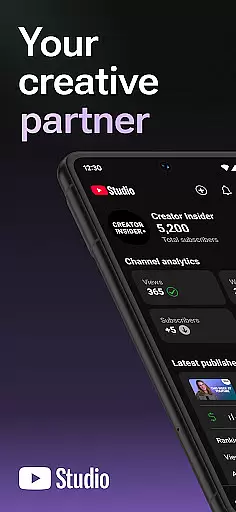
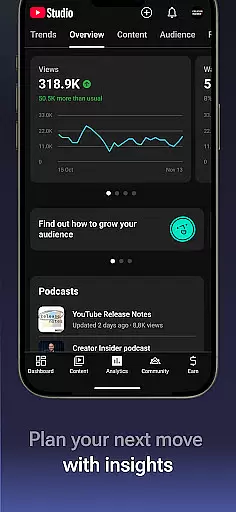
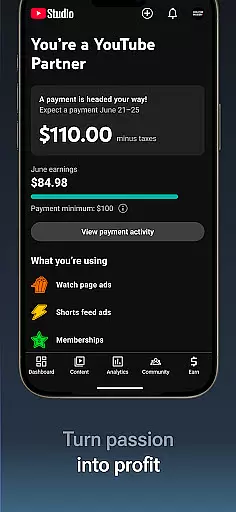
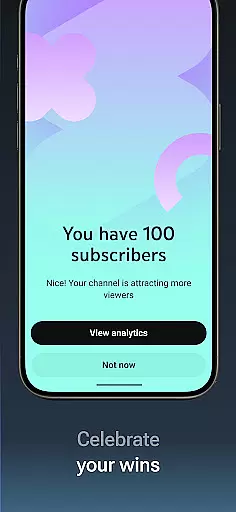
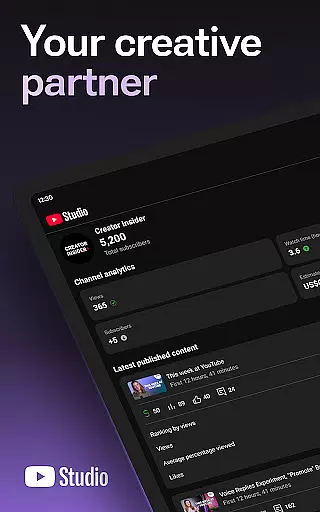
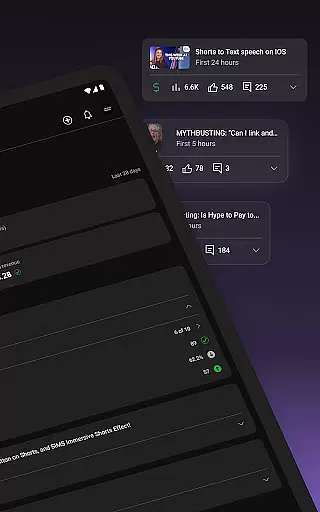
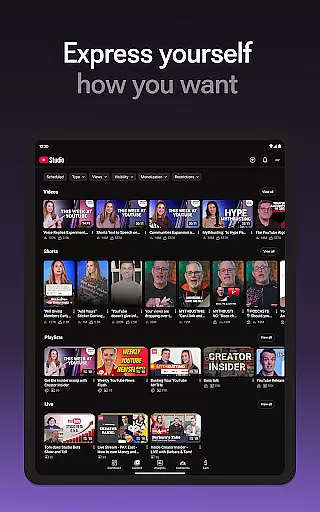
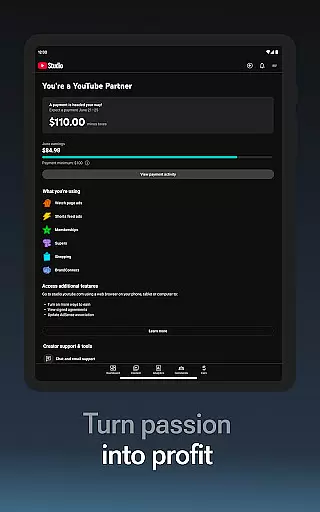

YouTube Studio is the official mobile app designed for content creators to manage their YouTube channels effectively. The app provides a comprehensive suite of tools that allow users to monitor channel performance, engage with their audience, and make necessary updates to their content directly from their mobile devices. With features like the Channel Dashboard and detailed Analytics, creators can gain valuable insights into how their videos are performing and which types of content resonate most with viewers.
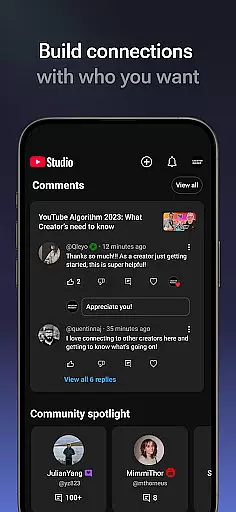
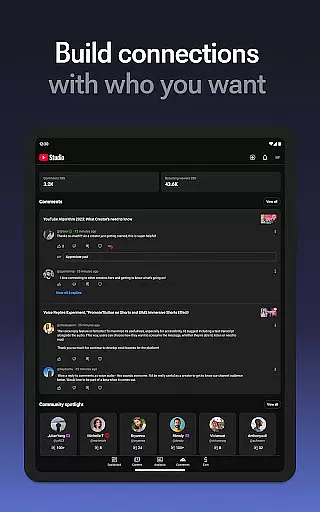
In addition to performance tracking, YouTube Studio enables users to foster stronger connections with their community by offering advanced comment management options. Creators can sort and filter comments to prioritize important discussions. The app also allows for on-the-go updates to video details, channel aesthetics, and even supports starting a business through the YouTube Partner Program. This makes it an essential tool for creators who want to maintain and grow their YouTube presence while managing their channels from anywhere.
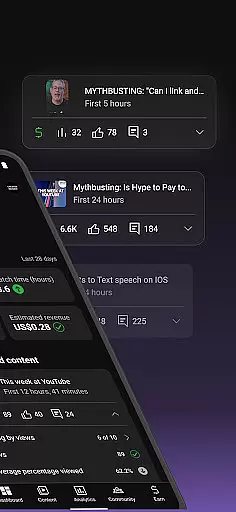
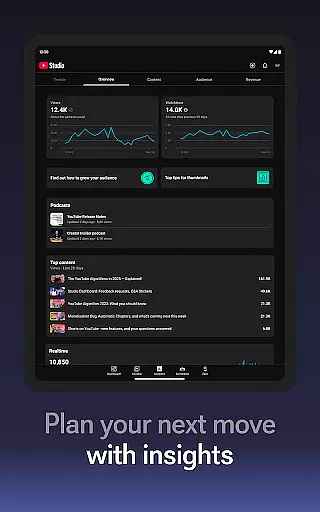
YouTube Studio stands out with its robust feature set tailored specifically for YouTube creators. One of its key features is the Channel Dashboard, which offers a quick snapshot of channel performance, including views, watch time, and subscriber trends. The app's Analytics tab goes deeper, providing detailed breakdowns of how different types of content perform, helping creators understand what works best for their audience.
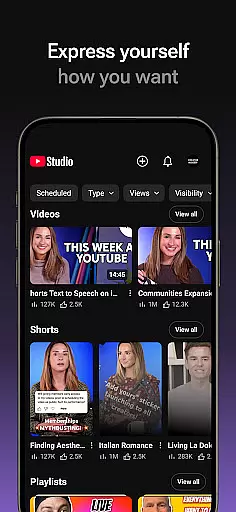
Beyond analytics, YouTube Studio excels in community management. It allows creators to sort and filter comments, ensuring they never miss important conversations within their community. The app also supports making real-time updates to video metadata, adjusting channel layouts, and managing Shorts and livestreams. Furthermore, the integration with the YouTube Partner Program empowers creators to monetize their content, opening up opportunities to generate revenue directly through the platform.
These features collectively enable creators to not only track their success but also actively shape their channel's growth and engagement strategies, all from their mobile device.
Video format compatibility is a crucial feature for any video player and editor, including YouTube Studio. This app supports a wide range of video formats, ensuring that creators can upload and manage content without worrying about format restrictions.
YouTube Studio allows users to update video information, manage shorts, and handle livestreams seamlessly. The flexibility in format compatibility means you can focus on creating and engaging with your audience rather than being limited by technical constraints.
By supporting various formats, YouTube Studio empowers creators to produce diverse content types, from high-quality cinematic videos to quick, engaging shorts. This versatility enhances the user experience, allowing for more creative freedom and efficient content management.
AI-powered editing features are revolutionizing how creators manage and enhance their video content. YouTube Studio incorporates advanced AI tools that help streamline the editing process, making it easier for creators to produce professional-quality videos.
With AI-driven analytics, creators can gain insights into how different types of content perform. These tools assist in identifying trends and optimizing video elements for better engagement. Additionally, AI helps sort and filter comments, enabling creators to prioritize important conversations within their community.
YouTube Studio's AI capabilities extend to managing individual pieces of content, such as updating video details and customizing channel aesthetics. By leveraging AI, the platform ensures that creators can efficiently handle complex tasks, ultimately enhancing both productivity and audience interaction.
User-friendly interface
Comprehensive analytics
Real-time updates
Advanced comment management
Monetization opportunities
Limited customization
Occasional bugs
Requires constant updates
Ads in free version
Learning curve for new users

A full editing room to accompany your Insta360 cameras and handheld gimbals.
 3.30
3.30
Your media, on your terms.
4.10
AirMirror Receiver - Screen mirroring/cast web videos to Android TV by AirPlay.
4.40
Explore the largest library of free GIFs, Stickers & Memes - or create your own!
3.90
An easy-to-use and all-round screen recorder with audio
4.80
Make your own Animations, Video and Photo Edits, Visual Effects, and more!
4.00
Download videos and play them offline
4.70
LumaFusion: The Ultimate Storytelling Experience for Video Editing
4.10
Capture the moment and Cut
3.40
A Simple app to download Video & Music from the Internet.
4.70
Screen recorder with audio to take live videos & Screenshot in high quality!
4.70
Cast Videos from Web Browser, IPTV to Roku, Chromecast, DLNA, Smart TV +more
4.60
Create photo video with music & template. AI video maker for stunning slideshow.
4.60
Watch IPTV on your Android device
4.60
HD video maker with no watermark, no ads & vlog maker with music, PIP, text
4.50
KineMaster, Your Ultimate Video Editor!
4.40
Manage your IPTV live channels and VOD playlists (no playlist included)
3.80
Watch full episodes of your favorite Cartoon Network and Cartoonito shows!
3.50
Powerful HD video player with support for all formats & subtitles.
4.3


User Reviews