
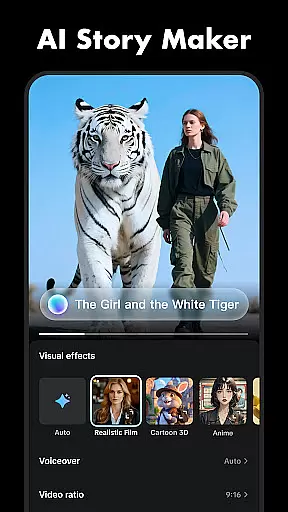
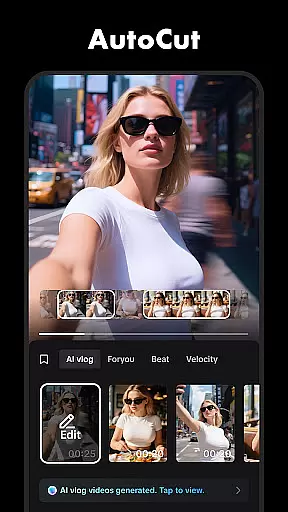



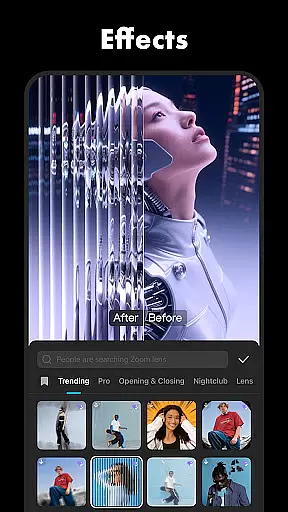
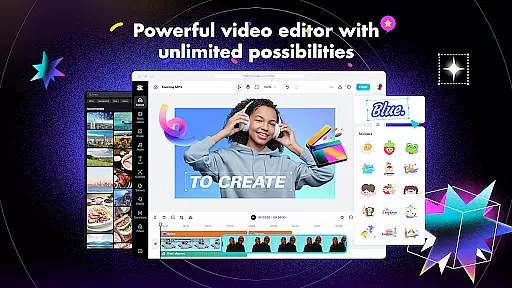
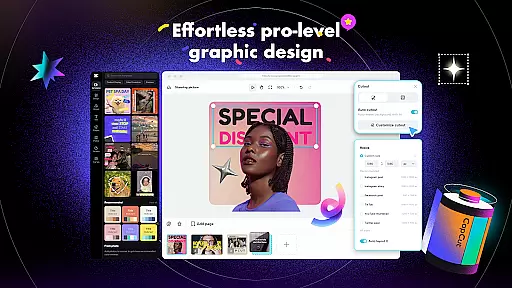
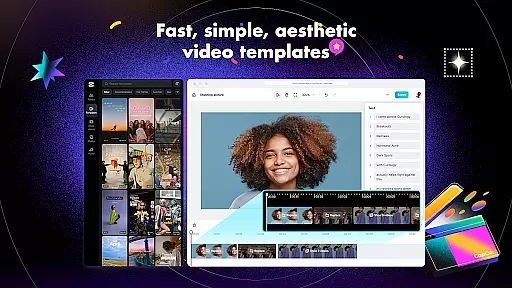
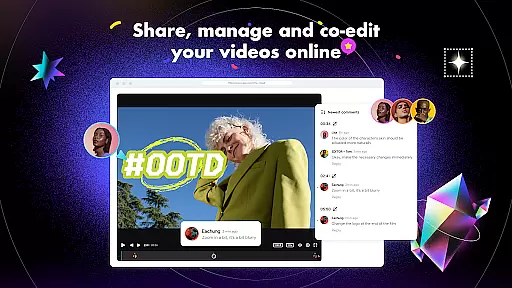
CapCut is a comprehensive video editing application that offers both basic and advanced editing tools, making it suitable for both beginners and experienced content creators. The app provides essential features such as trimming, splitting, and merging clips, along with more sophisticated options like keyframe animation, chroma key, and stabilization. These functionalities enable users to produce professional-quality videos with smooth slow-motion effects and captivating transitions.
In addition to its robust editing capabilities, CapCut includes intelligent features such as auto captions, text-to-speech in multiple languages, and background removal. Users can enhance their videos with diverse filters, trending effects, and soundtracks while enjoying the flexibility of customizing text styles and importing local fonts. With support for 4K 60fps exports and smart HDR, CapCut ensures high-quality output that's ready to be shared across social media platforms like TikTok, YouTube, and Instagram.
CapCut stands out with its extensive range of features tailored to meet various video editing needs. The app covers fundamental editing tasks including trimming, adjusting video speed from 0.1x to 100x, and applying zoom effects. It also allows users to highlight key moments using the freeze feature and explore creative transitions between clips. These basic tools are complemented by advanced functionalities such as keyframe animation, optical flow for smooth slow-motion, and chroma key for color removal.
For users seeking intelligent solutions, CapCut offers automated speech recognition for subtitles, text-to-speech in multiple languages, and automatic background removal. The multi-track timeline simplifies clip arrangement, while stabilization ensures steady footage. Additionally, the app provides hundreds of trending effects, movie-style filters, and customizable text templates, empowering creators to craft unique and engaging content with ease.
CapCut stands out with its extensive video format compatibility, ensuring that users can work with a wide array of file types without the need for prior conversion. This flexibility allows creators to import videos from different sources and devices seamlessly.
The application supports popular formats such as MP4, AVI, MOV, and many others, making it versatile for various editing needs. Whether you're working with footage from a professional camera or clips captured on a smartphone, CapCut provides a smooth experience in handling diverse video inputs.
Moreover, CapCut's advanced export options enable users to save their edited projects in high-quality resolutions, including 4K at 60fps, with smart HDR support. This ensures that the final output maintains exceptional clarity and color accuracy, suitable for sharing across multiple platforms.
By offering comprehensive format support and customizable export settings, CapCut empowers content creators to focus on their creative process without worrying about technical limitations, thus enhancing productivity and creative freedom.
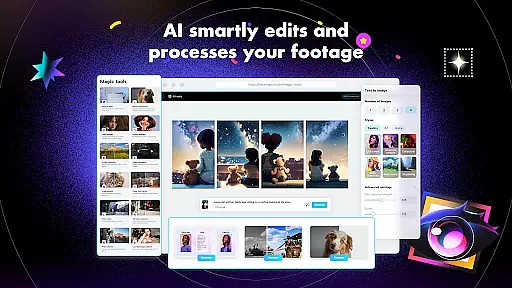
CapCut incorporates cutting-edge AI-powered editing features that revolutionize the video creation process. These intelligent tools automate complex tasks, allowing users to produce professional-quality videos with minimal effort.
One standout feature is the auto captions functionality, which utilizes speech recognition technology to generate accurate subtitles for videos automatically. This not only saves time but also enhances accessibility for viewers who rely on text accompaniment.
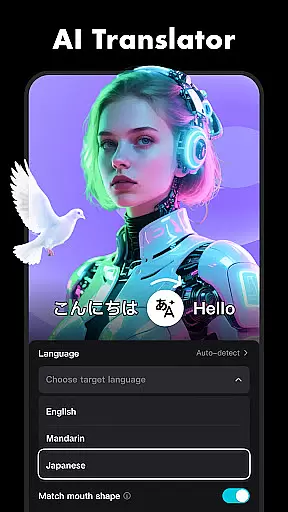
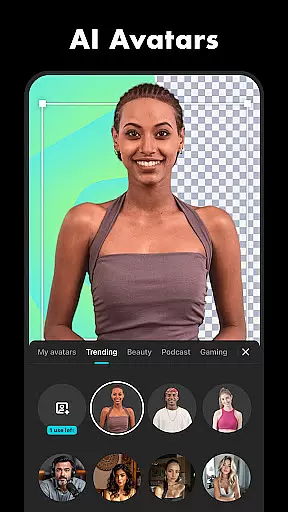
In addition, CapCut offers text-to-speech capabilities in multiple languages and voices, enabling creators to add narration or voiceovers effortlessly. The background removal tool further simplifies the editing process by automatically isolating subjects from their backgrounds, perfect for creating dynamic visual effects.
These AI-driven features, combined with CapCut's user-friendly interface, make sophisticated video editing techniques accessible to both beginners and experienced editors, significantly boosting creativity and efficiency in content production.
User-friendly interface
Advanced editing tools
Intelligent features
Trending effects
High-quality exports
Limited offline functionality
Occasional bugs
Ads in free version
Learning curve for new users
Subscription required for premium features

Online Videos Player
 3.90
3.90
Client application for NextPVR software
3.00
Capture images & record videos for USB Camera, Webcam, Microscopes, Endoscopes
3.80
High-Quality USB Camera Viewer & HDMI Display
4.70
Pro video editor app for Instagram, edit video with song, AI, effect & slowmo.
4.80
All in one HD video downloader & player for multiple formats with full privacy
4.70
Connect EasyCap or UVC devices for recording and broadcast video/audio stream
3.60
This app is an emulator of some specific IPTV boxes
3.50
Screen recorder with audio to take live videos & Screenshot in high quality!
4.70
Tik & Story Saver-Download ALL social media videos, photos & reels no watermark.
4.80
GENRAL PRO - General Pro is the best video player that fully supports all formats.
4.70
Download videos and play them offline
4.70
Fast, private downloading, video saving, social media
4.50
Powerful video player with advanced hardware acceleration and subtitle supports
4.20
All format media Player, no need video converter any more!
4.00
Fast private browser with secure, seamless access & supported video downloads!
4.00
Livestream, news, & gaming content. Watch, chat, and upload. Join Rumble today!
3.80
Watch full episodes of your favorite Cartoon Network and Cartoonito shows!
3.50
You can play SWF format file!
2.50


User Reviews