

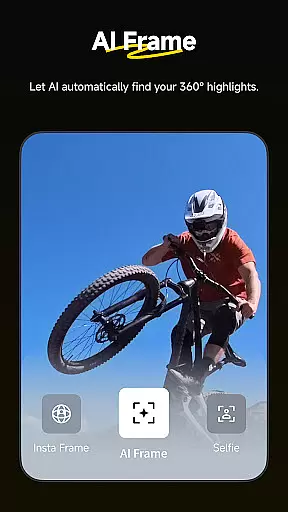
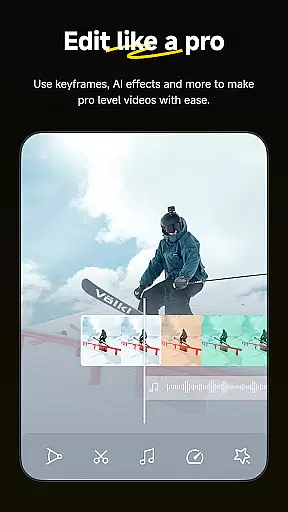

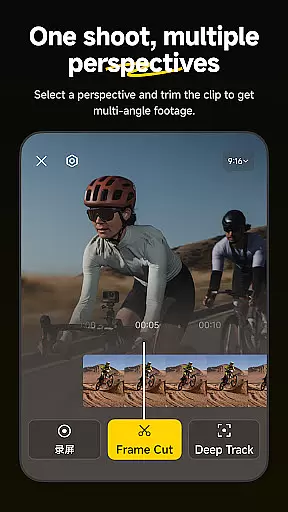
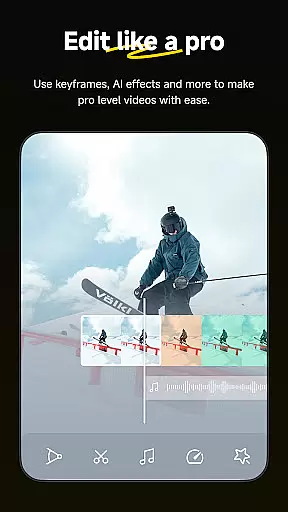

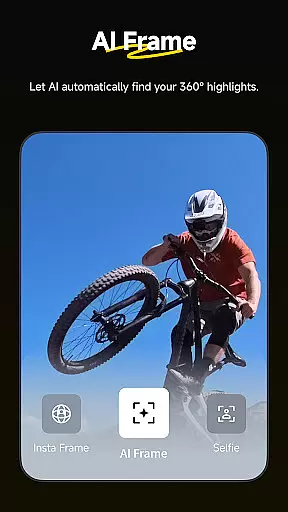
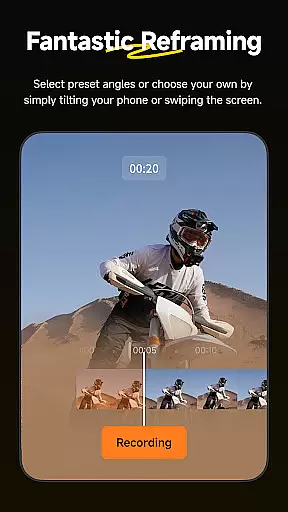
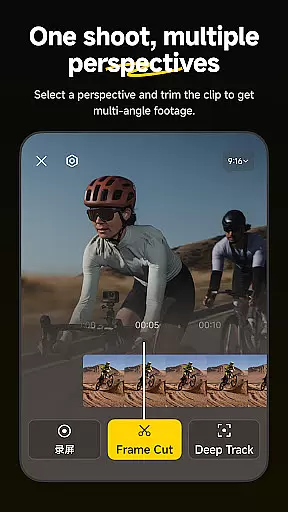
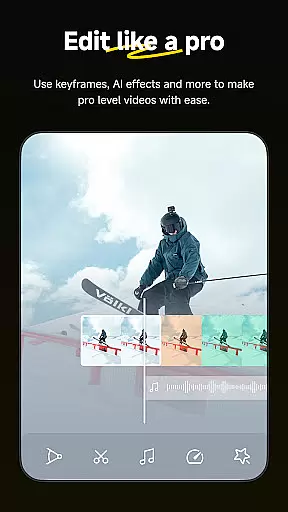
Insta360 is a powerful video editing and camera companion app designed for creators, athletes, and adventurers. It offers advanced AI-powered tools to streamline the editing process while providing creative freedom. The app supports 360-degree reframing, auto-editing with AI templates, and features like Deep Track and Hyperlapses that enhance video creation.
With its intuitive interface, Insta360 allows users to edit videos directly from their cameras without downloading files to their phones. This saves storage space and enables on-the-go editing. Whether you're an experienced creator or just starting out, this app provides professional-grade tools in a mobile format, empowering users to produce high-quality content effortlessly.
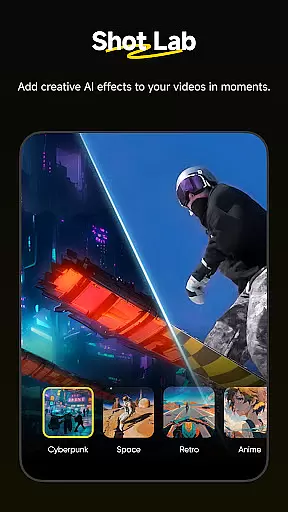
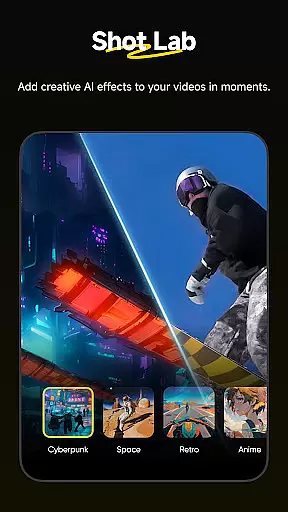
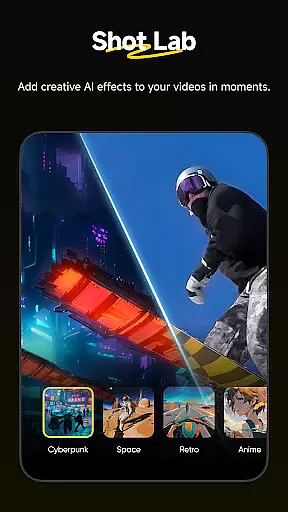
Insta360 stands out with its innovative features tailored for modern content creators. One of its key highlights is AI Edit, which automates the reframing and editing process using advanced subject detection. This ensures quick and precise edits, even for beginners. Additionally, Shot Lab offers over 25 AI-powered templates such as Nose Mode, Sky Swap, and Clone Trail, enabling users to create viral-worthy clips with minimal effort.
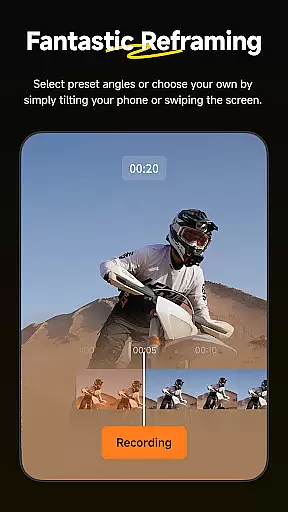
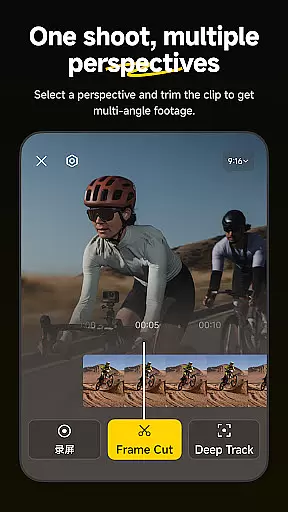
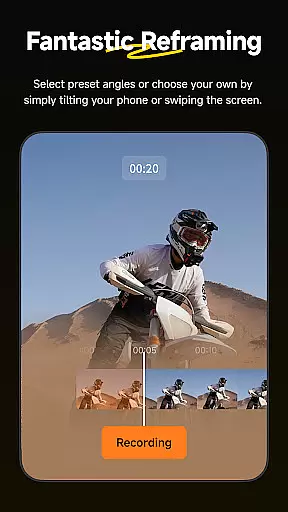
The app also includes creative tools like Reframing, where users can adjust perspectives by adding keyframes, and Deep Track, which keeps subjects centered automatically. For those who enjoy time-lapse effects, Hyperlapses let you speed up footage while maintaining stabilization. These features collectively make Insta360 a versatile tool for producing dynamic and engaging videos.
Insta360 supports a wide range of video formats, ensuring that creators can work with their preferred file types without any hassle. The app is designed to handle everything from standard MP4 files to more specialized 360-degree video formats, providing flexibility for different types of projects.
With the rise of diverse video content, having an editor that understands and processes various formats is crucial. Insta360's compatibility extends to high-resolution videos, making it possible to edit footage captured by professional cameras as well as smartphones.
The applicationu2019s ability to manage such a variety of formats eliminates the need for pre-conversion, saving time and preserving video quality. This seamless integration allows users to focus on their creative process rather than technical limitations.
Moreover, Insta360 ensures that edited videos maintain their original quality when exported. Users can share their creations directly to social media platforms without worrying about format issues or compression affecting the final output.
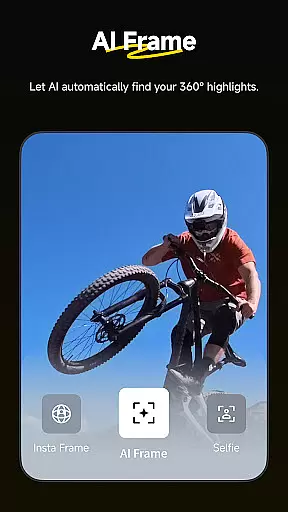
Insta360 leverages advanced AI-powered editing features to revolutionize how creators approach post-production. With tools like AI Edit, the entire reframing process is automated, allowing users to sit back while the software intelligently detects action highlights and optimizes subject framing for maximum impact.
Shot Lab offers over 25 AI-driven templates, including innovative modes like Nose Mode, Sky Swap, AI Warp, and Clone Trail. These templates enable even novice editors to produce viral-worthy clips with just a few taps, democratizing high-quality video creation.
Deep Track technology keeps subjects perfectly centered in the frame, whether it's a person, animal, or moving object. This feature simplifies complex tracking shots, ensuring that the focus remains on what matters most in the scene.
Additionally, Insta360 provides hyperlapse functionality with customizable speed settings, giving creators full control over time and perspective. The combination of these intelligent tools makes editing not only faster but also more intuitive, empowering users to unleash their creativity without being bogged down by technical details.
User-friendly interface
Advanced AI editing tools
Download-free editing
Wide range of creative templates
Excellent stabilization features
Requires learning curve
Some features need premium access
Occasional connectivity issues
Limited offline functionality
High system requirements

Auto video maker with music & exclusive filters. Video editing made simple.
 4.50
4.50
Your media, on your terms.
4.10
Download videos easily & play them all in one smart, powerful video manager.
3.40
IPTV Player - Watch live TV from m3m & m3u8 playlist, stream IPTV on mobile
3.30
AI Video Editor:AI Music, Text to Video,Text to Speech,Auto Caption,Video Effect
4.00
The essential companion to your Blue Iris PC software
2.50
Browser + Remote for Roku to stream webvideos, online movies and livestreams
4.60
Screen recorder with audio to take live videos & Screenshot in high quality!
4.70
convenient, safe and fast at Video Downloader & Player
4.60
Pro video editor app for Instagram, edit video with song, AI, effect & slowmo.
4.80
Download website videos fast&privacy
4.40
KMPlayer Plus (Divx Codec) officially support Divx codec.
4.30
Browser for Samsung TV to stream webvideos, online movies and livestreams in HD
4.10
LumaFusion: The Ultimate Storytelling Experience for Video Editing
4.10
Online Videos Player
3.90
Connect 2 UVC devices for recording and broadcast video/audio stream
3.90
Save photos and videos from social apps in one tap.
3.60
All in one multi protocols stream receiver for AirPlay, Cast and DLNA.
3.60
Stream high quality video from your camera over NDI protocol
4.4


User Reviews