
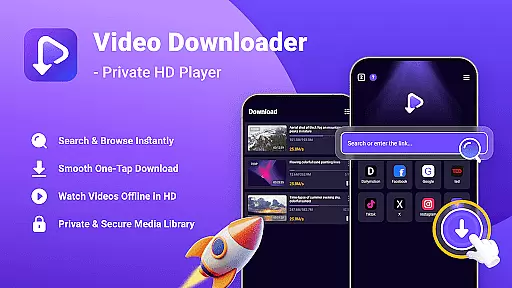
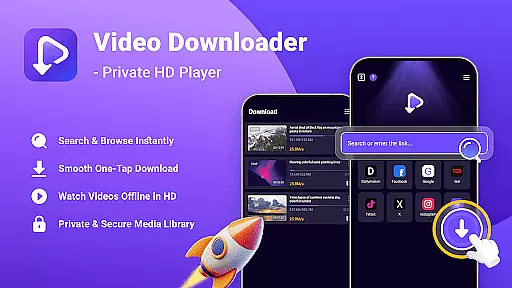
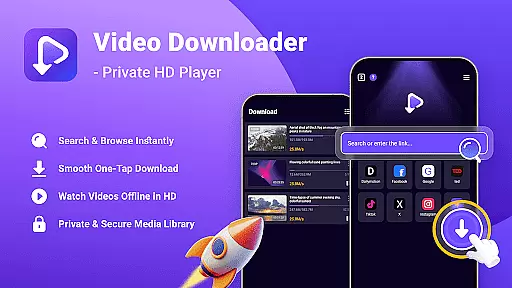
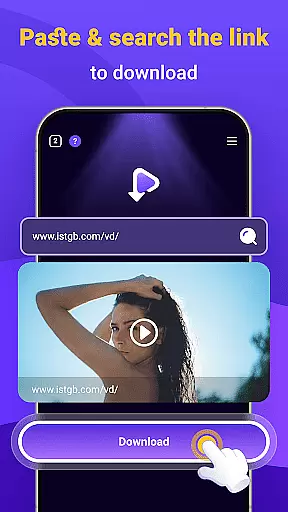
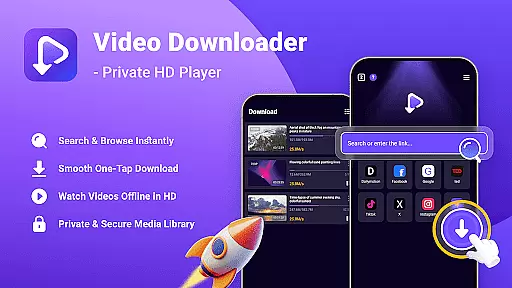
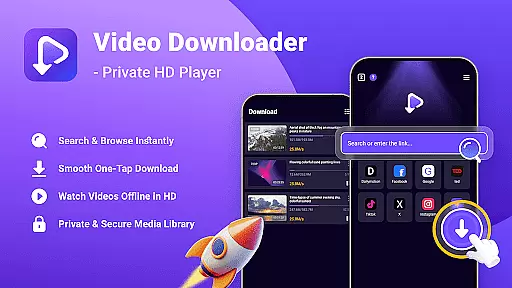
Video Downloader - Private HD Player is a versatile video player and downloader app designed for users who want an all-in-one solution to search, play, and download HD videos or audio files. The app supports multiple file formats including MP4, MP3, AVI, and more, allowing users to enjoy offline playback anytime, anywhere. With its built-in search feature, you can easily find videos or files directly within the app without switching between different platforms.
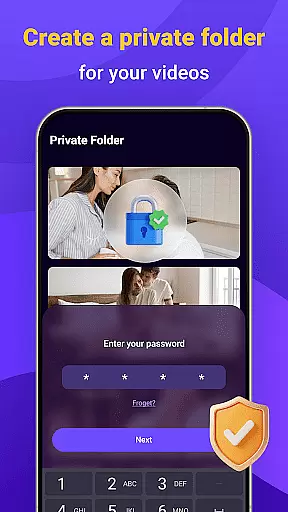
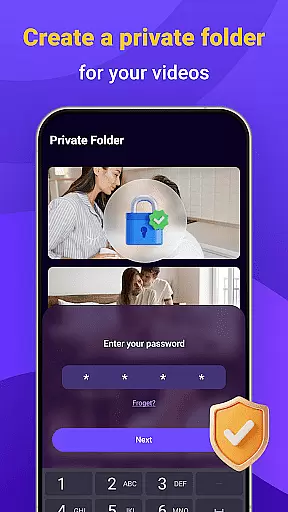
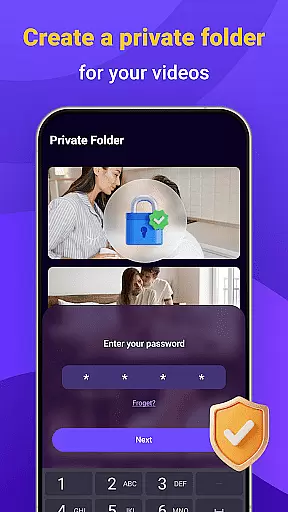
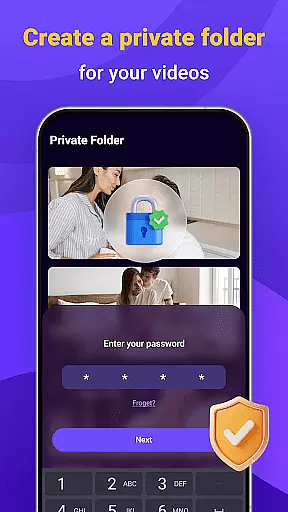
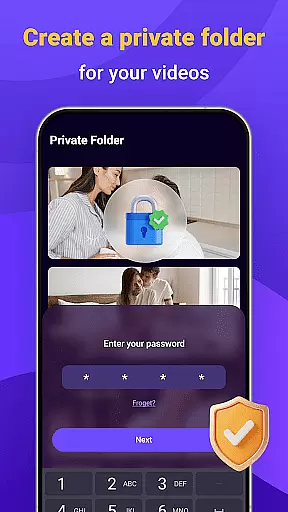
One of the standout features of Video Downloader - Private HD Player is its one-tap download functionality. This allows users to save HD videos, MP3s, and other file types with just a single click. Additionally, the app ensures privacy and security by offering a password-protected library, keeping your downloaded media private and secure. Whether you're commuting, traveling, or simply offline, this app provides a seamless experience for enjoying your favorite content.
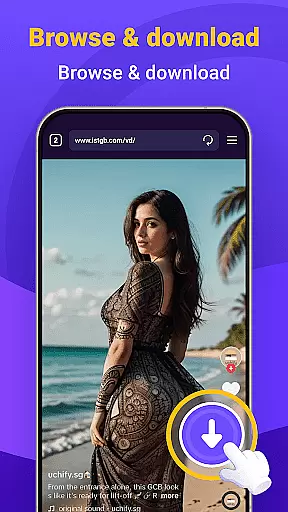
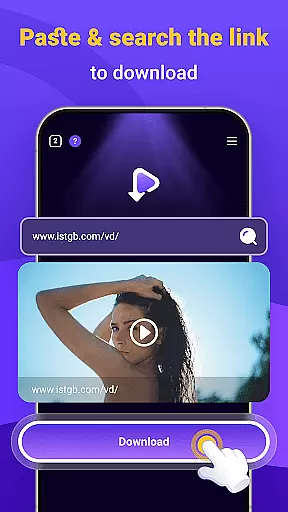
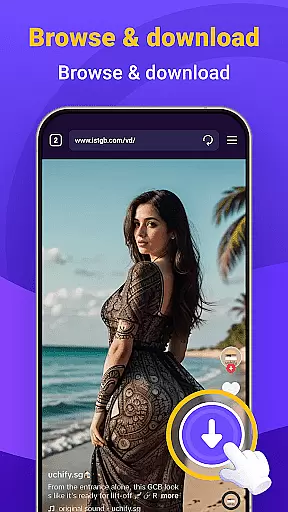
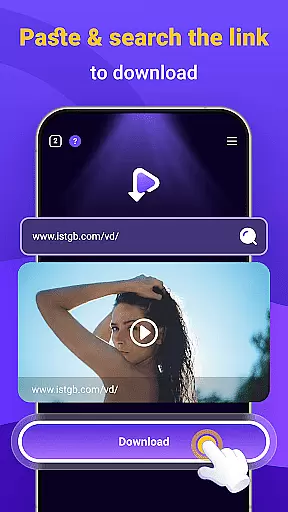
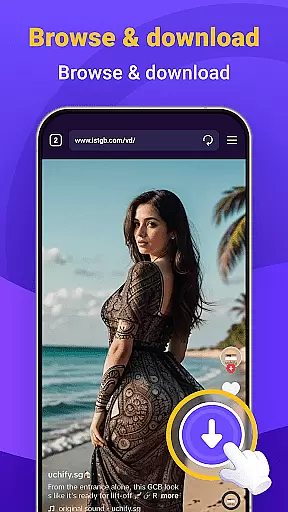
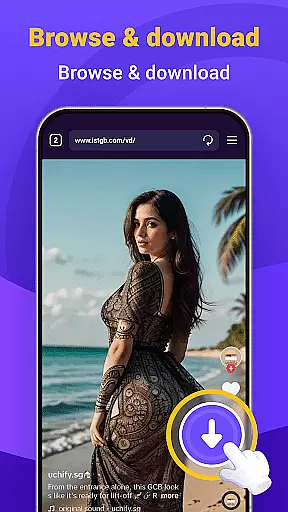
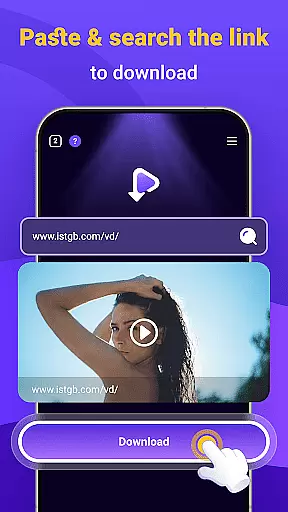
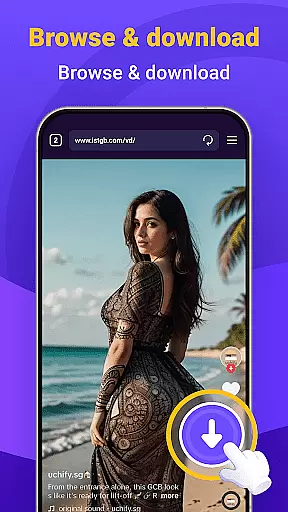
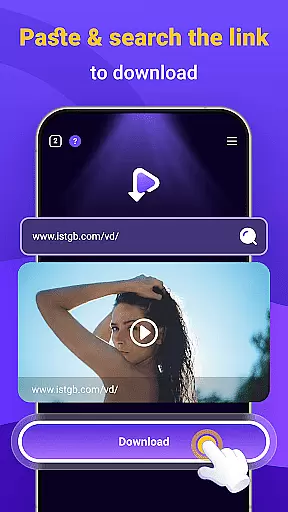
Video Downloader - Private HD Player offers a comprehensive set of features that cater to both casual viewers and power users. One of its key strengths is the built-in search engine, which lets you browse and open links without leaving the app. This saves time and enhances the overall user experience. The app also supports one-tap downloads, making it incredibly easy to save HD videos or audio files from websites or other apps you visit.
Another notable feature is the offline HD playback capability. Users can watch videos in full resolution or listen to audio files without needing an internet connection. The app supports multiple file formats, ensuring smooth playback across different media types. Privacy and security are also prioritized, with options to lock your media library using a secure password. These features make Video Downloader - Private HD Player a reliable choice for managing and enjoying your media library privately and efficiently.
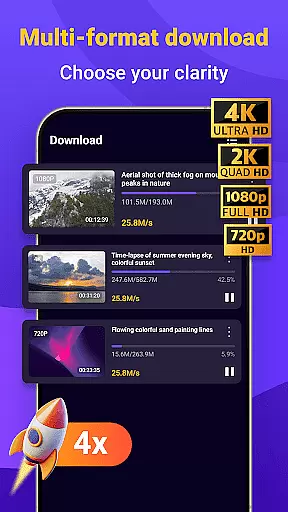
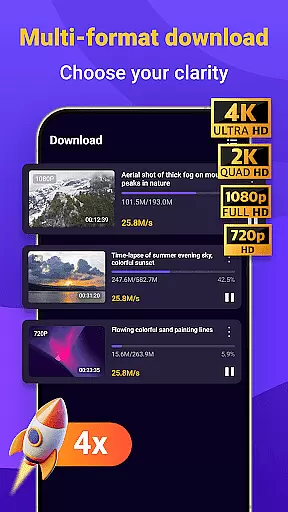
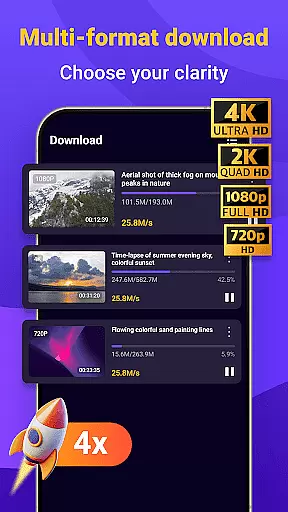
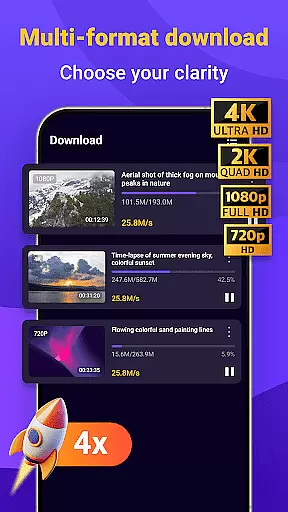
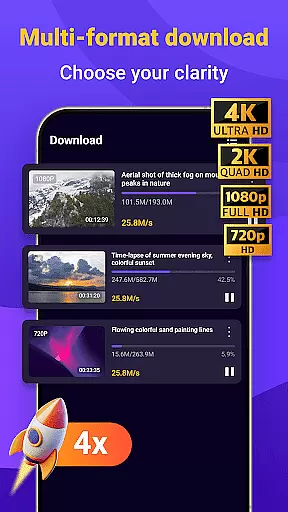
Video format compatibility is a crucial feature for any video player, ensuring that users can enjoy content in various formats without technical limitations. Video Downloader - Private HD Player excels in this area by supporting an extensive range of file types including MP4, MP3, AVI, and more.
The app's wide format support allows users to download and play videos or audio files directly within the application, eliminating the need for additional software or conversion tools. This seamless integration enhances user convenience and saves time when managing multimedia libraries.
With Video Downloader - Private HD Player, you can be confident that your media will play smoothly regardless of its original format. The app ensures high-quality playback for both video and audio files, making it an ideal choice for those who value flexibility and reliability in their media consumption experience.
AI-powered editing features are transforming how users interact with and modify their video content, offering advanced tools that simplify complex tasks. Video Downloader - Private HD Player incorporates intelligent editing capabilities that enhance the overall user experience through automation and precision.
The app leverages AI technology to provide efficient editing options such as automatic format conversion, smart cropping, and optimized playback settings. These features enable users to quickly adjust their videos for different platforms or devices without manual intervention, ensuring professional-quality results every time.
By integrating AI-driven enhancements, Video Downloader - Private HD Player not only streamlines the editing process but also maintains the highest standards of video quality. Users can effortlessly customize their content while enjoying the benefits of cutting-edge technology that adapts to their specific needs and preferences.
User-friendly interface
Fast download speeds
Wide format support
Secure privacy controls
All-in-one functionality
Limited free features
Occasional ads
Requires storage space
No cloud integration
Basic editing tools

Tik & Story Saver-Download ALL social media videos, photos & reels no watermark.
 4.80
4.80
Video player with powerful streaming playback and various convenient features.
2.10
Add date and time watermark to photos and videos
4.50
Browser for Samsung TV to stream webvideos, online movies and livestreams in HD
4.10
This app is an emulator of some specific IPTV boxes
3.50
Cast movies, tv shows and live streams to Chromecast, Roku, DLNA, Fire TV & more
4.60
Video&Drama Player All Format is a HD video player, music player
3.00
Enjoy your favorite videos and channels with the official YouTube app.
3.90
Photo editor & video maker with music and slideshows.
4.10
Pro video editor app for Instagram, edit video with song, AI, effect & slowmo.
4.80
Browser for Fire TV to stream webvideos, online movies, livestreams in HD
4.40
Movie maker & video editing app with AI effects and green screen
4.30
IPTV-Smarters Player Pro M3U - Watch Live Stream TV Channels with Chromecast
4.00
Cast to Smart TV, Fire TV. Cast video, photo - Fast & Stable!
3.90
Capture images & record videos for USB Camera, Webcam, Microscopes, Endoscopes
3.80
All in one multi protocols stream receiver for AirPlay, Cast and DLNA.
3.60
Connect EasyCap or UVC devices for recording and broadcast video/audio stream
3.60
The essential companion to your Blue Iris PC software
2.50
Play and download HD videos from all sources — fast, simple, and all-in-one.
4.4


User Reviews