
















Download Hub is an all-in-one solution for video downloading, private browsing, and file management. This app combines a powerful video downloader with a secure incognito browser and robust file manager. Users can efficiently browse the web privately, detect downloadable media links, and save videos in various resolutions and formats. The app supports batch downloads, background service, and resume support, ensuring seamless downloading even when multitasking or interrupted.
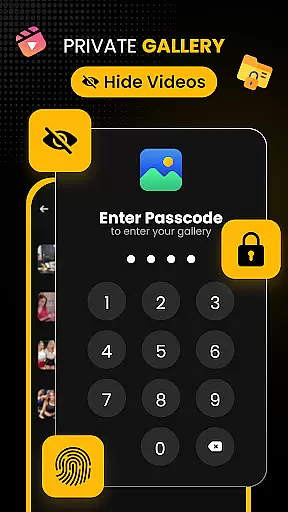
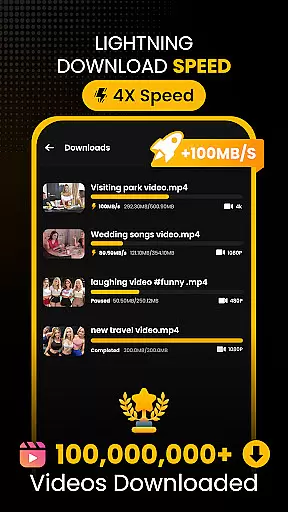
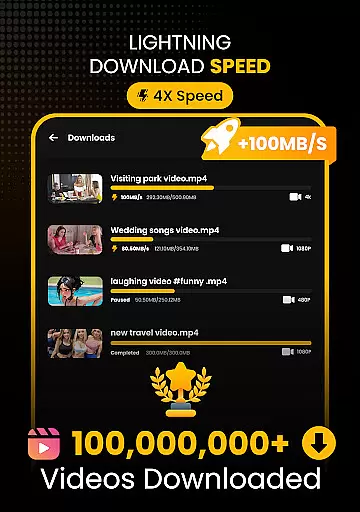
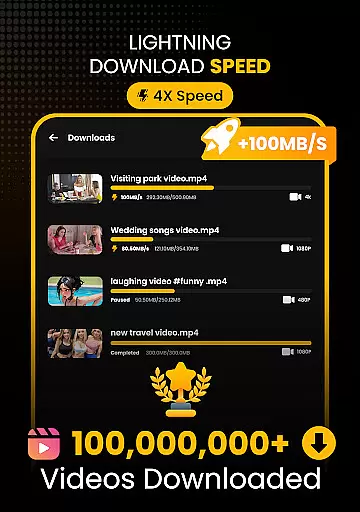
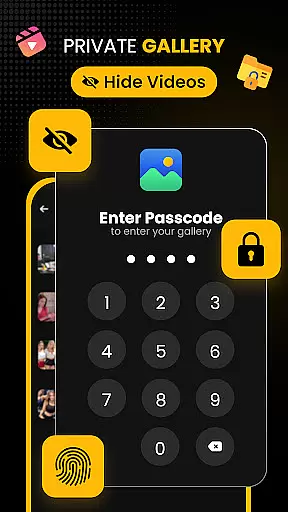
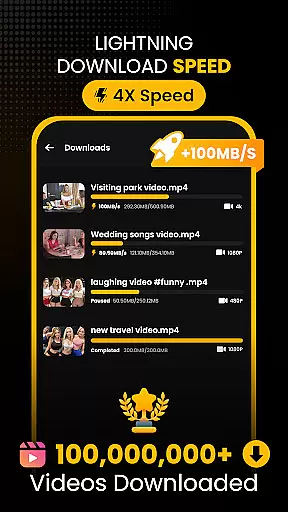
With its advanced multi-threading technology, Download Hub accelerates download speeds by up to 300%. It also features a secure private gallery with app lock functionality, protecting users' sensitive content. Whether commuting, studying, or collecting media, this app caters to diverse user needs. Download Hub is particularly useful for those who want to save HD movies or educational content for offline viewing without compromising privacy.
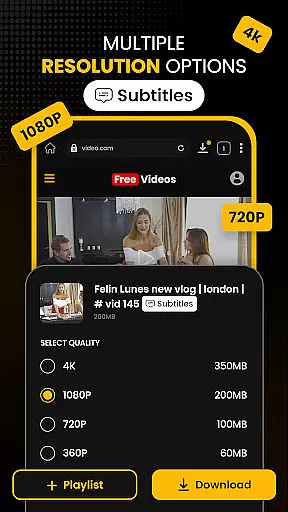
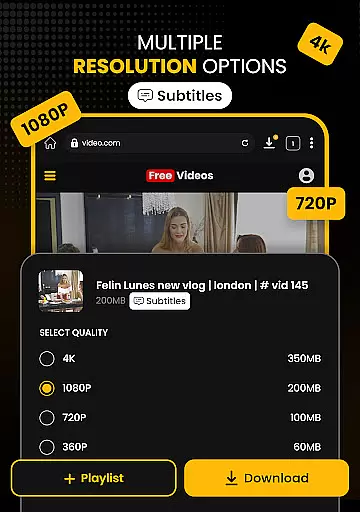
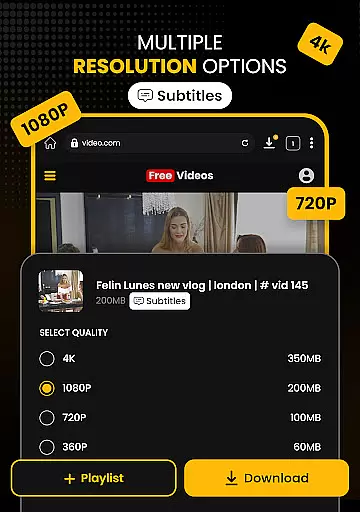
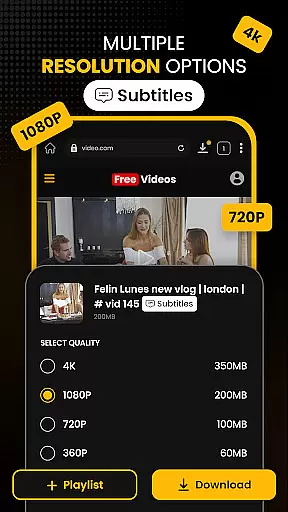
Download Hub stands out with its comprehensive feature set tailored for efficient media management. The Universal Downloader Engine uses smart detection to automatically find downloadable media links on web pages, supporting multiple formats like MP4, AVI, and MKV. With resolution control, users can choose between SD (480p) or enjoy crystal-clear HD (720p), 1080p, 2K, and 4K quality downloads. The bulk downloader handles multiple files simultaneously, making it ideal for users who need to manage large media libraries.
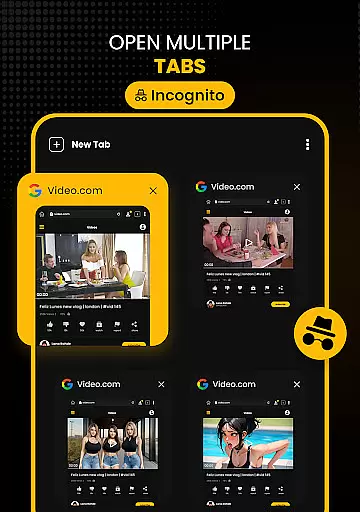
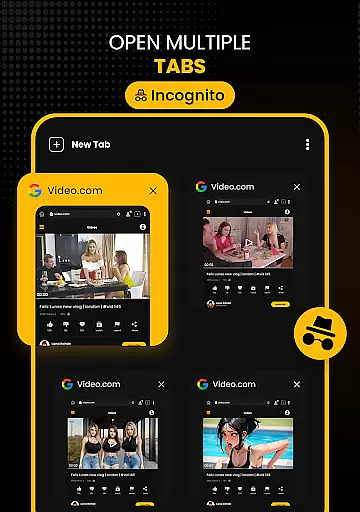
The Secure Private Browser ensures safe and ad-free browsing. It includes incognito mode, clearing history, cookies, and cache after each session. The built-in ad blocker removes intrusive ads, while desktop mode allows access to full desktop versions of websites. Additionally, the Advanced File Manager provides total control over local storage, including SD card support and media organization by name, size, or date. These features collectively deliver a superior user experience for managing digital content securely and efficiently.
Video format compatibility is a crucial feature for any video player and editor, ensuring that users can enjoy a wide range of media files without conversion hassles. Download Hub supports an extensive array of video formats including MP4, M4V, MOV, AVI, WMV, MKV, FLV, and MPG. This versatility allows users to download and play videos from various sources seamlessly.
The app's universal downloader engine enhances the video playback experience by enabling users to save videos in multiple resolutions. Whether it's SD (480p) for saving data or HD (720p), 1080p, 2K, and 4K for crystal-clear quality, Download Hub caters to all preferences. The resolution control empowers users to manage their storage space effectively while enjoying high-quality content.
Moreover, Download Hub goes beyond just video by integrating an audio and music saver functionality. Users can extract audio tracks from video clips and save music or sound effects in compatible formats for offline listening. This makes the app not only a video player but also a comprehensive media management tool.
With its advanced file manager capabilities, users have total control over their local storage. They can sort files by name, size, or date and save directly to external SD cards. The background service ensures downloads continue uninterrupted even when the app is minimized, providing a smooth and reliable user experience across different video and audio formats.
AI-powered editing features are revolutionizing the way users interact with video players and editors, offering smarter and more efficient ways to manage media. Download Hub incorporates intelligent tools that enhance the overall user experience through automation and smart detection technologies. One standout feature is the automatic detection of downloadable media links on web pages, which simplifies the process of saving online videos.
The app leverages AI to provide a robust private browsing experience. With an integrated ad blocker and safe browsing alerts for potentially malicious websites, users can browse the internet without distractions or security risks. The incognito mode further ensures privacy by clearing history, cookies, and cache after each session, making it ideal for users who prioritize confidentiality.
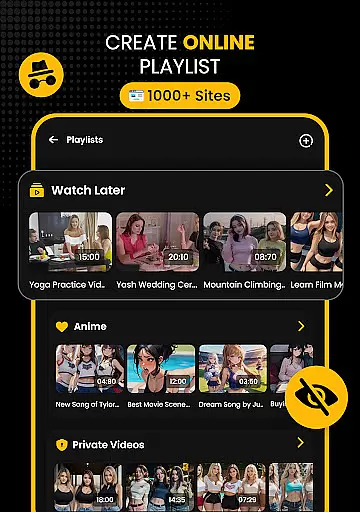
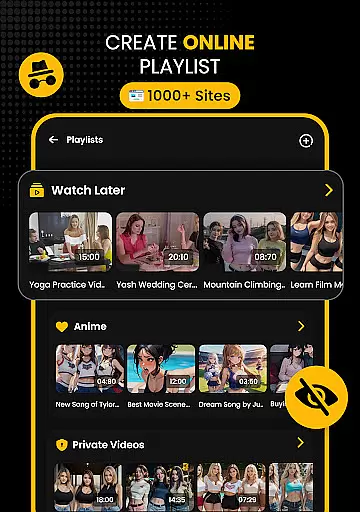
Download Hub also includes a secure private gallery and security center. Using AI-driven app lock features, users can protect their collections with PINs, patterns, or passwords. A hidden folder option moves sensitive downloads to a secret vault, invisible in the main gallery, adding another layer of privacy protection powered by intelligent algorithms.
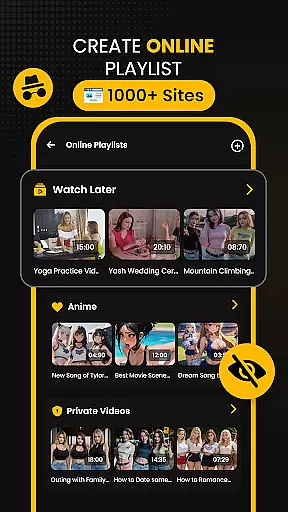
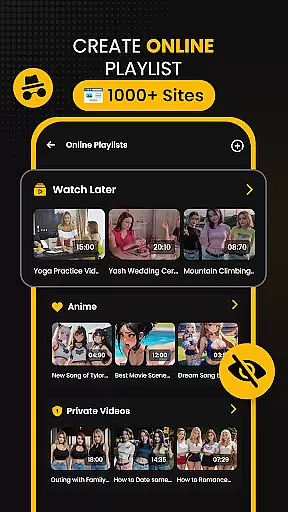
In addition to these features, the app offers advanced file management functionalities enhanced by AI. These include batch downloading modes where multiple files are handled simultaneously in the background, resume support for interrupted downloads, and gesture controls within the offline HD player. Such innovations ensure that Download Hub remains at the forefront of video player and editor applications, delivering both convenience and cutting-edge technology to its users.
Fast download speeds
Private browsing mode
Multi-format support
Batch download option
Secure file vault
No YouTube support
Limited free features
Occasional bugs
Ads in free version
Complex UI for beginners

Client application for NextPVR software
 3.00
3.00
Connect 2 UVC devices for recording and broadcast video/audio stream
3.90
You can play SWF format file!
2.50
HD video & music player - All format support with floating & PIP mode!
3.80
Support 1000+ Video Format, Subtitle Download, mp3 & Background Play, Cast On TV
4.60
GENRAL PRO - General Pro is the best video player that fully supports all formats.
4.70
IPTV Player - Watch live TV from m3m & m3u8 playlist, stream IPTV on mobile
3.30
Download videos and play them offline
4.70
Manage your YouTube channel on the go
4.40
A Quick and Pro Video Editor
4.70
Fast & easy HD video downloader for all formats, support 4K playback & download.
4.60
Cast movies, tv shows and live streams to Chromecast, Roku, DLNA, Fire TV & more
4.60
AirMirror Receiver - Screen mirroring/cast web videos to Android TV by AirPlay.
4.40
Viddo: Generate Action Figure, AI Anime, AI kiss, AI hug Video from image & text
4.40
This app was created to edit the metadata of music files.
4.20
Powerful video player with advanced hardware acceleration and subtitle supports
4.20
Browser for Samsung TV to stream webvideos, online movies and livestreams in HD
4.10
LumaFusion: The Ultimate Storytelling Experience for Video Editing
4.10
Stream high quality video from your camera over NDI protocol
4.5


User Reviews