
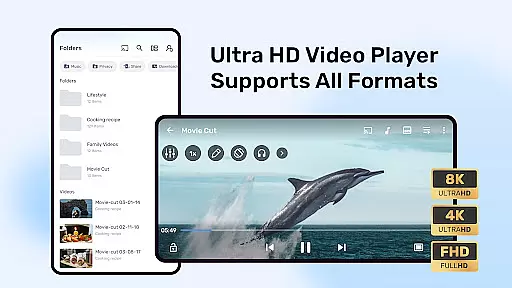



MX Player is a powerful video and music player designed for Android devices, offering advanced hardware acceleration and comprehensive subtitle support. With features like the new HW+ decoder, it ensures smooth playback even for high-resolution videos.
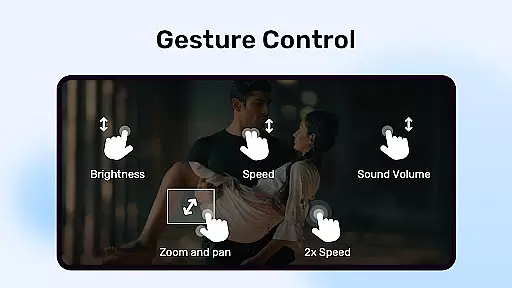
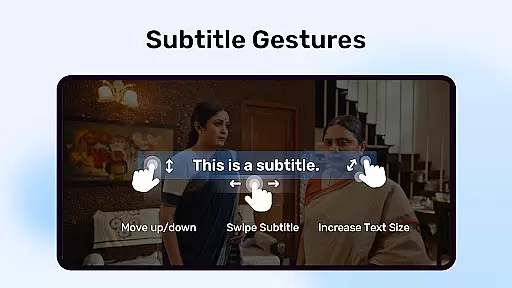
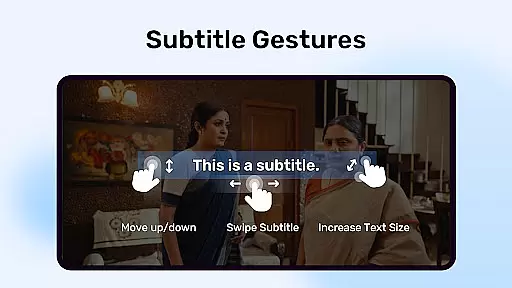
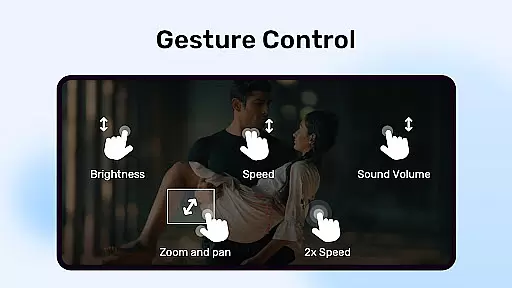
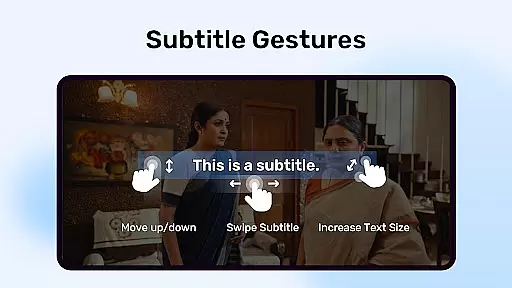
The app stands out with its multi-core decoding capability, which significantly enhances performance on multi-core devices by up to 70% compared to single-core ones. Its intuitive user interface includes pinch-to-zoom, zoom and pan options, and gesture controls for subtitles, making it highly versatile for various viewing preferences.
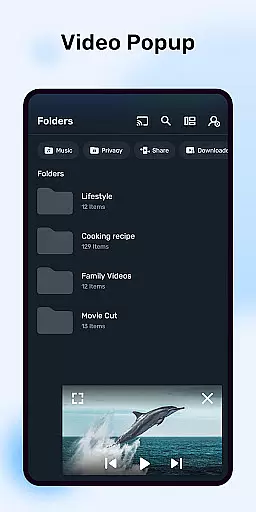
Additionally, MX Player provides unique functionalities such as a privacy folder to hide personal videos and a kids lock feature to keep children entertained without accessing other apps. These capabilities make it an ideal choice for users seeking both performance and security in their media consumption.
MX Player boasts several standout features that cater to diverse user needs. One of its key highlights is the advanced hardware acceleration, powered by the new HW+ decoder, ensuring seamless video playback across different formats.
Another remarkable feature is multi-core decoding, which optimizes performance on multi-core devices. This results in faster and smoother video rendering, particularly beneficial for high-definition content. The inclusion of pinch-to-zoom, zoom, and pan gestures allows users to easily adjust their viewing experience, while customizable subtitle gestures enhance accessibility.
Furthermore, the app offers practical tools like a privacy folder to safeguard sensitive media and a kids lock mode to prevent unintended interactions. With extensive subtitle format support and essential permissions for network and storage access, MX Player delivers a comprehensive and user-friendly media solution.
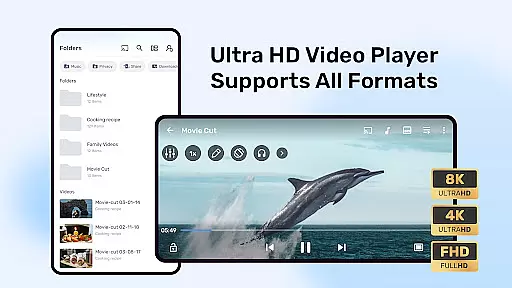
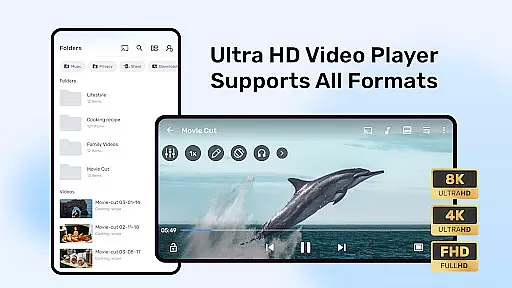
MX Player stands out in the Video Players & Editors category by offering extensive video format compatibility, ensuring users can play almost any video file without the need for conversion. The app supports a wide array of formats including but not limited to AVI, MKV, MP4, and FLV.
This versatility is powered by advanced hardware acceleration and multi-core decoding, which not only broadens the range of supported formats but also enhances playback performance on various devices. Users with multi-core devices will notice up to 70% better performance compared to single-core devices.
The benefit to users is clear: seamless playback of diverse video content without the frustration of format incompatibility. Whether streaming online or playing local files, MX Player ensures that users enjoy their media without interruptions or the need for additional software.
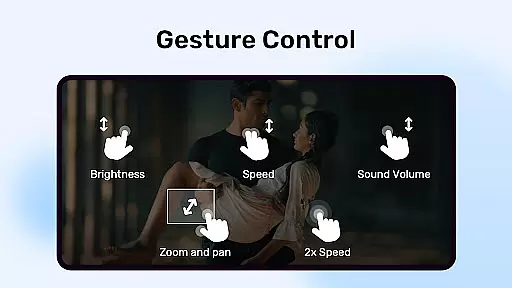
While primarily known for its video playback capabilities, MX Player also integrates AI-powered editing features that enhance user interaction with media content. These features include intuitive gesture controls for subtitles, allowing users to easily scroll through text, adjust positioning, and modify size with simple swipe and pinch actions.
Additionally, the Kids Lock feature leverages intelligent algorithms to create a secure environment where children can enjoy videos without accessing other apps or making unintended calls. This showcases the application's commitment to providing a comprehensive media experience beyond just viewing.
By incorporating these smart functionalities, MX Player not only simplifies video management and playback but also addresses specific user needs such as parental control and accessibility. This positions the app as a versatile tool in the Video Players & Editors category, appealing to a broad audience seeking both entertainment and practical utility.
Advanced hardware acceleration
Multi-core decoding support
Intuitive gesture controls
Comprehensive subtitle support
Privacy protection features
Requires many permissions
Ads in free version
Occasional crashes reported
Limited iOS availability
Complex settings for beginners

HD Video player all format, HD Videos, Cast & Subtitle. No annoying ads.
 4.60
4.60
IPTV-Smarters Player Pro M3U - Watch Live Stream TV Channels with Chromecast
4.00
Watch full episodes of your favorite Cartoon Network and Cartoonito shows!
3.50
Video player with powerful streaming playback and various convenient features.
2.10
AirMirror Receiver - Screen mirroring/cast web videos to Android TV by AirPlay.
4.40
This app is an emulator of some specific IPTV boxes
3.50
Web Browser for LG TV to stream webvideos, online movies and livestreams in HD
4.20
A Simple app to download Video & Music from the Internet.
4.70
Download Hub, easy and private way to download and enjoy your videos offline
4.80
Fast & easy HD video downloader for all formats, support 4K playback & download.
4.60
Watch IPTV on your Android device
4.60
Fast & Private Video Downloader App. Save all videos easily from the Internet.
4.40
KMPlayer Plus (Divx Codec) officially support Divx codec.
4.30
Powerful Video Editor & Photo Editing App —— Quick Edits & Stunning Effects!
4.30
Stream Web Videos to Chromecast, Samsung, LG, Sony, Roku, Fire TV, DLNA + more
4.00
AI Video Editor:AI Music, Text to Video,Text to Speech,Auto Caption,Video Effect
4.00
Save photos and videos from social apps in one tap.
3.60
AirMirror is Receiver for Screen Mirroring and Casting from Apple Devices.
3.60
IPTV Player - Watch live TV from m3m & m3u8 playlist, stream IPTV on mobile
3.30


User Reviews