
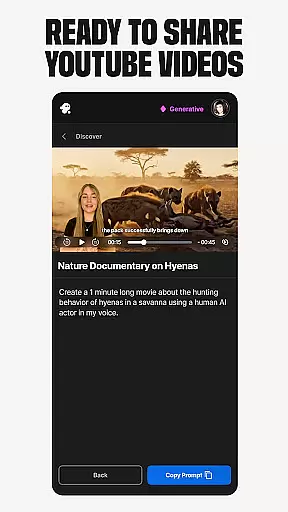
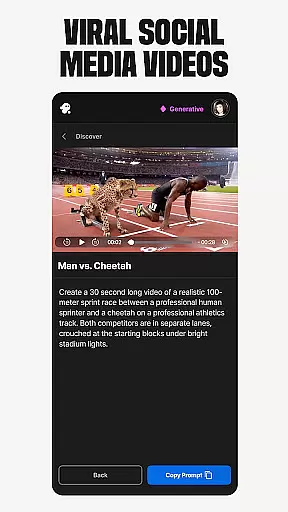
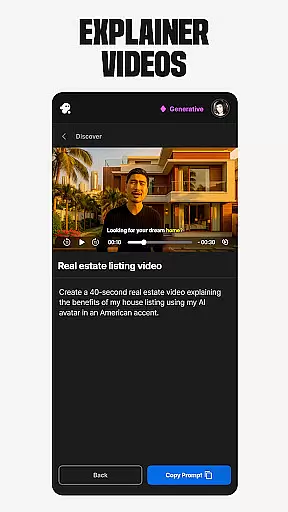
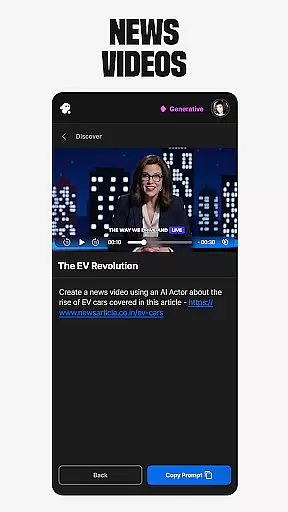
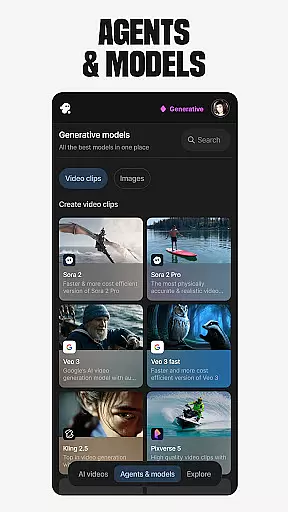
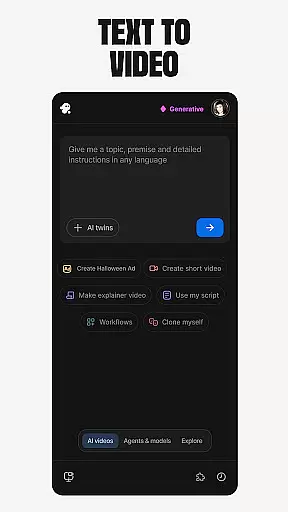
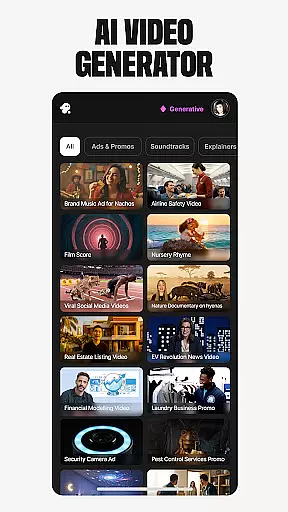
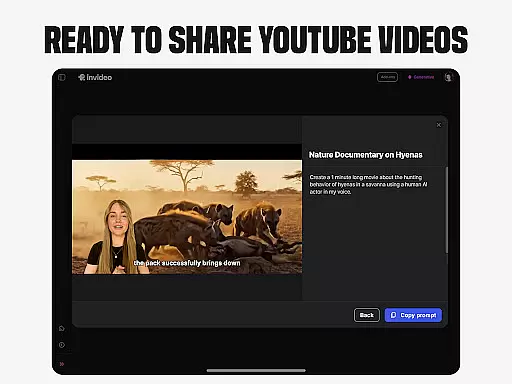
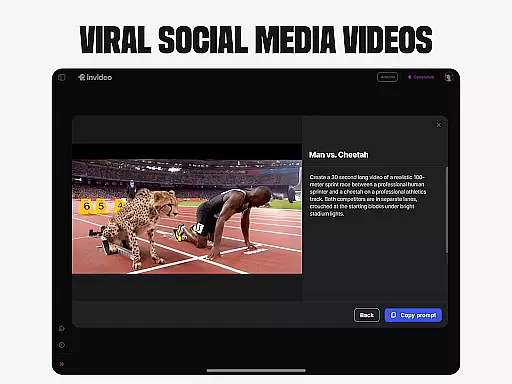
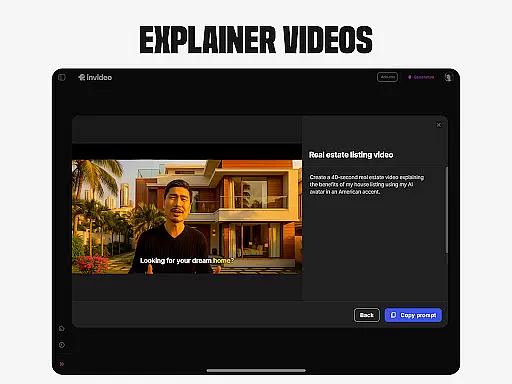
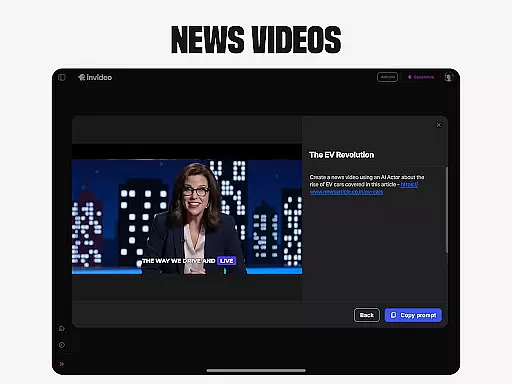
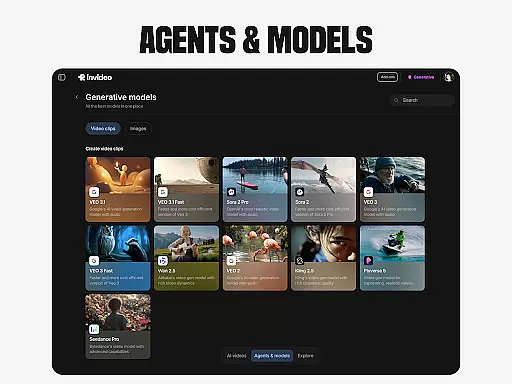
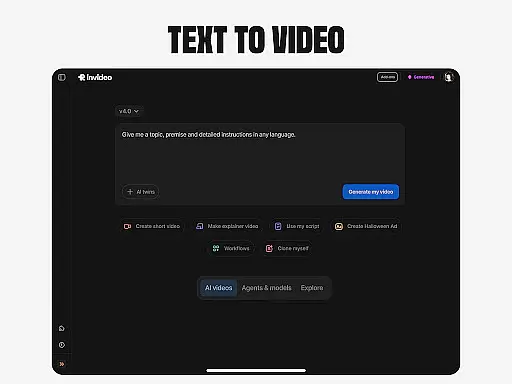
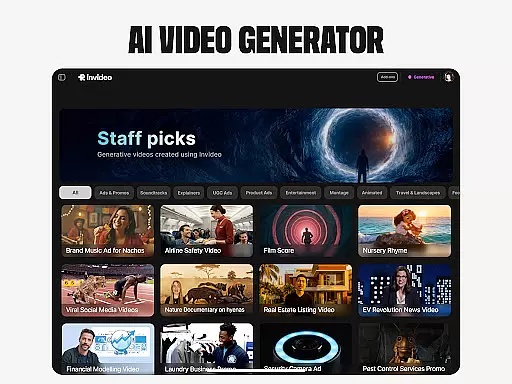
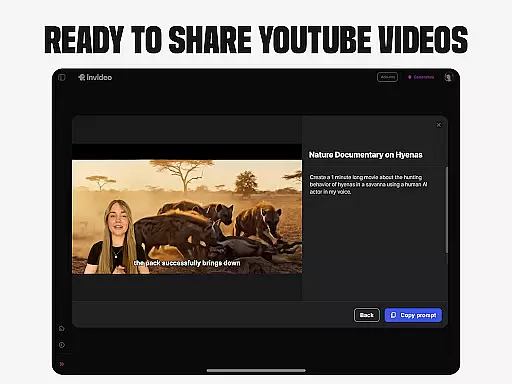
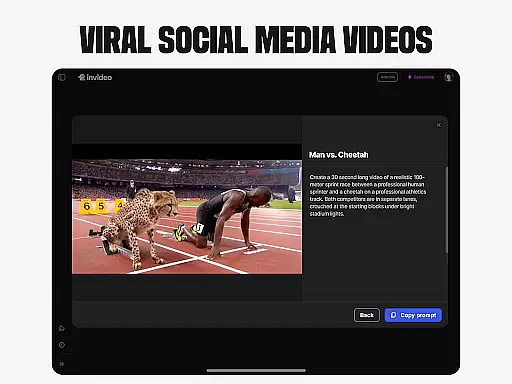
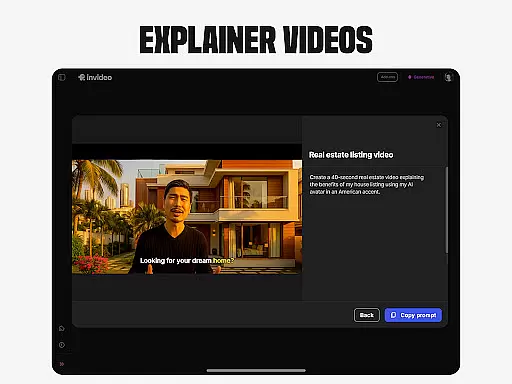
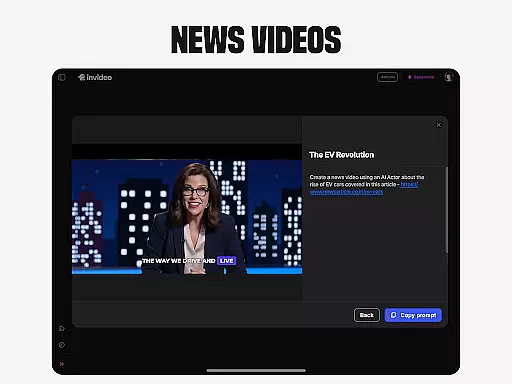
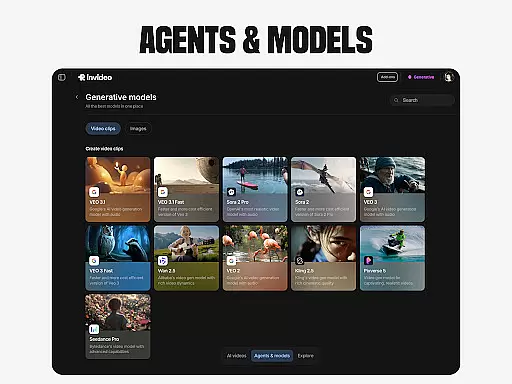
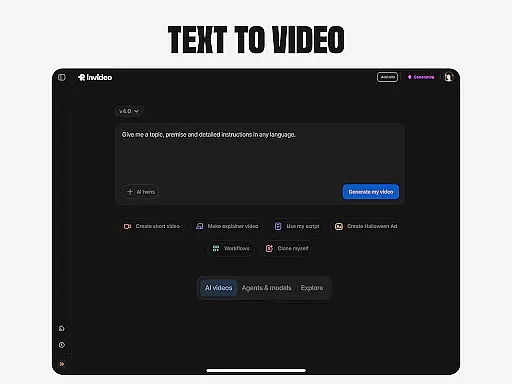
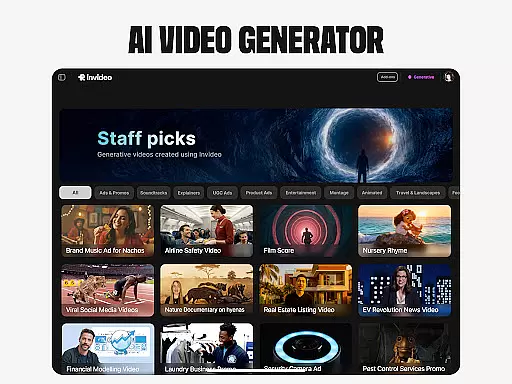
Invideo AI is a revolutionary video creation platform that empowers users to produce professional-quality videos using artificial intelligence. The app offers a comprehensive suite of tools for creating various types of videos, including explainers, promos, ads, and even full-length films. With support for over 50 languages, it caters to a global audience and provides features like script generation, voiceovers, music, and effects.
One standout feature is the AI avatar creation, allowing users to generate digital twins for consistent content production. The platform also includes AI-powered editing capabilities, making video refinement accessible without technical expertise. Whether you're a beginner or seasoned creator, Invideo AI streamlines the video production process while maintaining creative control.
Invideo AI distinguishes itself through its extensive feature set designed for diverse video creation needs. The AI video generator creates complete videos with scripts, generative media, captions, and multilingual support. Its AI movie maker enables the production of full-length films in various artistic styles, while the text-to-video functionality converts written content into engaging visual scenes.
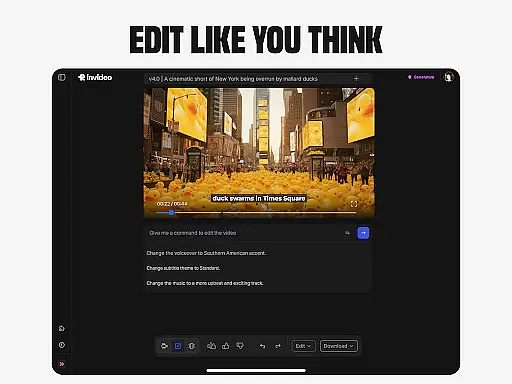
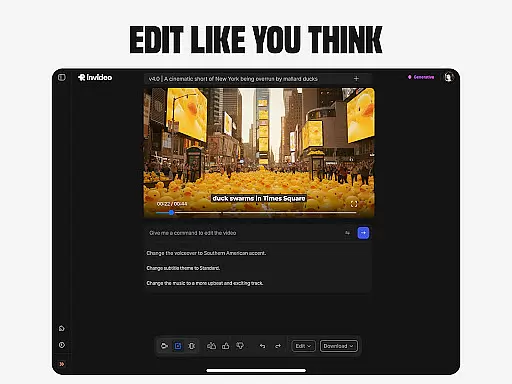
The platform's AI avatar technology allows users to create digital doubles for consistent content creation across training materials and product explainers. Additionally, the AI-powered editing tools simplify post-production tasks through intuitive text commands. These features collectively provide creators with unprecedented flexibility and efficiency in video production.
In the realm of video creation and editing, the compatibility with various video formats stands as a cornerstone feature. Invideo AI shines in this aspect by supporting over 50 languages and enabling the creation of full-length videos complete with scripts, generative media, captions, voiceovers, music, and effects.
This extensive support for diverse elements inherently suggests a broad compatibility with video formats, allowing creators to import, edit, and export videos without worrying about format issues. Whether you're working on explainers, promos, ads, or stories, Invideo AI's versatile format handling ensures that your project maintains its quality across different platforms and devices.
For users, this means an uninterrupted creative process where the focus remains on content and storytelling rather than technical limitations. The ability to seamlessly work with a wide array of formats empowers both novices and professionals to explore their creativity without bounds.
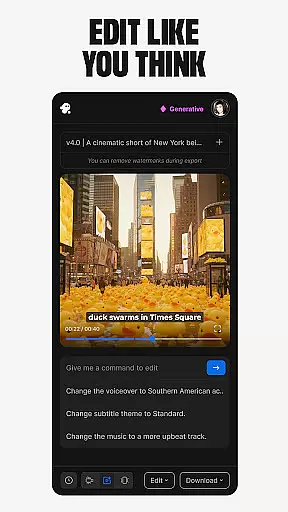
The advent of AI-powered editing has revolutionized the way we approach video editing. Invideo AI incorporates this cutting-edge technology to offer users an unparalleled editing experience. With capabilities such as changing scenes, editing music, refining tone, and swapping voiceovers, all achievable through simple text commands, it significantly lowers the barrier to professional-grade video editing.
This innovative approach eliminates the steep learning curve associated with traditional timeline-based editing software. Users can now execute complex edits with ease, allowing for a more intuitive and efficient workflow. The power of AI simplifies tasks that once required extensive training and experience, making high-quality video production accessible to everyone.
By leveraging these advanced AI features, creators can focus more on the creative aspects of video production, assured that the technical execution is both reliable and sophisticated. This not only enhances productivity but also opens up new possibilities for creative expression within the Video Players & Editors category.
User-friendly interface
Extensive feature set
Multilingual support
AI-powered editing
Avatar creation tool
Subscription costs
Learning curve
Occasional glitches
Limited free options
Resource intensive

The smartest M3U IPTV Player your playlists have ever seen.
 4.2
4.2
Auto video maker with music & exclusive filters. Video editing made simple.
4.50
Cast Videos from Web Browser, IPTV to Roku, Chromecast, DLNA, Smart TV +more
4.60
AirMirror Receiver - Screen mirroring/cast web videos to Android TV by AirPlay.
4.40
Seamlessly connect and control your smart devices, anytime, anywhere with ease.
4.60
Download website videos fast&privacy
4.40
Watch IPTV on your Android device
4.60
LumaFusion: The Ultimate Storytelling Experience for Video Editing
4.10
Create, Publish & Maximize
4.70
Flud is a simple and beautiful BitTorrent client for Android.
4.80
A Quick and Pro Video Editor
4.70
Snaptubè Video Downloader app allows to download videos and music in Snaptube. .
4.60
VLC Remote lets you control your VLC Media Player on Mac, PC or Linux.
4.60
Support 1000+ Video Format, Subtitle Download, mp3 & Background Play, Cast On TV
4.60
KMPlayer Plus (Divx Codec) officially support Divx codec.
4.30
Powerful Video Editor & Photo Editing App —— Quick Edits & Stunning Effects!
4.30
Capture images & record videos for USB Camera, Webcam, Microscopes, Endoscopes
3.80
Browser for Sony TV to stream web videos, online movies and live tv
3.20
Video player with powerful streaming playback and various convenient features.
2.10


User Reviews