
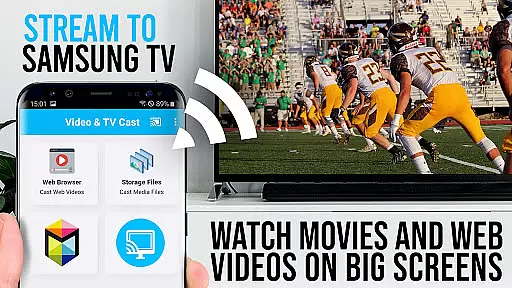
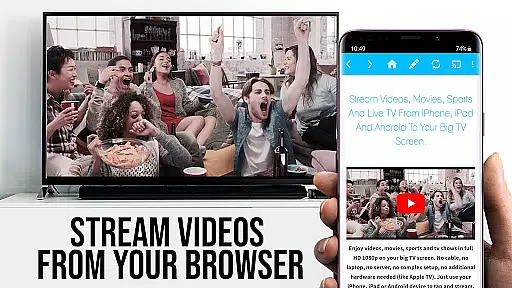
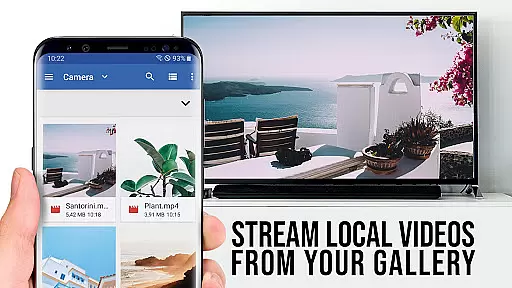
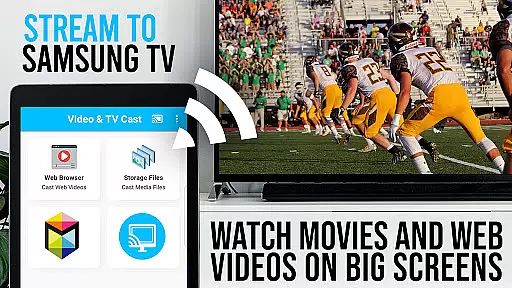
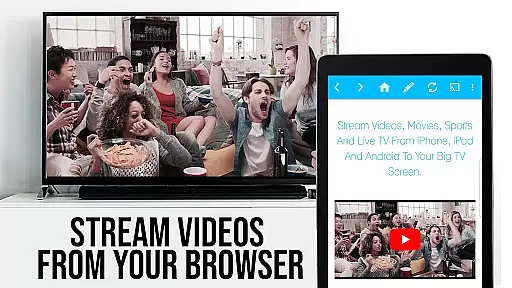
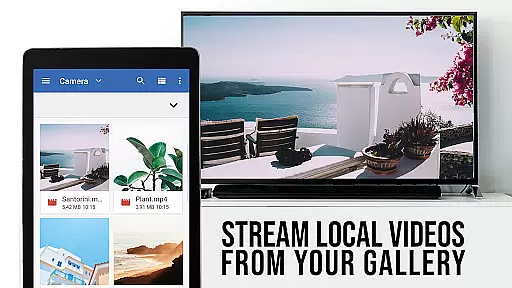
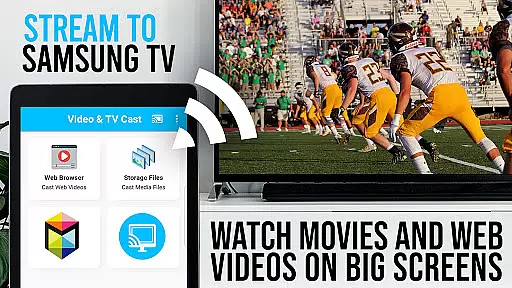
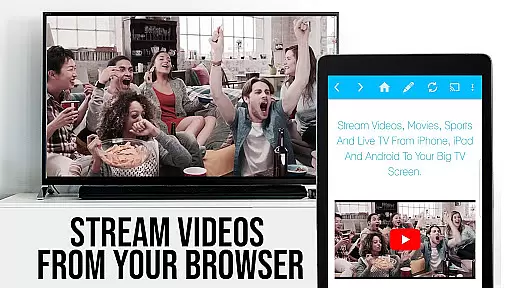
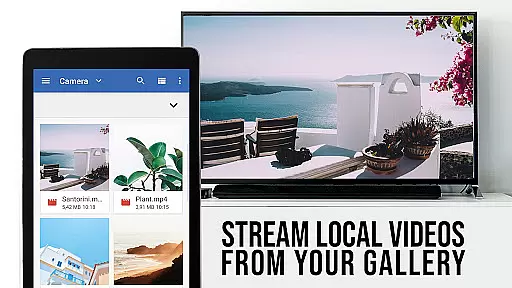
TV Cast Pro for Samsung TV is a premier application designed to enhance your home entertainment experience by streaming web videos, online movies, livestreams, and live-TV shows directly to your Samsung Smart TV or Blu-ray Player. This app eliminates the need for an additional streaming box, supporting formats like Mp4, m3u8, hls livestreams, video over https, and Full HD content. Compatible with all Samsung Smart TV models from 2010 (C series) to 2017 (new M/MU/Q series), it allows users to browse the web and cast any video with a single tap, displaying discovered videos below the browser interface.
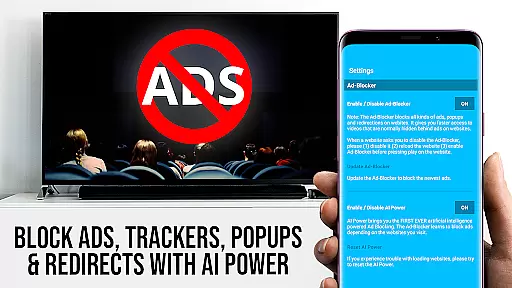
The PRO edition offers unlocked premium features including an Ad-Blocker, Remote Playbar for advanced video control, Bookmarks management, Desktop Mode, and customizable Homepage settings. With security in mind, this app requires minimal Android permissions, ensuring user data safety while delivering a seamless casting experience on the biggest screen in your home.
TV Cast Pro stands out with its comprehensive feature set tailored for Samsung Smart TV users. The app facilitates direct video casting from websites without the need for additional hardware, thanks to its support for various video formats including Mp4, m3u8, HLS livestreams, and Full HD. Its compatibility spans across Samsung TV models from 2010 to 2017, making it accessible to a wide range of users.
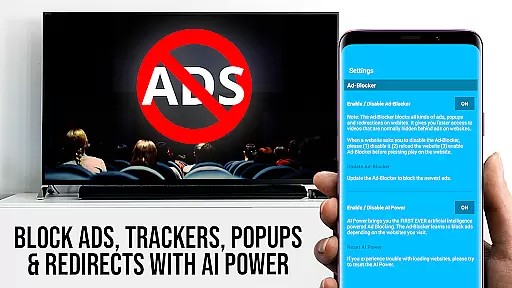
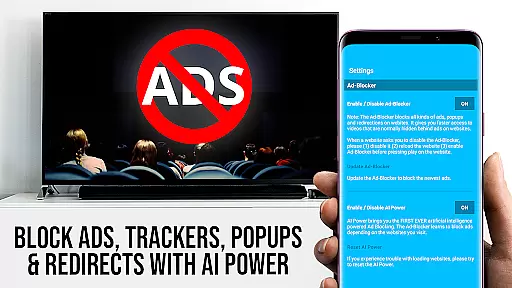
Premium features such as the Remote Playbar offer advanced video controls like scrubbing, forward, rewind, play, pause, and stop, enhancing user interaction during video playback. The built-in Ad-Blocker ensures an uninterrupted viewing experience by blocking ads and popups on most visited sites. Additionally, functionalities like Bookmarks, Desktop Mode, and personalized Homepage settings provide users with a customizable and enriched browsing experience, setting TV Cast Pro apart from standard casting applications.
TV Cast Pro for Samsung TV stands out with its extensive video format compatibility, ensuring users can enjoy a wide range of content without limitations. The app supports popular formats such as Mp4, m3u8, and HLS livestreams, making it versatile for various streaming needs.
This compatibility extends to videos streamed over HTTPS, reinforcing security while delivering content directly to Samsung Smart TVs and Blu-ray Players. By eliminating the need for an additional streaming box, it simplifies the viewing experience.
Users benefit from Full HD support, guaranteeing high-quality visuals that enhance the entertainment value. Whether it's web videos, online movies, or live TV shows, the app ensures smooth playback on the largest screen in the house.
The ability to enter or paste full video URLs directly into the browser address bar further expands access to diverse video files. This feature empowers users to stream mp4, m3u8, or other video files effortlessly, providing flexibility and convenience.
While TV Cast Pro for Samsung TV focuses primarily on streaming capabilities, it incorporates AI-powered features that enhance user interaction and streamline the casting process. These smart functionalities ensure a seamless transition from browsing to viewing.
The app intelligently detects video links on websites, presenting them below the browser for immediate casting. This intuitive detection system saves time and effort, allowing users to send videos to their Samsung TV or Blu-ray Player with a single tap.
For advanced control, the Remote Playbar offers video scrubbing, forward, rewind, play, pause, and stop functions. This feature leverages smart technology to provide users with comprehensive command over their viewing experience directly from their mobile device.
Additionally, the Ad-Blocker feature uses intelligent algorithms to block ads and popups on most visited websites. Users can toggle this feature at any time, ensuring a cleaner, uninterrupted browsing and streaming session. These AI-driven enhancements collectively create a more refined and user-friendly interface.
User-friendly interface
Wide format compatibility
Advanced remote control
Effective ad-blocking
Customizable settings
No DRM video support
Limited device mirroring
Occasional connectivity issues
Requires companion app
Premium version cost

Kodi media center, a free and open source cross-platform entertainment hub
 3.60
3.60
?100% FREE! Download & save videos? safely in this app. All formats supported.
4.60
Snaptubè Video Downloader app allows to download videos and music in Snaptube. .
4.60
Create & edit videos with AI
4.30
Turn your phone into a wireless camera!
4.20
Pro video editor app for Instagram, edit video with song, AI, effect & slowmo.
4.80
All in one HD video downloader & player for multiple formats with full privacy
4.70
AI Video Editor with Music, Filter, Slideshow, Effect, Merge & Trim Video.
4.80
Capture the moment and Cut
3.40
Flud is a simple and beautiful BitTorrent client for Android.
4.80
#1 Torrent App on Android ** No Ads Ever + Battery Saver **
4.80
Screen recorder with audio to take live videos & Screenshot in high quality!
4.70
Cast Videos from Web Browser, IPTV to Roku, Chromecast, DLNA, Smart TV +more
4.60
Create photo video with music & template. AI video maker for stunning slideshow.
4.60
Your media, on your terms.
4.10
1)AirPlay/DLNA Mirroring/Streaming, up to 4 connections; 2)Samba/NAS/DMS Player.
4.00
Capture images & record videos for USB Camera, Webcam, Microscopes, Endoscopes
3.80
Livestream, news, & gaming content. Watch, chat, and upload. Join Rumble today!
3.80
The smartest M3U IPTV Player your playlists have ever seen.
4.5


User Reviews