
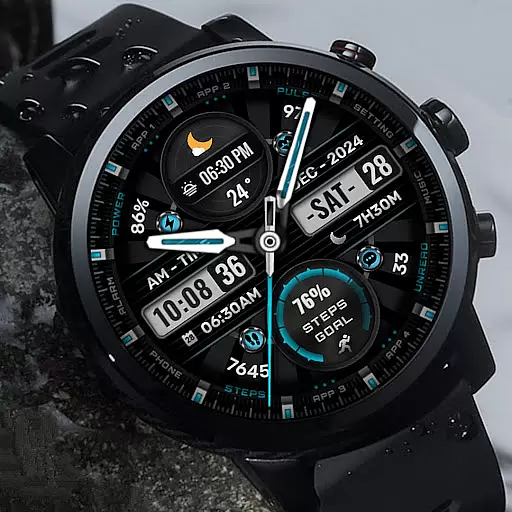
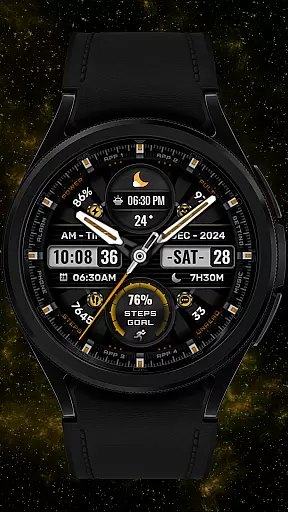

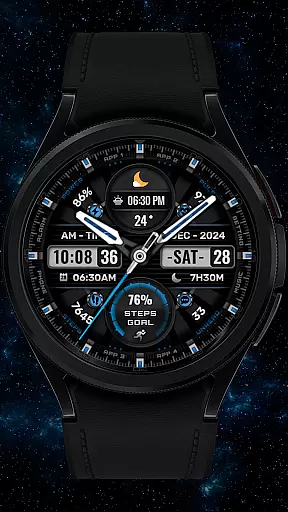
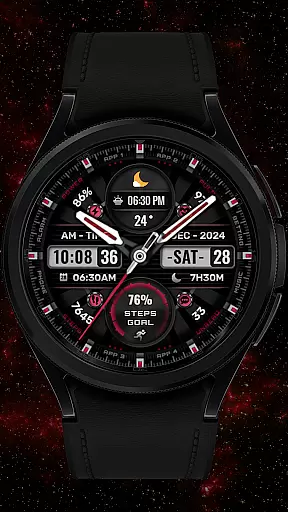
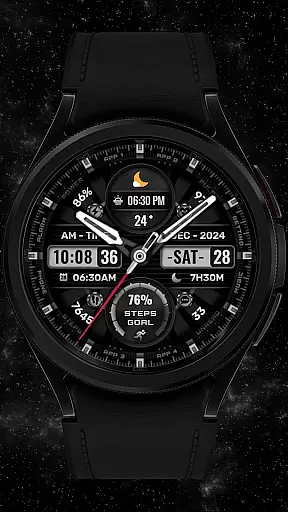
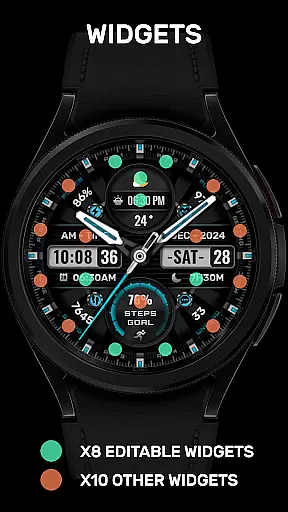
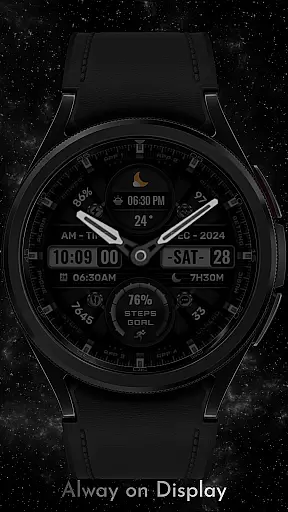
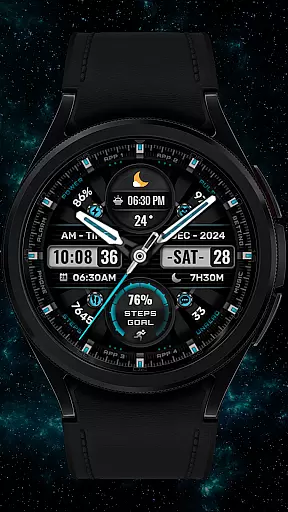

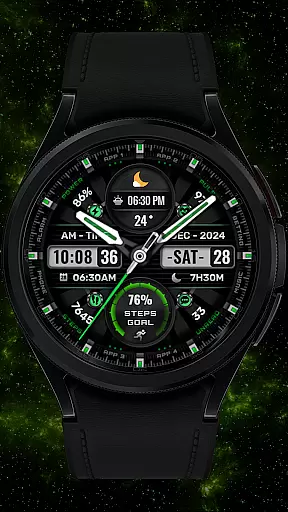
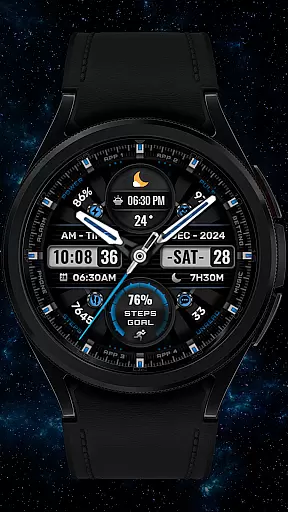
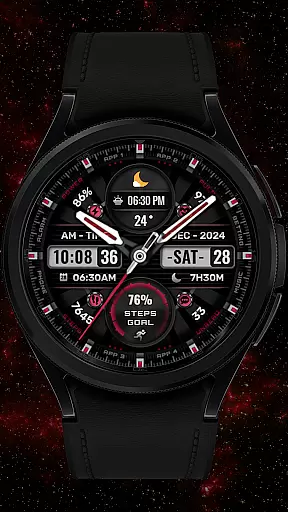


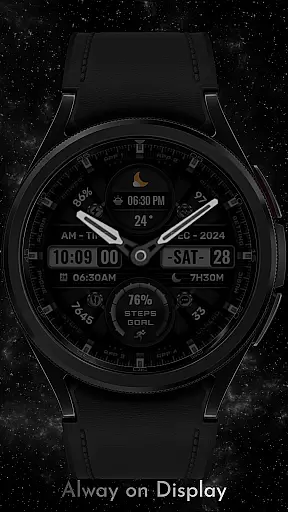
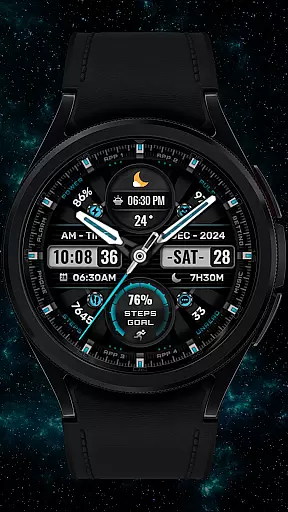
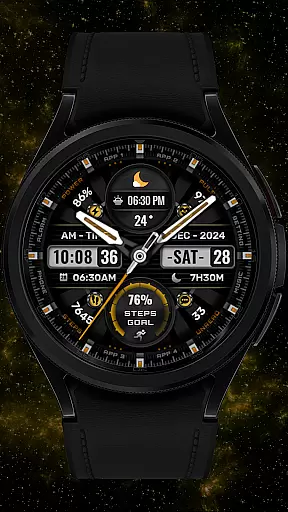
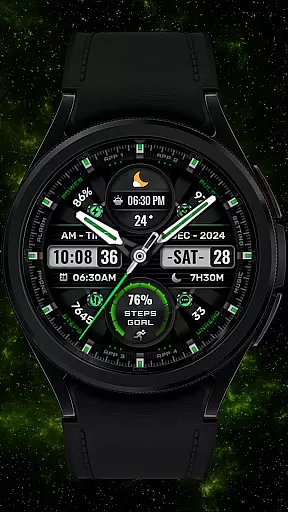
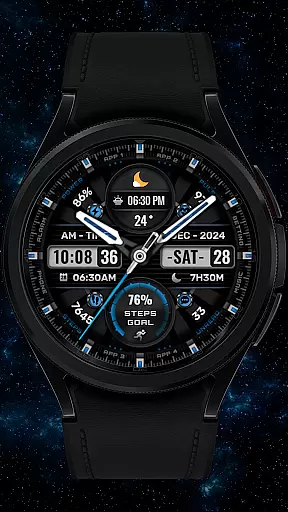
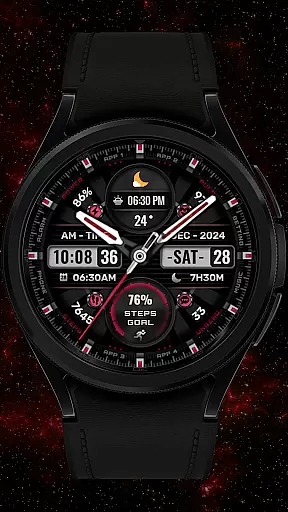
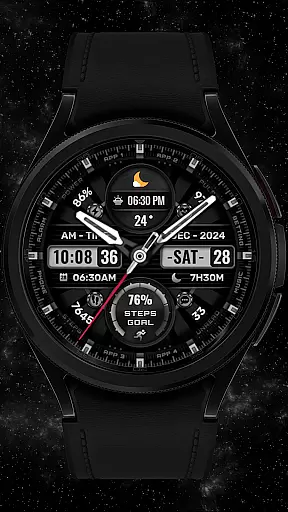

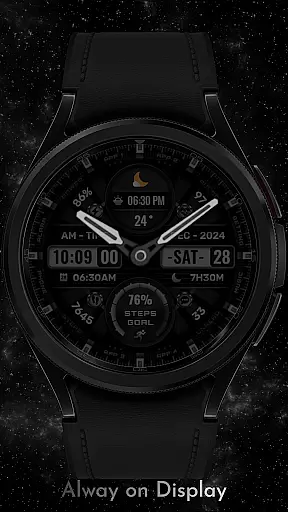


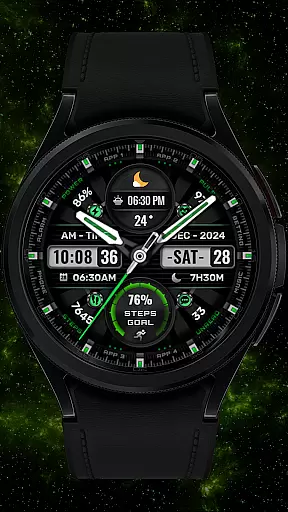

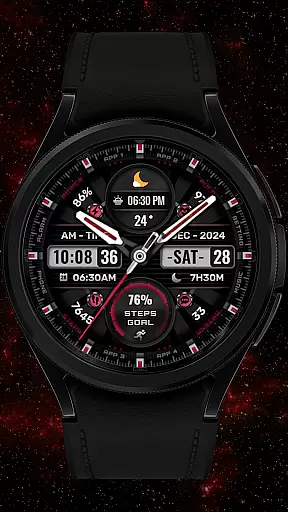
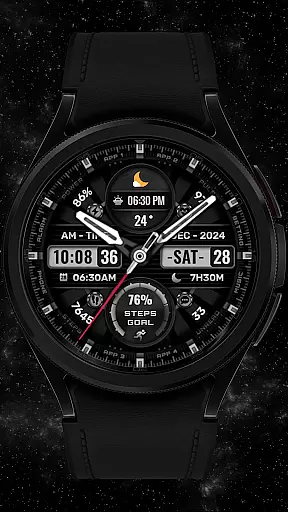

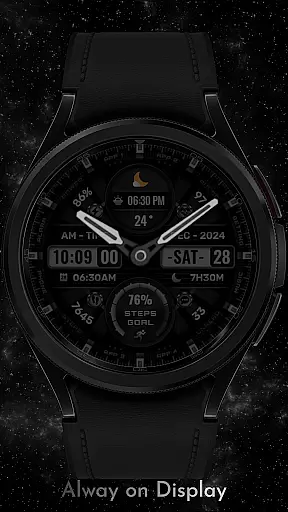
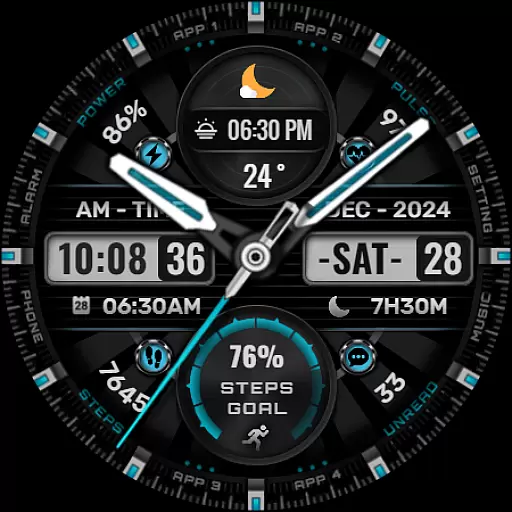
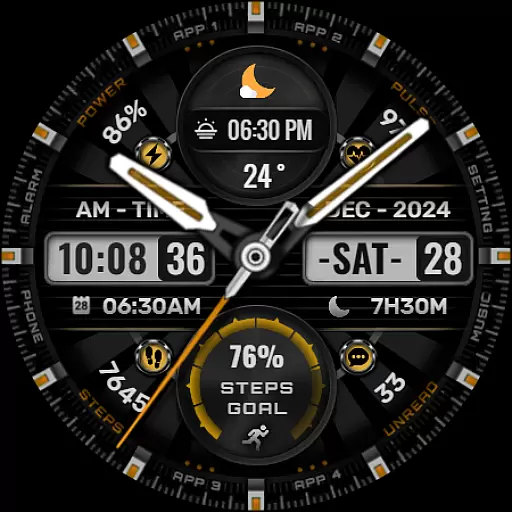

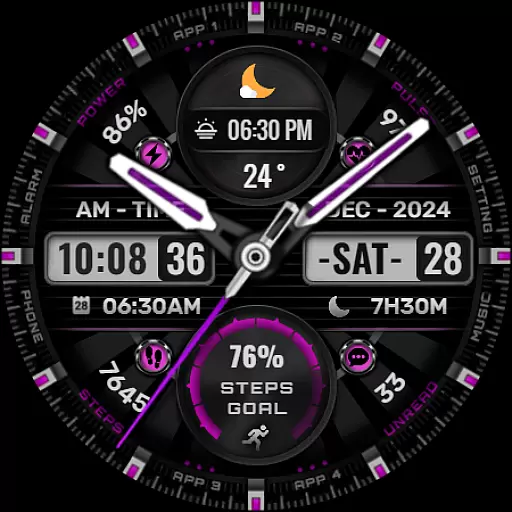
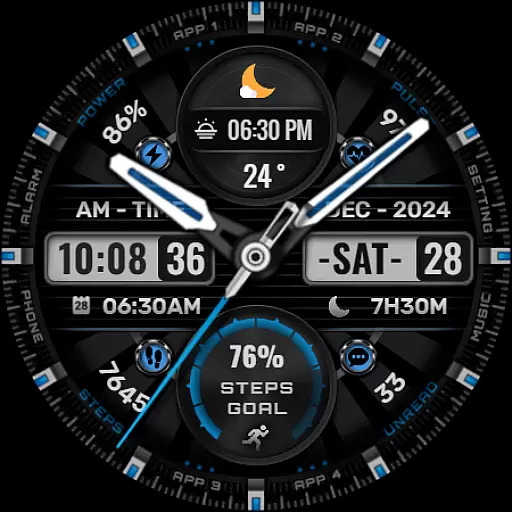

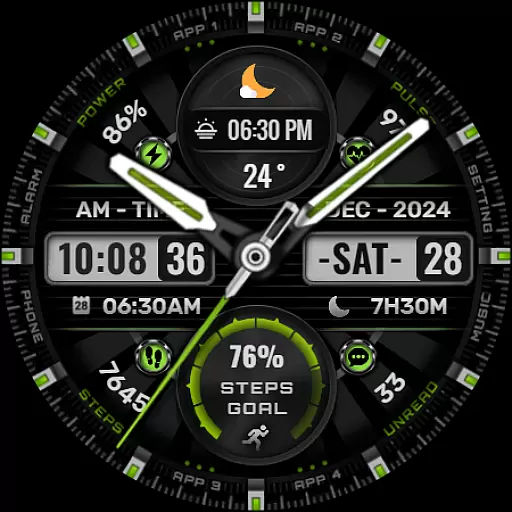
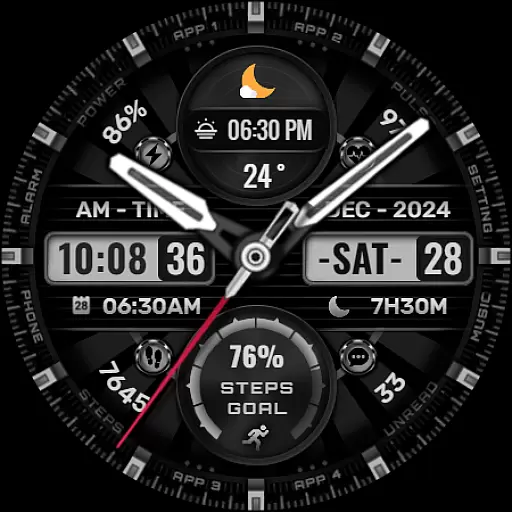
[KNA002] SHINE is a feature-rich Wear OS watch face designed for users seeking both functionality and personalization. This application offers a unique combination of hybrid styles, displaying essential information such as date, day of the week, and month. The standout feature lies in its 8 fully editable complications, allowing users to tailor their watch face to show personalized data including weather, heart rate, battery level, and more.
The watch face supports up to 8 color backgrounds, analog hands, and step progress indicators, providing a visually appealing experience while tracking daily activities. Compatible with API level 30+ devices like Google Pixel and Galaxy Watch 4, 5, 6 series, this app ensures broad usability across various Wear OS models. By following simple installation steps and customizing through touch controls, users can enjoy a personalized smartwatch experience that blends aesthetics with practicality.
This Art & Design app distinguishes itself through extensive customization capabilities. Users can personalize their Wear OS watch face with hybrid styles that combine digital and analog elements seamlessly. Key features include displaying date, day of the week, and month alongside 8 customizable complications that can show various data points such as steps count, heart rate, battery level, and calendar events.
The application provides 8 different color options for backgrounds, analog hands, and step progress indicators, enabling users to create unique visual combinations. The intuitive customization process requires only a touch-and-hold action followed by selecting preferred options. These features collectively offer an enhanced user experience by allowing precise control over displayed information while maintaining aesthetic appeal across compatible Wear OS devices.
In the realm of digital art and design, having a comprehensive suite of creative tools is paramount. The [KNA002] SHINE watch face for Wear OS devices offers an impressive array of features that cater to both aesthetic customization and functional utility. With hybrid styles, users can enjoy a blend of classic analog hands with modern digital elements, including date, day of the week, and month displays.
One of the standout aspects of this watch face is its support for up to 8 editable complications. These customizable data points allow users to tailor their watch face to display information most relevant to them, such as weather updates, world clocks, or health metrics like heart rate and step count. This level of personalization ensures that each user's experience is unique and aligned with their individual needs and preferences.
Additionally, the inclusion of 8 color options for backgrounds, analog hands, and steps progress adds another layer of personal expression. Users can choose colors that resonate with their style or mood, making their wearable device not just a tool, but also a fashion statement. Such extensive customization capabilities empower users to create a personalized and visually appealing interface that enhances their daily interactions with their smartwatch.
Flexibility in canvas and format options is crucial for designers seeking to express their creativity without constraints. The [KNA002] SHINE watch face excels in providing users with versatile customization possibilities. Compatible with API level 30+ devices such as Google Pixel and Galaxy Watch 4, 5, 6 series, it ensures broad accessibility across various Wear OS models. Before installation, users are advised to verify their deviceu2019s compatibility to guarantee optimal performance.
Setting up the watch face involves a straightforward process where users can activate it by touching and holding the display, then tapping on the customize option. This intuitive setup allows for seamless adjustments to suit personal tastes. Moreover, the ability to modify complications means individuals can select from a range of data typesu2014be it sunrise/sunset times, unread message counts, or calendar eventsu2014to appear on their watch face.
It's important to note that while many features enhance usability and visual appeal, some functionalities might not be available on all watches due to hardware limitations. Nonetheless, the core offerings of [KNA002] SHINE provide substantial room for personalization, ensuring that whether you're tracking fitness goals or staying informed about your schedule, your watch face remains a dynamic and integral part of your wearable experience.
Highly customizable
Visually appealing design
Wide device compatibility
Intuitive user interface
Comprehensive data display
Limited to Wear OS
Complex for beginners
Feature availability varies
No automatic application
Requires manual setup

Premium version of Shimeji-ee app with no ads & no limit active shimeji
 4.0
4.0
Download now for a stylish and functional timepiece
4.3
Easy 3D drawing design maker & creator. Model designing, Sculpting. Create&paint
4.00
Trace, draw, and create art with AR - from memes to masterpieces!
4.30
Convert image to JPG PNG HEIC PDF, support almost all kinds of image formats
4.70
Photo editor for art, avatars, filters & fun transformations.
4.60
Image resizer to resize, crop, rotate, flip, change dpi photo or picture in bulk
4.60
Create amazing pictures and unleash your creative genius with AR Drawing Sketch
4.40
All-in-One art, logo & collage maker. Design photos and edit video backgrounds
4.80
See Color, Paint Color
4.90
Create stunning art with AI.
4.80
2D animation studio for Android tablets - unlimited layers, infinite timeline
4.70
The ultimate tool for creating animations
4.60
Turn your drawings into flipbook-style animations with simple creative tools
4.60
Share the joy of painting with ibis Paint! Drawing anime and manga art.
4.50
Photo blender app to create overlay photos & double exposure.
4.40
Create Logos, Tattoos, AI Art & more with our AI Photo Generator & Design Editor
4.20
Art of Combination Wear OS Watch faces (for Wear OS 5+ devices)
3.90
A luxurious gold watch face for an elegant and refined look.
4.2


User Reviews