
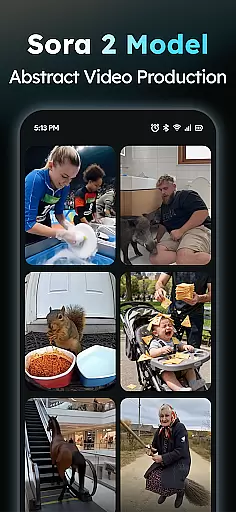
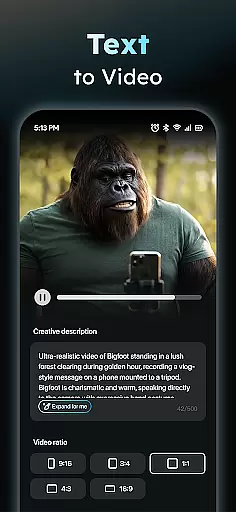
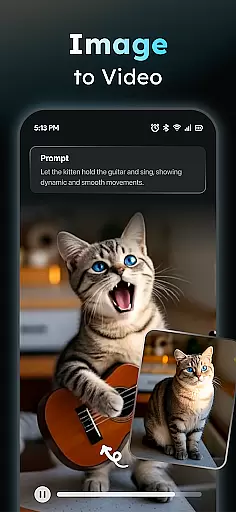
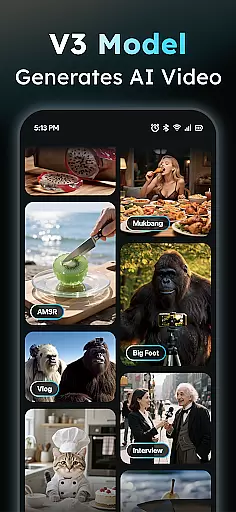
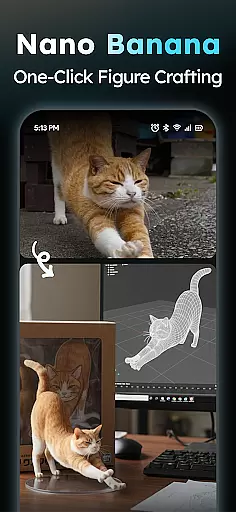
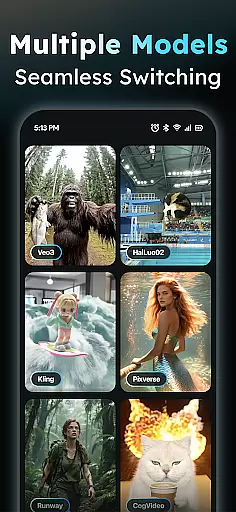
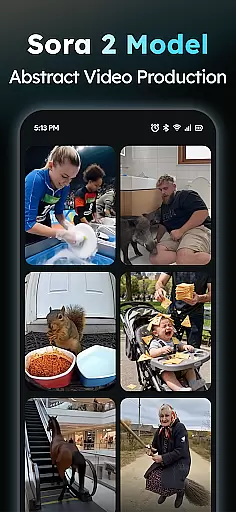
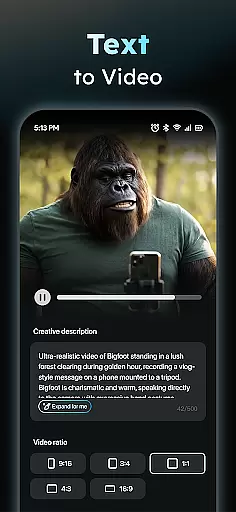
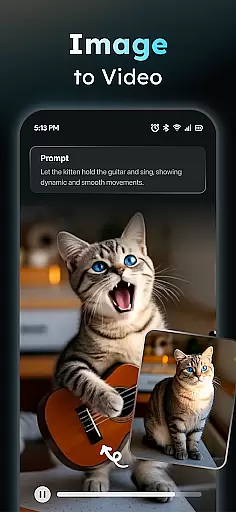
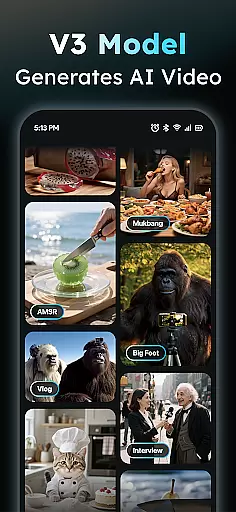
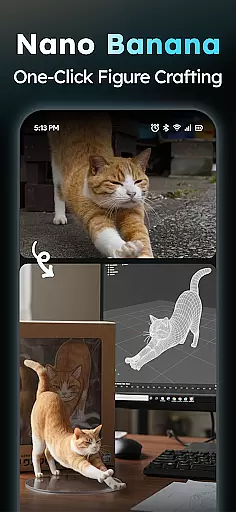
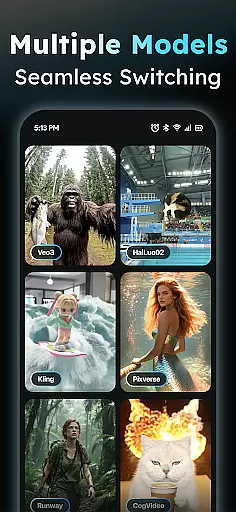
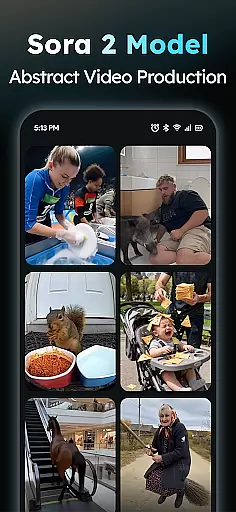
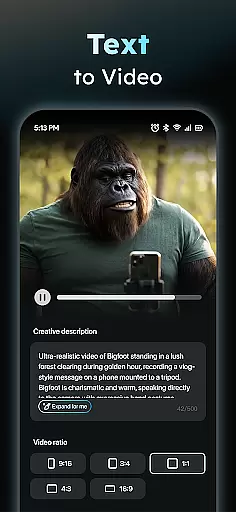
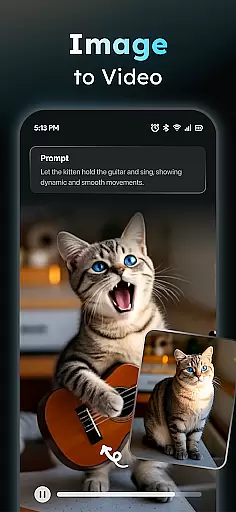
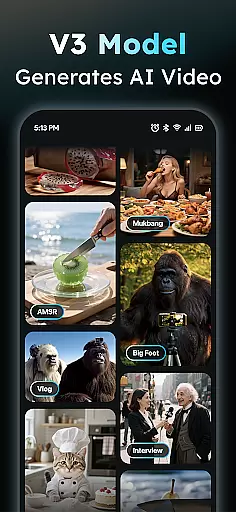
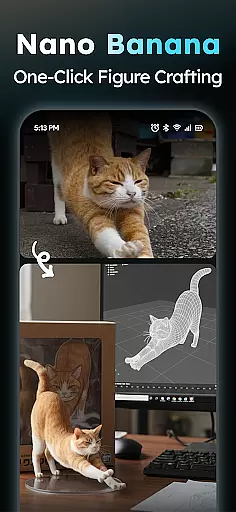
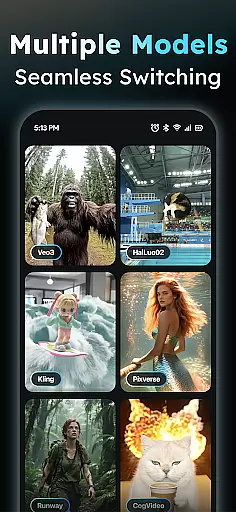
AIreel is an advanced AI-powered video creation tool designed for the Art & Design category, enabling users to produce professional-quality videos without prior experience. The application integrates cutting-edge AI models such as veo3, hailluo, and runway to power its dual engines for both Text-to-Video and Image-to-Video generation. Whether you're looking to create viral short videos from text or transform static images into dynamic visual stories, AIreel provides all the necessary tools.
The app's standout feature is its ability to automatically add scenes and music to inputted text, creating engaging cinematic content. It also supports various image formats like JPG and PNG, allowing users to generate moving masterpieces from photos of real people, anime characters, or pets. With a built-in prompt assistant and a social template hub updated daily, AIreel ensures that even beginners can easily turn their ideas into professional-grade videos.
Designed with efficiency in mind, AIreel renders videos 50% faster than mainstream tools, making it ideal for creators who need quick turnaround times. Its local processing capability on compatible devices emphasizes user privacy, while human moderation allows reporting of inappropriate content directly through the app. This combination of powerful features makes AIreel a top choice for anyone looking to create high-quality, platform-ready videos.
AIreel offers a comprehensive suite of features tailored for creative professionals and hobbyists alike. At its core, the AI Video Generator allows users to input any text and automatically generates a fully-produced short video complete with added scenes and music. This feature democratizes video production by eliminating the need for specialized skills or expensive equipment.
The Photo to Video AI functionality takes creativity to another level by enabling users to upload JPG or PNG images and transform them into dynamic visual narratives. Whether working with real-person portraits, anime illustrations, or pet photos, this feature produces stunning results that maintain the original image's essence while adding motion and life. The Prompt Assistant further lowers the barrier to entry by helping users craft professional-grade prompts from simple ideas.
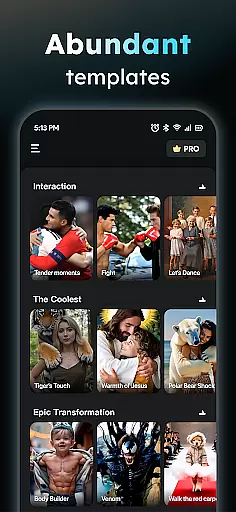
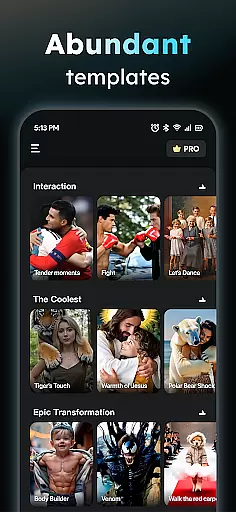
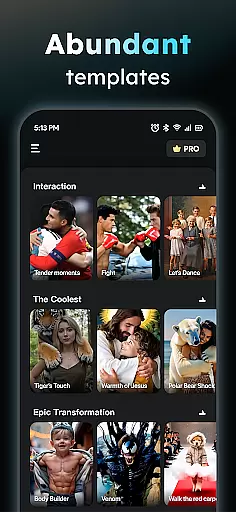
For those seeking inspiration or looking to capitalize on current trends, AIreel's Social Template Hub provides daily updates of popular TikTok, Reels, and Short templates. Users can export their creations in various aspect ratios (9:16, 16:9, or 1:1) optimized for different platforms. The app's unique dual-mode AI generator combines both text and image capabilities, offering unparalleled flexibility in content creation while maintaining a strong focus on user privacy through local processing where possible.
In the realm of digital creativity, having a comprehensive suite of tools is paramount. AIReel stands out by integrating advanced AI models such as veo3, hailluo, and runway to power its dual engines for both Text-to-Video and Image-to-Video generation. This means users have at their disposal an array of options to transform simple inputs into complex visual narratives.
The application's feature set includes an AI Video Generator that turns text into viral short videos complete with scenes and music. Additionally, it offers a Photo to Video AI function supporting real-person, anime, and pet images, allowing for the creation of dynamic content from static pictures. With these capabilities, AIReel ensures that creators are limited only by their imagination, not by the technology they use.
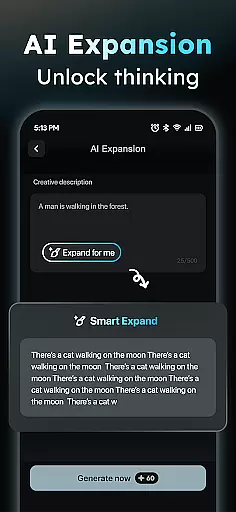
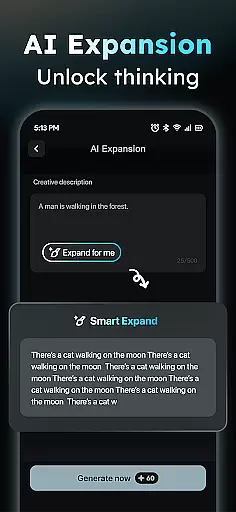
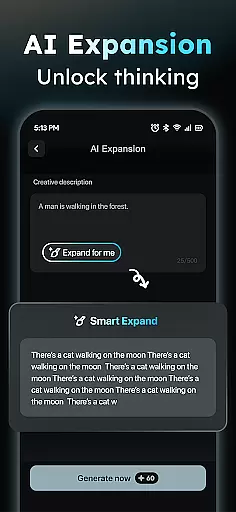
For those who may find crafting the right prompts challenging, AIReel provides a Prompt Assistant. This feature simplifies the process of generating professional-quality prompts, thus lowering the barrier to entry for utilizing sophisticated AI functionalities. Moreover, the Social Template Hub delivers daily updates on trending TikTok, Reels, and Short templates, ensuring content remains fresh and relevant.
Flexibility in canvas size and format options is crucial for reaching diverse audiences across various platforms. AIReel addresses this need by enabling exports in multiple aspect ratios including 9:16 for mobile screens, 16:9 for traditional video formats, and 1:1 for social media versatility. This adaptability empowers creators to tailor their work precisely for the intended viewing experience without compromising on quality or composition.
Furthermore, AIReelu2019s local processing capability on compatible devices emphasizes user privacy while maintaining high performance standards. By rendering videos up to 50% faster than other leading tools, it caters to professionals who require efficiency alongside excellence. The ability to generate content rapidly without sacrificing personal data security sets AIReel apart in todayu2019s privacy-conscious market.
Lastly, AIReel incorporates human moderation practices where users can report inappropriate content directly through the app. This approach fosters a safe community environment conducive to creative exploration. Coupled with responsive customer support channels via aireel.feedback.gmail.com, AIReel demonstrates a commitment to user satisfaction and responsible innovation within the Art & Design category.
User-friendly interface
Fast rendering speed
Privacy-focused design
Dual-mode AI generator
Daily template updates
Limited free features
Device compatibility issues
Occasional AI errors
Premium subscription cost
Learning curve for beginners

Pose and morph realistic male and female models! 3D poser app
 3.00
3.00
Draw anime & manga drawing, art with templates to create stunning picture!
4.50
Create stunning art with AI.
4.80
Painting, drawing, & sketching
4.50
Powerful home decoration & house design that allows you to design dream home.
3.80
Android 14 style widgets and wallpapers app.
4.0
AI Tattoo Generator: Create Tattoo Designs & Get Ideas! Ink & Stencil Maker
4.50
Draw, make movies & animate cartoons easily with our 2D animation maker app
4.40
Unleash your inner artist! Sketchar: AR Drawing for Limitless Creativity
4.40
Passport size photo maker, create ID photo and visa photo in seconds
4.80
Logo Generator powered by AI: Create stunning logos effortlessly!
4.70
Novices can also easily complete diamond painting masters
4.70
Draw, fidget, and spin glow art! Relax and express your creativity with a finger
4.60
Photo blender app to create overlay photos & double exposure.
4.40
Nano Banana AI Image Generator, Anime Filter, AI Portrait, AI Photo Generator
4.30
Unleash the artist in you with our AR drawing and tracing tool for photo drawing
4.10
Turning simple sketches into captivating tales filled with life and motion
3.90
AI Assistant, powered by ChatGPT GPT-4 & GPT-4o. Your intelligent companion.
3.50
Create sweet, cool and unique couple avatars easily, in just a few steps!
3.40


User Reviews