
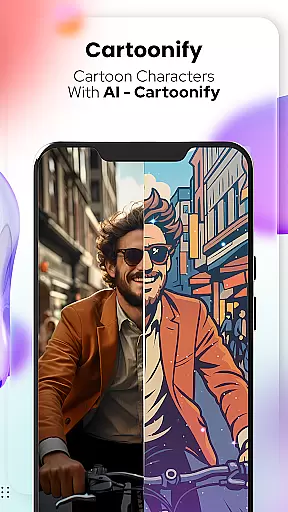
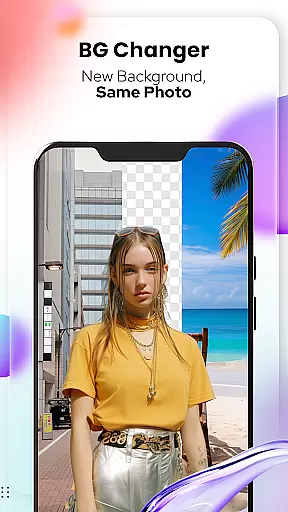
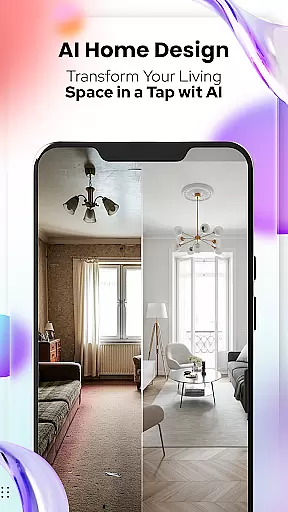
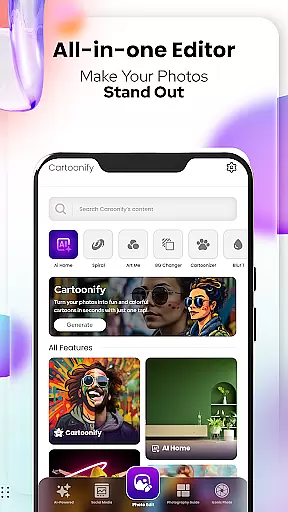
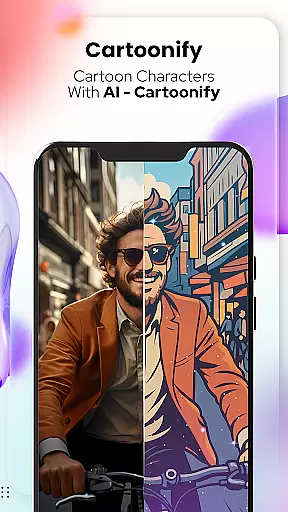
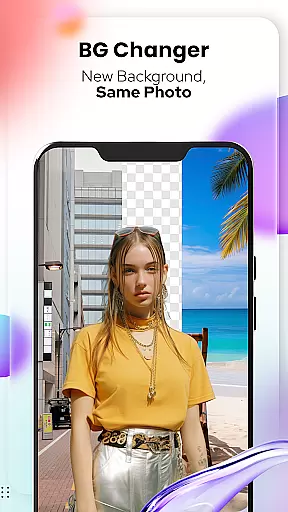
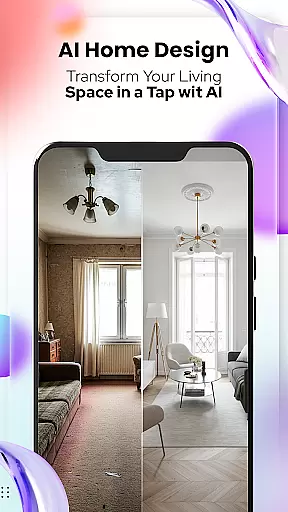
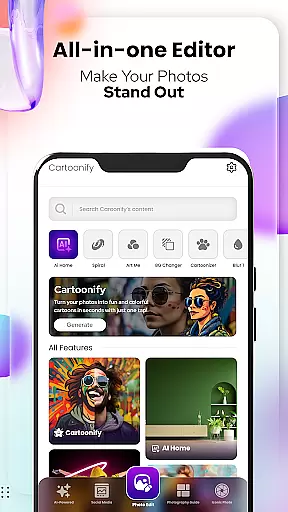
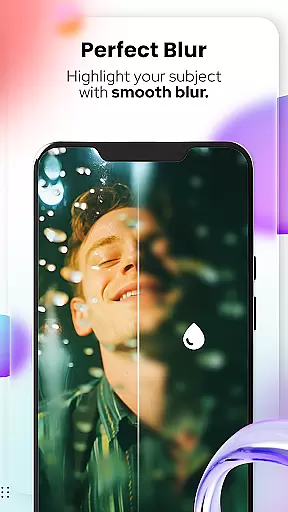
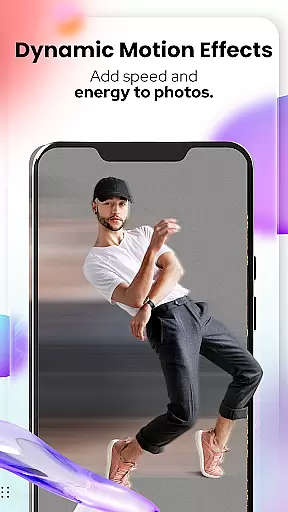
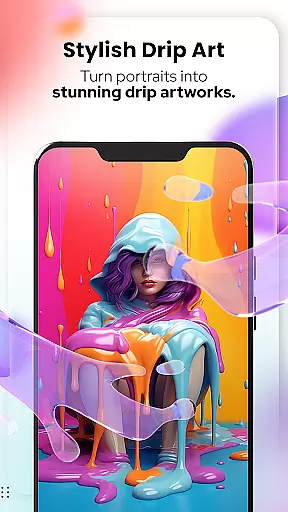
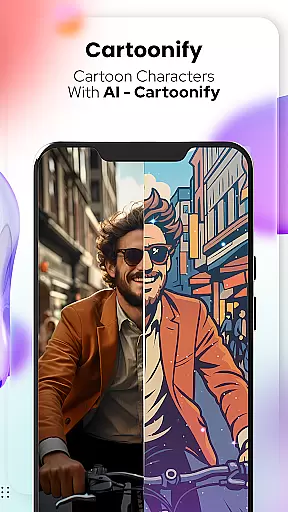
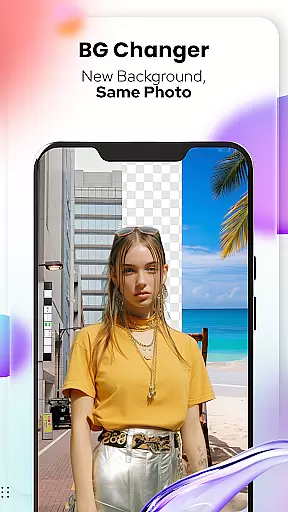
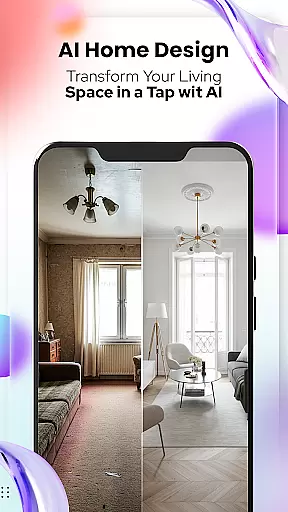
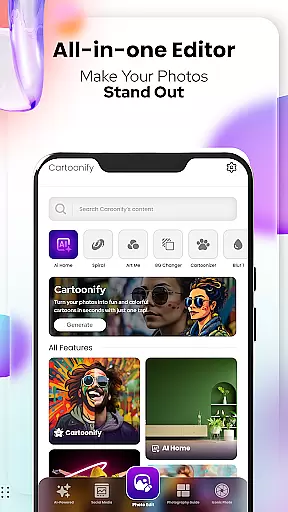
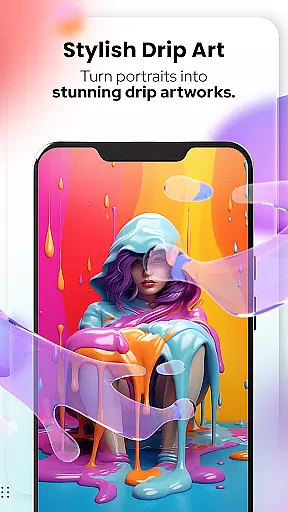
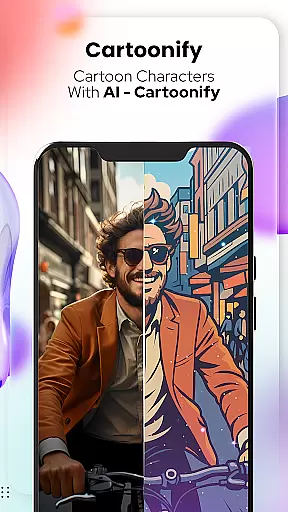
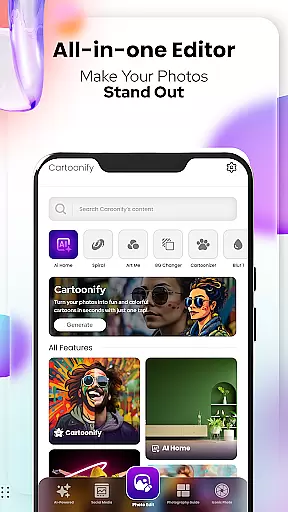
Cartoon Photo Editor - Toon Art is a creative photo editing application designed for art enthusiasts and casual users alike. This app allows you to transform ordinary photos into stunning cartoon-style artworks with just a few taps. The core feature, Cartoonify, converts any image into a cartoon portrait, making it perfect for social media profile pictures or simply for fun.
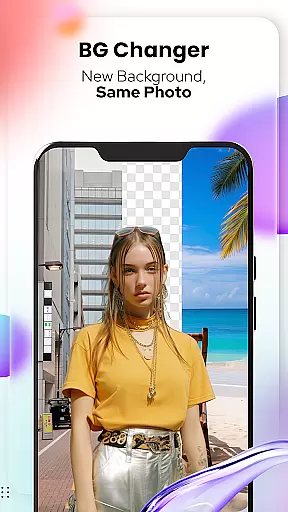
In addition to the main cartoon transformation feature, the app offers various artistic tools such as Art Me for applying unique art styles, Pet Cartoonizer specifically for pet photos, and Background Changer for altering photo backgrounds. These features cater to different user needs, whether for professional enhancement or personal amusement. With its intuitive interface and powerful editing capabilities, this app brings out the artist in everyone while providing practical value through its versatile functions.
Cartoon Photo Editor - Toon Art stands out with its diverse range of creative features. The Cartoonify tool uses advanced algorithms to detect facial features and apply cartoon effects that maintain the original's likeness while giving it a fun twist. Users can choose from multiple art styles under Art Me, each offering a distinct aesthetic that enhances portraits with breathtaking filters.
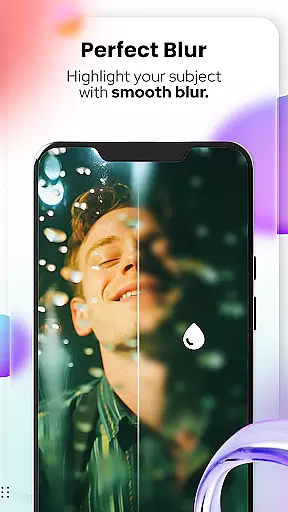
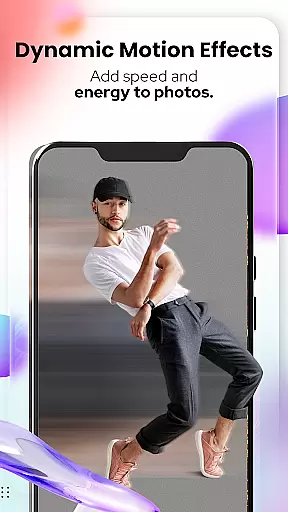
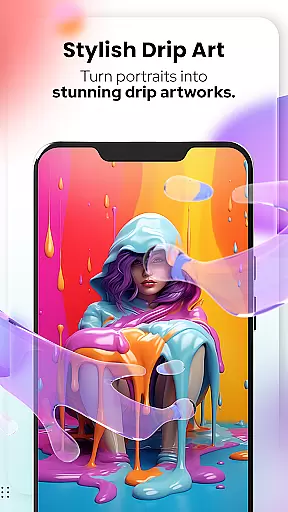
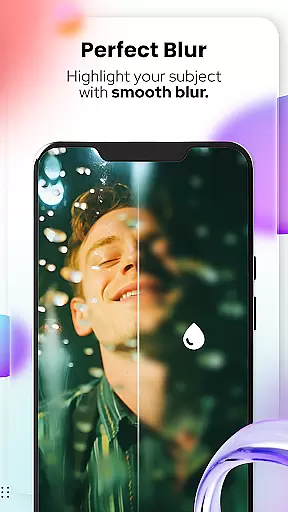
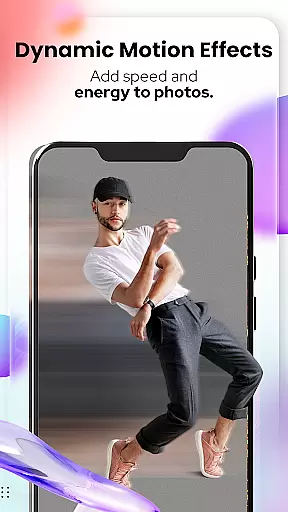
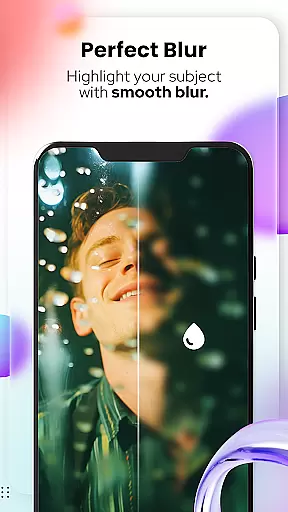
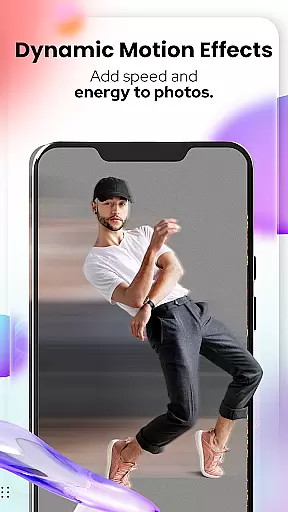
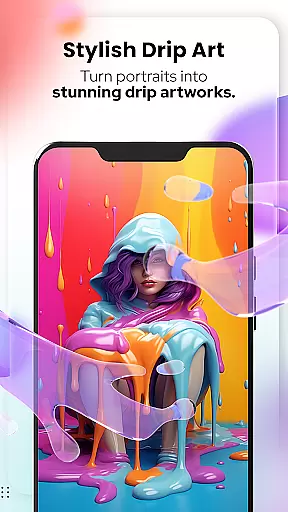
The app also includes specialized features like Pet Cartoonizer, which applies a soft pastel effect ideal for animal photos, and Sketching, which creates detailed pencil caricatures. Additionally, the Background Changer tool enables users to remove or replace photo backgrounds effortlessly. With newly added photo editing tools such as Blur & Motion Effects, Spiral & Drip Effects, and more, users have extensive options to customize their images. Each feature is designed to provide both ease of use and professional-quality results, empowering users to express their creativity freely.
In the realm of digital artistry, having a comprehensive suite of creative tools is essential for unleashing one's full artistic potential. Cartoon Photo Editoruff0dToon Art rises to the occasion by offering an extensive array of features that cater to both amateur enthusiasts and professional artists alike.
From the Cartoonify feature that ingeniously transforms any uploaded image into a delightful cartoon-style portrait, to the sophisticated Art Me option which bestows users with the power to select from a myriad of stunning art styles, this application ensures your creative expression knows no bounds.
Additionally, unique offerings such as Pet Cartoonizer and Sketching provide specialized avenues for personalizing pet portraits and crafting hand-drawn-esque masterpieces without requiring traditional drawing skills. These dedicated tools not only enhance user experience but also significantly broaden the scope of artistic possibilities within the app.
A canvas in the digital world represents more than just a space to create; it embodies the freedom and adaptability that an artist can enjoy while bringing their visions to life. Cartoon Photo Editoruff0dToon Art understands this need and delivers remarkable canvas and format flexibility tailored for diverse project requirements.
The inclusion of powerful photo editing tools like Background Remover/Changer, Blur & Motion Effects, Spiral & Drip Effects, and Mosaic, Splash & Brush among others, provides users with unprecedented control over their artworku2019s final presentation. Such versatility ensures that whether you're refining edges or experimenting with dynamic visual effects, your creative workflow remains uninterrupted.
Moreover, practical utilities including Crop, Adjust & Overlay, Text & Fit Tools alongside Filters & Stickers further augment the formatting capabilities at your disposal. This holistic approach empowers creators to seamlessly transition between different styles and formats while maintaining high-quality output throughout their artistic journey.
User-friendly interface
Wide range of art styles
Specialized pet photo editor
Powerful background editing
Unique sketching effect
Limited free features
Some tools require premium
Occasional ads display
Advanced tools complex
Export quality varies

Sketch, trace and master AR drawing with awesome anime art!
 3.30
3.30
AI Face Swap, Video Effects Editor, Realtime Morph, Funny Video FX,AI Filters
3.70
Logo Generator powered by AI: Create stunning logos effortlessly!
4.70
Photo blender app to create overlay photos & double exposure.
4.40
Create color palette from Image, RGB & RYB Color wheel harmonies, Color Scheme
4.50
The perfect place to start sketching! Use Sketchbook to draw and paint sketches.
4.50
Mobile pixel art editor. Simple. Fast. Portable.
4.80
Get an overview over all your embroidery threads, projects and more.
4.60
Sketch and paint on your device with the feel and freedom of drawing on paper
4.00
Make your phone cooler and have a fantastic experience
4.80
Draw on screen: FP sDraw is a simple and lightweight drawing app
4.70
Photo editor for art, avatars, filters & fun transformations.
4.60
Kling AI is an image and video generation and editing studio powered by AI.
4.50
Nano Banana AI Image Generator, Anime Filter, AI Portrait, AI Photo Generator
4.30
OneUI 8.5 icons ✨ Smooth, modern & based on the latest Play Store design ??
4.10
Paint with oils and sketch with natural tools on a realistic virtual canvas.
3.80
Create cute cat emojis & PFPs! Fun, custom avatars for cat lovers.
3.70
Experience next-gen icons with a modern liquid glass look.
3.60
Your Essential Color Theory Guide: Red, Yellow, Blue (RYB)
4.0


User Reviews