
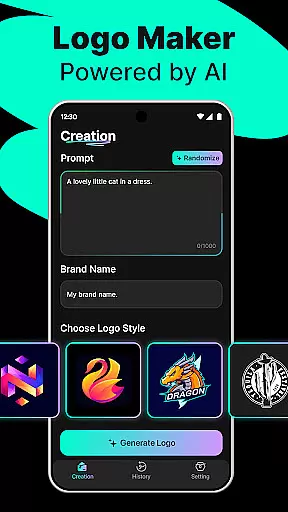
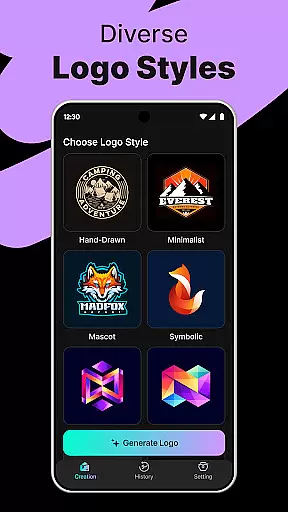
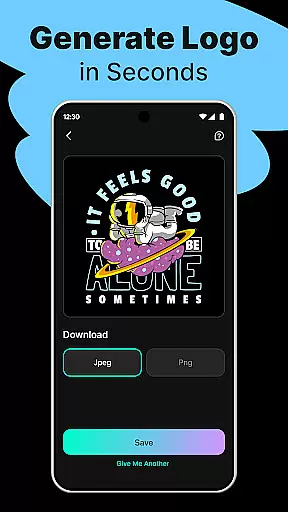
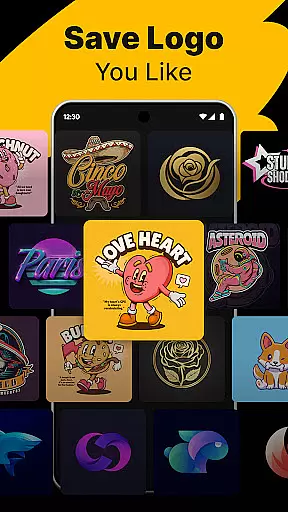
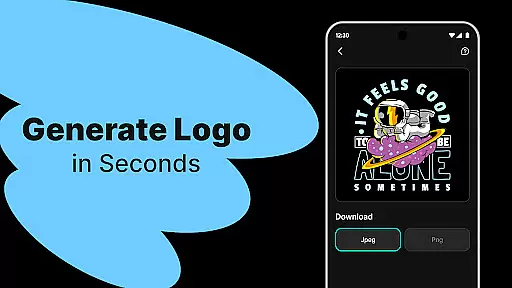
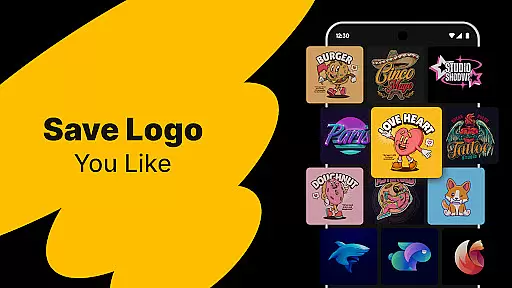
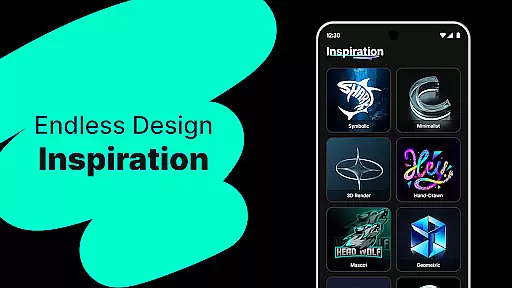
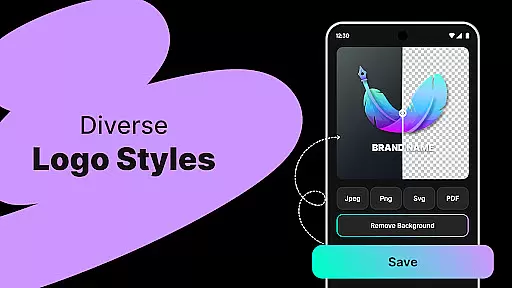
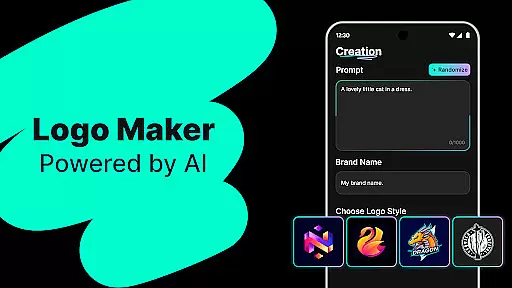
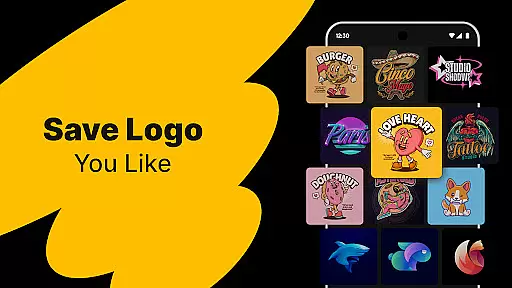
Logo Maker is an AI-powered logo design tool that enables users to create professional logos effortlessly. Designed for entrepreneurs, small businesses, and creators, it eliminates the need for design expertise by generating unique logo designs based on user input. Simply describe your brand vision, and the app will craft multiple logo options instantly.
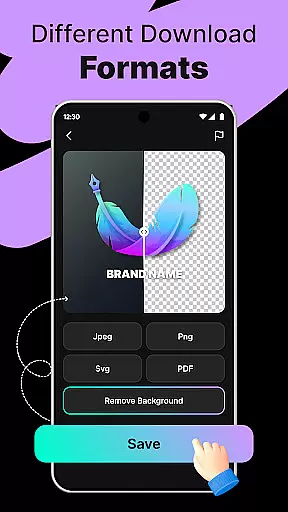
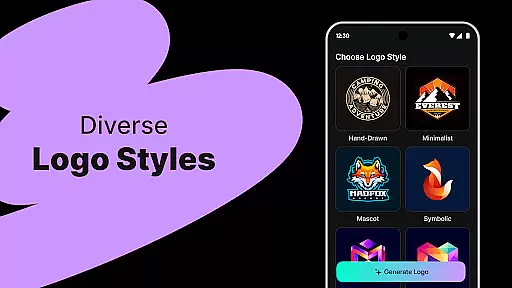
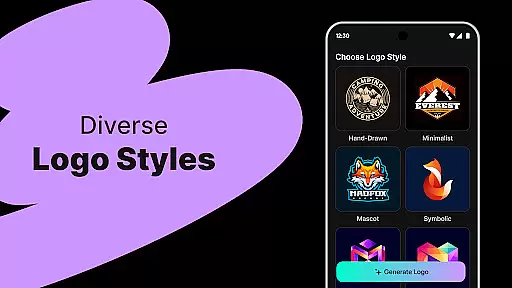
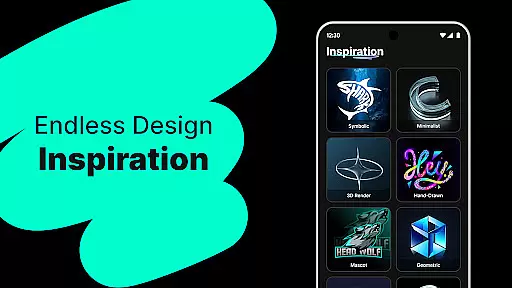
The app offers hundreds of customizable templates spanning various styles such as modern, minimalist, vintage, and hand-drawn. Users can refine their logos with a user-friendly editor that supports drag-and-drop functionality. Additionally, Logo Maker provides high-quality exports in PNG and JPG formats, suitable for websites, business cards, social media, and print materials.
Whether you're building a startup, managing personal projects, or creating content for platforms like YouTube and Instagram, Logo Maker helps establish a strong brand presence quickly and affordably.
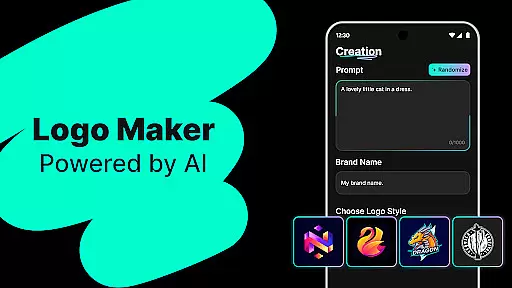
Logo Maker stands out with its AI-driven logo generation capabilities. By entering a brand name and relevant keywords, users receive multiple unique logo concepts within seconds. This feature ensures rapid ideation without compromising creativity.
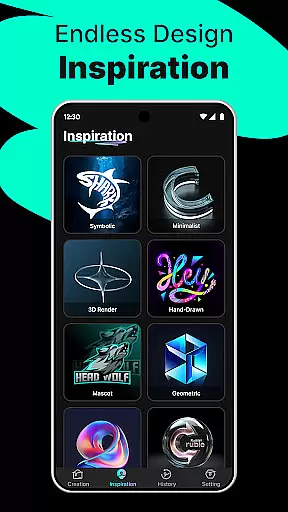
The app includes an extensive library of customizable templates catering to diverse design preferences. From sleek modern aesthetics to classic vintage styles, these templates provide a solid foundation for logo creation. The intuitive drag-and-drop editor allows users to adjust elements easily, ensuring a personalized final product.
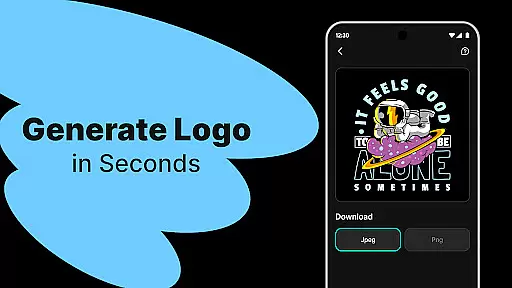
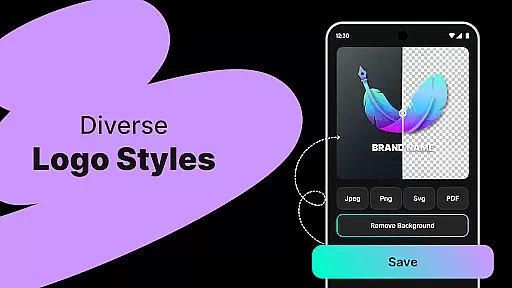
Another key feature is the ability to export logos in high-resolution formats, making them suitable for both digital and print use. This versatility, combined with the app's budget-friendly approach, makes Logo Maker an ideal choice for startups, freelancers, and content creators looking to enhance their branding efficiently.
In the realm of digital design, having access to comprehensive creative tools is essential for bringing visions to life. Logo Maker stands out by offering an extensive suite of features that cater to both novices and seasoned designers. The AI-Powered Logo Generation allows users to input their brand name and keywords, instantly generating multiple unique logo designs.
Additionally, the platform provides hundreds of customizable templates ranging from modern and minimalist to vintage and hand-drawn styles. This ensures that every user can find a template that aligns with their brand identity. The User-Friendly Editor further enhances the creative process, enabling users to drag, drop, and customize elements effortlesslyu2014no prior design experience required.
The availability of high-quality exports in formats like PNG and JPG makes it convenient for users to implement their logos across various mediums, including websites, business cards, social media, and print materials. By integrating these robust tools, Logo Maker empowers entrepreneurs, small businesses, and creators to craft professional logos that elevate their brand presence.
A crucial aspect of any design tool is its ability to offer flexibility in canvas size and format options, ensuring that creations can be adapted to different platforms and uses. Logo Maker excels in this area by providing versatile solutions tailored to meet diverse design needs. Users can create logos that are perfectly suited for digital platforms such as websites and social media profiles, as well as traditional print materials like business cards and banners.
The platform supports exporting logos in multiple high-quality formats, including PNG and JPG, which are widely accepted across various mediums. This versatility enables seamless integration into different projects without compromising on resolution or clarity. Moreover, the intuitive interface allows users to easily adjust dimensions and resolutions, catering to specific requirements for each use case.
Whether designing for startups, freelancers, content creators, or personal projects, Logo Maker's adaptable canvas and format options ensure that every logo maintains its integrity and impact. This flexibility not only enhances the creative process but also broadens the applicability of the final designs, making them suitable for a wide array of applications.
AI-Powered Design
User-Friendly Interface
Customizable Templates
High-Quality Exports
Affordable Solution
Limited Free Features
Internet Connection Required
Premium Export Fees
Basic Editing Tools
Template Repetition

Floor Plan Creator lets you create, edit and share floor plans.
 4.00
4.00
Digital Drawing: Draw & Paint
4.10
AI Assistant, powered by ChatGPT GPT-4 & GPT-4o. Your intelligent companion.
3.50
Trace, draw, and create art with AR - from memes to masterpieces!
4.30
Digital, Abstract, Classic - all types of color wheels in one app!
4.60
Unleash the artist in you with our AR drawing and tracing tool for photo drawing
4.10
Create cute cat emojis & PFPs! Fun, custom avatars for cat lovers.
3.70
Turning simple sketches into captivating tales filled with life and motion
3.90
AI Tattoo Generator: Create Tattoo Designs & Get Ideas! Ink & Stencil Maker
4.50
Mobile pixel art editor. Simple. Fast. Portable.
4.80
Novices can also easily complete diamond painting masters
4.70
Draw beautiful mandala's very easily
4.60
Draw, fidget, and spin glow art! Relax and express your creativity with a finger
4.60
Everything you need to create hand drawn animation, anywhere you go!
4.40
Custom Character Creator & PFP Maker!
4.20
Paint with oils and sketch with natural tools on a realistic virtual canvas.
3.80
Vidu is an AI video generator made for creators and aspiring makers.
3.30
Art of Combination Wear OS Watch Faces
3.30
Art of Combination Wear OS Watch faces (for Wear OS 5+ devices)
3.00


User Reviews