

SketchPro is a professional-grade drawing and design application tailored for digital artists, illustrators, and creative professionals. This versatile app provides an extensive suite of advanced AI-powered tools and professional-grade features that streamline the creative workflow.
The core functionality includes customizable brushes, AI drawing tools, layer systems, text tools, and color palettes. These features make it perfect for creating detailed illustrations, comics, manga, and other forms of digital art. Whether you're sketching, painting, or designing, SketchPro offers all the necessary tools to bring your artistic vision to life.
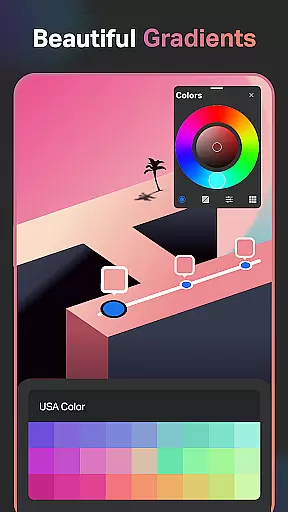
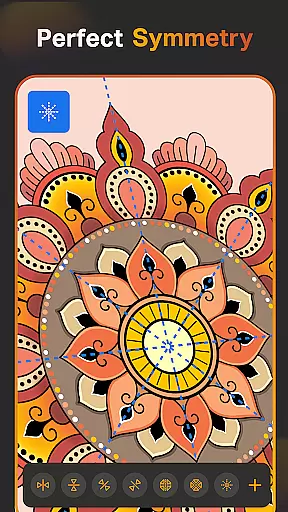
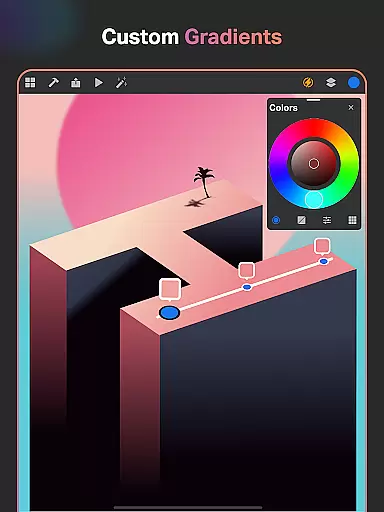
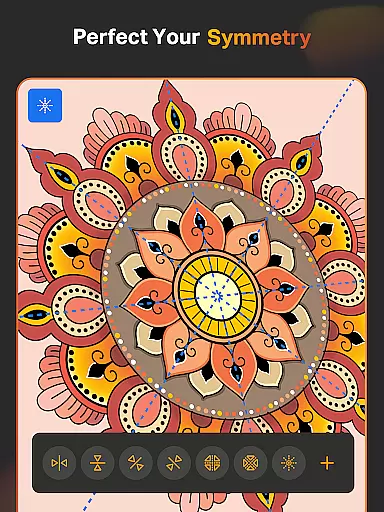
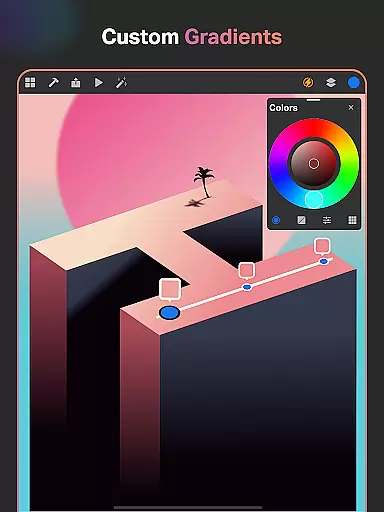
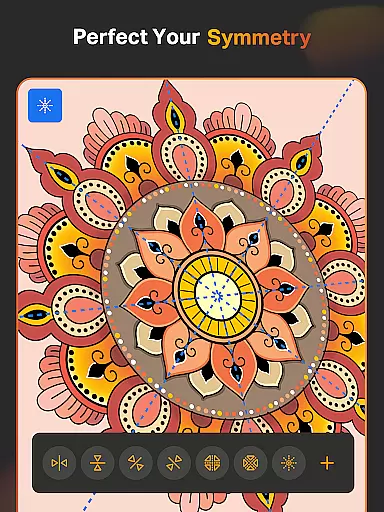
Ideal for graphic designers and illustrators, SketchPro supports a seamless creative process with capabilities like symmetry tools, gradient options, and assisted drawing. The app's comprehensive toolset ensures users can create professional-quality artwork on both tablets and phones, making it an essential companion for digital artists on the go.
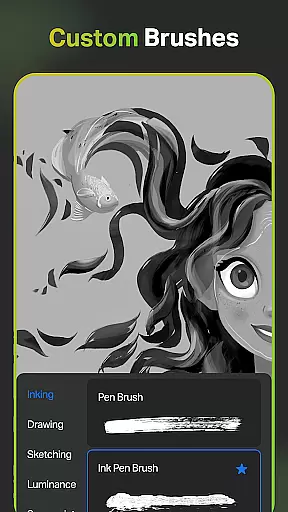
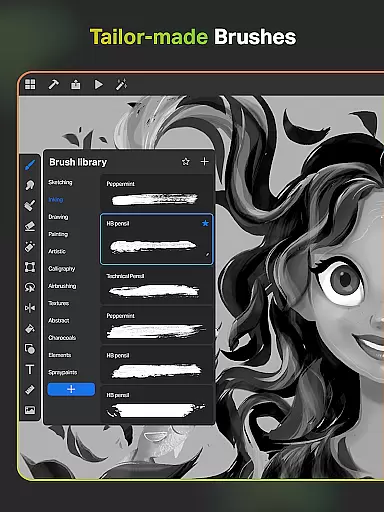
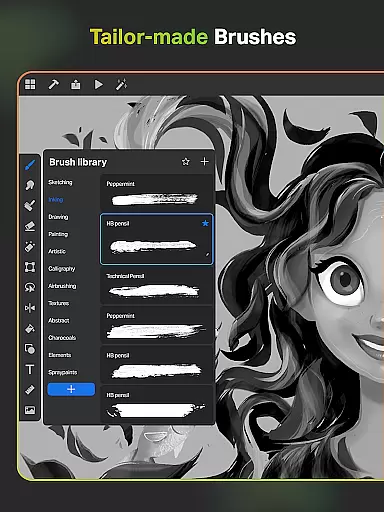
SketchPro stands out with its rich array of innovative features designed to enhance every aspect of digital art creation. One of the key highlights is its collection of professional, customizable brushes that cater to various artistic styles, from sketching and painting to illustrating.
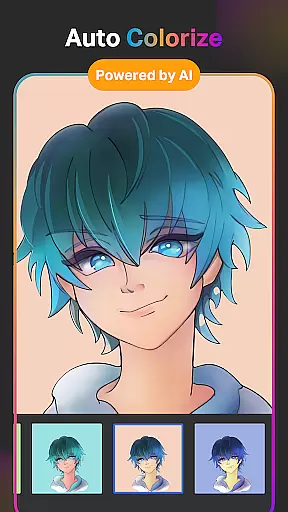
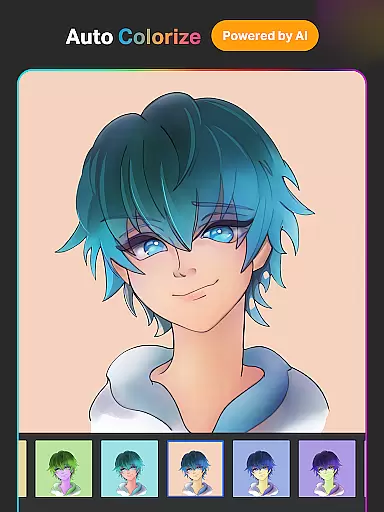
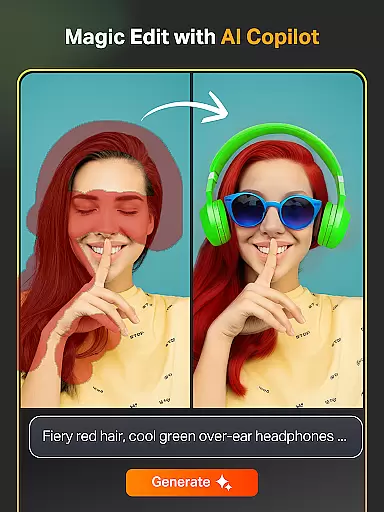
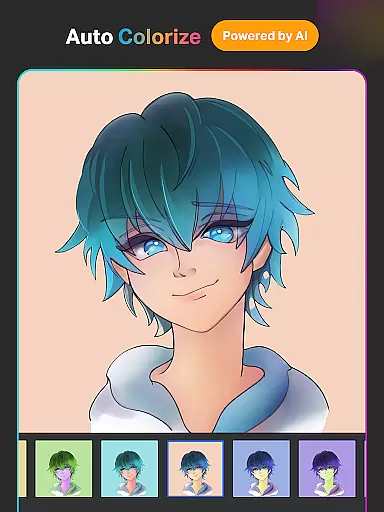
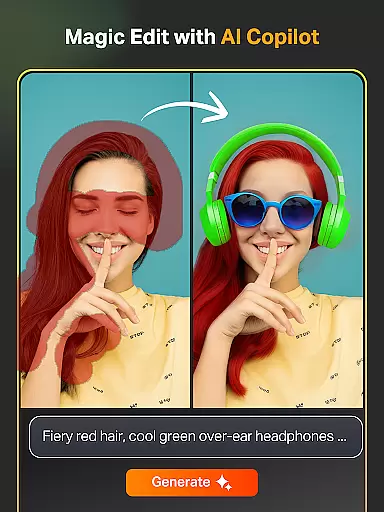
The app incorporates cutting-edge AI tools to accelerate the creative process. Features like Text to Image AI, Sketch to Image AI, and Magic Edit AI allow users to transform simple prompts into complex artworks effortlessly. Additionally, tools such as Auto-Coloring AI and Expand Artwork AI help refine and expand creations without compromising quality.
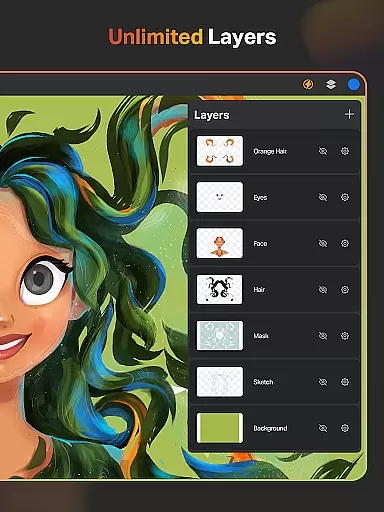
SketchPro also offers a robust layer system, smart shapes, gradient tools, and an extensive library of shapes and symbols. These functionalities provide users with the flexibility and control needed to execute intricate designs efficiently. With cloud syncing and time-lapse playback, managing and reviewing your creative journey becomes hassle-free.
SketchPro offers an extensive suite of creative tools that cater to the needs of professional digital artists. The app includes customizable brushes for sketching, painting, and illustrating, allowing users to tailor their tools to fit specific artistic styles.
In addition to traditional drawing tools, SketchPro provides advanced AI-driven features such as Text to Image, Sketch to Image, and Magic Edit, which allow for effortless creation and modification of artwork through simple prompts. These tools not only enhance the creative process but also open new avenues for artistic expression.
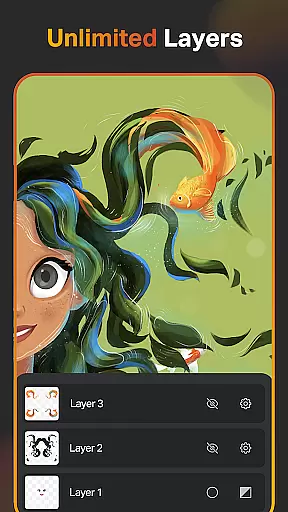
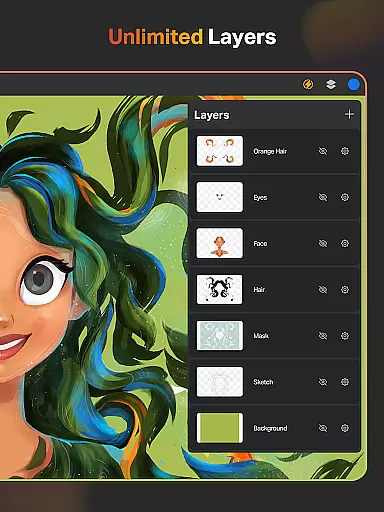
The inclusion of a layer system with unlimited layers, along with options like rasterizing, duplicating, and merging, ensures that complex projects can be managed with ease. This comprehensive set of features supports a wide range of artistic endeavors from graphic design to comic book artistry.
Flexibility in canvas and format options is crucial for digital artists, and SketchPro excels in this area. Users can work on a custom canvas, adjusting dimensions to suit their project's requirements without compromising quality.
The app supports various color palettes and allows importing colors from images, providing artists with precise control over their color choices. With full-color wheel adjustments and themed color palettes, artists can maintain consistency across their work.
Moreover, SketchPro enables exporting and organizing digital artwork efficiently. Automatic saving, cloud syncing, and time-lapse playback features ensure that artists can focus on their creations without worrying about losing progress or accessing their work across devices.
User-friendly interface
Advanced AI tools
Customizable brushes
Comprehensive layer system
Cloud syncing feature
Steep learning curve
High system requirements
Limited free features
Occasional bugs
Premium subscription cost

Premium version of Shimeji-ee app with no ads & no limit active shimeji
 4.4
4.4
Art of Combination Wear OS Watch faces
4.0
Design your dream room with AI. Get decor ideas & plan home interiors
3.90
Trace, draw, and create art with AR - from memes to masterpieces!
4.30
Paint with oils and sketch with natural tools on a realistic virtual canvas.
3.80
The perfect place to start sketching! Use Sketchbook to draw and paint sketches.
4.50
Unleash the artist in you with our AR drawing and tracing tool for photo drawing
4.10
Share the joy of painting with ibis Paint! Drawing anime and manga art.
4.50
Unleash your inner artist! Sketchar: AR Drawing for Limitless Creativity
4.40
Learn how to draw with step-by-step tutorials, fun lessons & multiplayer drawing
4.70
Convert image to JPG PNG HEIC PDF, support almost all kinds of image formats
4.70
Photo stitcher for automatically screenshot stitching into a long screenshot
4.70
Draw beautiful mandala's very easily
4.60
Kling AI is an image and video generation and editing studio powered by AI.
4.50
Sketch, plan, take notes and illustrate on an infinite canvas.
4.20
Create cute cat emojis & PFPs! Fun, custom avatars for cat lovers.
3.70
AI Assistant, powered by ChatGPT GPT-4 & GPT-4o. Your intelligent companion.
3.50
Meet the magic aı 3d photo generator and smart AI video generator app.
3.20
Art of Combination Wear OS Watch faces
4.3


User Reviews