
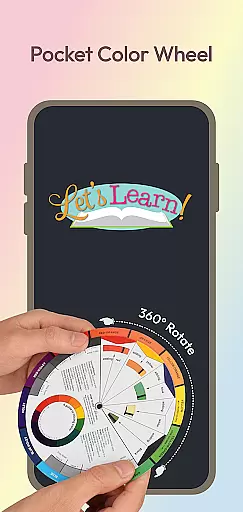
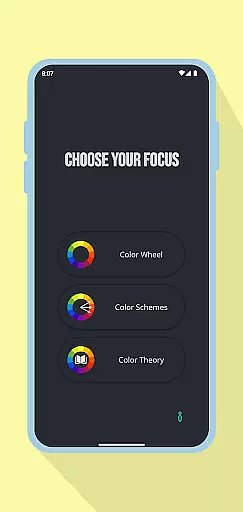
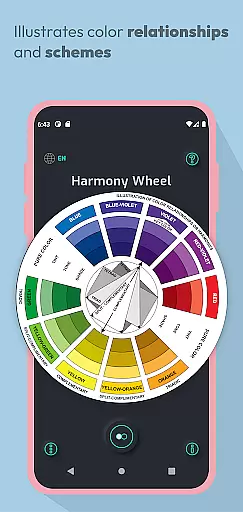
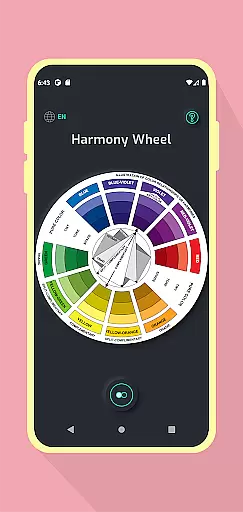
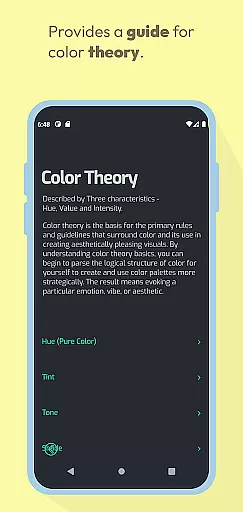
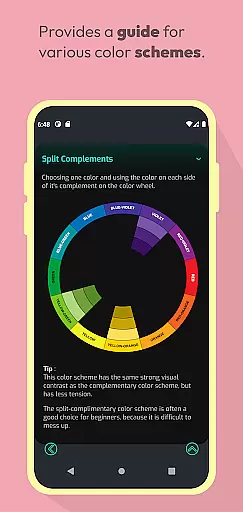
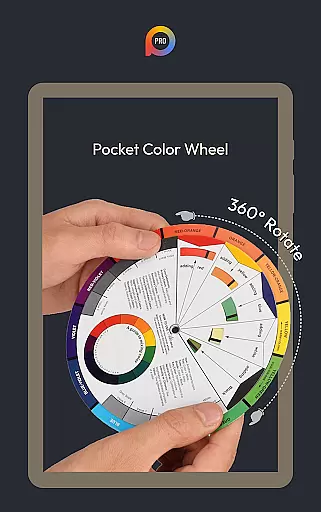
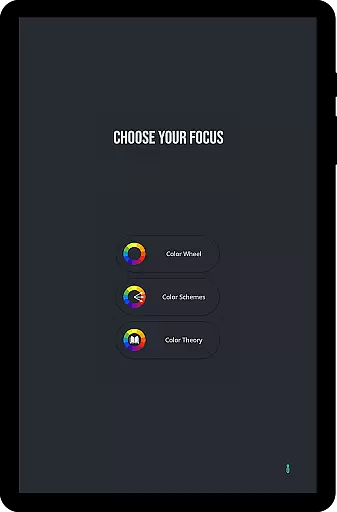
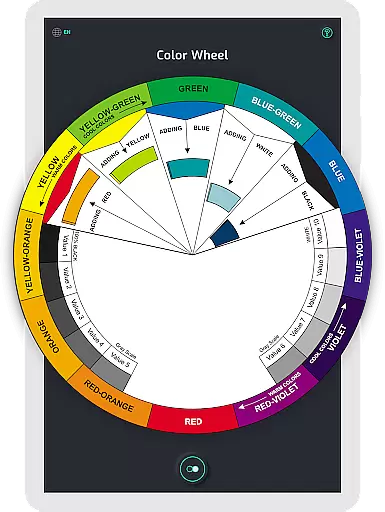
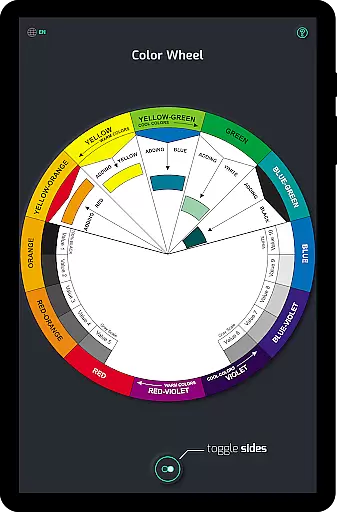
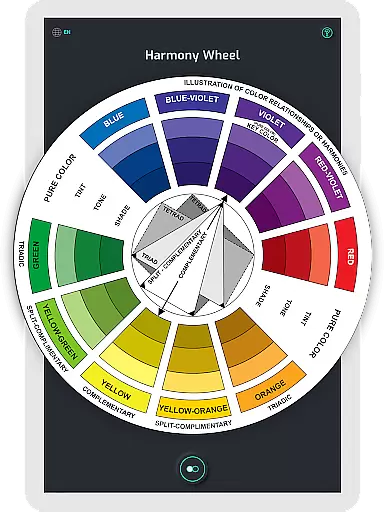
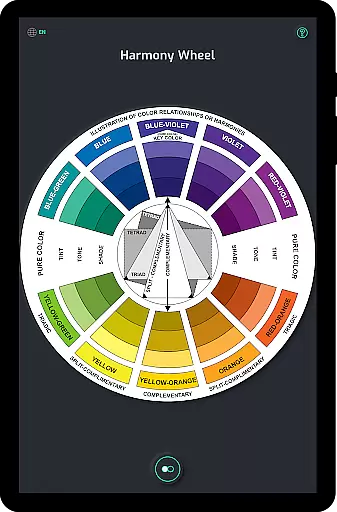
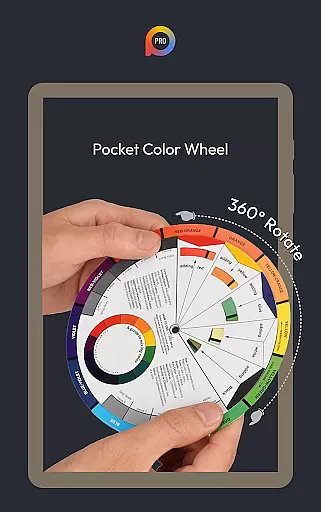
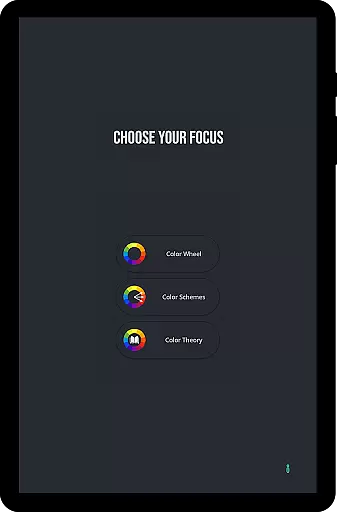
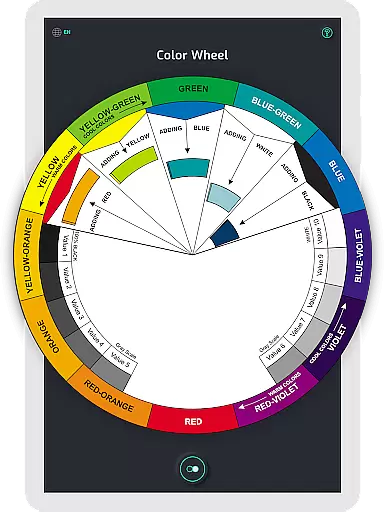
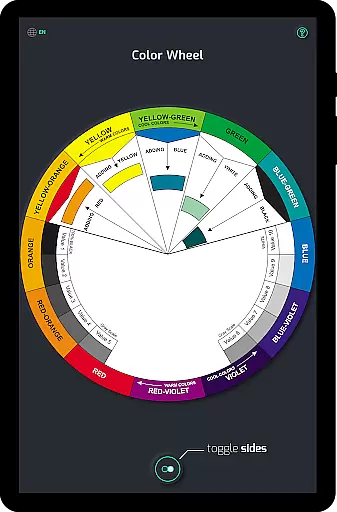
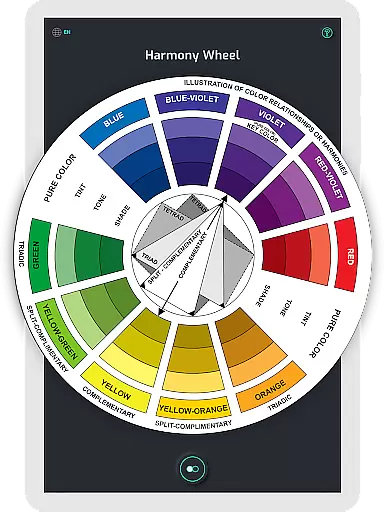
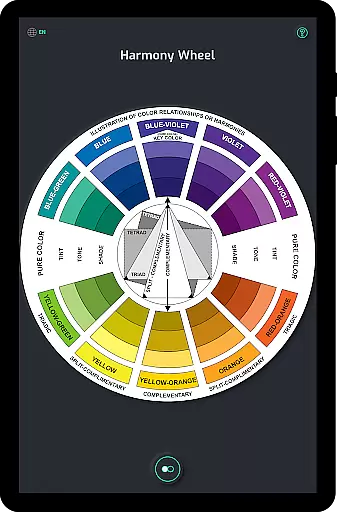
Pocket Color Wheel Pro is an essential reference tool for mastering colour theory, designed for students, artists, and designers. This app simplifies complex aspects of colour theory such as mixing, relationships, and harmonies, offering a comprehensive visual guide in a mobile format. With the Pro version, users can access advanced features like 12 or 18 Color Wheel Options, enabling them to explore more hues and blends.
One standout feature is its offline functionality, allowing users to utilize all tools without an internet connection. Whether you're traveling or in areas with poor connectivity, Pocket Color Wheel Pro ensures uninterrupted access. The app's interactive wheel lets users experiment with colour schemes, while clear examples of tints, tones, and shades enhance understanding. These capabilities make it an indispensable companion for creative projects across various fields.
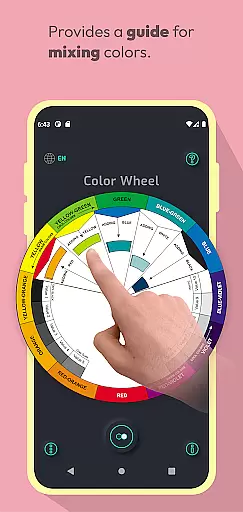
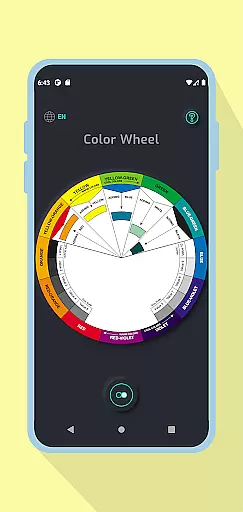
Pocket Color Wheel Pro offers a rich set of features tailored for colour theory mastery. The app includes an interactive Colour Wheel where users can rotate to explore relationships and discover harmonious combinations like complementary, triadic, and analogous colours. This hands-on approach makes colour mixing intuitive and visually engaging.
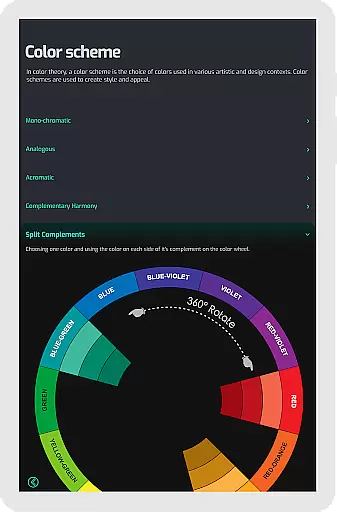
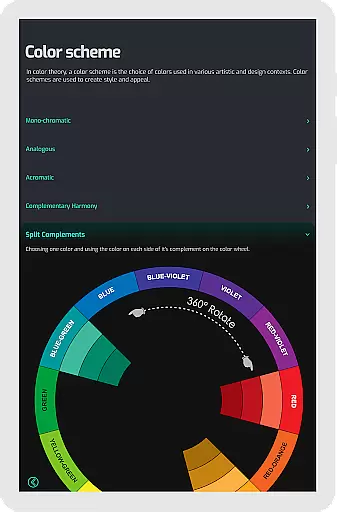
The Pro version enhances this experience with options for 12 or 18 Color Wheel schemes, catering to both beginners and advanced users. Additionally, the app provides complete colour schemes that allow instant visualization of harmonies, aiding in creating stunning designs. With tools for understanding tone and shade variations, as well as a grey scale for neutral tones, Pocket Color Wheel Pro equips users with everything needed to excel in their creative endeavours.
In the realm of digital art and design, having a comprehensive set of creative tools is paramount. Pocket Color Wheel Pro offers an extensive suite of features that cater to artists, designers, and students alike. The app includes an advanced Color Schemes Tool, which allows users to choose between 12 or 18 color wheel options, opening up a myriad of possibilities for color exploration and application.
With its Interactive Colour Wheel, users can rotate the wheel to uncover various colour relationships, such as complementary, triadic, and analogous schemes. This hands-on approach simplifies the process of colour mixing and helps in crafting visually stunning designs with ease. Additionally, the app provides clear examples of tone and shade variations, ensuring that users have a solid grasp of tints and shades.
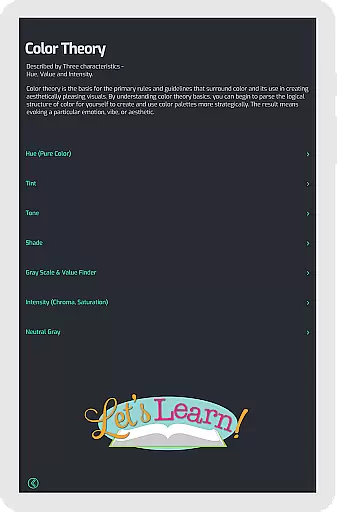
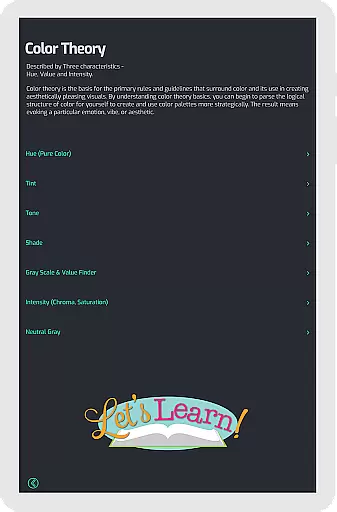
The inclusion of Grey Scale and Common Terms further enriches the user's understanding of essential colour concepts. These features collectively ensure that Pocket Color Wheel Pro stands out as a complete package for anyone looking to master colour theory. Whether you're working on intricate designs or exploring the basics of colour, this app delivers the necessary tools to enhance your creative workflow.
Flexibility in canvas and format options is crucial for accommodating diverse artistic expressions and project requirements. Pocket Color Wheel Pro addresses this need by providing users with the ability to work offline, thus removing any constraints that internet connectivity might impose. This feature ensures that whether you are traveling, in a remote area, or simply wish to conserve data, your creative process remains uninterrupted.
The app supports a broad spectrum of color schemes, from monochromatic to tetradic, allowing artists to experiment with different hues and blends seamlessly. By offering both 12 and 18 color wheel options, it caters to varying levels of complexity and detail needed for individual projects. This adaptability makes it an invaluable tool for both beginners and seasoned professionals.
Moreover, Pocket Color Wheel Pro's compatibility with various design needs is enhanced by its clear visual guide to colour harmonies and relationships. Users can effortlessly visualize and apply complex colour theories to their work, regardless of the format or setting they are working within. This level of flexibility ensures that every artist and designer can rely on Pocket Color Wheel Pro to bring their creative visions to life.
Comprehensive color theory tool
Offline functionality
Interactive color wheel
Advanced color schemes
User-friendly interface
Limited free features
Requires purchase for full access
No advanced tutorials
Basic UI design
Few customization options

Create sweet, cool and unique couple avatars easily, in just a few steps!
 3.40
3.40
Stylish letters, Stylish Keyboard, Symbols, Emojis, Cool nickname
4.40
Design your dream room with AI. Get decor ideas & plan home interiors
3.90
Remove Background, Magic Eraser, Photo Enhancer, Story Templates, Collage Maker
4.30
Unleash your drawing and painting potential
4.50
Draw Trace image sketch by, AR art projector app, Easy to trace any image.
4.50
Painting, drawing, & sketching
4.50
Your AI soulmate — meaningful chats, and unique emotional moments
4.70
How to draw anime step by step for beginner easily by AR drawing sketch & paint.
3.60
Novices can also easily complete diamond painting masters
4.70
Learn how to draw with step-by-step tutorials, fun lessons & multiplayer drawing
4.70
Draw, fidget, and spin glow art! Relax and express your creativity with a finger
4.60
800+ Drawing, Painting Lessons App to Practice, Sketch & Paint Art.
4.30
Customizable Outlined Fonts. Watch Face Format. Battery friendly Digital Clock.
4.20
Turning simple sketches into captivating tales filled with life and motion
3.90
Apply cartoon, caricature, and portrait effects to make your photos stand out!
3.60
Pose and morph realistic male and female models! 3D poser app
3.00
Transform photos into amazing monochrome dither art with professional algorithms
4.3
Android 14 style widgets and wallpapers app.
4.2


User Reviews