
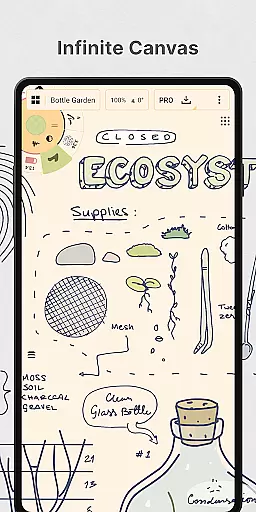
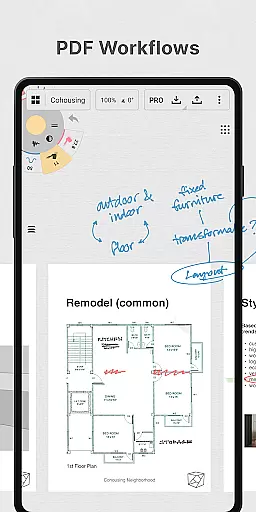
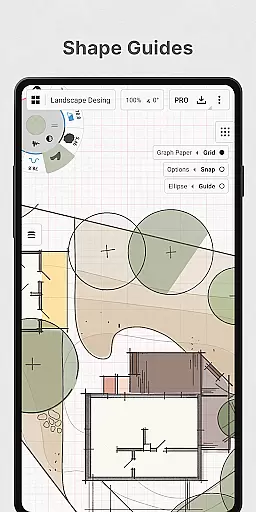
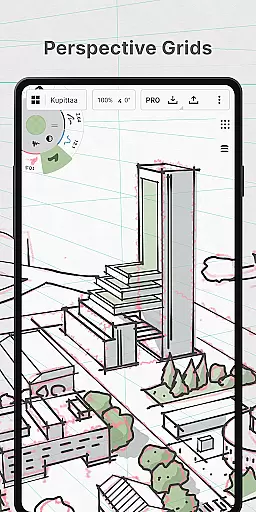
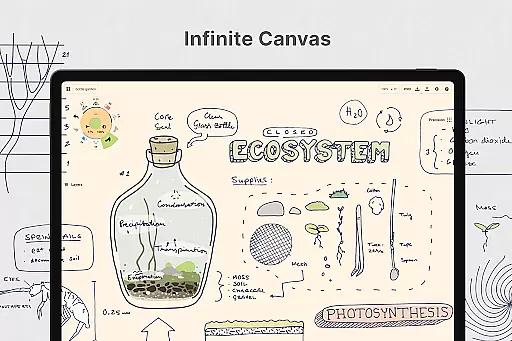
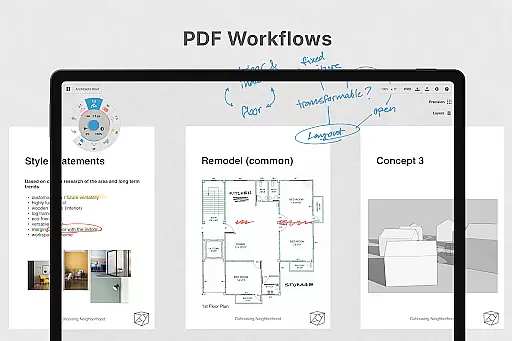
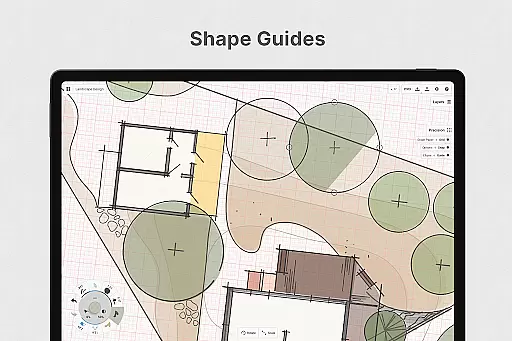
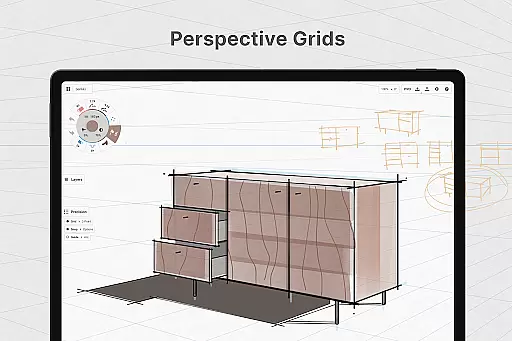
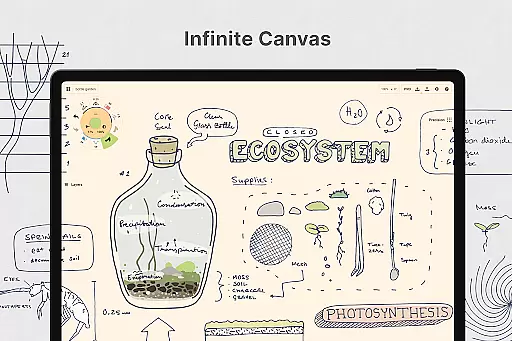
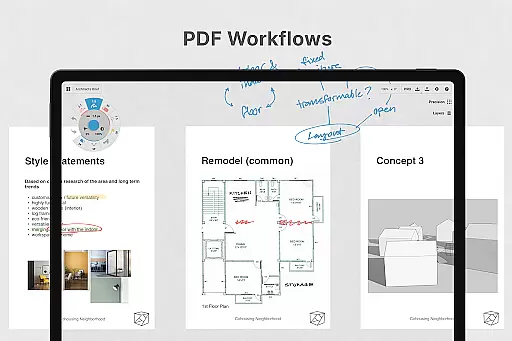
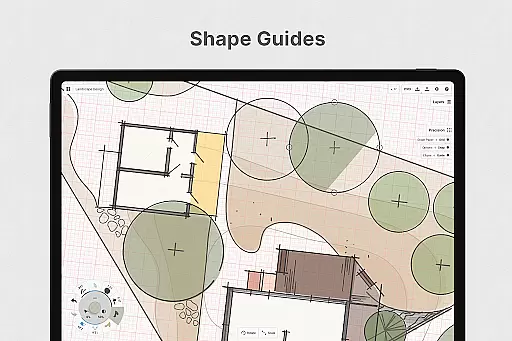
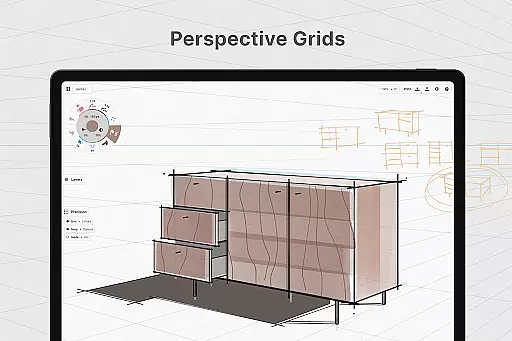
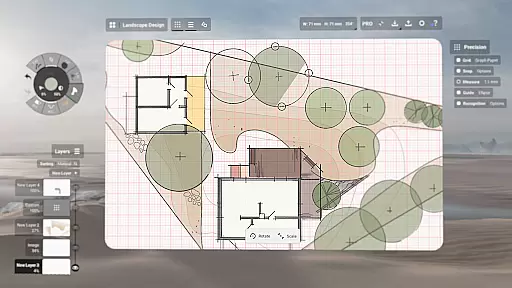
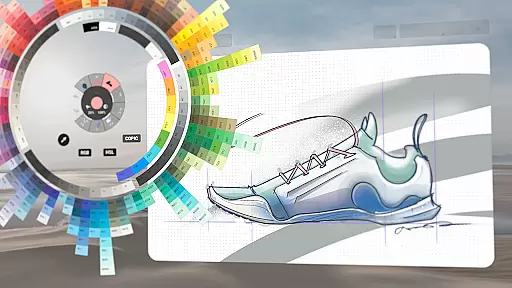
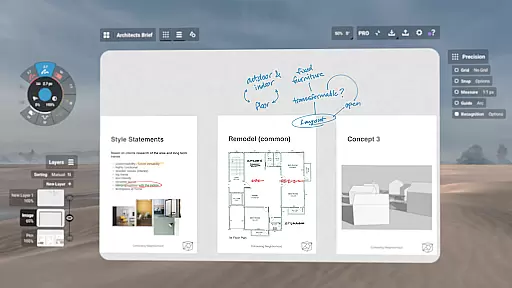
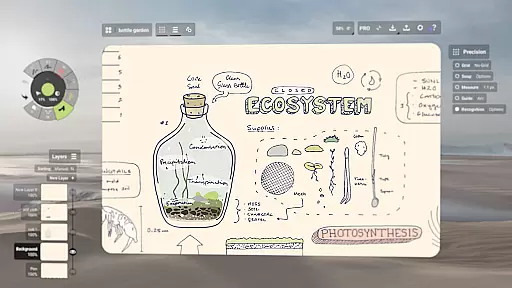
Concepts is a versatile vector-based creative workspace designed for artists, designers, and creators to bring their ideas to life. This digital sketchpad offers an infinite canvas where users can sketch plans, create storyboards, draw product designs, and even make mind maps. Its flexibility allows every stroke to be editable and scalable, making it ideal for both quick sketches and detailed design work.
The app provides realistic drawing tools that respond to pressure, tilt, and velocity, with adjustable live smoothing for precision. It supports various workflows through features like shape guides, measurement tools, and customizable tool wheels. With seamless integration across Android, ChromeOS, iOS, and Windows, Concepts enables users to develop extraordinary ideas on their preferred devices.
Ideal for professional creators, Concepts is used by talented artists at Disney, Google, and Apple. Whether you're designing products, planning projects, or iterating on creative concepts, this app serves as a dynamic workspace that grows with your needs.
Concepts stands out with its robust feature set tailored for creative professionals. The app's vector-based engine allows flexible editing of strokes by tool, color, size, smoothing, and scale. This means you can adjust any element without redrawing, saving valuable time during the ideation process.
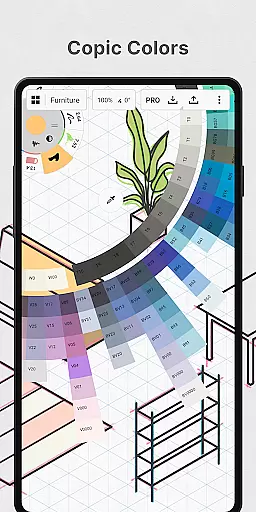
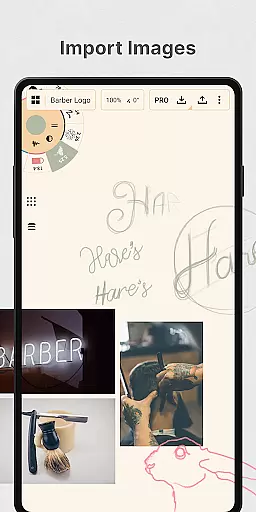
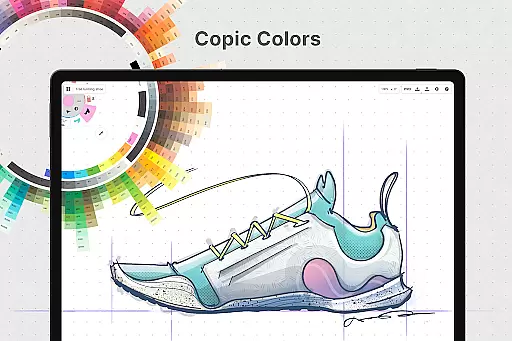
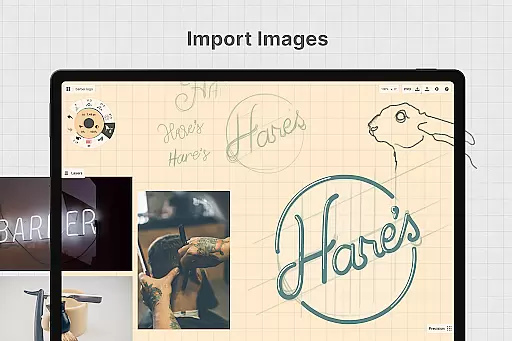
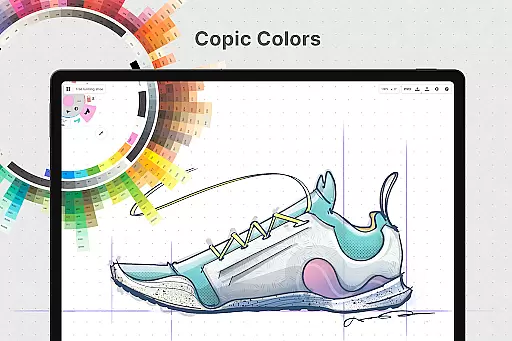
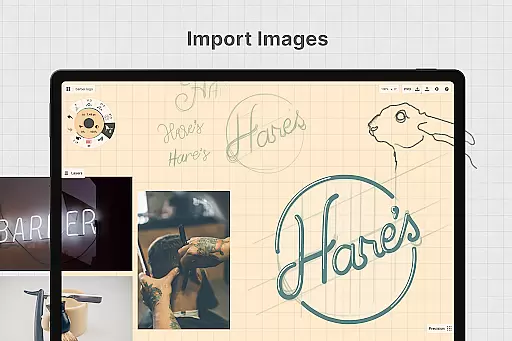
One of the key highlights is the infinite canvas, complemented by customizable paper types and grids. Users can personalize their workspace with unique tool presets, HSL/RGB color wheels, and layer management systems. Advanced functionalities like drag-and-drop image imports, precise snapping tools, and exports in multiple formats (PNG, PDF, SVG) enhance productivity.
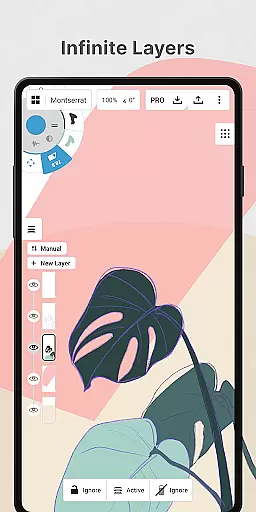
Premium subscribers unlock additional capabilities such as infinite layers, custom grids, and professional brush libraries. These features ensure that Concepts adapts to diverse creative workflows while maintaining high performance on pen-enabled devices and Chrome OS.
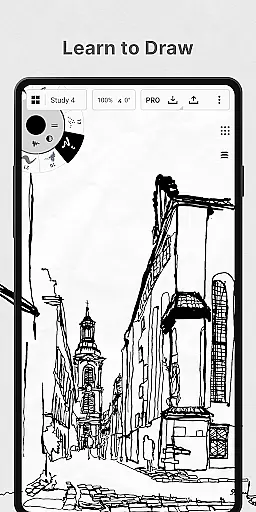
In the realm of digital art and design, having a comprehensive set of creative tools is paramount. Concepts offers an extensive array of instruments that cater to every artist's needs. The app provides realistic pencils, pens, and brushes that respond to pressure, tilt, and velocity, with adjustable live smoothing to refine your strokes.
Moreover, Concepts boasts an infinite canvas with various paper types and custom grids, allowing creators the freedom to explore vast creative landscapes without constraints. This feature is particularly beneficial for professionals who require flexibility in their workflow, enabling them to switch between different grid systems or paper textures effortlessly.
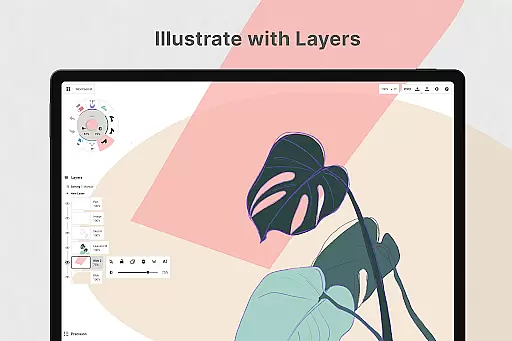
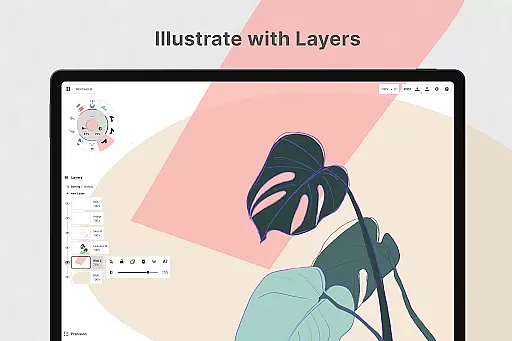
The inclusion of a customizable tool wheel or bar ensures that users can tailor their workspace according to their preferences, enhancing productivity. With an infinite layering system featuring automatic sorting and adjustable opacity, artists have complete control over their compositions, making it easier to manage complex projects within a single canvas.
Flexibility in canvas and format options is crucial for designers who need to adapt their work across different mediums and platforms. Concepts excels in this area by providing an infinite canvas where imagination meets no boundaries. Artists can sketch out plans, make notes, doodle, and even draw storyboards without worrying about running out of space.
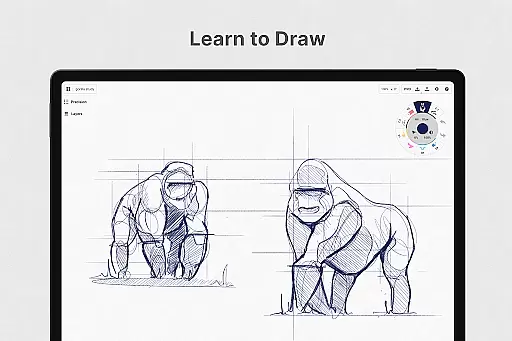
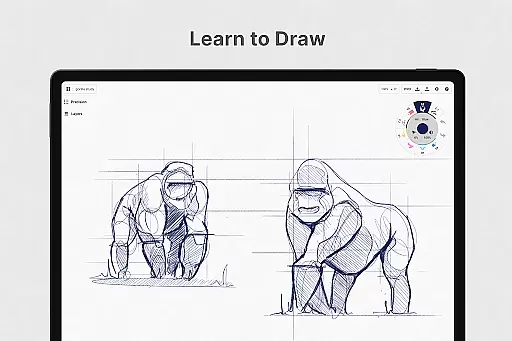
This application supports vector-based sketching, which means every stroke is editable and scalable. Such functionality empowers creators to modify any element of their artwork without starting over, thanks to innovative tools like Nudge, Slice, and Select. These capabilities ensure precision and efficiency when refining designs or iterating on concepts.
Furthermore, Concepts allows exporting images, PDFs, and vectors for printing or sharing feedback among peers and clients. Whether you're working on illustrations, product sketches, or detailed designs, the ability to export in multiple formats guarantees compatibility and high-quality output regardless of the intended use case.
Flexible vector editing
Infinite canvas
Realistic drawing tools
Cross-platform support
Customizable workspace
Paid features costly
Complex UI
Learning curve steep
Limited free tools
Subscription required

Trace, draw, and create art with AR - from memes to masterpieces!
 4.30
4.30
Text to Image, Image to Video & AI Chat
4.20
Photo blender app to create overlay photos & double exposure.
4.40
Art of Combination Wear OS Watch faces
4.1
Castle is social media for creating and playing games!
4.60
Design unique, funny and adorable cat stickers that reflect your own style!
3.80
Get an overview over all your embroidery threads, projects and more.
4.60
Video AI: Revolutionize Your Content Creation with Advanced Video Generation
4.50
Draw, fidget, and spin glow art! Relax and express your creativity with a finger
4.60
Passport size photo maker, create ID photo and visa photo in seconds
4.80
Logo Generator powered by AI: Create stunning logos effortlessly!
4.70
Image resizer to resize, crop, rotate, flip, change dpi photo or picture in bulk
4.60
Discover Cartoon Dream : Unleash Your Creativity with CuttingEdge AI
4.50
Everything you need to create hand drawn animation, anywhere you go!
4.40
Beauty Camera - Selfie Camera is the ultimate beauty camera and selfie app
4.30
Unleash the artist in you with our AR drawing and tracing tool for photo drawing
4.10
Easy 3D drawing design maker & creator. Model designing, Sculpting. Create&paint
4.00
Paint with oils and sketch with natural tools on a realistic virtual canvas.
3.80
Apply cartoon, caricature, and portrait effects to make your photos stand out!
3.60


User Reviews