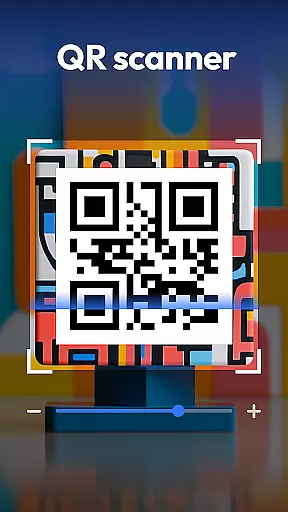
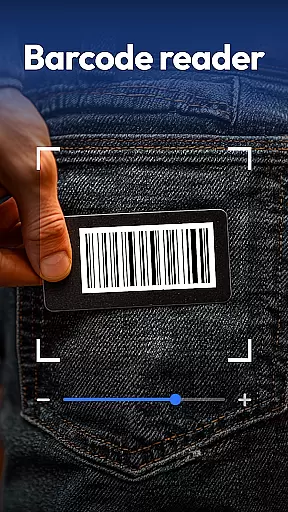
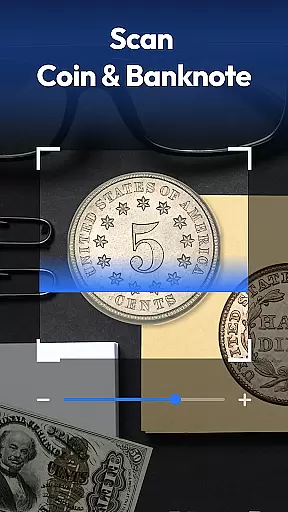
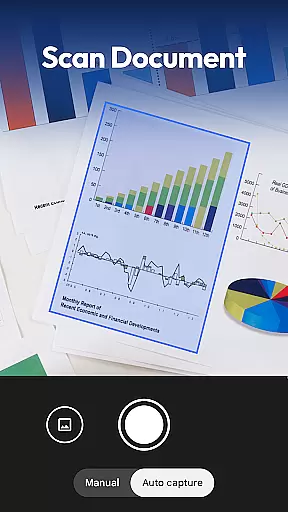
QR & Barcode Scanner is a versatile productivity tool designed to streamline various scanning tasks on Android devices. This all-in-one application combines multiple scanning capabilities into a single, efficient package.
The app's core functionality revolves around its powerful QR and barcode scanning engine, which supports all major formats including QR, Data Matrix, UPC, EAN, and Code 39. Beyond basic scanning, it incorporates specialized recognition features for coins, banknotes, food labels, and documents, making it an indispensable tool for collectors, health-conscious consumers, and professionals alike.
One notable use case is in retail environments where users can scan product barcodes to instantly compare prices across major retailers like Amazon, eBay, and Walmart. The document scanning feature also enables users to digitize paperwork and save them as searchable PDFs, enhancing productivity in both personal and professional settings.
The app distinguishes itself through its comprehensive feature set that goes beyond traditional scanning applications. Its advanced recognition capabilities include automatic coin and currency identification, which proves invaluable for collectors and travelers needing to verify rare finds or foreign currencies.
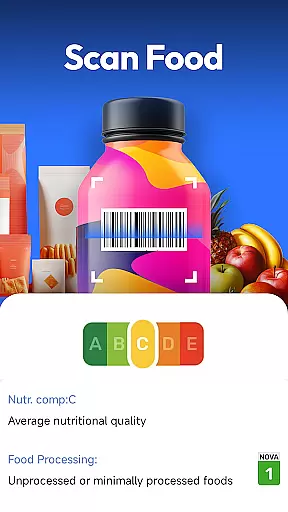
A standout feature is the integrated food scanner that provides instant access to nutrition grades, allergen information, and ingredient lists. This empowers users to make informed dietary choices while shopping. The document scanning functionality employs sophisticated algorithms to convert physical documents into high-quality, searchable PDF files.
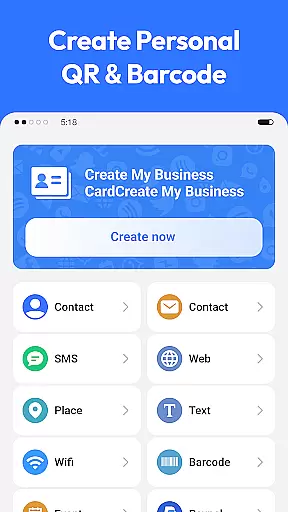
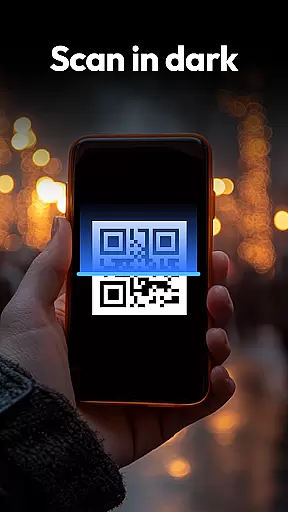
Additional features include a built-in QR code generator for creating Wi-Fi, contact, and URL codes, plus practical tools like auto-zoom, flashlight support for low-light conditions, and a detailed scan history. The app maintains user privacy by requiring only essential camera permissions, ensuring a secure scanning experience.
Task management is a cornerstone of productivity applications, and QR & Barcode Scanner excels in this area by offering an all-in-one solution for various scanning needs. The app consolidates multiple functions such as QR code scanning, document scanning, and even food label analysis into one efficient platform.
The application's design allows users to swiftly transition between different scanning modes without losing performance or speed. Whether it's for shopping, digitizing documents, or tracking nutritional information, the app provides a seamless experience that enhances personal and professional task management.
By integrating features like scan history and smart auto-zoom, QR & Barcode Scanner ensures that users can manage their scanned data effectively. This functionality not only saves time but also improves the accuracy and reliability of the information captured, making it an indispensable tool for streamlining daily tasks.
Cross-device synchronization is vital for users who operate across multiple platforms. QR & Barcode Scanner addresses this need by ensuring that all scanned data is reliably synced and accessible wherever the user goes. This feature is particularly beneficial for those who require consistent access to their scanned documents, barcodes, or QR codes on different devices.
The app employs a robust system that maintains data integrity and availability, allowing users to start a task on one device and continue on another without missing a beat. With privacy-first principles, it guarantees that your information remains secure during transfers.
Moreover, the ability to generate QR codes for Wi-Fi or contacts adds another layer of utility, enabling effortless sharing and connectivity across devices. This reliable synchronization capability positions QR & Barcode Scanner as a versatile tool in the realm of productivity apps.
Fast scanning speed
Multi-format support
Privacy-focused design
Free with no ads
Comprehensive feature set
Limited iOS availability
Occasional recognition errors
No cloud sync option
Basic UI design
Large app size

Client for Nextcloud Deck
 4.60
4.60
QuickBooks Workforce lets teams view pay info and track time in one place.
4.70
The Pro Version of Android's tiniest Notepad app. Just 0.3MB but feature-packed!
4.60
Absolutely the best CNC machinist speed and feed calculator around. fswizard.com
4.60
All in One PDF Reader: Manage, Read and Edit your Documents
4.20
Tally and goal counter for Wear OS & mobile
4.50
A comprehensive suite of tools designed specifically for Lactation Consultants
4.2
A Pixel Art watchface inspired by other iconic 90s designs for Wear OS devices!
4.40
QuickEdit is a fast, stable and full featured text and code editor.
4.20
Understand anything with a personalized AI research assistant
4.80
Quickly and easily keep track of your work shifts
4.70
Calendar 2023 widget for Android. Appointment scheduler, planner, and reminder
4.60
Translate text/voice/photos in 150+ languages. Offline & fast translator app.
4.50
Send files, sync SMS, notifications & clipboard across devices via local network
4.40
Professional calendar app for Google Calendar, MS Outlook & Exchange
4.20
Intelligent AI Assistant
4.10
A Revolutionary All-in-One Artificial Intelligence Tools
3.80
Auto-shutoff Alarm with Sunrise, Sunset & Fixed Options.
3.50
Simple and reliable communication between inmates, friends and family
3.20


User Reviews