
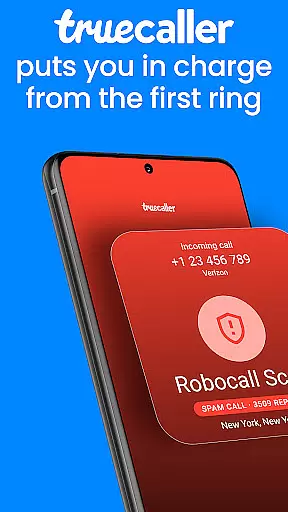



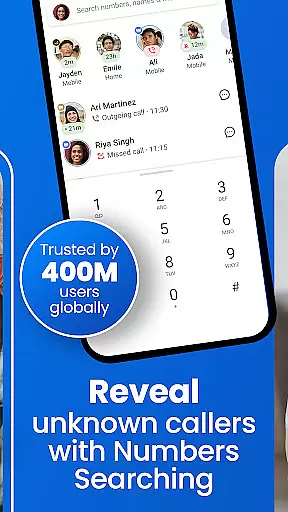
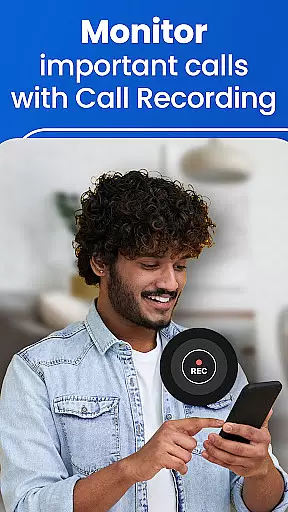

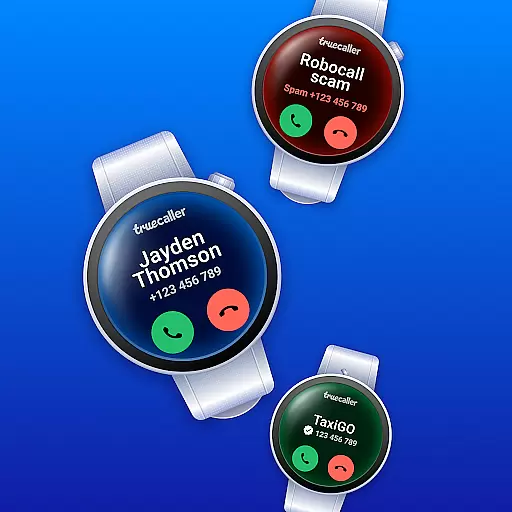
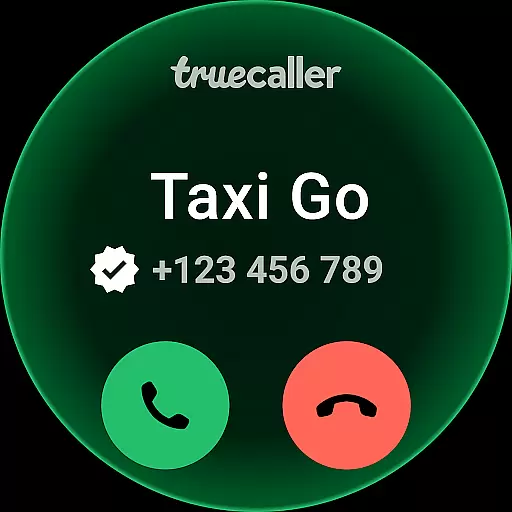


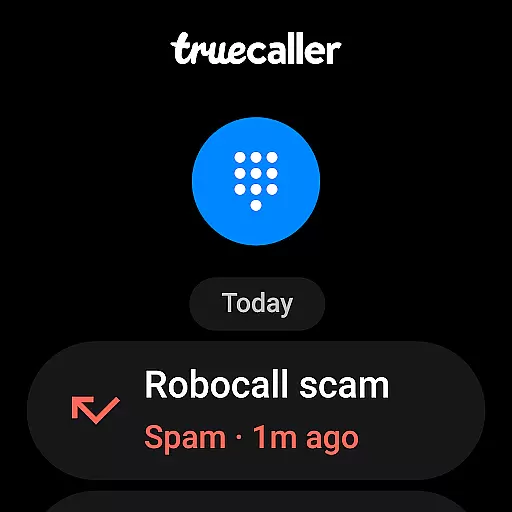
Truecaller is a comprehensive communication app designed for Android Wear, offering advanced Caller ID and call-blocking features. The app instantly identifies incoming calls, empowering users to block spam, scam, and unwanted calls with ease. With built-in tools like reverse number lookup and call recording, Truecaller ensures you are always in control of your phone communications.
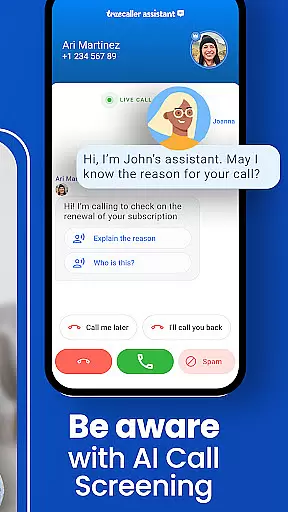
One of the standout features is the AI Call Scanner, which uses artificial intelligence to differentiate between human and AI-synthesized voices, providing an added layer of security against potential scams. Additionally, the Truecaller Assistant serves as a smart call screening tool that uses machine learning to determine the nature of calls, ensuring only important calls get through. This makes Truecaller an essential app for anyone looking to enhance their calling experience on wearable devices.
Truecaller offers a robust set of features tailored for Android Wear users. The World-Class Spam Call Blocker & Detector automatically blocks telemarketers, robocallers, and scammers, updating its spam list in real-time based on user inputs. The Call Recorder feature allows users to record both incoming and outgoing calls, generating AI-based call subjects and summaries for easy reference.
The Powerful Caller ID & dialer provides detailed information about callers, even if they are not saved in your contacts. It also includes a reverse number lookup function and supports Truecaller Voice (VOIP) for free calls. Video Caller ID adds a personal touch by allowing users to send short selfie videos during calls. Furthermore, the Messaging feature organizes SMS into tabs like Personal, Important, and Spam, making it easier to manage texts directly from your wearable device.
Truecaller offers seamless companion app integration, ensuring that your wearable devices stay connected with your smartphone. This means you can access essential call and message information directly on your smartwatch without needing to reach for your phone.
The application's sophisticated syncing mechanism allows real-time updates between devices. Whether it's an incoming call or a text message, the notification is instantly mirrored on your wearable, providing you with the convenience of managing communications on the go.
With features like AI Call Scanner and Truecaller Assistant accessible via your Android Wear device, users experience enhanced security and control. These tools empower you to verify caller authenticity and screen calls even when your phone isn't immediately accessible.
This level of integration not only streamlines user interaction across devices but also amplifies productivity by allowing quick access to critical functionalities right from your wrist.
Truecaller boasts extensive compatibility with Wear OS and various devices, making it a versatile choice for users invested in the Android ecosystem. The app supports a wide range of smartwatches, ensuring that regardless of your device, you'll benefit from its robust features.
Engineered to deliver optimal performance, Truecaller takes full advantage of Wear OS capabilities. Its intuitive design provides an effortless user experience while maintaining the high functionality standards expected from a leading communication app.
Whether you're using a fitness tracker or a premium smartwatch, Truecaller adapts seamlessly to different screen sizes and device specifications. This adaptability ensures consistent performance and reliability, no matter which Android wearable you choose.
By prioritizing cross-device functionality, Truecaller guarantees that all users enjoy a unified experience, enhancing both connectivity and convenience in daily communications.
Advanced spam filtering
AI-powered call analysis
Comprehensive call blocking
User-friendly interface
Real-time updates
Premium subscription required
Limited free features
Occasional false positives
Privacy concerns
High battery usage

Highly customizable hybrid watch face for Wear OS, perfect for everyday use.
 4.60
4.60
Precision analog watch face with 7 complications and style options
4.4
A full-featured Amazon Alexa voice assistant that can show you things.
3.70
Stunning modern digital watch face with 7 complications and strong contrast
4.0
Period, ovulation & pregnancy tracker. Fertility insights & menstrual calendar.
4.90
Stylish, Energizing and Modern Watch Face crafted by Dominus Mathias.
4.50
Track your active life in one place and share the journey with friends.
4.40
Back up your contacts & access them anywhere
4.30
Download full tracks, listen to music offline, make unlimited playlists.
4.80
Your second brain for organizing your life: to-do, calendar, reminder.
4.70
WTW M17 is a premium and luxurious hybrid watch face
4.70
Current temperature, weather hourly, weather radar by the weather forecast app
4.40
The ultimate destination for kids ages 3-8 to explore the Marvel Universe!
4.30
Let's celebrate Thanksgiving - Wear Os watch face
4.20
"PER27 Galaxy Digital" is a digital Wear OS watch face designed by PERSONA
4.10
Viewer for Wyze/Yi/Eufy/Arlo/ONVIF/RTSP/P2P IP cams w/ adv. features & DIY DVR
4.00
Get helpful reminders, take progress photos and find answers to your questions.
3.90
Christmas and New Year - Themed Watchface
4.5
Stylish digital watch face for Wear OS devices with customizable features
4.5


User Reviews