
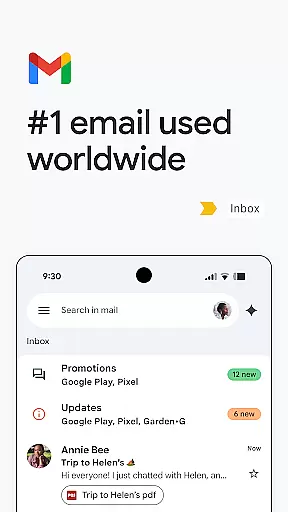
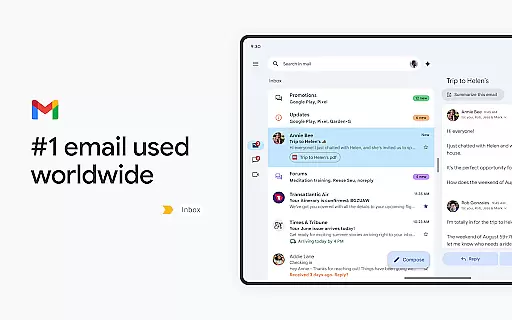
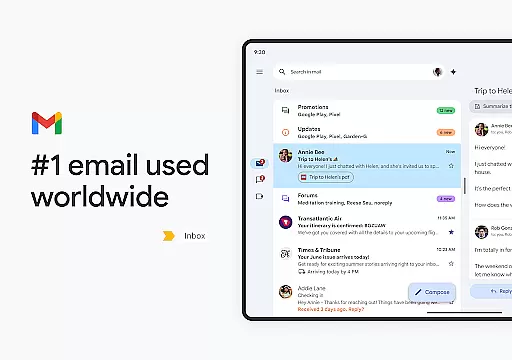
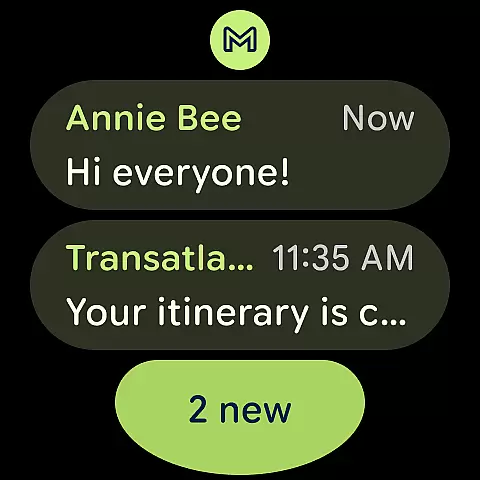
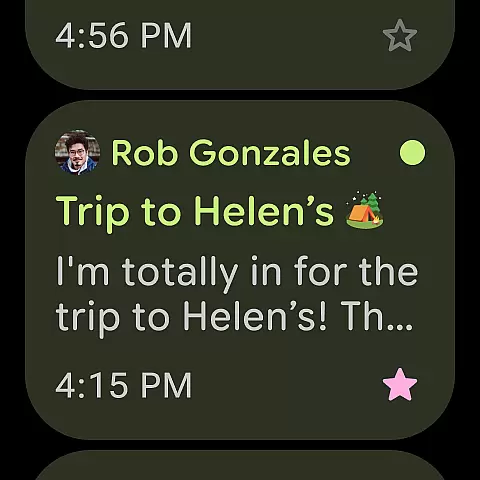
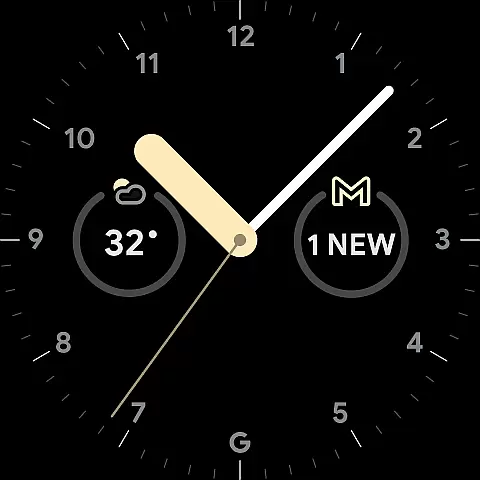
Gmail is the official email application from Google, designed to bring a seamless and secure emailing experience to Android devices. It offers advanced features such as AI-powered assistance, multiple account management, and robust search capabilities. The app also extends its functionality to Wear OS, allowing users to manage emails directly from their smartwatches.
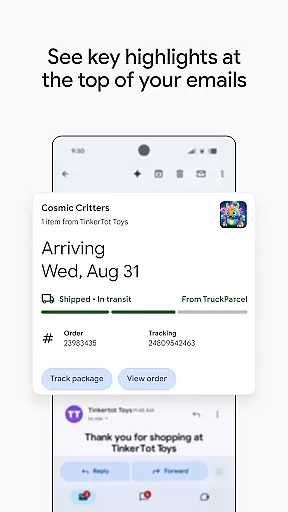
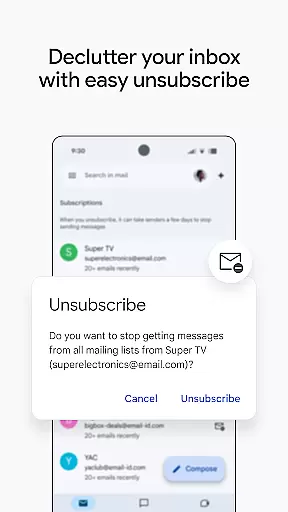
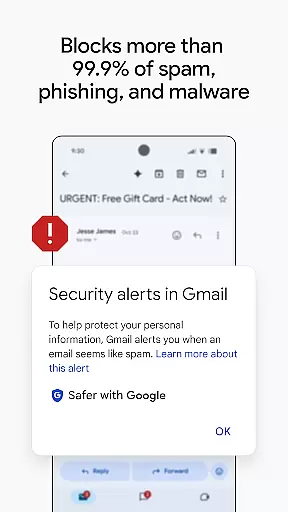
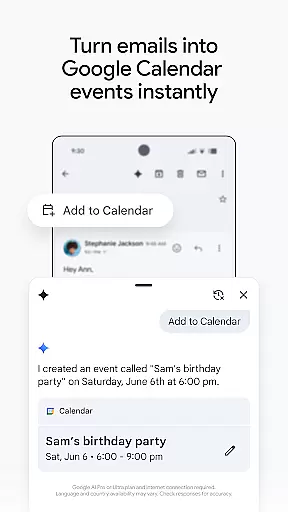
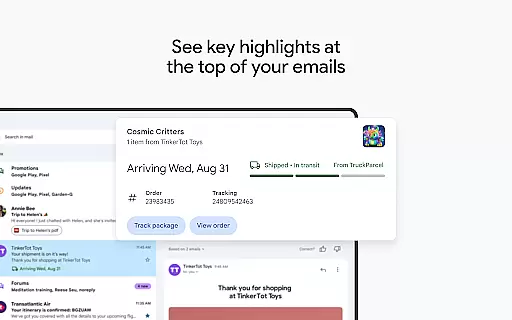
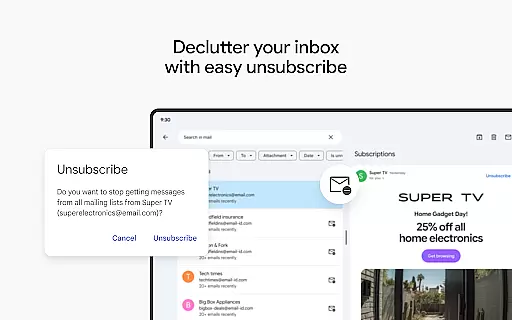
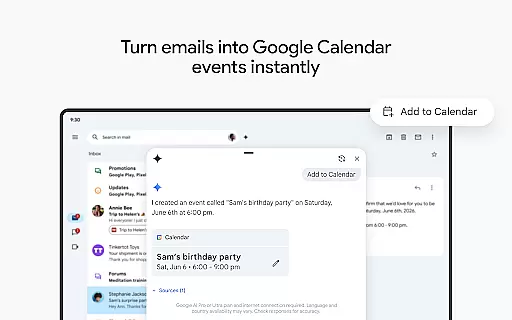
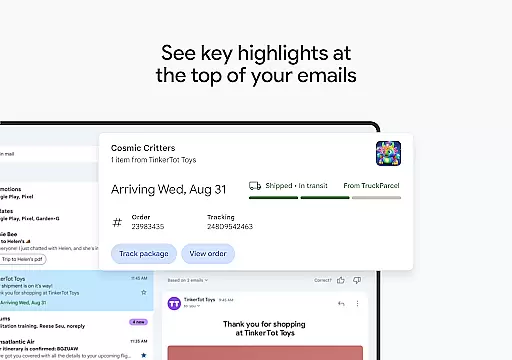
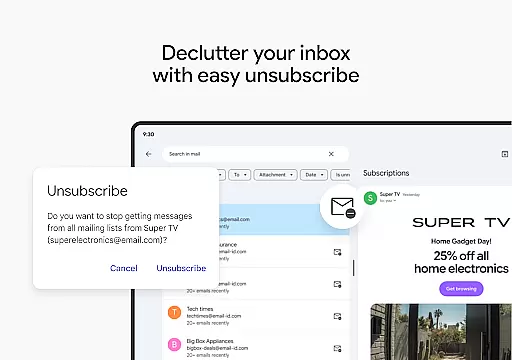
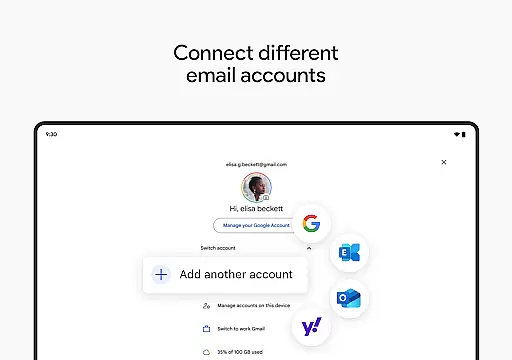
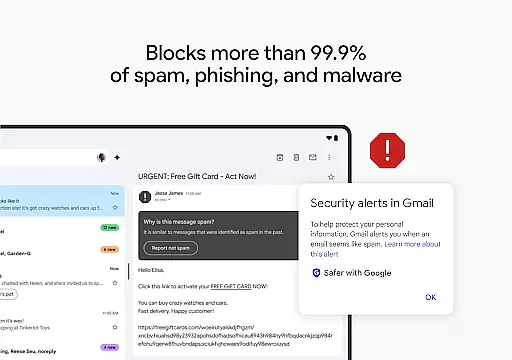
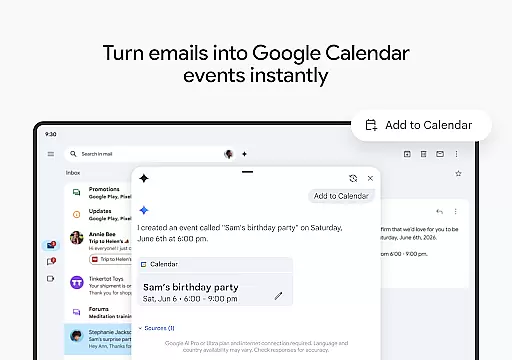
With Gmail, users can benefit from summary cards that highlight key information in emails, unsubscribe from unwanted newsletters easily, and utilize Google AI for faster inbox organization. The app ensures top-level security by blocking spam and malicious content effectively. Additionally, integration with Google Calendar simplifies scheduling, while support for various email providers enables smooth account switching.
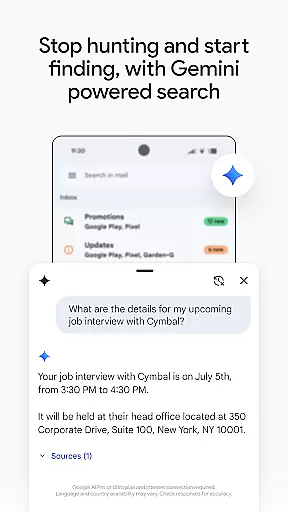
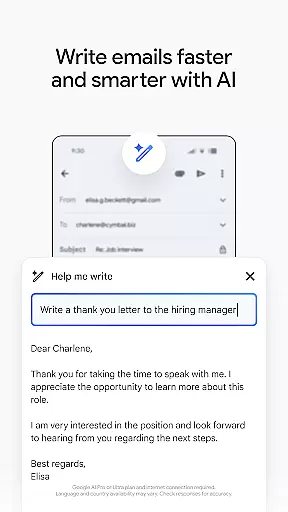
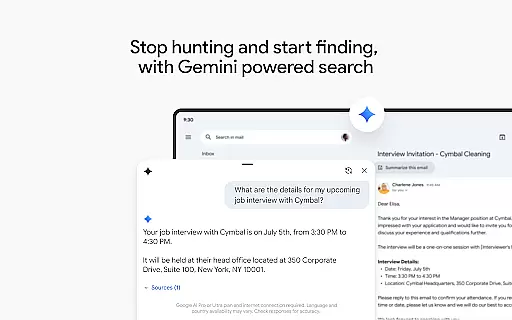
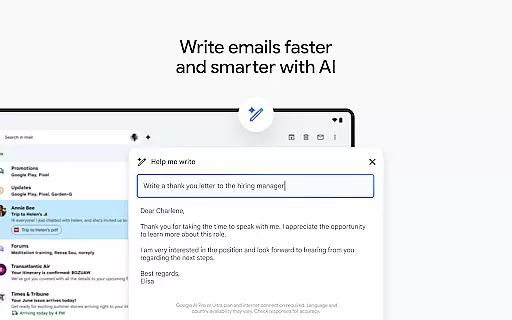
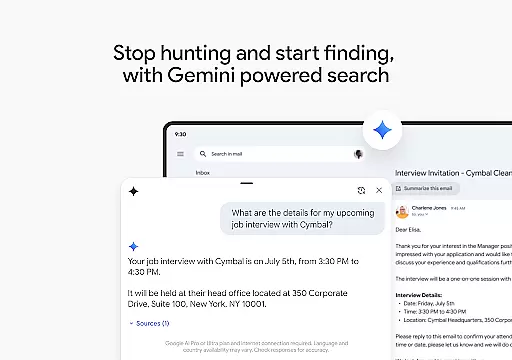
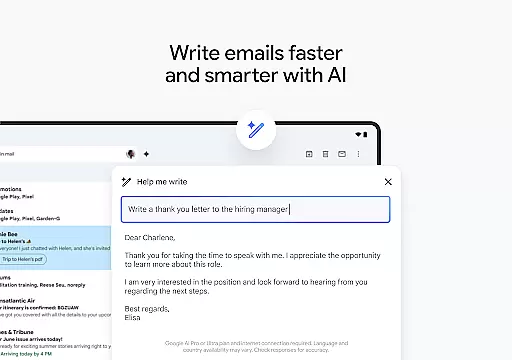
Gmail stands out with its powerful AI-driven tools that enhance productivity. Users can leverage Gemini, Google's AI assistant, to compose emails, find specific details across emails and Drive files, and receive intelligent suggestions through Smart Reply. This feature set is particularly beneficial for professionals seeking efficient communication solutions.
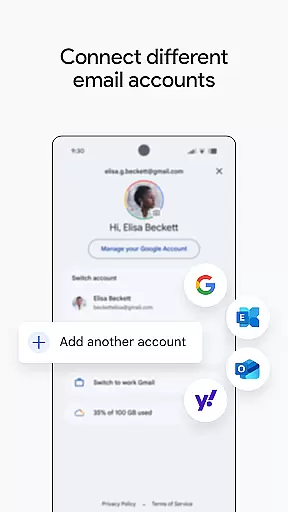
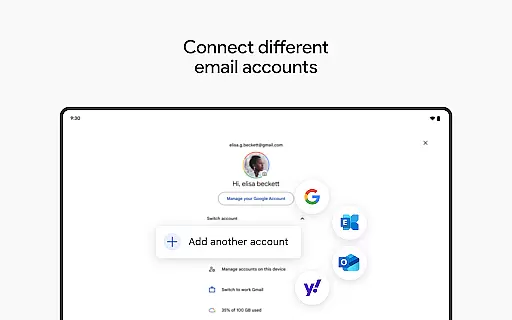
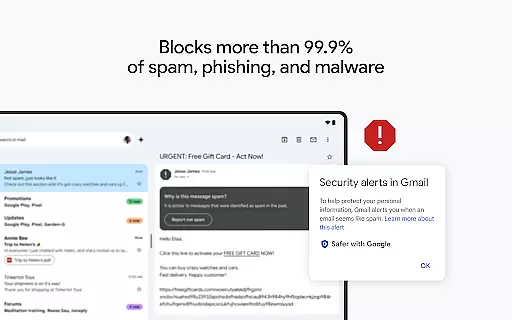
The app supports multiple accounts from different email services, providing flexibility for personal and business use. Enhanced security measures automatically filter out harmful content, ensuring a safe emailing environment. Moreover, Gmail's Wear OS compatibility allows users to stay connected on the go, offering quick access to emails and calendar functions right from their wrists.
Companion app integration is crucial for a seamless experience across devices. Gmail excels in this area by offering robust synchronization between your Android device and Wear OS smartwatch.
The app ensures that all your emails, labels, and folders are consistently updated across devices. This means you can start drafting an email on your phone and continue editing it on your watch without missing a beat.
Users benefit from real-time notifications on their Wear OS device, allowing them to stay informed and respond promptly without needing to reach for their phone. The ability to manage multiple accounts directly from your wrist further enhances productivity.
This integration extends to other Google services like Calendar and Drive, creating a unified ecosystem where information flows effortlessly between your devices, maximizing efficiency and convenience.
Ensuring compatibility with Wear OS devices is essential for providing a cohesive user experience. Gmail has been optimized to work seamlessly with a wide range of Wear OS smartwatches, ensuring broad device support.
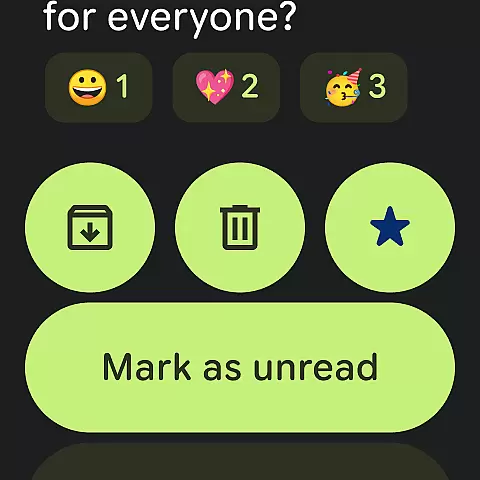
The app takes full advantage of the Wear OS platform, offering features like quick email overviews and the ability to archive or delete messages directly from your wrist. These functionalities are designed to be intuitive and easy to access, enhancing usability.
For users, this means they can efficiently manage their inbox while on the go, whether they're commuting, exercising, or in a meeting. The responsive design adapts to various screen sizes and resolutions, providing a consistent experience across different devices.
By prioritizing Wear OS compatibility, Gmail ensures that users can enjoy a reliable and efficient email management solution regardless of their chosen wearable device, maintaining high standards of performance and reliability.
Advanced AI features
Multi-account support
Robust security protections
Seamless Wear OS integration
Efficient search functionality
Premium AI requires subscription
Limited offline functionality
Occasional sync issues
Complex settings for beginners
High data usage

Christmas watch face. For Wear OS devices.
 4.30
4.30
Wear Os Watch Face - Animated Snow Effect & Magic Spark - 6 Scenes
4.10
Artistic Digital Watchface
4.2
Be an elegant and classy secret agent, with this carefully detailed watch face
4.70
The #1 source of faces for your smartwatch!
4.00
Get helpful reminders, take progress photos and find answers to your questions.
3.90
Hyper-Realistic Airplane Dashboard Watch Face With 10 Skins and Custom AOD
4.00
A digital watch face that celebrates Christmas.
4.00
Hybrid Vibrant Health Watch Face for Wear OS
4.0
Hyperlocal rain alerts by MyRadar using patent-pending technology, radar & more
4.80
Kia Access makes getting your vehicle information easier than ever
4.60
Walking app for weight loss: walk & step tracker, pedometer, indoor treadmill
4.60
Elegant animated Christmas tree with multiple customization options
4.20
Animated video-game inspired “secret agent” simulation, right on your wrist!
4.20
Professional weather radar and more
3.90
Watch the sharpness of the sky on your wrist..
3.70
Wear Os Watch Face - Animated Snow Effect & Christmas Lights
4.4
A Wintery Snow Globe on Your Wrist; now celebrating Christmas!
4.2
Contemporary digital watch face with five complications
4.1


User Reviews