
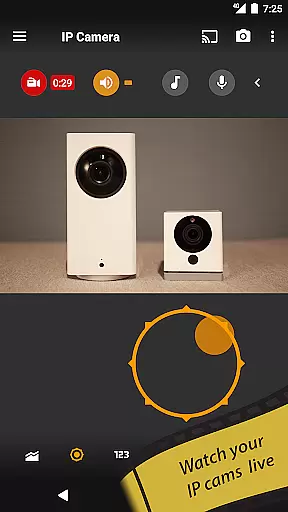
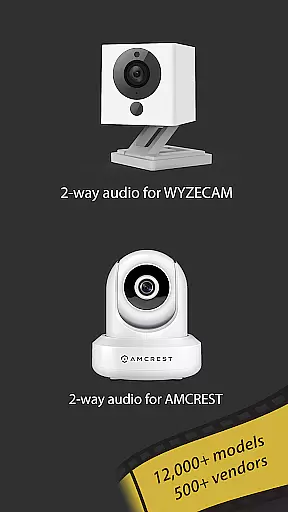
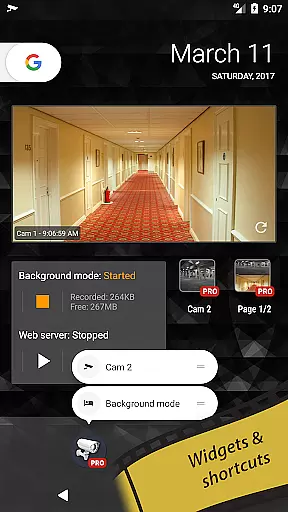
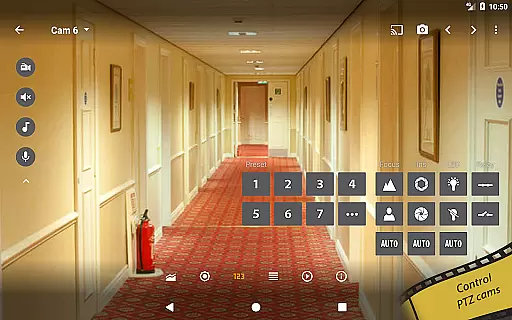
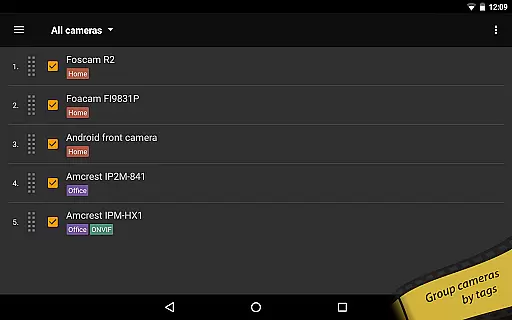
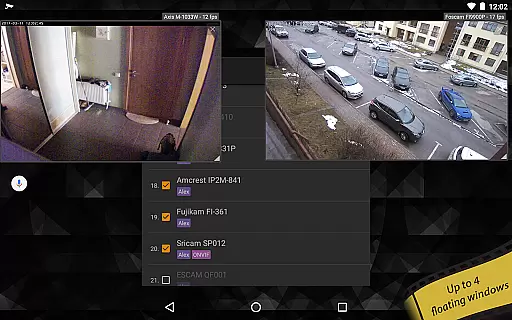
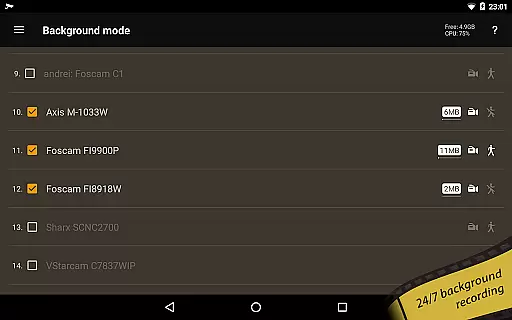
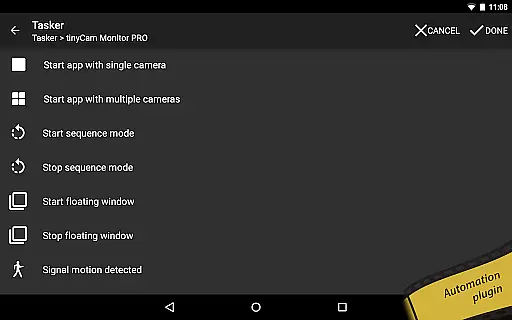
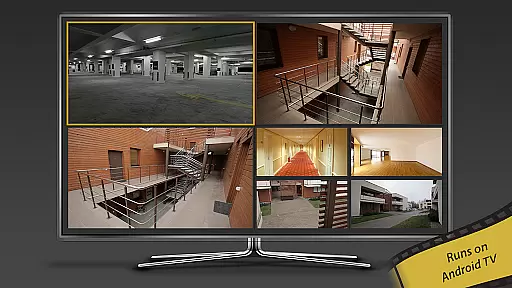
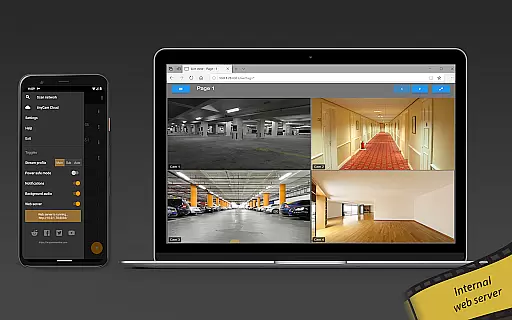
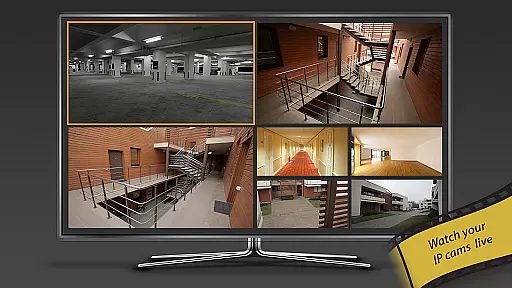
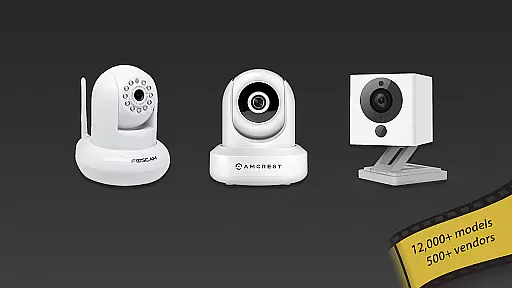
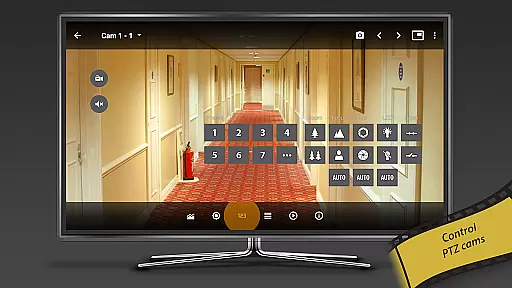
tinyCam Monitor PRO is the ultimate Android application for remote surveillance and video recording, designed specifically for both private and public network IP cameras. With support for over 12,000 camera models including popular brands like Foscam and Amcrest, this app offers an intuitive interface with advanced features such as ONVIF Profile S, smart camera compatibility, and P2P connections.
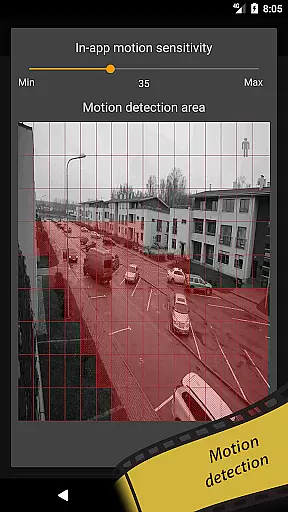
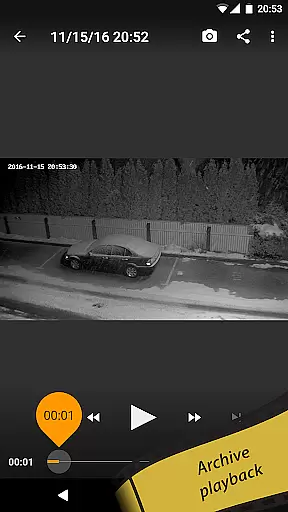
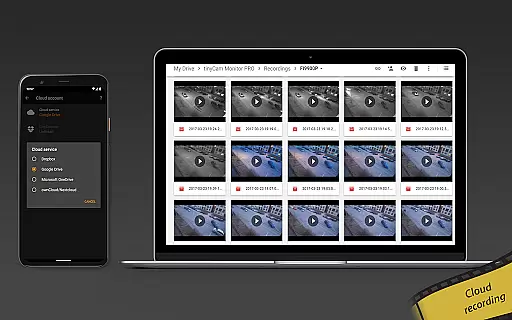
The application stands out with unique functionalities including background recording, time-lapse options, and AI-driven object detection that identifies persons, pets, and vehicles. It also provides versatile video management solutions through local storage or cloud services like Dropbox and Google Drive. tinyCam Monitor PRO ensures secure monitoring via SSL protocol while offering users comprehensive control over their CCTV systems from anywhere in the world.
One of the standout characteristics of tinyCam Monitor PRO is its extensive feature set tailored to meet diverse surveillance needs. The app supports various video formats including MJPEG, H264, and H265, ensuring broad compatibility with different IP cameras. Its ONVIF compliance extends support to a wide range of devices while enabling two-way audio communication with most vendors.
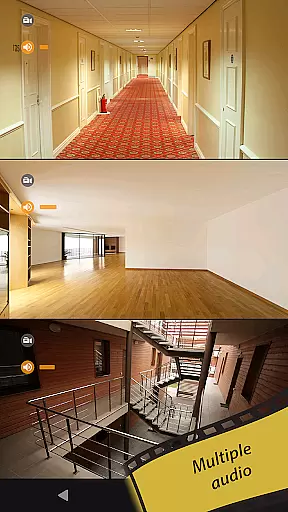
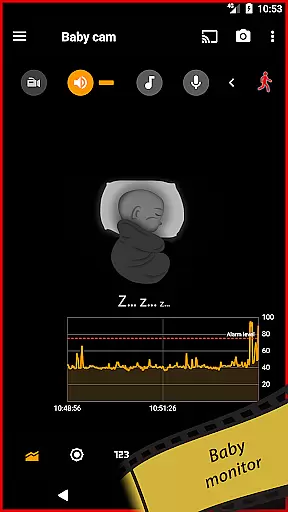
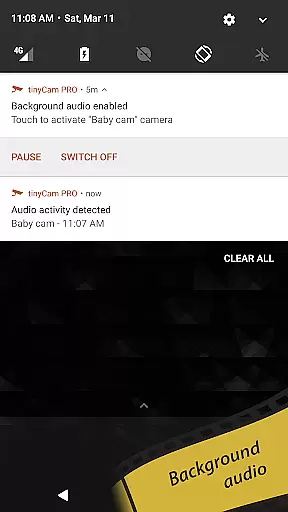
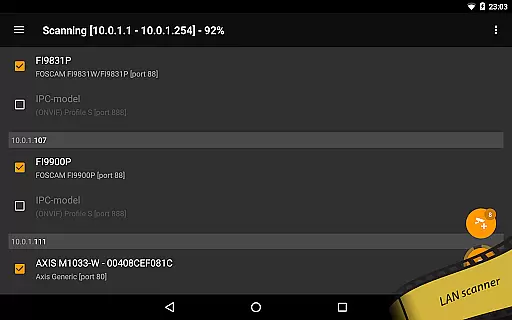
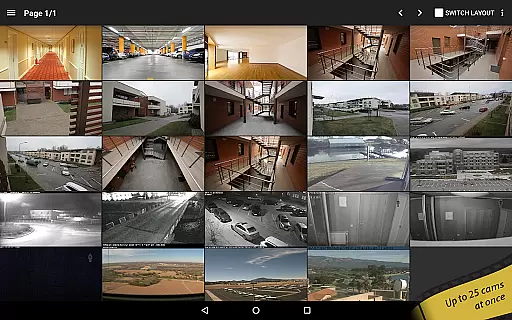
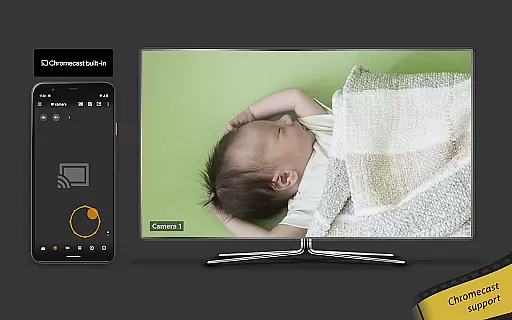
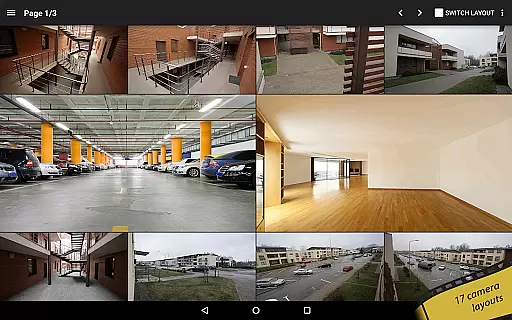
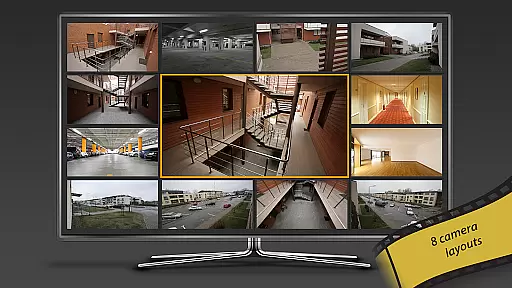
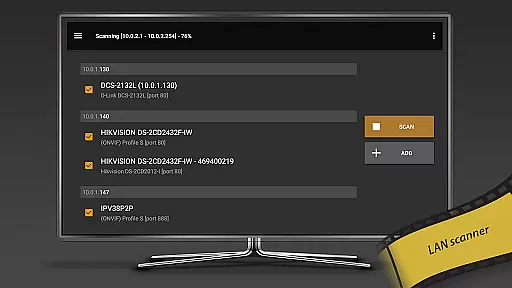
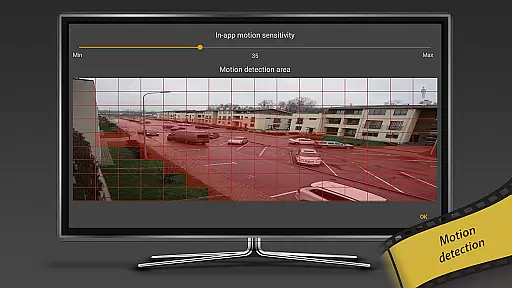
Users can customize their viewing experience using 19 different layouts and enjoy seamless integration with smart home ecosystems through Google Cast-enabled streaming and Wear OS casting capabilities. Advanced functionalities such as motion detection alerts via webhooks, LAN scanning for automatic camera discovery, and relay controls enhance user convenience significantly. Additionally, innovative tools like face detection and squelch alarm processing make it ideal for specialized use cases such as baby monitoring.
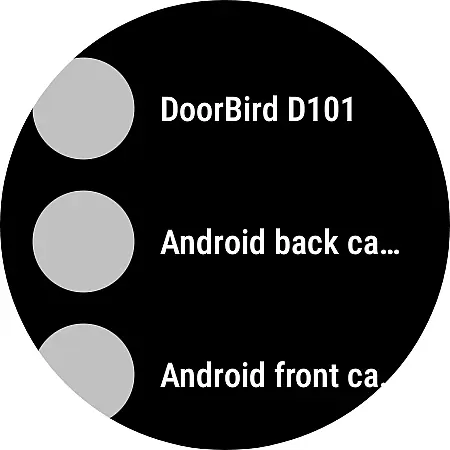
Companion app integration is essential for users who want seamless connectivity between their mobile devices and wearable technology. tinyCam Monitor PRO ensures that your smartwatch or other Android Wear devices work in harmony with your smartphone, providing real-time updates and control over your IP cameras.
This application allows you to receive instant notifications on your wearable device whenever motion is detected or specific events occur. You can quickly glance at your watch to verify the alert without needing to take out your phone, ensuring you're always aware of your surveillance status.
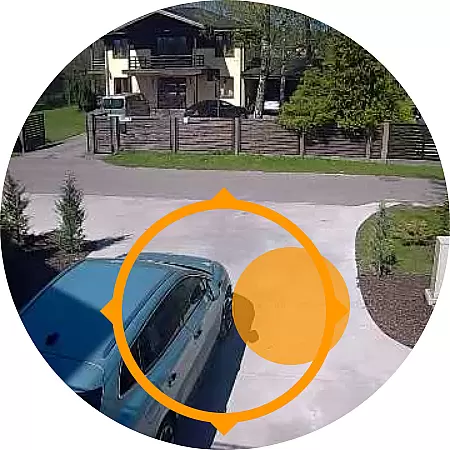
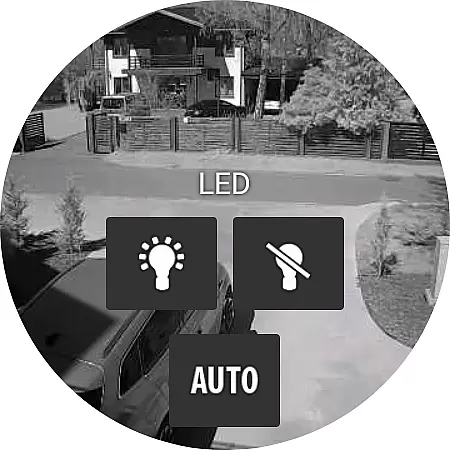
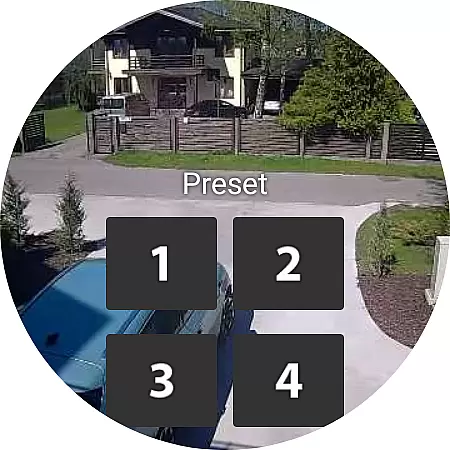
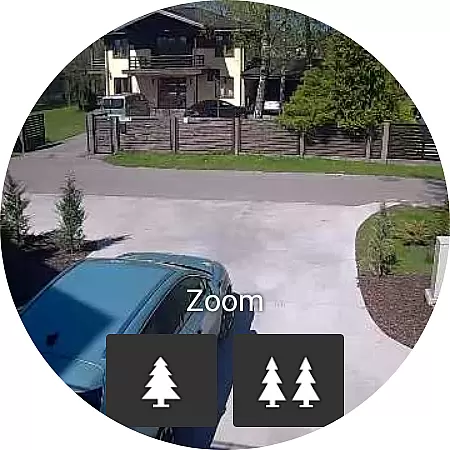
Furthermore, the companion app integration supports casting to Wear OS, which means you can stream live feeds directly to your smartwatch. This feature provides peace of mind as you can monitor critical areas such as your home entrance or baby's room right from your wrist.
The synchronization between devices is reliable, maintaining a consistent state across all platforms. Whether you're using an Android phone or tablet, the experience remains fluid and uninterrupted, enhancing both convenience and security.
Ensuring broad Wear OS and device compatibility is crucial for maximizing user accessibility and satisfaction. tinyCam Monitor PRO excels in this area by supporting a wide range of devices, allowing users to connect their preferred hardware effortlessly.
The app is optimized for various screen sizes and resolutions found in Wear OS devices, delivering crisp and clear visuals regardless of the device you own. Whether it's a smartwatch or another type of wearable, tinyCam Monitor PRO adapts seamlessly to provide an optimal viewing experience.
In addition to visual compatibility, the app also supports diverse functionalities inherent to different devices. For instance, it leverages the unique capabilities of each device, like sensors and controllers, to enhance interaction with your IP cameras. This adaptability ensures that every user enjoys a tailored yet comprehensive monitoring solution.
By prioritizing extensive compatibility, tinyCam Monitor PRO guarantees that whether you're using a high-end smartwatch or a more budget-friendly option, you'll enjoy full access to its robust features without compromise.
User-friendly interface
Extensive device compatibility
Advanced security protocols
Versatile video management
Innovative AI features
Premium version required
Complex setup process
Limited free features
High system requirements
Occasional connectivity issues

Calming & relaxing sounds for sleeping and stress relief. Stay focused all day!
 4.20
4.20
Christmas Theme Watch Face for Wear Os
5.00
Snowflake Rose Gold Watch Face - Digital, modern, & sleek with GYRO effect.
4.10
Digital, flexibly customizable watch face. For Wear OS 5.0, API 34+ and later.
5.00
Ideal for surviving in the wasteland left after nuclear fallout
4.50
sleep, alarm, snoring, stress, healing, focus, sound therapy, circadian rhythm
4.10
Nutrition, Macro tracker: Food, fitness & healthy diet tracking for weight loss
4.60
Locate your family members by GPS phone location tracker everywhere and anytime
4.30
Real-time results, stats, schedules and player profiles for all leagues
4.60
WTW M17 is a premium and luxurious hybrid watch face
4.70
Retro digital watch face with customizable colors and a unique lighting effect
4.60
Fast and smart typing with Emojis, GIFs, and more
4.50
A customizable Christmas watch face for Wear OS with a countdown.
4.20
Elegant animated Christmas tree with multiple customization options
4.20
Let's celebrate Thanksgiving - Wear Os watch face
4.20
Embrace the festive spirit with our Christmas Countdown watchface for Wear OS
4.10
Professional weather radar and more
3.90
Stylish digital watch face for Wear OS devices with customizable features
4.5
Hybrid Vibrant Health Watch Face for Wear OS
4.2


User Reviews