
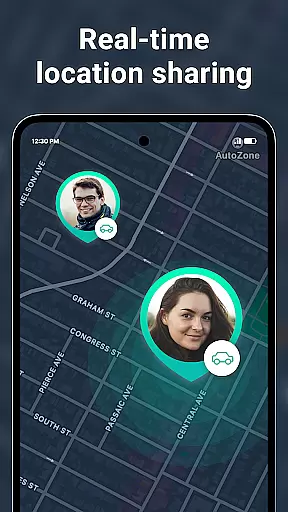
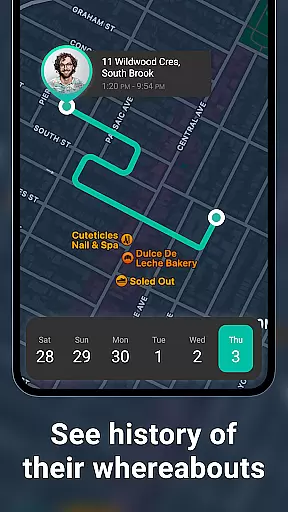
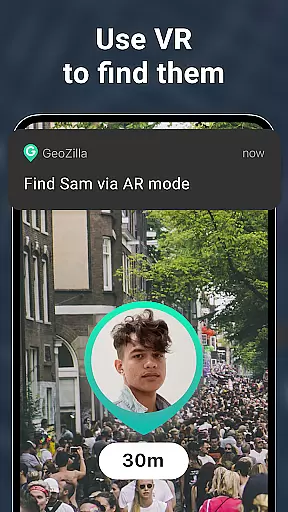
Geozilla is a comprehensive family safety application designed specifically for Android Wear devices, allowing families to stay connected through real-time location sharing. The app offers advanced features such as live GPS tracking, geofencing alerts, and driving behavior reports, ensuring peace of mind for both parents and children. With its smartwatch compatibility, users can conveniently monitor their loved ones' locations directly from their wrists.
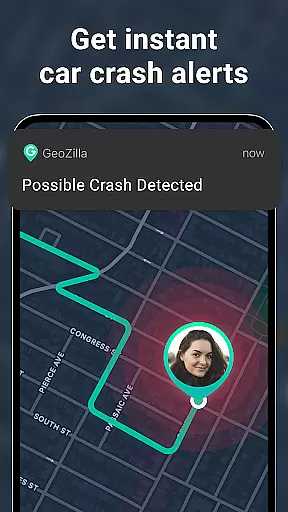
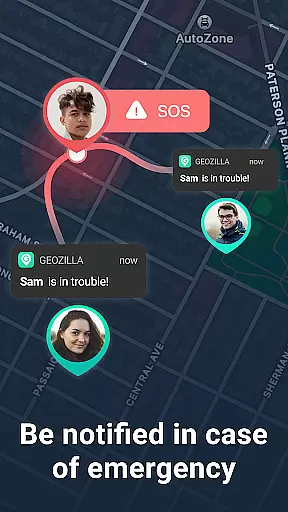
Beyond basic tracking, Geozilla provides essential safety tools including crash detection and SOS alerts. These features are particularly valuable for families with young drivers or elderly members who may require additional support. By creating private family circles, the app ensures that only trusted individuals can access location data, maintaining a high level of privacy and security while keeping families informed and protected.
Geozilla stands out with its robust set of features tailored for family safety on Android Wear devices. The app's core functionality revolves around real-time location tracking, where users can view the current positions of their family members on a map interface. This feature is complemented by geofencing capabilities, allowing parents to set up virtual boundaries around important locations like home or school, receiving instant notifications when these areas are entered or exited.
Another significant aspect is the app's focus on driving safety. Through sophisticated algorithms, Geozilla generates detailed driving reports that help identify risky behaviors and improve overall road safety. Additionally, the app includes emergency response features such as automatic crash detection and one-touch SOS alerts, which can be crucial in critical situations. All these functionalities are seamlessly integrated into the Wear OS platform, providing users with quick access to vital information right from their smartwatches.
Companion app integration is essential for users who want seamless connectivity between their mobile devices and wearables. Geozilla excels in this area by ensuring that its Android Wear application works in harmony with the main mobile app. This integration allows users to access critical features directly from their smartwatches, maintaining constant communication and safety monitoring.
The app provides real-time location sharing, enabling family members to view each other's locations effortlessly on their Wear OS devices. This functionality is particularly useful when you're on the move and need quick access to location data without pulling out your phone. Additionally, important notifications such as arrival and departure alerts, low battery warnings, and SOS signals are pushed directly to the wearable device.
Geozilla also supports driving reports and crash detection through its companion app integration. This means that whether you're walking or driving, your loved ones can be immediately alerted if an incident occurs. The ability to manage these features from a smartwatch adds a layer of convenience and ensures that users are always connected, no matter where they are.
Overall, Geozilla's robust companion app integration enhances user experience by providing peace of mind and fostering a safer environment for families. With just a glance at their smartwatch, users can stay informed and respond quickly to any situation, making it an invaluable tool for family safety.
Ensuring compatibility with Wear OS and various devices is crucial for delivering a reliable and versatile user experience. Geozilla has been meticulously designed to support a wide range of Wear OS devices, allowing users to enjoy its comprehensive safety features directly from their smartwatches. This broad compatibility ensures that more families can benefit from Geozilla's advanced functionalities without worrying about device limitations.
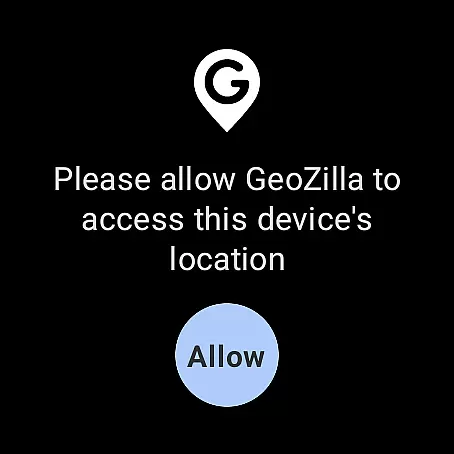
Geozilla's Wear OS application offers full-featured support, including real-time GPS tracking, geofencing alerts, and emergency notifications. These features are optimized to work efficiently on Wear OS, providing users with accurate and timely information right on their wrists. Whether you're at home, work, or on the go, you can receive instant updates about your family members' whereabouts and status.
In addition to supporting multiple Wear OS devices, Geozilla maintains high performance standards across different hardware configurations. This commitment to quality ensures that all users, regardless of their specific device model, can rely on consistent and dependable performance. The app's optimization for various screen sizes and resolutions further enhances usability, making it easy to navigate and interact with key safety features.
By prioritizing Wear OS and device compatibility, Geozilla delivers a seamless and integrated safety solution that empowers families to stay connected and protected. Users can trust that their smartwatch will serve as a reliable extension of the main mobile app, providing continuous access to vital safety tools and information.
User-friendly interface
Real-time location tracking
Comprehensive safety features
Wear OS compatibility
Transparent privacy policies
Requires constant internet connection
Background battery usage
Limited free features
Dependent on user consent
Potential privacy concerns

Embrace the holiday spirit with this magical animated watch face!
 4.40
4.40
Snowflake Rose Gold Watch Face - Digital, modern, & sleek with GYRO effect.
4.10
Bold, Modern Hybrid Watch Face for Wear OS. 10 Colors, Rich Info Display.
4.30
Digital watch face with big numbers and many customization for Wear OS devices
4.40
Monitor health with the stress test and pulse checker in the heart rate app.
4.60
Gym & home workout plans with strength training, exercise tracking, HIIT & more.
4.60
A modern hybrid informative watch face for Wear OS designed by BALLOZI
4.80
Connect, create, and collaborate with Gmail, part of Google Workspace.
4.10
Start and succeed with PAP
4.10
Gym Log & Workout Tracker | Fitness Journal, Training & Weight Lifting Planner
4.90
Diet tracker for weight loss - track calories, food and macros. Simple and easy!
4.70
Your second brain for organizing your life: to-do, calendar, reminder.
4.70
Rose gold watch face with festive lights & customizable features.
4.60
Nutrition, Macro tracker: Food, fitness & healthy diet tracking for weight loss
4.60
A digital watch face that celebrates Christmas.
4.00
Professional weather radar and more
3.90
Authentic military-tactical design with ZULU time! Realistic and functional!
3.80
Watch the sharpness of the sky on your wrist..
3.70
Stunning modern digital watch face with 7 complications and strong contrast
4.4


User Reviews