
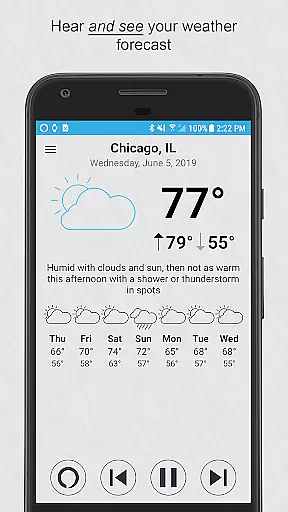
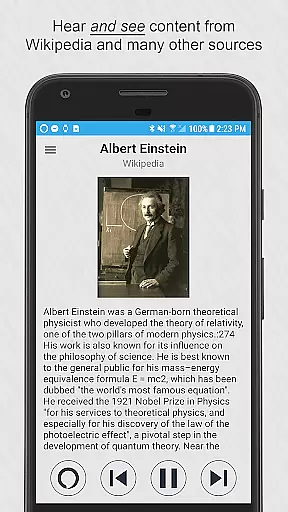
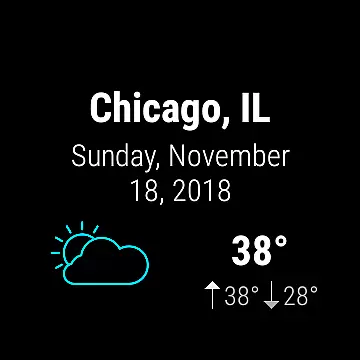
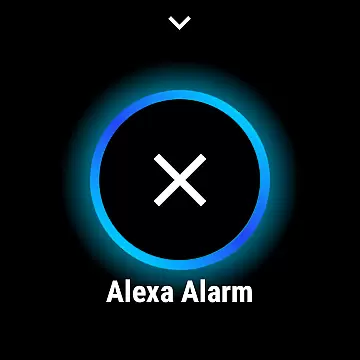
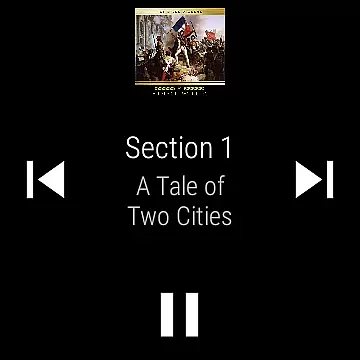
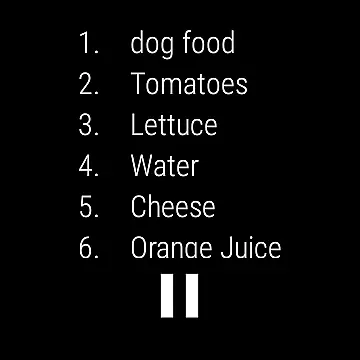
Ultimate Alexa Voice Assistant is a comprehensive voice assistant application that integrates Amazon Alexa's voice service, offering users an interactive experience through voice commands. This app stands out as the first on Google Play to support Alexa’s Display Card technology, similar to the Amazon Echo Show, allowing users to both hear and see responses for weather forecasts, news, and more.
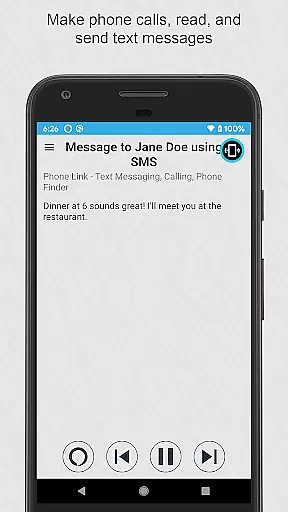
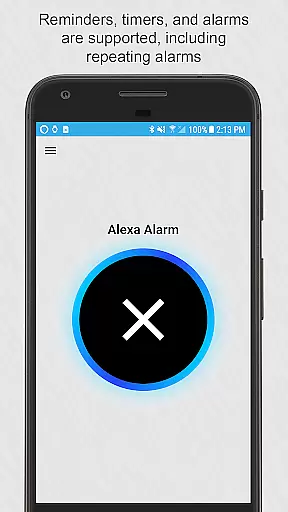
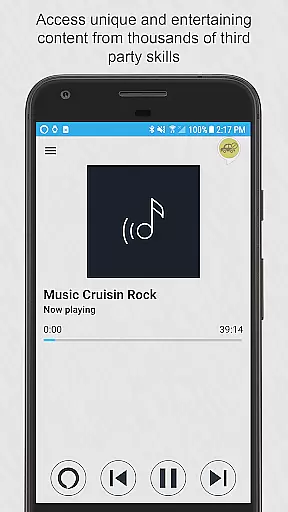
The app supports a wide range of functionalities including making phone calls, sending text messages, controlling smart home devices, and accessing local information. It also provides entertainment options like music playback and access to thousands of third-party skills. With compatibility across phones and Wear OS watches, Ultimate Alexa ensures accessibility and convenience, enhancing user interaction with technology seamlessly.
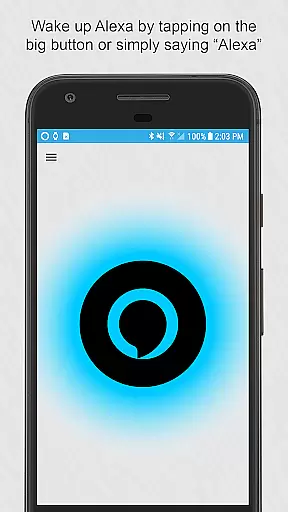
One of the standout features of Ultimate Alexa is its versatile activation methods. Users can wake Alexa by saying the wake word, tapping a button, using the notification area, or even via the Google Assistant by saying 'OK Google. Start Ultimate Alexa'. For added convenience, it can be set as the default assistant, listening for the wake word continuously.
For those who upgrade to the Pro version, additional features such as shaking the phone or using the Bixby button on Samsung devices to activate Alexa are available. The app offers control over when it listens and responds, along with choices for different Alexa voices. These features collectively ensure a personalized and accessible user experience, catering to various preferences and needs.
Companion app integration is crucial for wearable devices to function seamlessly with smartphones. Ultimate Alexa Voice Assistant excels in this area by offering a comprehensive connection between your phone and Wear OS watches.
The app ensures that whether you're using your phone or Wear OS device, Alexa's capabilities are fully accessible. For instance, if your watch lacks a speaker, the connected phone's speaker is automatically utilized, ensuring no functionality is lost.
Users benefit from features like voice commands, display cards, and notifications being synchronized across devices. This means you can start a task on your watch and continue it on your phone without missing a beat.
This seamless integration enhances user experience by providing consistent access to Alexau2019s features such as weather forecasts, news headlines, smart home controls, and more, regardless of the device in hand.
Wear OS/device compatibility ensures that applications run smoothly across different devices. Ultimate Alexa Voice Assistant is designed to be compatible with both phones and Wear OS watches, making it versatile for various users.
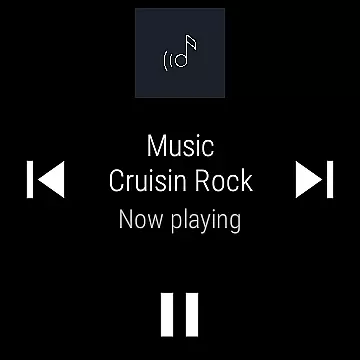
The app supports functionalities like tapping the big button on your Wear OS watch to activate Alexa, or using the Wear OS tile for immediate voice commands. This flexibility allows users to interact with Alexa in a way that suits their preferences and device capabilities.
By accommodating different devices, Ultimate Alexa ensures that users can enjoy features like setting reminders, controlling smart home devices, accessing local information, and more, without worrying about device limitations.
This broad compatibility not only expands the app's reach but also provides a reliable and consistent user experience, enhancing the overall utility and convenience of using Alexa across multiple platforms.
User-friendly interface
Versatile activation options
Wide functionality range
Compatibility with Wear OS
Customizable user settings
Limited music services
Text messaging not global
Pro version costs extra
Bixby replacement complex
Requires Phone Link app

WTW M17 is a premium and luxurious hybrid watch face
 4.70
4.70
Rose gold watch face with festive lights & customizable features.
4.60
Deck out your Wear OS Watch face with a beautifully decorated pine wreath!
4.50
Structured watch face with seven complications and modular UI elements
3.90
Reliable phone calls with spam protection, caller ID and more helpful features
4.40
The Chevron App allows you to pay for fuel from the comfort of your car!
4.80
Animated video-game inspired “secret agent” simulation, right on your wrist!
4.20
Hybrid watch face for Wear OS with customizable complications by Matteo Dini MD
4.70
Track your active life in one place and share the journey with friends.
4.40
Your second brain for organizing your life: to-do, calendar, reminder.
4.70
Beautiful artistic animated digital watch face, with a customizable layout!
4.40
A white realistic classic analog watch face with many customization options.
4.40
Find EV charging stations
4.30
Watch face for Wear OS.
4.20
Snowflake Rose Gold Watch Face - Digital, modern, & sleek with GYRO effect.
4.10
Christmas is near, let's count together the days left until Santa comes
4.5
A heartwarming Christmas scene featuring a cute image of Santa and Rudolf
4.0
Contemporary digital watch face with five complications
4.2
Funny animated watch face for Thanksgiving
4.0


User Reviews