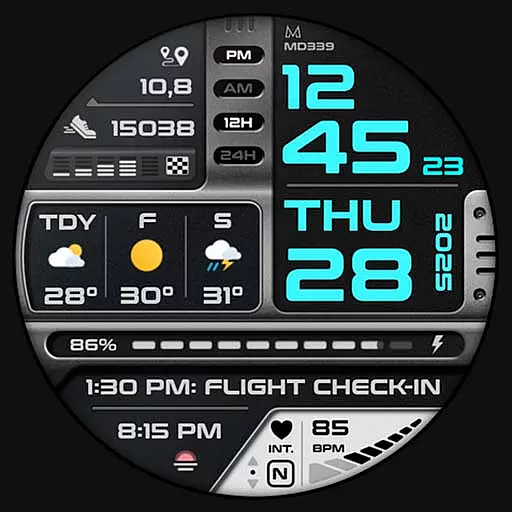
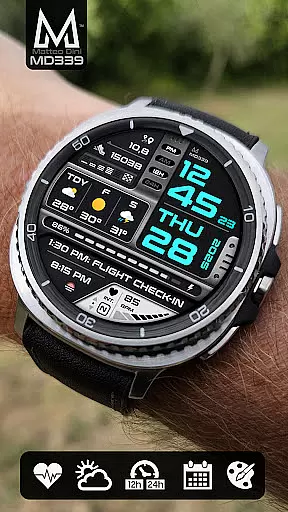
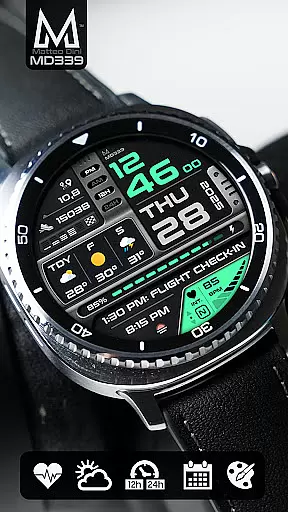
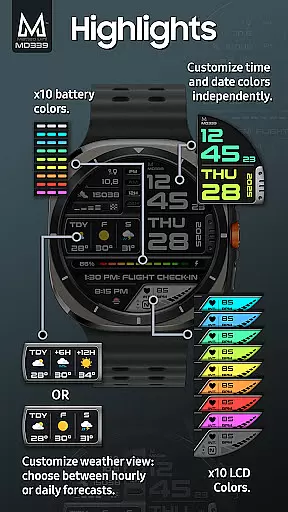
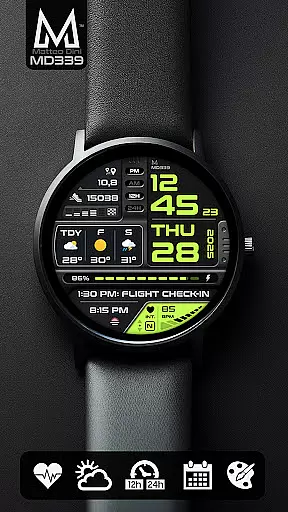
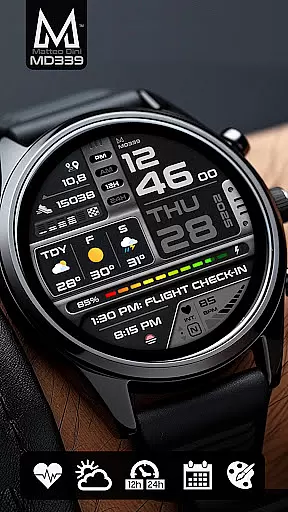
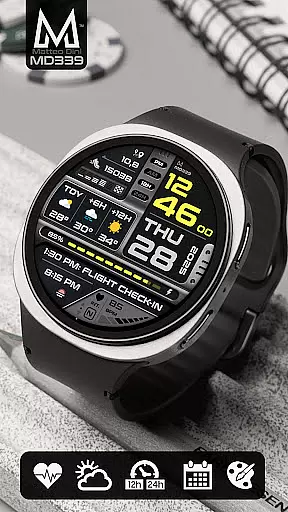
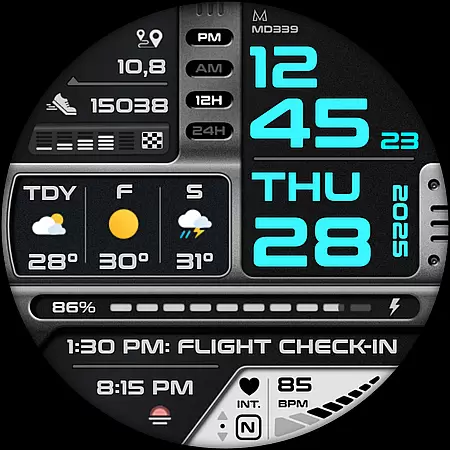
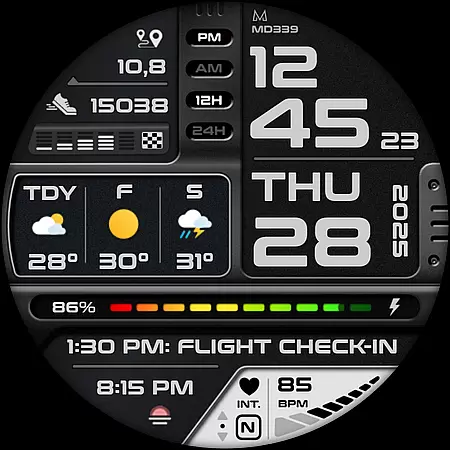
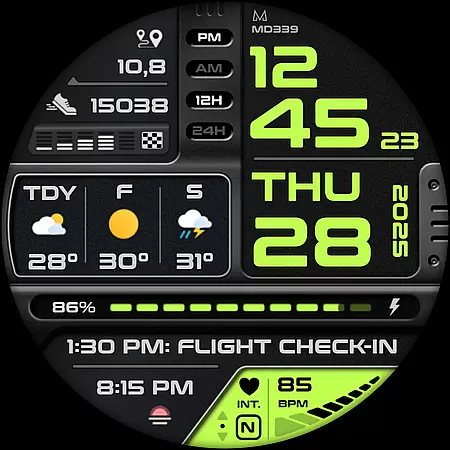
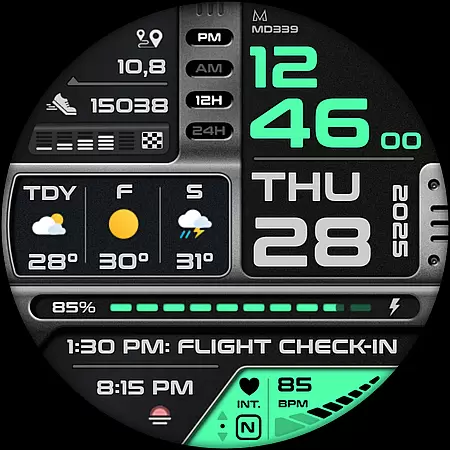
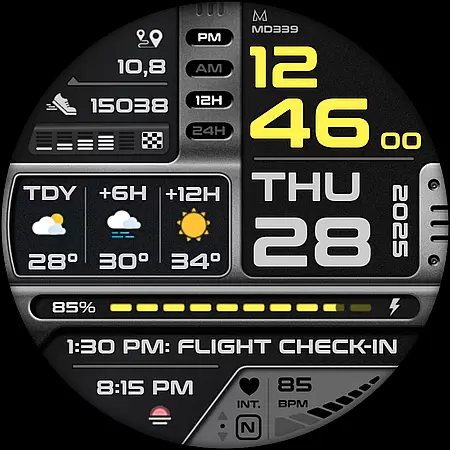
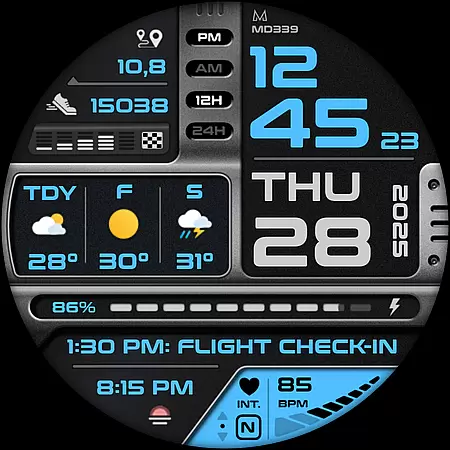
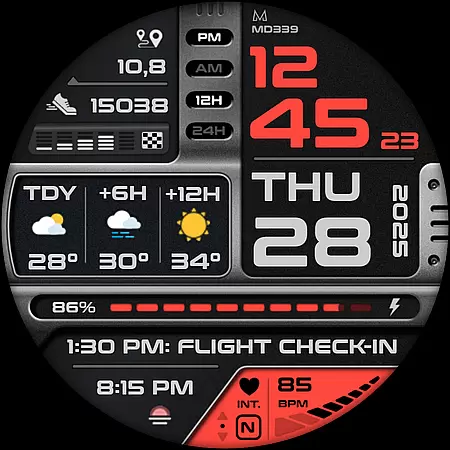
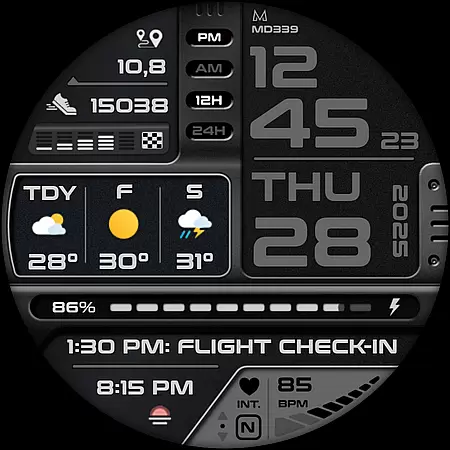
MD339 Digital watch face is a cutting-edge Android Wear application designed to enhance your smartwatch experience. This advanced watch face adheres to the latest format standards required by Google Play, ensuring optimal performance and compatibility. It features a modern design with customizable options, including 6 preset app shortcuts and 1 customizable shortcut, allowing users to tailor their watch face to their specific needs.
The watch face supports all Wear OS devices with API Level 34+ (Wear OS 5 and later versions), such as Samsung Galaxy Watch 4-8, Ultra, and Pixel Watch. With its comprehensive set of features like heart rate monitoring, step tracking, and battery meter, MD339 provides essential data at a glance. Its full customization capabilities enable users to independently change time/date colors, complication fonts, and more, making it a versatile choice for tech-savvy individuals.
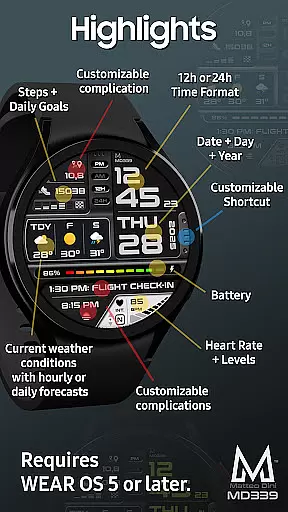
MD339 Digital watch face stands out with its rich feature set tailored for Android Wear users. One of its key highlights is the ability to customize up to 3 complications, displaying data such as health metrics, world clock, and barometer. Users can choose between daily or hourly weather forecasts, which are displayed based on the built-in weather provider of the watch.
The application offers both 12/24hr time formats that sync with phone settings, along with an Always On Display Mode available in minimal and full modes. Additionally, it includes 6 preset app shortcuts like Calendar, Battery, Measure Heart Rate, Set Alarm, Steps, and Weather, plus 1 customizable shortcut for added convenience. These features collectively ensure that users have quick access to vital information and functionalities directly from their wrist.
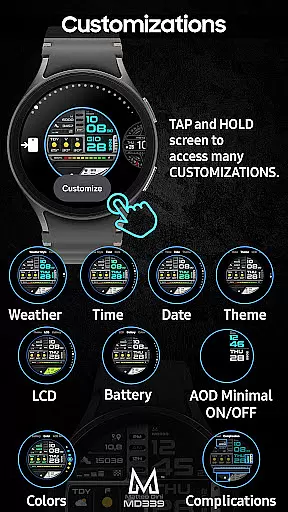
Despite its advanced capabilities, MD339 maintains ease of use through intuitive customization options. By simply touching and holding the screen on your watch, you can personalize various aspects of the watch face, including time/date colors, complication fonts, and theme settings. This level of personalization empowers users to create a unique and functional interface that suits their preferences and lifestyle.
Companion app integration is essential for a seamless wearable experience. The MD339 Digital watch face excels in this area by offering deep connectivity with your smartphone. This ensures that all your important notifications, health data, and customization settings are synchronized effortlessly between devices.
The watch face supports advanced features like weather forecasts and app shortcuts that link directly to your phone's applications. For instance, you can quickly access your calendar or set alarms without needing to take out your phone. This level of integration enhances convenience and ensures you stay connected at all times.
Additionally, the customization options available through the companion app allow users to personalize their watch face extensively. From changing time and date colors to selecting specific complications, the ability to tailor the watch face to individual preferences adds significant value. This feature ensures that your wearable device truly reflects your personal style while maintaining full functionality.
Device compatibility is a critical factor when choosing a smartwatch face, and the MD339 Digital watch face offers broad support across various Wear OS devices. It is optimized for devices running API Level 34+ (Wear OS 5 and later versions), ensuring smooth performance on models such as Samsung Galaxy Watch 4-8, Ultra, and Pixel Watch.
This wide compatibility range means that whether you own a newer model or one of the latest releases, you can enjoy the advanced features without worrying about technical glitches. The watch face leverages the latest standards required by Google Play, guaranteeing an up-to-date and future-proof experience.
However, it's worth noting that older models like the Galaxy Watch 4 or 5 might encounter issues due to less recent hardware. In such cases, users are encouraged to reach out to support@mdwatchfaces.com for assistance. Overall, the MD339 provides a reliable and versatile solution for enhancing your Wear OS device with its modern design and robust feature set.
Advanced customization
Wide device compatibility
Comprehensive feature set
Intuitive user interface
Reliable support system
Limited older model support
Weather data dependency
External complication reliance
Potential forecast unavailability
Customization learning curve

Calming & relaxing sounds for sleeping and stress relief. Stay focused all day!
 4.20
4.20
Current temperature, weather hourly, weather radar by the weather forecast app
4.40
Wear Os Watch Face - Animated Snow Effect & Magic Spark - 6 Scenes
4.10
Beautiful, colorful and practical watch face. For Wear OS devices.
5.00
Simple Analog-Digital Watchface For Wear OS 3.0 and Up Smartwatches
4.2
Locate your family members by GPS phone location tracker everywhere and anytime
4.30
To-Do List: daily schedule planner, task organizer, to do reminder app, calendar
4.60
Stay in touch with your friends and family using LINE!
3.40
Your music, your playlists, and more—offline and unlimited.
4.20
Hyperlocal rain alerts by MyRadar using patent-pending technology, radar & more
4.80
A modern premium sporty hybrid watch face for Wear OS by Ballozi
4.70
The most customizable minimal watch face. For Wear OS 5.0, API 34+ and later
4.70
Walking app for weight loss: walk & step tracker, pedometer, indoor treadmill
4.60
Reliable phone calls with spam protection, caller ID and more helpful features
4.40
A white realistic classic analog watch face with many customization options.
4.40
A full-featured Amazon Alexa voice assistant that can show you things.
3.70
Wear Os Watch Face - Animated Snow - Sesonal for Christmas & Winter
4.5
Stunning modern digital watch face with 7 complications and strong contrast
4.1
Stylish digital watch face for Wear OS devices with customizable features
4.2


User Reviews