

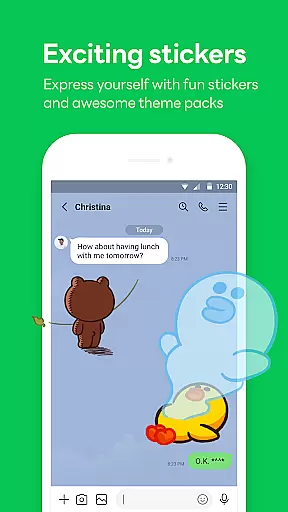
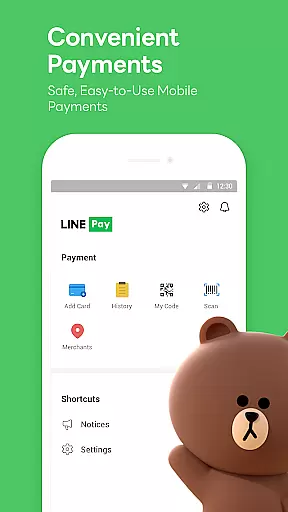

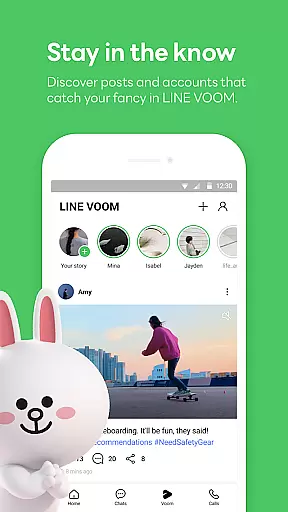
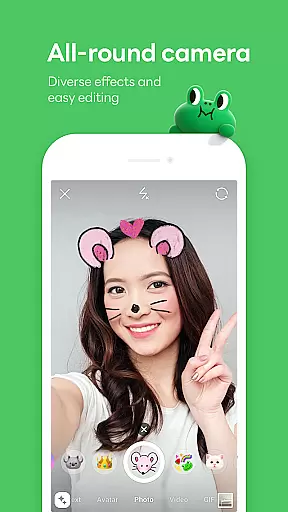
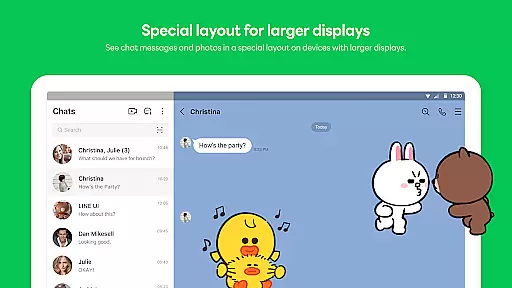
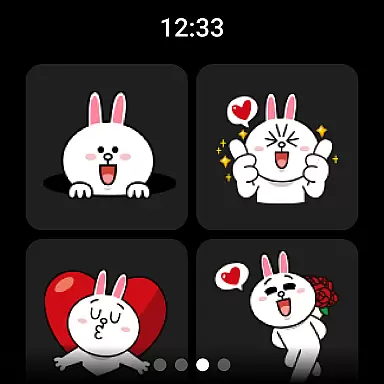

LINE is a comprehensive communication app that bridges the gap between family, friends, and loved ones through free voice and video calls, messages, and an extensive range of expressive stickers. Available globally on mobile, desktop, and Wear OS, LINE offers seamless connectivity and innovative features to enhance your daily life.
The app's core functionalities include instant messaging, high-quality voice and video calls, and customizable experiences with unique stickers, emojis, and themes. With additional services like Keep Memo for personal storage and Letter Sealing for enhanced privacy, LINE ensures both convenience and security in your communications.
Whether you're at home, in the office, or on the go, LINE keeps you connected across multiple devices, making it an essential tool for modern communication needs.
LINE stands out with its diverse communication tools, including instant messaging, voice and video calls, and a rich selection of engaging stickers. The Home feature provides quick access to friends' lists, birthdays, and various services, enhancing user engagement.
One of LINE's key innovations is its cross-platform compatibility, allowing users to chat seamlessly on mobile, Wear OS, and PC. This ensures you stay connected wherever you are, whether working remotely or traveling.
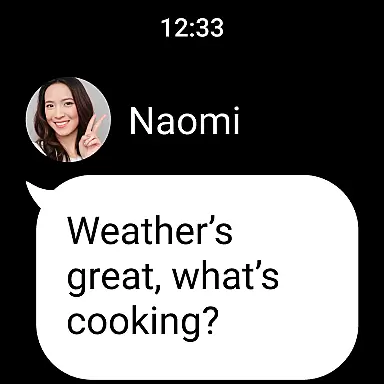
Privacy and convenience are prioritized with features like Keep Memo for personal data storage and Letter Sealing for end-to-end encryption. Additionally, smartwatch integration enables message checking and app complications on Wear OS devices, offering a truly integrated communication experience.
Companion app integration is essential for users who want a seamless experience across multiple devices. LINE offers robust companion app features that ensure your conversations, stickers, and settings are consistently synchronized between your smartphone, desktop, and Wear OS devices.
The platform's architecture allows real-time updates, meaning you can start a conversation on your phone and continue it on your smartwatch or computer without missing a beat. This cross-device functionality is particularly beneficial for those who are always on the move but need to stay connected.
Users will appreciate how LINE's companion app integration simplifies their digital communication. With all your chats and personalized settings available wherever you go, managing your social interactions has never been easier or more efficient.
This level of integration not only enhances user convenience but also enriches the overall communication experience by providing flexibility and continuity in how and where you connect with others.
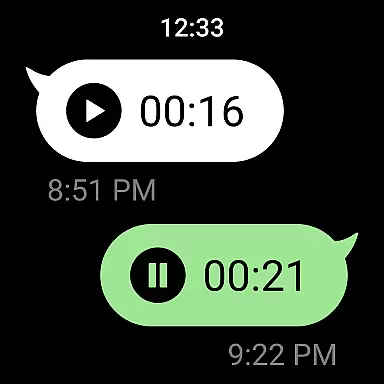
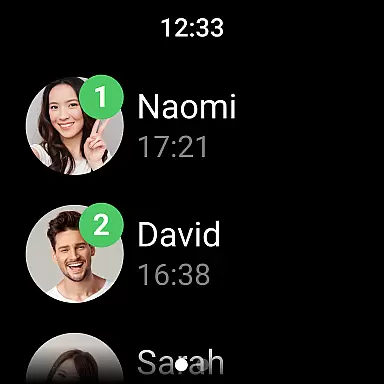
LINE's compatibility with Wear OS ensures that users can enjoy the full benefits of their smartwatches. The app is optimized to deliver a smooth and responsive experience on wearable devices, allowing you to receive notifications, read messages, and even respond hands-free.
Device compatibility extends beyond just receiving alerts; it includes interactive features such as adding complications to your watch face for quick access to LINE functions. This means you can stay updated and engaged without needing to pull out your phone.
For those invested in the Wear OS ecosystem, LINE provides an intuitive interface that respects the limitations of smaller screens while still offering powerful communication tools. This balance makes it easy to manage your social life directly from your wrist.
By ensuring broad device compatibility, LINE caters to tech-savvy individuals looking for ways to streamline their daily routines through integrated technology solutions.
User-friendly interface
Free voice and video calls
Extensive sticker collection
Cross-platform support
Strong privacy protection
Requires Wi-Fi or data plan
Storage-intensive app
Limited functionality on older OS
Occasional connection issues
Privacy concerns with third-party integrations

"PER27 Galaxy Digital" is a digital Wear OS watch face designed by PERSONA
 4.10
4.10
A customizable Christmas watch face for Wear OS with a countdown.
4.20
Current temperature, weather hourly, weather radar by the weather forecast app
4.40
MyNISSAN® lets you remotely control your car from your phone.*
4.50
Deck out your Wear OS Watch face with a beautifully decorated pine wreath!
4.50
Gym & home workout plans with strength training, exercise tracking, HIIT & more.
4.60
Get helpful reminders, take progress photos and find answers to your questions.
3.90
A white realistic classic analog watch face with many customization options.
4.40
Your music, your playlists, and more—offline and unlimited.
4.20
The Chevron App allows you to pay for fuel from the comfort of your car!
4.80
Highly customizable hybrid watch face for Wear OS, perfect for everyday use.
4.60
A realistic hybrid watch face with many customization options.
4.60
Premium hybrid watch face with many customizations for Wear OS devices.
4.40
A digital watch face that celebrates Christmas.
4.00
Viewer for Wyze/Yi/Eufy/Arlo/ONVIF/RTSP/P2P IP cams w/ adv. features & DIY DVR
4.00
Watch the sharpness of the sky on your wrist..
3.70
A full-featured Amazon Alexa voice assistant that can show you things.
3.70
Stunning modern digital watch face with 7 complications and strong contrast
4.2
3 Complications. All shadow on/off. 30 Themes color palette...
4.3


User Reviews