
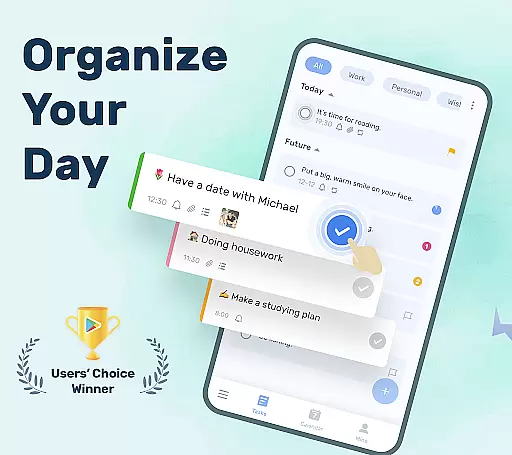
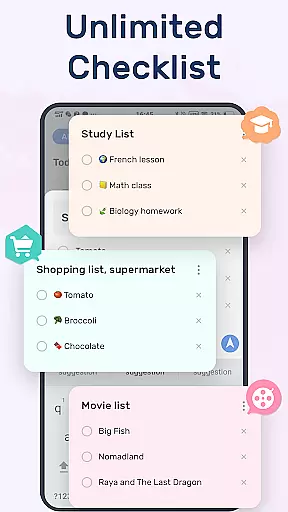
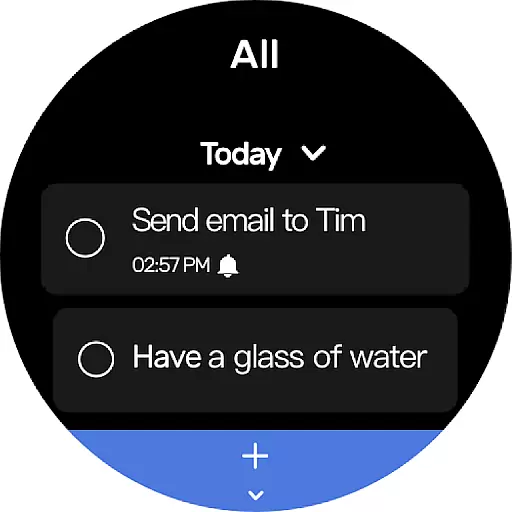
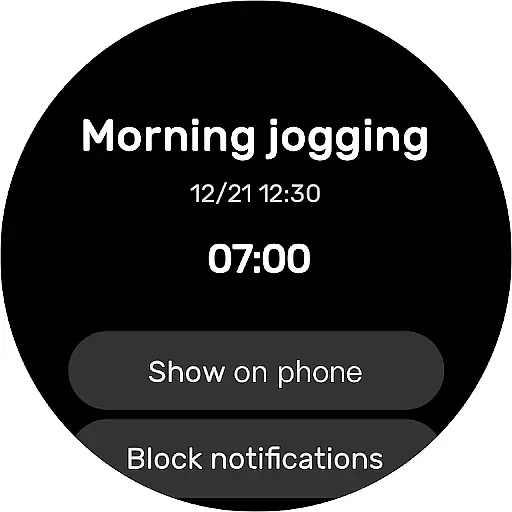
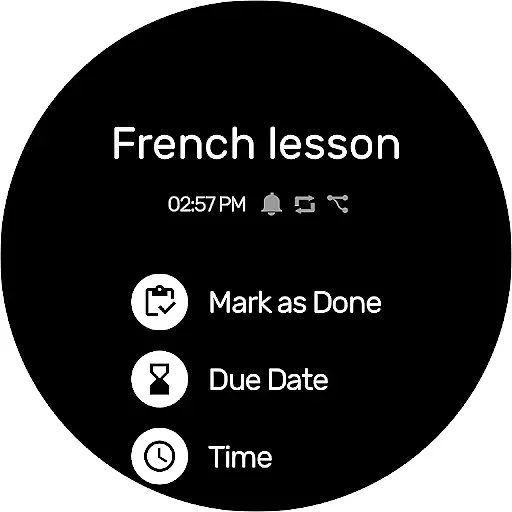
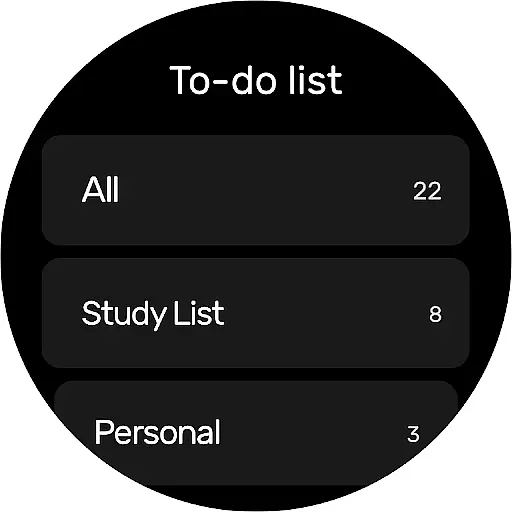
To-Do List is a comprehensive task management application designed specifically for Android Wear users. This free and intuitive app allows you to organize your personal and professional life by creating multiple task lists, setting reminders with alarms, and categorizing tasks effectively.
One of the standout features is its beautiful themes and easy-to-navigate interface. You can customize your experience with various theme colors, making task management more enjoyable. The app also supports a night mode, ensuring comfortable use at any time of day.
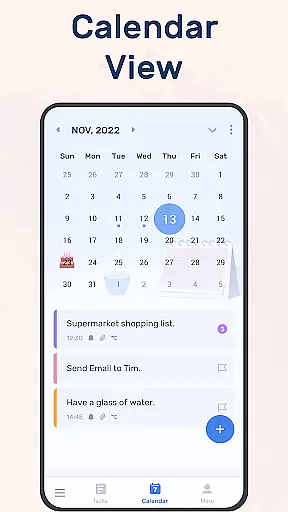
Whether you need to manage work projects, fitness goals, or personal events like birthdays and anniversaries, To-Do List provides all the tools necessary to keep you on track. Its calendar view offers a broader perspective on your schedule, while cloud sync ensures your data is always safe and accessible across devices.
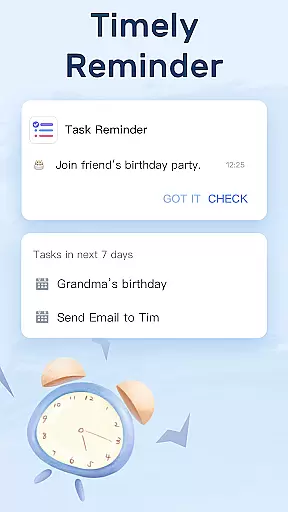
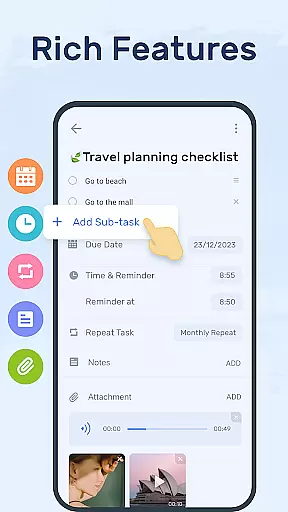
To-Do List stands out with its rich feature set tailored for productivity enthusiasts. The app allows you to create multiple task lists in just two steps, simplifying the process of organizing your daily activities. With the ability to set reminders and alarms for important tasks, you'll never miss a deadline or forget a crucial event.
Task management is made efficient through categories, priorities, and stars that highlight essential items. Sub-tasks can be added to each to-do list, ensuring every detail is captured and organized. The app's calendar view provides a visual representation of your schedule, helping you plan weeks and months ahead with ease.
For those who value aesthetics and usability, To-Do List offers customizable themes and a night mode. These features not only enhance the visual appeal but also improve readability and comfort during extended use. Additionally, the app supports Wear OS, allowing seamless integration with your smartwatch for on-the-go access.
Companion app integration is essential for users who rely on wearable devices to manage their daily tasks and schedules. To-Do List - Schedule Planner & To Do List Task Manager offers seamless connectivity between your mobile device and Wear OS watch, ensuring that all your important reminders and lists are always accessible.
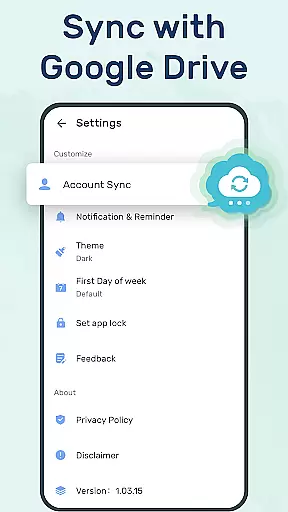
This application allows you to sync your to-do lists or daily schedule planners to the cloud via Google Drive. This means whether you're at home, in the office, or on the go with just your smartwatch, you can check things to do, track daily planners, or receive task reminders without missing a beat.
The ability to access your tasks across different devices adds a layer of convenience and reliability to your planning process. With real-time updates, any changes made on one device are immediately reflected on another, keeping you perpetually organized and up-to-date.
By supporting companion app features such as checking tasks, tracking daily planners, and receiving reminders on a Wear OS watch, this app ensures that no matter where you are or what device you have at hand, your schedule is always within reach, enhancing both productivity and peace of mind.
For users invested in the ecosystem of wearable technology, Wear OS/device compatibility is a pivotal feature. The To-Do List - Schedule Planner & To Do List Task Manager shines in this aspect by offering full support for Wear OS watches, making it an ideal choice for those who want to manage their lives directly from their wrist.
This app's compatibility with Wear OS ensures that you won't need to compromise on functionality or ease of use when transitioning from your smartphone to your smartwatch. You'll enjoy the same level of efficiency and user-friendly interface, tailored to fit the smaller screen without losing out on critical features.
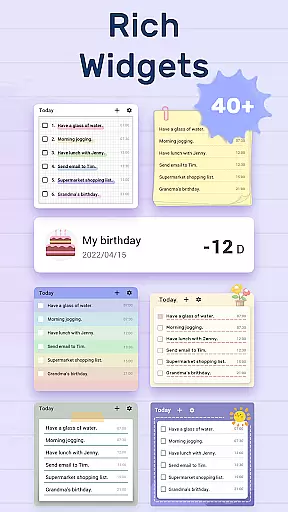
With dedicated functionalities such as adding widgets and quick access to mark task completion, it streamlines the way you interact with your daily planners. It's designed to provide a hassle-free experience, allowing you to handle your schedule with simple taps on your watch face.
Ultimately, having robust Wear OS support means that whether you're jogging, in a meeting, or simply away from your phone, your to-do list remains accessible, keeping you productive and aligned with your personal and professional commitments without needing to reach for your phone constantly.
User-friendly interface
Customizable themes
Effective reminder system
Cloud sync functionality
Cross-device compatibility
Limited advanced features
No built-in analytics
Basic free version
Occasional sync issues
Fewer integrations

Animated Watch Face and Customizable with 24 Backgrounds. Perfect for Christmas!
 3.90
3.90
Rose gold watch face with festive lights & customizable features.
4.60
Christmas is near, let's count together the days left until Santa comes
4.4
Contemporary digital watch face with five complications
4.4
Kia Access makes getting your vehicle information easier than ever
4.60
The ultimate destination for kids ages 3-8 to explore the Marvel Universe!
4.30
Real-time weather radar with temperatures, warnings, hurricanes, and widgets
4.80
Hyper-Realistic Airplane Dashboard Watch Face With 10 Skins and Custom AOD
4.00
Viewer for Wyze/Yi/Eufy/Arlo/ONVIF/RTSP/P2P IP cams w/ adv. features & DIY DVR
4.00
Hyperlocal rain alerts by MyRadar using patent-pending technology, radar & more
4.80
Diet tracker for weight loss - track calories, food and macros. Simple and easy!
4.70
Highly customizable hybrid watch face for Wear OS, perfect for everyday use.
4.60
Digital watch face with big numbers and many customization for Wear OS devices
4.40
Bold, Modern Hybrid Watch Face for Wear OS. 10 Colors, Rich Info Display.
4.30
Get helpful reminders, take progress photos and find answers to your questions.
3.90
Professional weather radar and more
3.90
Watch face designed for Thanksgiving Day. 7 Background Styles included.
3.20
Wear Os Watch Face - Animated Snow - Sesonal for Christmas & Winter
4.0
Precision analog watch face with 7 complications and style options
4.1


User Reviews