
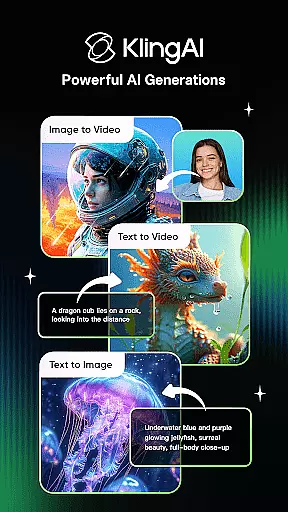
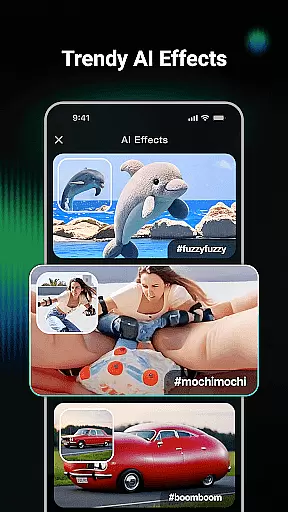
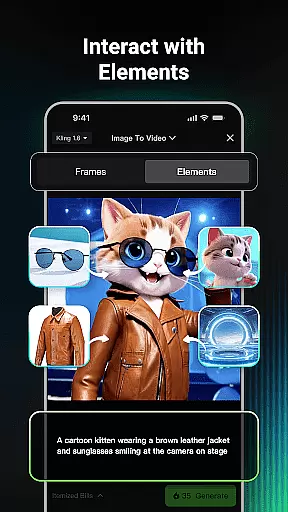
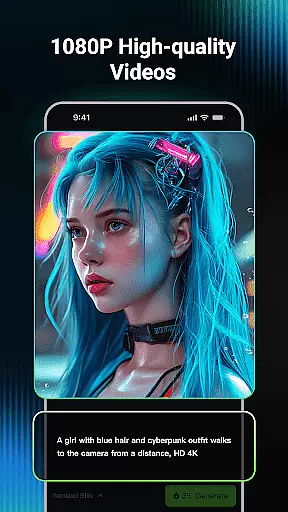
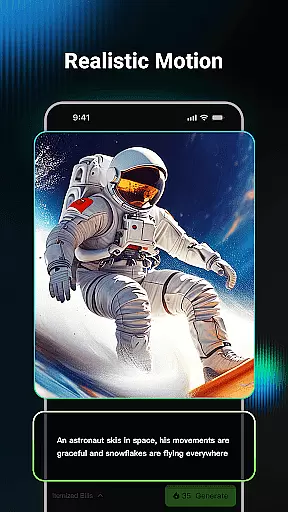
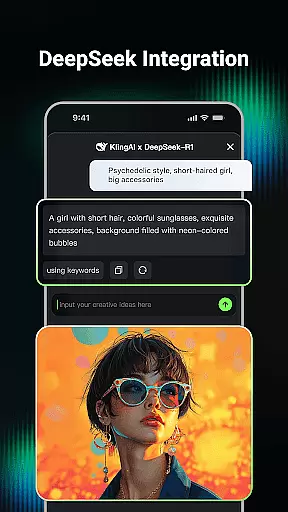
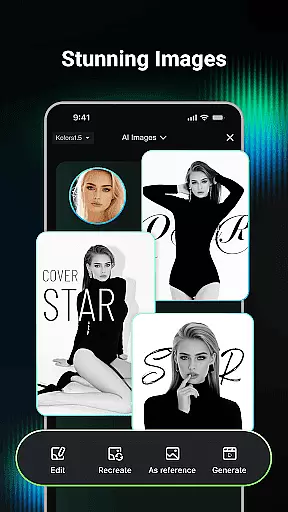
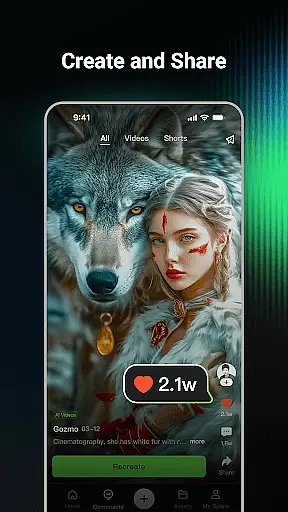
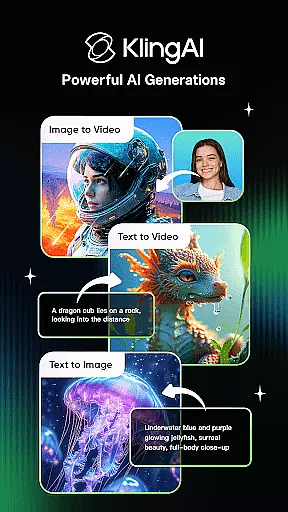
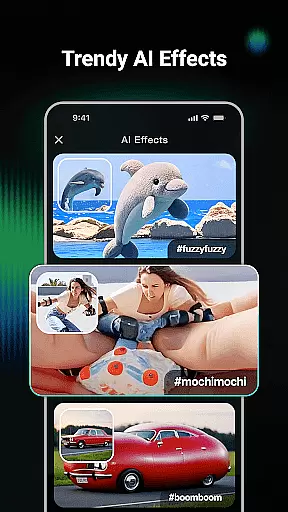
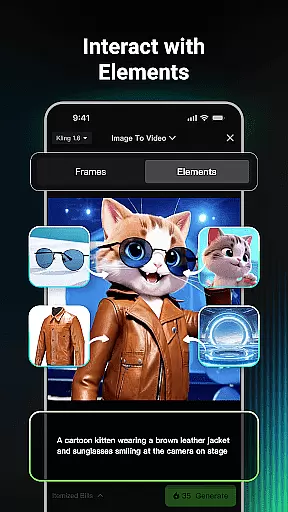
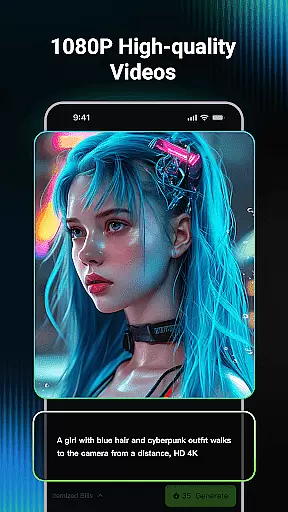
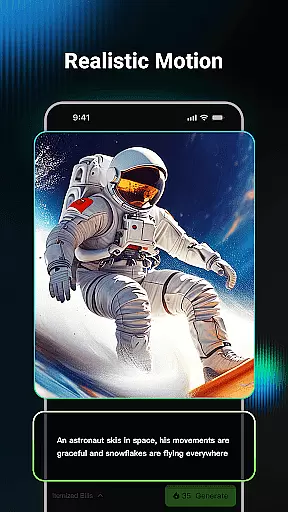
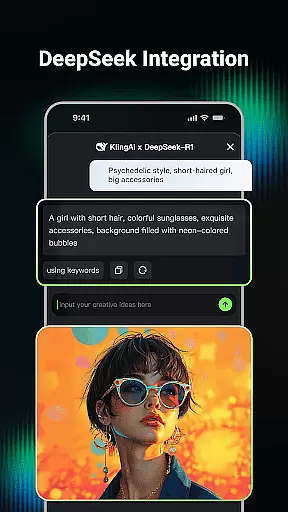
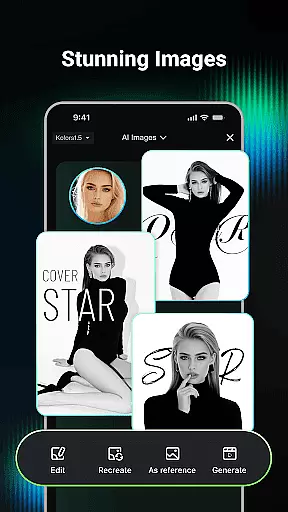
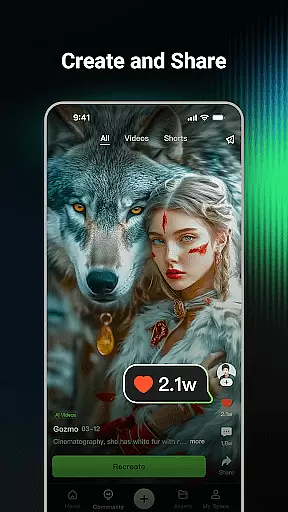
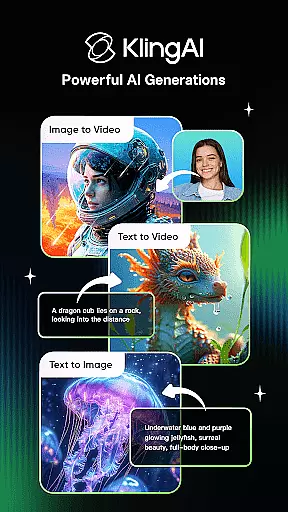
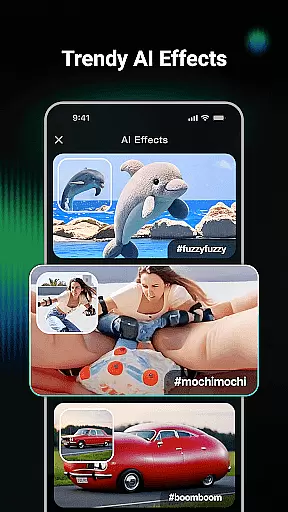
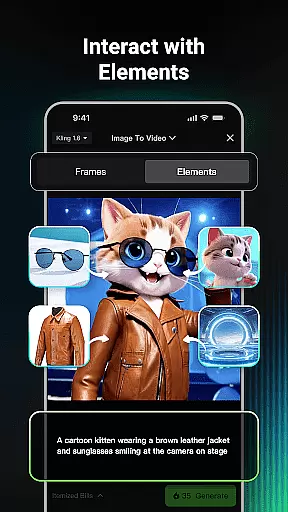
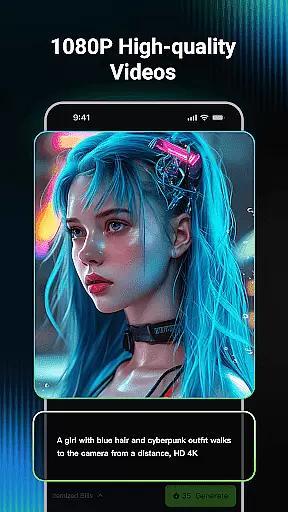
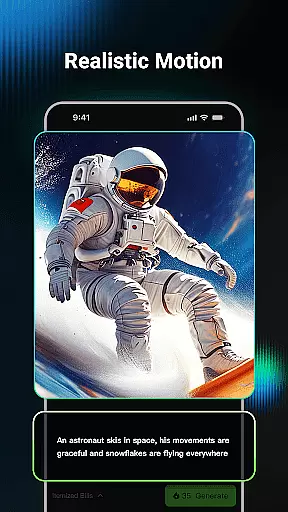
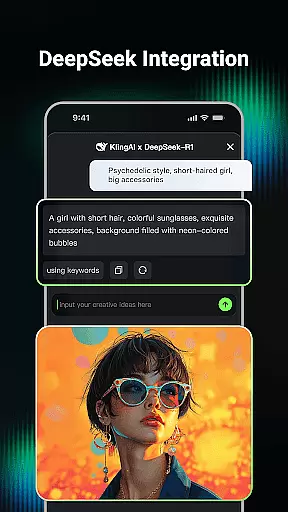
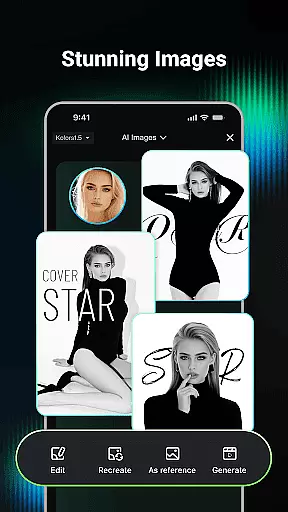
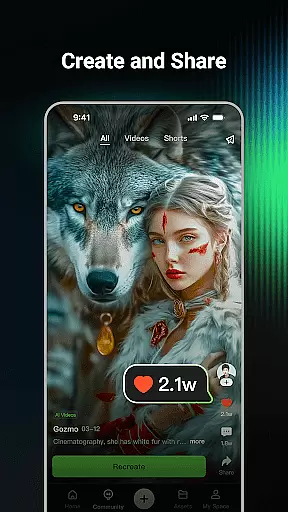
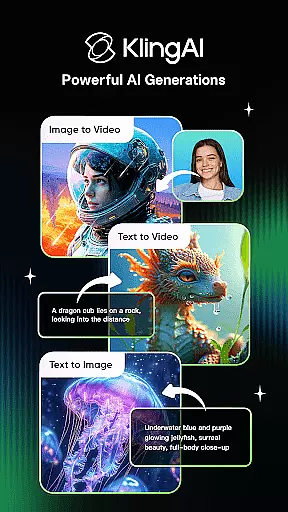
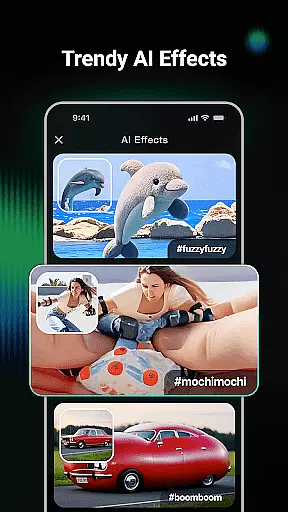
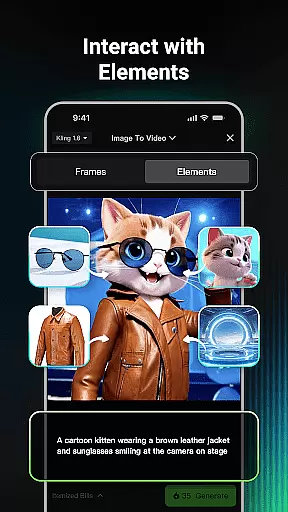
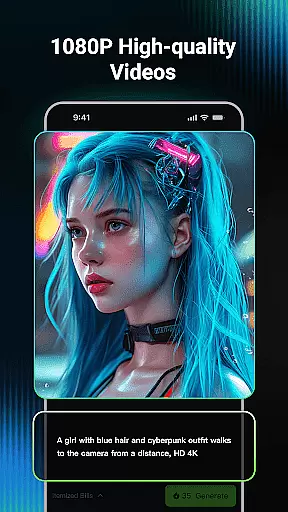
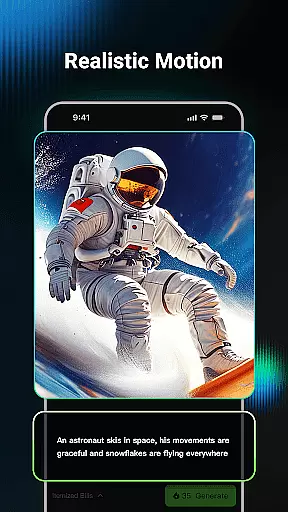
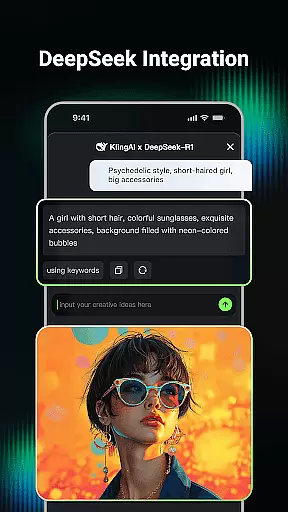
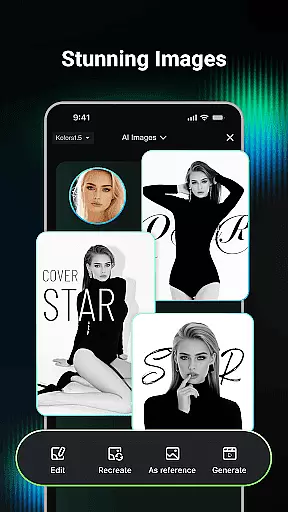
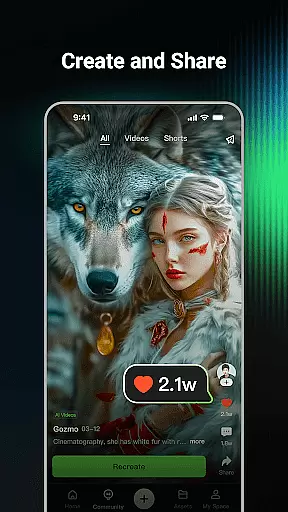
Kling AI is a cutting-edge creative studio designed for artists and creators who seek to push the boundaries of their imagination. Powered by advanced Kling and Kolors large models, this app offers robust tools for generating and editing videos and images with remarkable ease and precision.
At its core, Kling AI enables users to transform simple text prompts or images into high-quality videos and creative visuals. Whether you're looking to produce professional-grade content or explore new artistic ideas, this app provides an intuitive platform to bring your concepts to life. Its standout feature is the ability to generate videos up to 1080P resolution and extend them to durations of up to 3 minutes, making it ideal for both short-form and longer storytelling projects.
The app also fosters a vibrant community where users can browse works from fellow creators, collaborate on ideas, and even clone projects for personal experimentation. This makes Kling AI not just a tool, but a thriving ecosystem for creative professionals in the Art & Design space.
Kling AI stands out with its diverse range of innovative features tailored for modern creators. One of its most notable capabilities is AI video generation, which supports both Text-to-Video and Image-to-Video transformations. By simply entering a text prompt or uploading an image, users can produce visually stunning videos in resolutions up to 1080P. The video extension feature further enhances creativity by allowing content generation for durations as long as 3 minutes.
In addition to video tools, the app excels in AI image generation. Users can create unique visuals through Text-to-Image or Image-to-Image functionalities, experimenting with various dimensions and styles. A standout convenience is the one-click option to convert images directly into videos, streamlining workflows for designers and content creators.
Beyond individual creation, Kling AI nurtures collaboration through its active community. Here, users can find inspiration from others' works, engage with renowned AI creators, and even clone projects to adapt shared ideas into their own masterpieces. These features collectively position Kling AI as a versatile and indispensable tool for anyone in the Art & Design field.
In the realm of digital creativity, having a comprehensive suite of tools is paramount. Kling AI stands out by offering an extensive array of features that cater to both video and image generation. The application supports Text-to-Video, Image-to-Video, Text-to-Image, and Image-to-Image generation, allowing creators to bring their visions to life with remarkable ease and flexibility.
Users can input simple text prompts or upload reference images to generate high-quality videos and images in various styles and dimensions. This versatility ensures that whether you're crafting a short film or designing unique artwork, Kling AI provides the necessary instruments to achieve professional-grade results.
The inclusion of advanced models like Kling large model and Kolors large model enhances the creative process, enabling outputs in up to 1080P resolution. Additionally, the video extension feature allows for the creation of content up to 3 minutes long, providing ample space for storytelling and expression.
Flexibility in canvas and format options is crucial for unleashing full creative potential. Kling AI excels in this area by offering diverse dimensions and styles for both video and image outputs. Creators are not confined to standard templates; instead, they have the freedom to experiment with different formats to best suit their artistic needs.
Whether you require a cinematic widescreen format for your videos or specific dimensions for social media images, Kling AI accommodates these requirements effortlessly. The ability to convert an image into a video with a single click further exemplifies this adaptability, streamlining workflows and enhancing productivity.
This level of customization empowers users to tailor their projects precisely as envisioned, without being limited by rigid constraints. Such flexibility not only boosts creative possibilities but also ensures that final outputs align perfectly with intended platforms and audiences.
Advanced AI models
High-quality output
Vibrant creator community
Intuitive user interface
One-click cloning
Steep learning curve
Premium subscription costs
Limited free features
Requires strong device
Occasional bugs

Digital Drawing: Draw & Paint
 4.10
4.10
Trace, draw, and create art with AR - from memes to masterpieces!
4.30
Draw on screen: FP sDraw is a simple and lightweight drawing app
4.70
Design unique, funny and adorable cat stickers that reflect your own style!
3.80
Your AI soulmate — meaningful chats, and unique emotional moments
4.70
Get creative and make art with your Sesame Friends!
4.00
Your homescreen as an elegant glass with customized blur, lighting, and visuals.
3.70
Create and Design Custom Logos in Seconds with AI-Powered Tools!
4.40
All-in-One art, logo & collage maker. Design photos and edit video backgrounds
4.80
Mobile pixel art editor. Simple. Fast. Portable.
4.80
Learn how to draw with step-by-step tutorials, fun lessons & multiplayer drawing
4.70
Draw glowing spinners, relax, and spin your creative art
4.60
Draw, fidget, and spin glow art! Relax and express your creativity with a finger
4.60
Create color palette from Image, RGB & RYB Color wheel harmonies, Color Scheme
4.50
Draw Trace image sketch by, AR art projector app, Easy to trace any image.
4.50
AR Anime Drawing: How to draw anime with AR drawing & sketching apps!
4.00
Art of Combination Wear OS Watch faces (for Wear OS 5+ devices)
3.90
Powerful home decoration & house design that allows you to design dream home.
3.80
AI Assistant, powered by ChatGPT GPT-4 & GPT-4o. Your intelligent companion.
3.50


User Reviews