
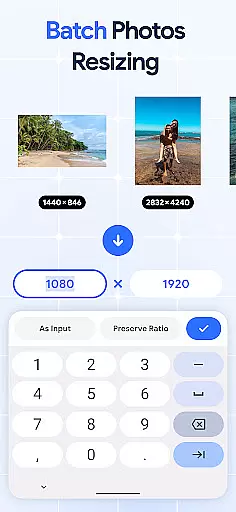
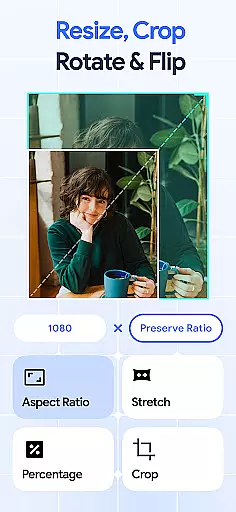
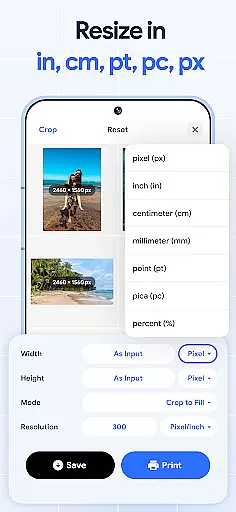
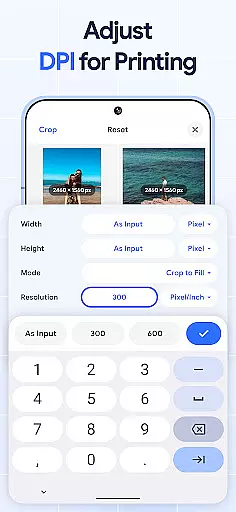
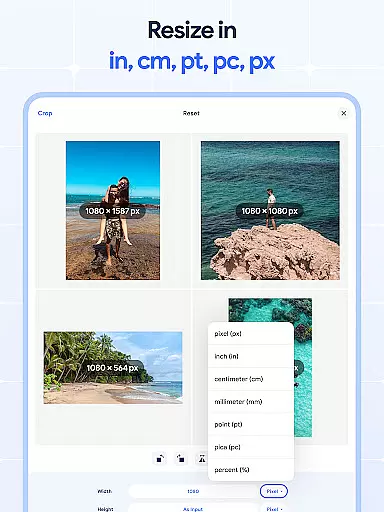
Image Resizer Crop Photo is a versatile tool designed for resizing, cropping, rotating, flipping, and compressing images. This app caters to users who need to adjust image dimensions for various purposes such as social media optimization, storage management, or print quality enhancement. With its intuitive interface, the application allows effortless modification of photo sizes either individually or in bulk.
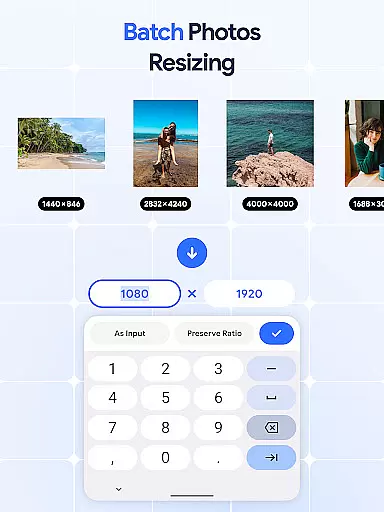
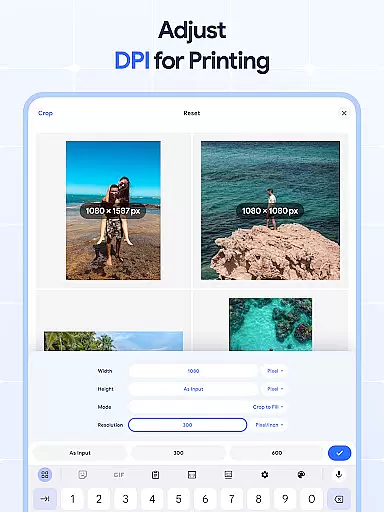
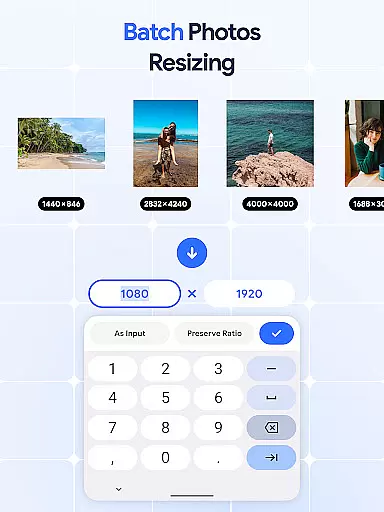
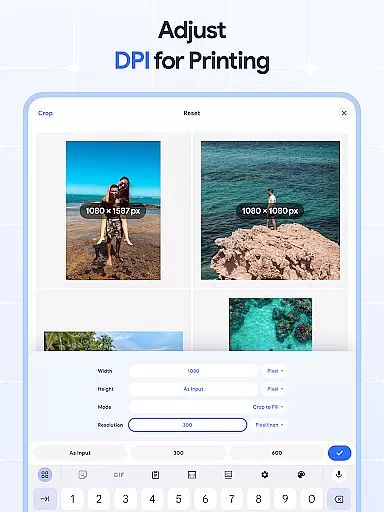
The app stands out with its batch processing capabilities, enabling users to resize multiple images simultaneously. Whether you need to crop unwanted parts, rotate pictures for better orientation, or flip images for creative effects, this tool provides all necessary features in one place. Additionally, the built-in DPI changer helps optimize images for high-quality printing.
For professionals and casual users alike, Image Resizer proves invaluable when preparing images for online platforms or personal archives. Its comprehensive feature set ensures that users can efficiently manage their photo collections while maintaining optimal quality and resolution.
Image Resizer offers an extensive range of features tailored for comprehensive image editing. One of its core functionalities is the ability to resize images quickly and efficiently. Users can adjust photo dimensions for different platforms, ensuring their visuals meet specific requirements without compromising on quality.
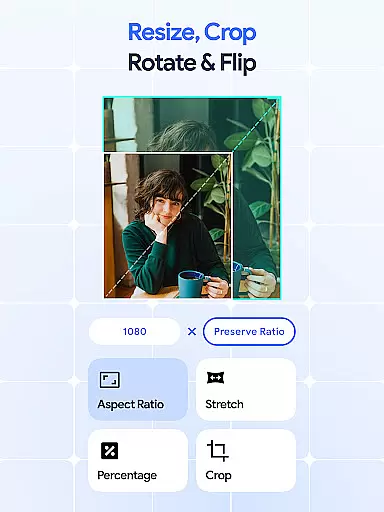
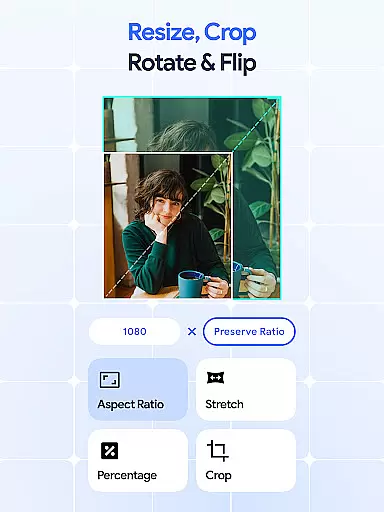
In addition to basic resizing, the app includes advanced tools like batch processing, which allows users to edit multiple photos at once. The crop feature enables precise trimming of images, removing unwanted sections with ease. For orientation adjustments, the rotate function supports both single and bulk rotations, making it simple to correct or alter image positioning.
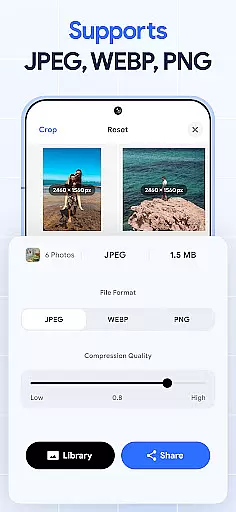
Further enhancing its utility, Image Resizer provides options to flip images horizontally or vertically, creating mirrored effects ideal for creative projects. The DPI changer and photo compressor ensure that files are optimized for both digital sharing and physical printing, balancing quality with file size reduction. These robust features collectively make the app an essential tool for anyone managing digital imagery.
In the realm of digital art and design, having access to comprehensive tools is essential for bringing creative visions to life. Image Resizer stands out by offering a wide array of features that cater to various image editing needs.
From resizing and cropping to rotating and flipping images, this application provides artists and designers with everything they need to modify their visuals effectively. The inclusion of a dpi changer and photo compressor further expands its utility, allowing users to optimize their images for both print and digital platforms without compromising on quality.
The true value of Image Resizer lies in its batch processing capabilities. Whether it's bulk resizing, rotating, or compressing images, professionals can save significant time and effort. This efficiency not only enhances productivity but also enables creatives to focus more on the artistic process rather than getting bogged down by repetitive tasks.
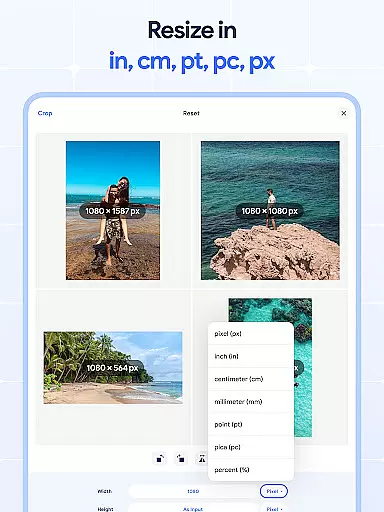
Flexibility in canvas size and format options is crucial for accommodating diverse project requirements and creative expressions. Image Resizer excels in providing users with the ability to adjust image dimensions and resolutions effortlessly.
This app supports modifications for social media optimization, storage solutions, and high-resolution printing needs. Users can crop pictures precisely, ensuring unwanted elements are removed while maintaining aspect ratios that suit their specific purposes. Additionally, the capability to change dpi settings empers creators to prepare their artwork for professional-grade outputs.
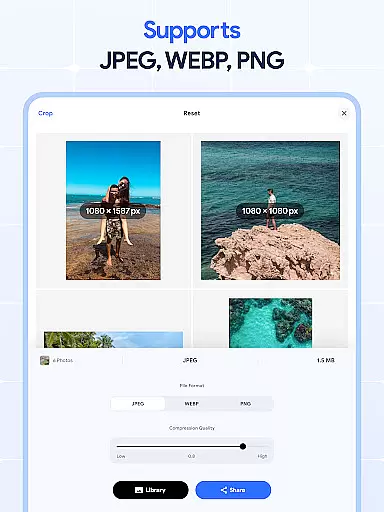
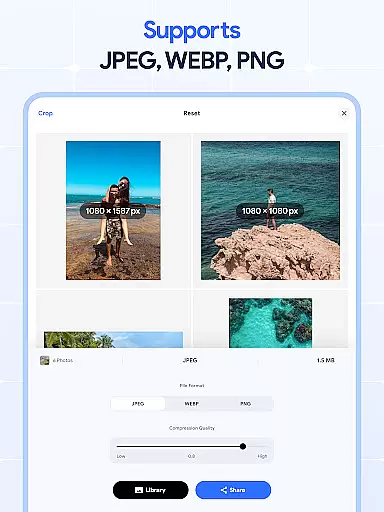
Moreover, the support for batch operations extends to format flexibility as well. Artists and photographers can resize multiple images simultaneously, regardless of their original formats. This versatility ensures that whether you're working with JPEGs for web use or TIFFs for print, Image Resizer adapts seamlessly to your workflow, enhancing both efficiency and creative freedom.
User-friendly interface
Batch processing support
High-quality output
Comprehensive editing tools
Efficient performance
Limited advanced filters
No cloud integration
Premium features locked
Occasional bugs
Ads in free version

Image/ Text to Video Generator
 4.40
4.40
Create stylish invitation cards using templates for weddings, birthdays & RSVP.
4.20
AI Face Swap, Video Effects Editor, Realtime Morph, Funny Video FX,AI Filters
3.70
Paint with oils and sketch with natural tools on a realistic virtual canvas.
3.80
Your Essential Color Theory Guide: Red, Yellow, Blue (RYB)
4.2
AR Anime Drawing: How to draw anime with AR drawing & sketching apps!
4.00
Novices can also easily complete diamond painting masters
4.70
Retouch photos. Create or edit images. Endless capabilities.
2.70
Sketch and paint on your device with the feel and freedom of drawing on paper
4.00
Learn how to draw with step-by-step tutorials, fun lessons & multiplayer drawing
4.70
The ultimate tool for creating animations
4.60
Castle is social media for creating and playing games!
4.60
Turn your drawings into flipbook-style animations with simple creative tools
4.60
Discover Cartoon Dream : Unleash Your Creativity with CuttingEdge AI
4.50
Customizable Outlined Fonts. Watch Face Format. Battery friendly Digital Clock.
4.20
Unleash Your Creativity with Draw Cartoon - AR Drawing App
4.10
Floor Plan Creator lets you create, edit and share floor plans.
4.00
Inky runs Inkscape on Android devices and Chromebooks
2.90
Art of Combination Wear OS Watch Faces
4.1


User Reviews