
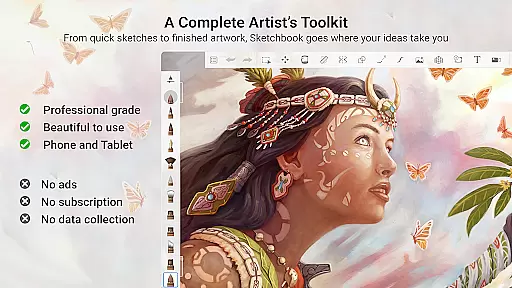
Sketchbook is a premier digital art studio designed for artists, illustrators, and creative enthusiasts who demand professional-grade tools in an intuitive interface. This award-winning app offers a complete suite of sketching, painting, and drawing features that cater to both quick sketches and fully finished artwork.
The application stands out with its highly customizable brushes, precise drawing guides, and advanced layer functionality. Whether you're creating detailed illustrations or simple sketches, Sketchbook provides the flexibility and control needed to bring your artistic vision to life. Its distraction-free interface ensures that your focus remains on expressing your creativity.
Ideal for digital artists of all levels, Sketchbook is perfect for those who want to seamlessly transition from traditional to digital art while maintaining the natural feel of physical drawing tools. The app's robust feature set makes it an essential companion for capturing ideas and producing professional-quality artwork on mobile devices.
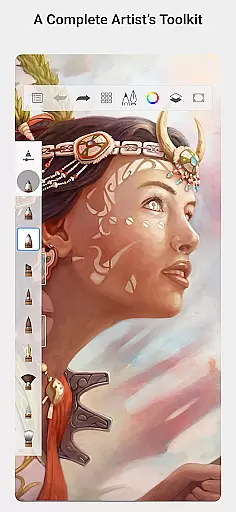
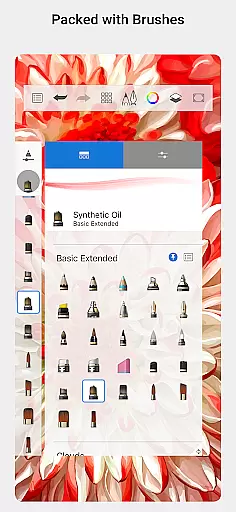
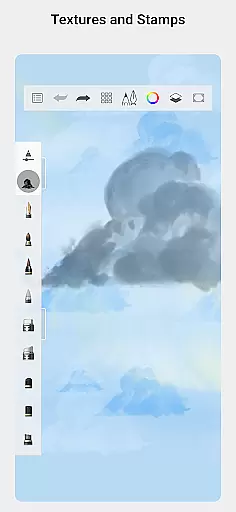
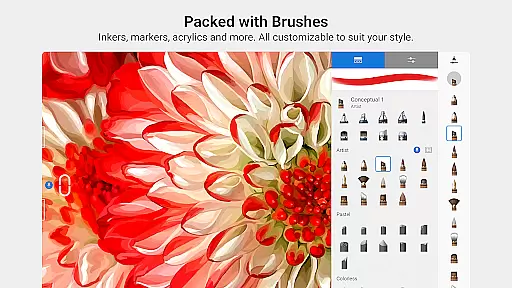
Sketchbook boasts an impressive array of features that make it a top choice for digital artists. The app includes a comprehensive selection of brush types, including pencils, markers, airbrushes, and smear tools, each meticulously designed to mimic their physical counterparts. These brushes are not only realistic but also highly customizable, allowing users to fine-tune every aspect of their drawing experience.
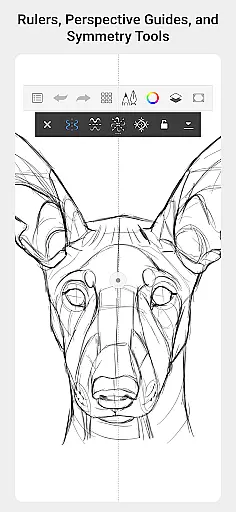
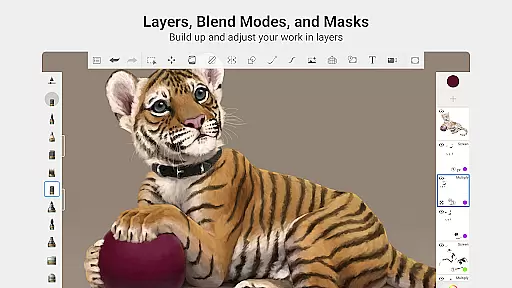
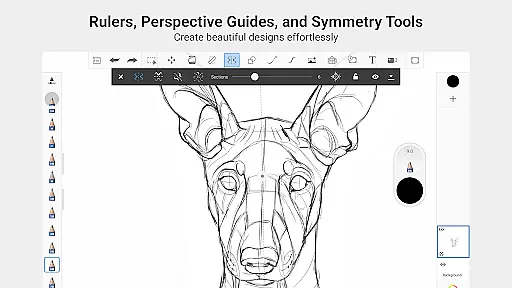
Precision tools such as guides, rulers, and stroke controls provide exceptional accuracy when needed. The app's advanced layer system with full blend mode support enables artists to build up complex drawings and experiment with color combinations. Additionally, purpose-built sketching tools ensure a natural drawing experience free from distractions.
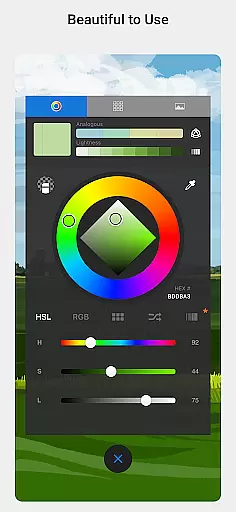
What truly sets Sketchbook apart is its elegant user interface that adapts to various skill levels. From beginners to professional artists, the app's clean design and intuitive controls create an immersive drawing environment that maximizes productivity while minimizing learning curves.
Sketchbook offers a comprehensive suite of creative tools that cater to both amateur and professional artists. The app includes a full range of brush types such as pencils, markers, airbrushes, and smear tools, each designed to mimic their physical counterparts. This attention to detail ensures that users can achieve the same effects digitally as they would traditionally.
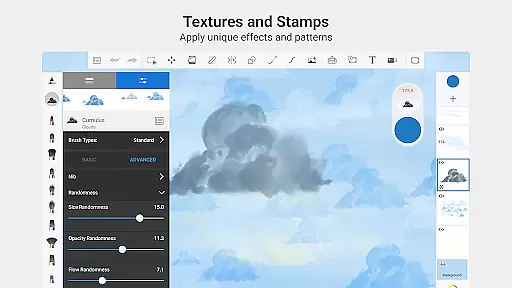
Beyond basic brushes, Sketchbook allows for extensive customization of these tools. Users can modify brush settings to create unique textures and effects, enabling them to realize their artistic vision with precision. The inclusion of guides, rulers, and stroke tools further supports accuracy in drawing, making it an ideal platform for detailed artwork.
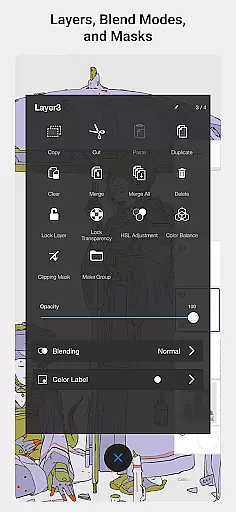
The app also features layers with various blend modes, providing flexibility in building up drawings and exploring color combinations. This robust layer system is essential for complex projects, allowing artists to experiment without compromising their original work. With these complete and customizable creative tools, Sketchbook empowers users to produce everything from quick sketches to fully finished masterpieces.
Sketchbook excels in offering canvas and format flexibility, accommodating a wide array of artistic needs. Whether you're working on small sketches or large-scale illustrations, the app provides adaptable canvas sizes that suit different project requirements. This adaptability ensures that your creative process is not limited by predefined dimensions.
In addition to flexible canvas options, Sketchbook supports multiple file formats, ensuring compatibility across various platforms and devices. Artists can import and export files in formats that best serve their workflow, whether for digital use or print. This versatility enhances collaboration opportunities and simplifies sharing work with clients or peers.
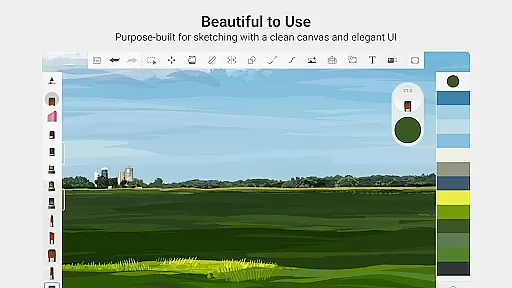
Moreover, the app's interface is purpose-built for sketching, maintaining a clean and unobtrusive design. By eliminating distractions, Sketchbook allows artists to concentrate fully on their work without unnecessary interruptions. This combination of canvas adaptability, format support, and distraction-free environment makes Sketchbook an invaluable tool for artists seeking both freedom and functionality in their creative endeavors.
User-friendly interface
Professional-grade tools
Highly customizable brushes
Advanced layer functionality
Cross-platform compatibility
Steep learning curve
Resource-intensive operation
Limited free features
Occasional performance issues
Subscription-based pricing

Customizable Outlined Fonts. Watch Face Format. Battery friendly Digital Clock.
 4.20
4.20
Remove Background, Magic Eraser, Photo Enhancer, Story Templates, Collage Maker
4.30
Convert image to JPG PNG HEIC PDF, support almost all kinds of image formats
4.70
AR Anime Drawing: How to draw anime with AR drawing & sketching apps!
4.00
Your AI soulmate — meaningful chats, and unique emotional moments
4.70
Photo stitcher for automatically screenshot stitching into a long screenshot
4.70
Just trace a projected picture on paper and color! Draw & Paint with AR drawing
4.40
AI Tattoo Generator: Create Tattoo Designs & Get Ideas! Ink & Stencil Maker
4.50
Draw, fidget, and spin glow art! Relax and express your creativity with a finger
4.60
Draw glowing spinners, relax, and spin your creative art
4.60
Share the joy of painting with ibis Paint! Drawing anime and manga art.
4.50
Stylish letters, Stylish Keyboard, Symbols, Emojis, Cool nickname
4.40
Bring One UI 8.5 Icons to life -elegant dark icons with a modern, premium touch.
4.30
Custom Character Creator & PFP Maker!
4.20
Unleash Your Creativity with Draw Cartoon - AR Drawing App
4.10
Floor Plan Creator lets you create, edit and share floor plans.
4.00
Easy 3D drawing design maker & creator. Model designing, Sculpting. Create&paint
4.00
Art of Combination Wear OS Watch Faces
4.1
A luxurious gold watch face for an elegant and refined look.
4.3


User Reviews