
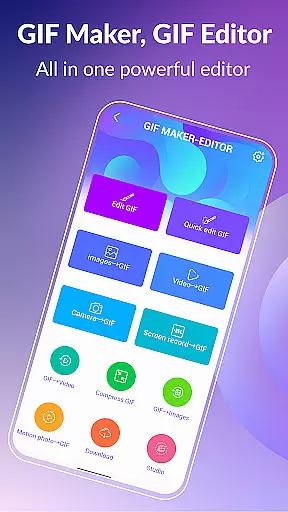
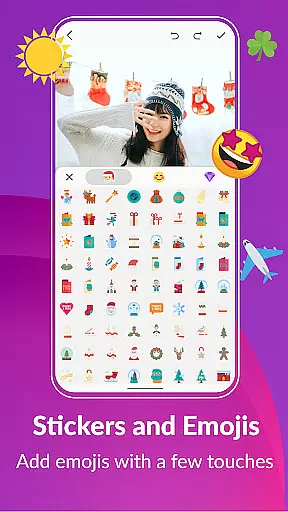
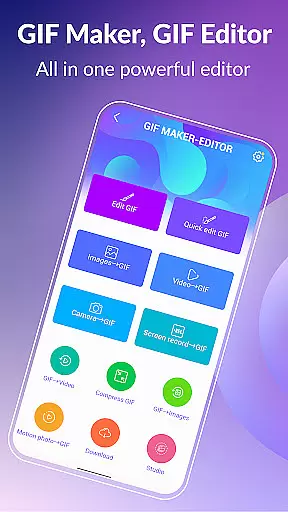
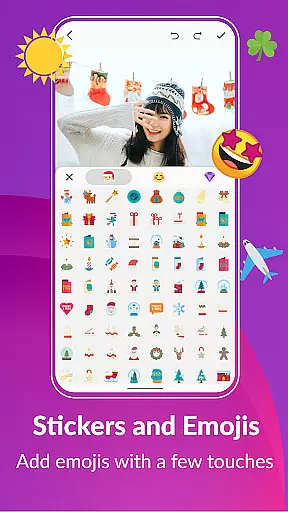
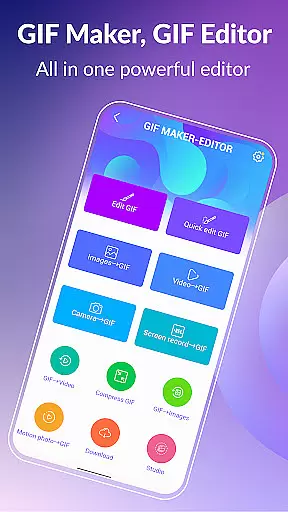

GIF Maker, GIF Editor Pro is a comprehensive photography app designed for creating and editing high-quality animated GIFs. This powerful tool supports up to 600 frames and 720x1280(HD) pixels, offering users the ability to transform images, videos, screen recordings, and existing GIFs into stunning animations without any watermarks.
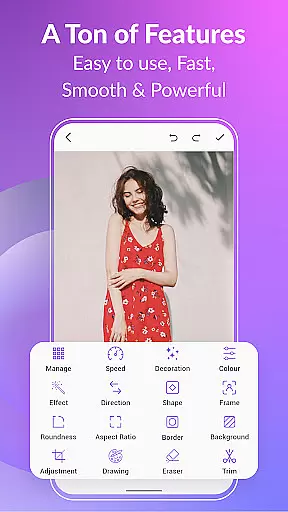
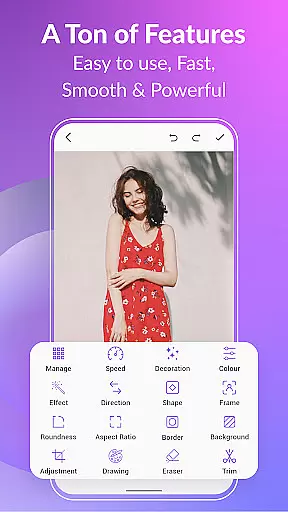
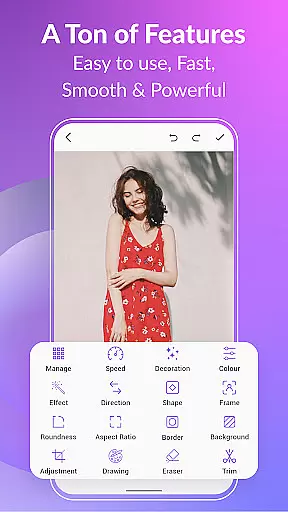
With an intuitive interface and support for a wide range of formats including PNG, JPEG, MP4, MPEG, FLV, 3GP, and GIF, this app allows extensive customization. Users can enjoy features like cropping, resizing, speed adjustment, adding emojis, filters, trimming, stickers, and more. Whether you're looking to create unique content or optimize existing GIFs, this app provides the perfect environment for unleashing creativity.
GIF Maker, GIF Editor Pro stands out with its versatile features tailored for both novice and experienced users. The app supports multiple video and image formats, enabling seamless conversion between different media types. With capabilities such as compressing GIFs, converting GIFs to videos, and managing GIF collections, it ensures that your creations are not only visually appealing but also optimized for sharing.
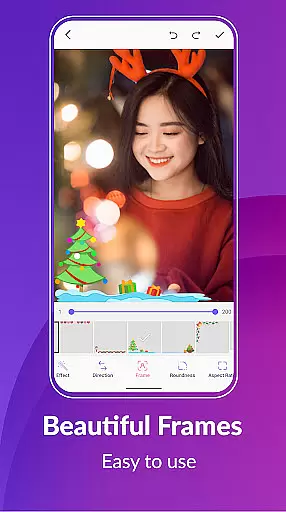
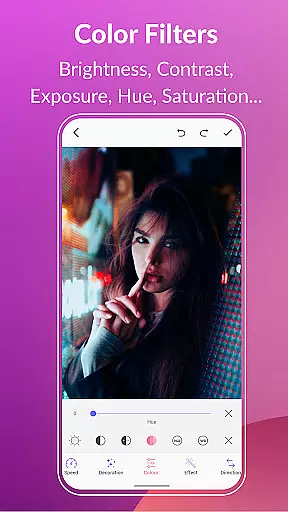
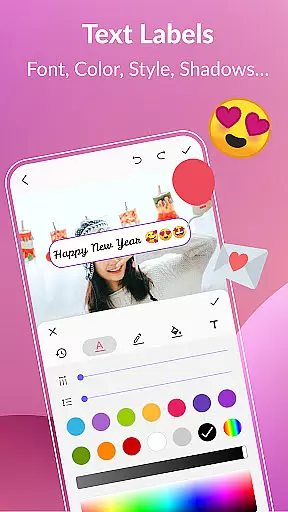
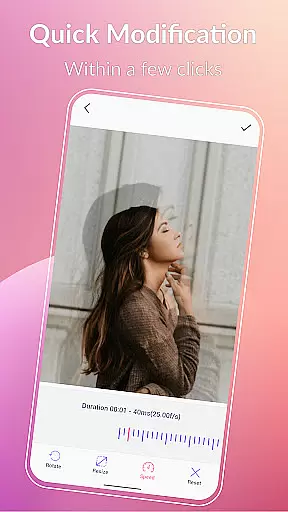
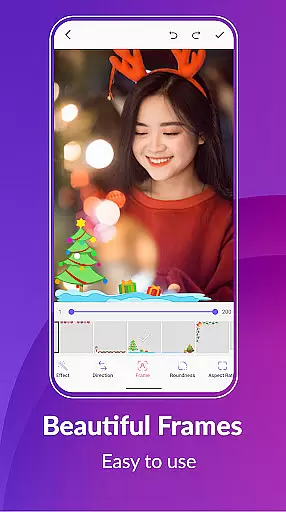
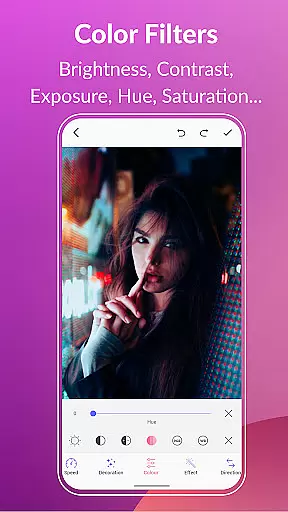
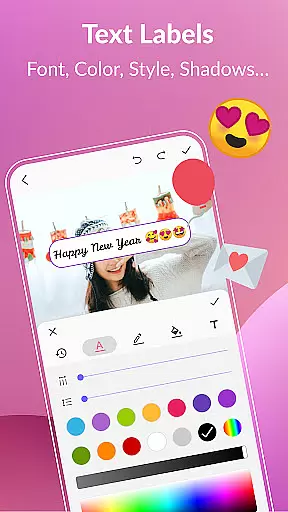
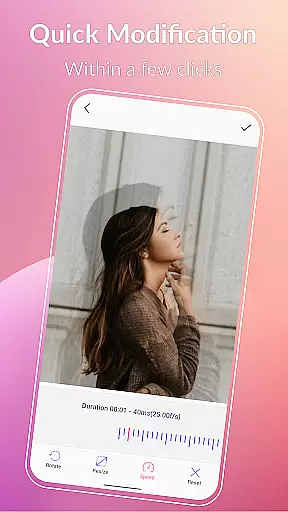
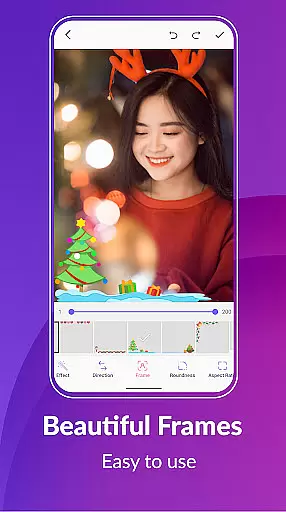
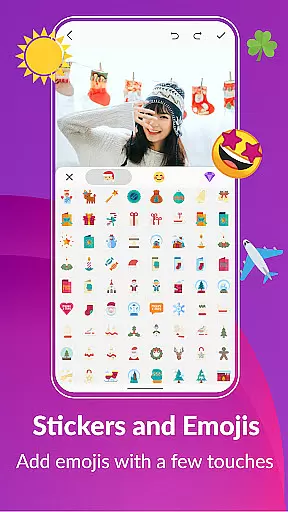
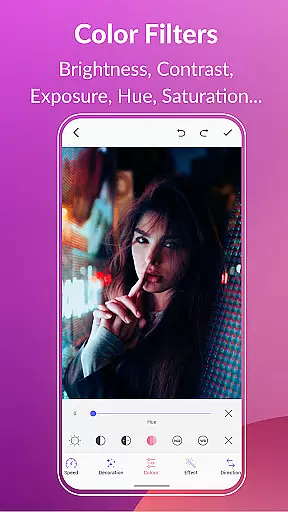
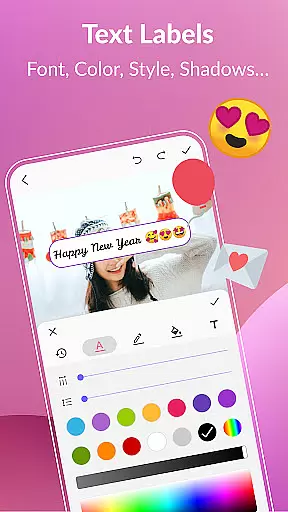
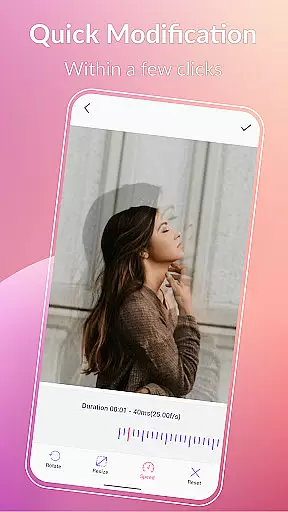
Advanced editing tools include options for background customization, quick edits, color filters, text labels, and adding stickers or emojis. These features allow users to personalize their GIFs with styles, effects, and enhancements. Additionally, the app supports exporting frames from a GIF and sharing creations on popular platforms like WhatsApp, Facebook, and Twitter, making it easy to showcase your work and engage with a broader audience.
Real-time capture and preview functionality is essential for any photography app, allowing users to see exactly what their final GIF will look like before they finalize it.
GIF Maker, GIF Editor Pro offers a seamless real-time capture experience by supporting high-definition video formats up to 720x1280 pixels. This ensures that every frame of your GIF is captured with precision and clarity, providing an accurate preview of the final output.
The app's intuitive interface enables users to effortlessly switch between different modes such as video-to-GIF conversion or image sequence compilation while maintaining a live preview. This feature empowers creators to fine-tune their work on-the-fly, ensuring that each animated GIF meets their creative vision without surprises after processing.
By offering robust support for various media formats including PNG, JPEG, MP4, and more, this tool guarantees that no matter the source material, you can expect consistent quality in both capture and playback within the appu2019s environment.
AI beauty and enhancement features are revolutionizing how we edit images and videos by providing tools that not only improve aesthetics but do so naturally without over-processing artifacts.
In GIF Maker, GIF Editor Pro, advanced AI algorithms assist in refining visual elements such as color balance, exposure adjustments, and even background enhancements. These intelligent systems analyze each frame individually to apply enhancements that maintain the authenticity of the original content while elevating its overall appeal.
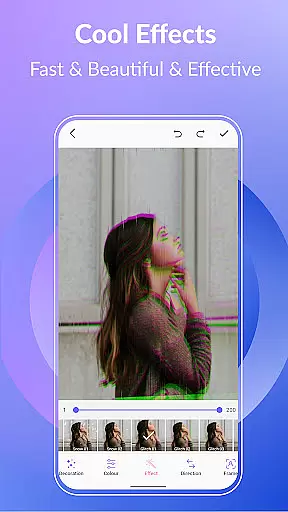
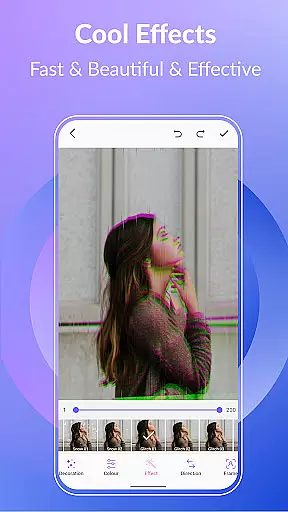
Users have access to a variety of filters and effects designed to bring out the best in their creations. From vintage looks like '1977' or 'Amaro' to modern tweaks such as VHS glitches or blur backgrounds u2013 these options ensure that every GIF retains its unique character yet benefits from subtle improvements where needed most.
Moreover, with precise control over parameters like brightness, contrast, saturation, and white balance, editors can achieve professional-grade results with minimal effort. The result is enhanced visuals that appear genuine and engaging, making sure your animated stories stand out for all the right reasons.
User-friendly interface
High-quality output
Extensive format support
Versatile editing tools
Multi-language support
Paid version required
Advanced features may overwhelm beginners
Limited free options
Large file sizes for high-quality GIFs
Occasional performance lags

Photo Album Watch Face shows your favorite pictures as a Watchface.
 1.90
1.90
Trendy TikTok time warp scan funny filter app brings you unique photos & videos.
4.40
AI Photo Editor with 100+ Filters, Effects! Remove BG, Retouch & Photo Enhancer.
4.80
Enhance, retouch & create your story - Share the moment with Photoshop Express.
4.60
Easily create custom gifts, cards, photo books & more on the Shutterfly app!
4.60
Astrophotography with your smartphone, photo live stacking and much more!
3.90
Pro version: AR sun/moon tracker for any date. Tool for photographers & planners
4.90
Remote control the phone camera shutter from your smartwatch and take a picture
1.60
Discover How to Plan any Sun, Moon and Milky Way Photo You Imagine in Seconds
4.70
Gallery show photo, video, slideshow, is perfect 3D effect private photo albums.
4.80
Enhance, upscale, and transform your images — on your device, without limits
4.70
HD Camera Pro with HD Video shooting, Panorama, Photo editor , Beauty Camera.
4.50
Photo editor & gallery. Crop pictures & edit photos offline, no wifi!
4.50
AI photo enhancer with Sora 2! Enhance, descratch, and colorize your old photos.
4.50
Search, tag and rate your way to an organized image gallery
4.40
Luminar: Photo Editor - easy picture editing with AI
4.20
A light meter for true photographers.
4.20
USB Storage Access for Photos, Videos, Music and Documents
3.80
Raw Image Viewer. Gallery with support of raw images (.cr3, .cr2, .nef, .raf).
2.00


User Reviews