
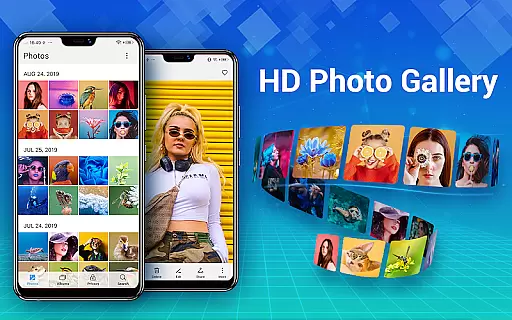
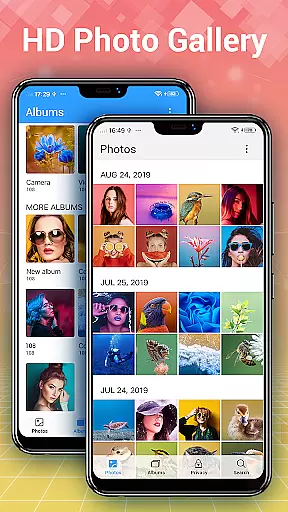
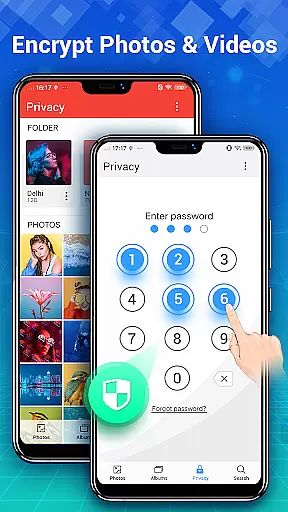
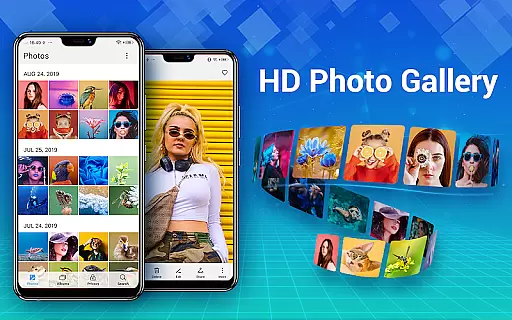
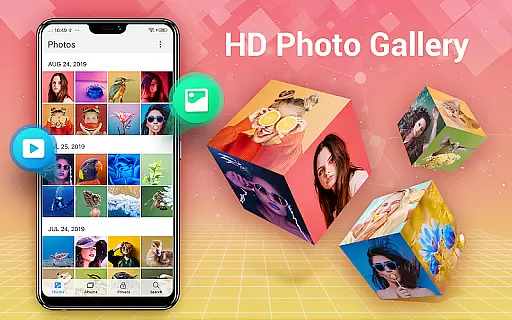
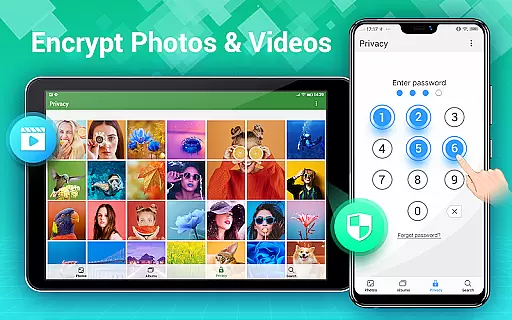
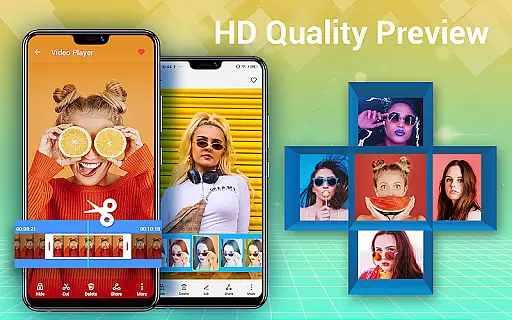
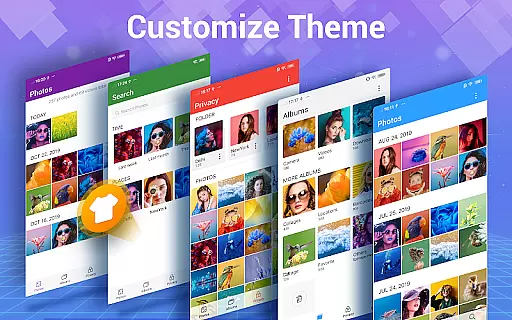
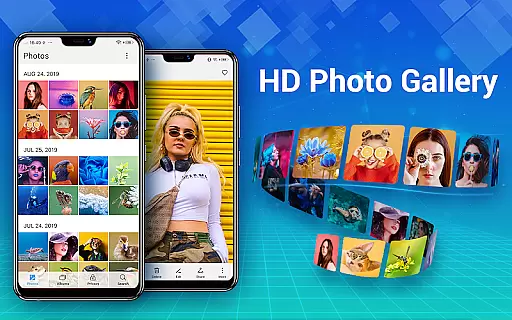
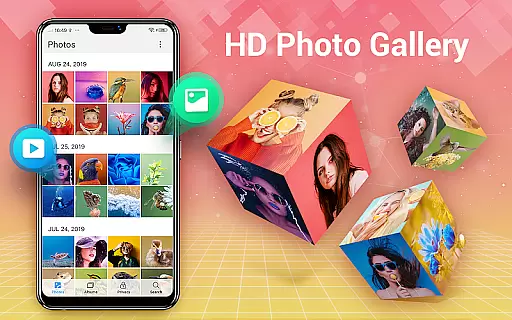
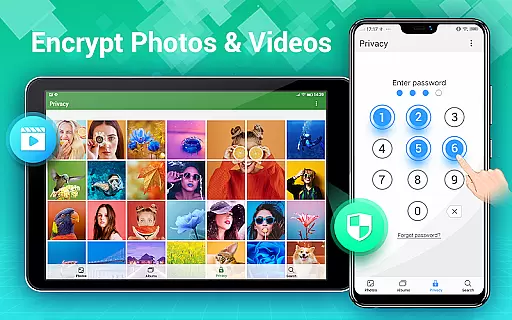
Photo Gallery is a comprehensive photo management app that serves as a private gallery, photo editor, and collage maker. It automatically organizes your photos and videos into albums and provides HD browsing capabilities. The app also features a secure vault to protect your privacy by hiding and encrypting sensitive media files.
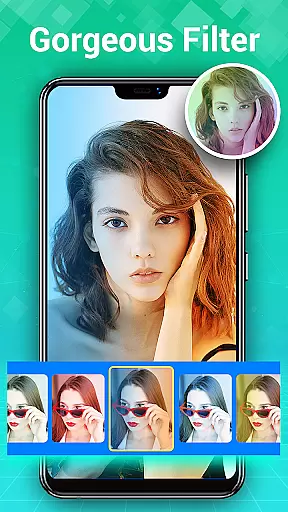
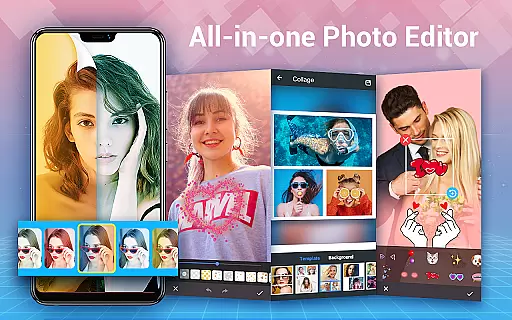
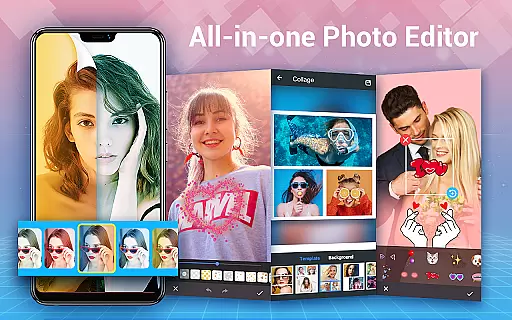
In addition to its organizational features, Photo Gallery offers powerful editing tools. Users can enhance their photos with one-tap filters, adjust lighting, add text or stickers, and create stylish collages. The intuitive interface allows for easy navigation and management of media files, making it an essential app for Android users who want to keep their memories safe and beautifully presented.
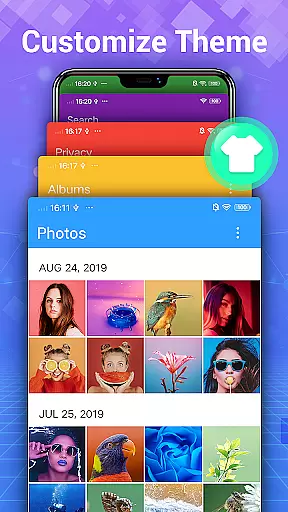
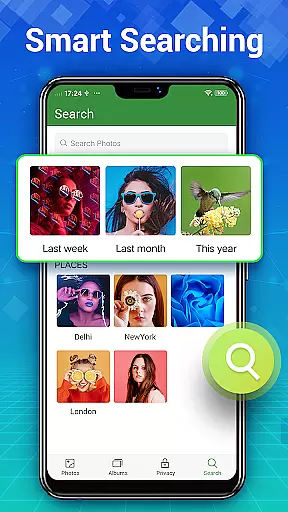
Photo Gallery stands out with its automatic organization features. It sorts photos and videos by date, albums, size, or name, and allows users to create new albums for better management. The app's search functionality helps you quickly find specific images through smart categories and recommendations.
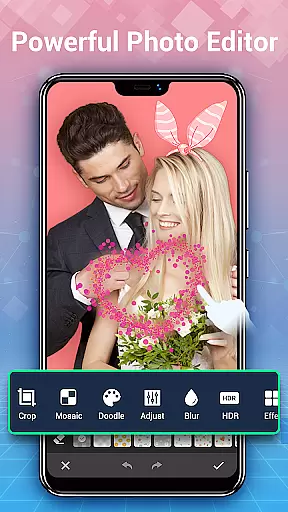
The integrated photo editor provides professional-grade tools for enhancing images. From auto-enhance options to detailed adjustments like lighting, blurring, and adding creative elements such as stickers and text, the app covers all bases. Additionally, the Gallery Lock feature ensures that private photos and videos remain hidden from unauthorized access, providing peace of mind for users concerned about their privacy.
Real-time capture and preview functionality is essential for photography apps as it allows users to see exactly what the camera is capturing before taking a shot. This ensures that photos meet user expectations in terms of framing, lighting, and composition.
Photo Gallery - Album, Vault offers an intuitive real-time capture experience with automatic organization of photos and videos. The app's fast refresh gallery collections allow users to quickly review their captured content without delays, ensuring they can continue shooting without interruption.
The app also supports folders and SD card management, enabling photographers to organize their work efficiently. With instant previews available directly after capture, users can make immediate adjustments to their shots, enhancing the overall quality of their photo library.
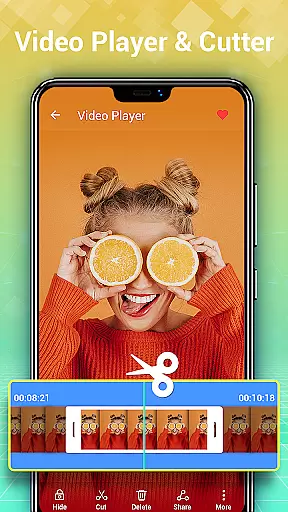
By providing HD browsing capabilities and easy sharing options, Photo Gallery empowers users to manage their media effectively while maintaining high standards of image quality. This seamless integration of capture and preview features makes the app a reliable choice for both amateur and professional photographers.
AI beauty and enhancement features have become increasingly important in photography applications, offering users the ability to refine and perfect their images with natural-looking results. These tools help maintain authenticity while improving visual appeal.
Photo Gallery - Album, Vault includes advanced photo editing capabilities such as auto-enhance, which optimizes images with a single tap. Users can apply various filters, adjust lighting, and add stylish stickers or text, all designed to enhance photos without compromising their original essence.
The appu2019s AI-driven enhancements extend to creating photo collages, where selected pictures are transformed into visually appealing compositions within seconds. This feature not only saves time but also ensures that edits appear organic and true to life.
With its comprehensive suite of editing tools, including mosaic effects, cropping, blurring, and more, Photo Gallery provides users with everything needed to produce stunning yet natural photographs. By balancing powerful editing capabilities with ease of use, the app caters to both casual snappers and serious photographers seeking polished final products.
User-friendly interface
Powerful editing suite
Secure vault protection
Automatic organization
HD slideshow playback
Requires storage permission
Premium features locked
Occasional bugs reported
Ads in free version
Complex for beginners

Virtual makeup, hair filters & body tuner—edit from face to full body!
 4.20
4.20
Photo editor: AI filters, photo enhancer, pic collage maker, AI art generator.
4.80
Superimpose one photo on top of another using the original Superimpose app!
3.20
Turn your phone into a professional camera - full DSLR manual photography
4.30
Light-weight Media Gallery app for Android made with Jetpack Compose
4.60
Luminar: Photo Editor - easy picture editing with AI
4.20
Collage your moments in one tap: 1000+ layouts, filters, stickers, and texts.
4.90
Your personal guide to the sun and moon. Plan ahead, visualize and predict!
4.70
A unique animation app. Powerful, easy to use, and lots of fun.
4.30
Viewfinder, Light meter, Reciprocity failure time, DOF & Bellows Extension
4.60
AI photo editor with hair editor, retouch tools, hair color changer & filters!
4.50
HD Camera Pro with HD Video shooting, Panorama, Photo editor , Beauty Camera.
4.50
Movie camera, supports pro recording settings for filming. Try it and be amazed!
4.50
Create AI Photos, Improve and restore quality of blurry, old or damaged pics.
4.20
Transform Photos: Edit, Beautify and Craft Memories & Make Collages!
4.10
Photo editor: face & body editor, beauty cam, filters and quality enhancer.
4.00
Photobooth mini FULL app will allow you to add more fun to your parties
4.00
Pet Camera
3.70
Long exposure camera with computational photography
2.60


User Reviews